
Customizable Bookend Base: Add your own figure
We calculate the final price from your selected file. You review and accept it before payment.
Saved on this device.

Edit this in Fusion 360 to edit size & turn just about any figurine you want into a bookend with a couple of screws.
- Rating
- 0 / 5
- Likes
- 65
- Downloads
- 124
- Makes
- 0
- Views
- 1,085
- Reviews
- 0
Updated at source:
Model information
- Source
- Printables
- Category
- Home Decor
- License
- Creative Commons — Attribution — Noncommercial
Edit the User Parameters in the F3D project to modify sizes of different features as seen in the pic. Don't be afraid to edit the sketches and make it totally custom. You can also just use the end I made and add your favorite figuring with a couple screws. Looking forward to seeing makes!
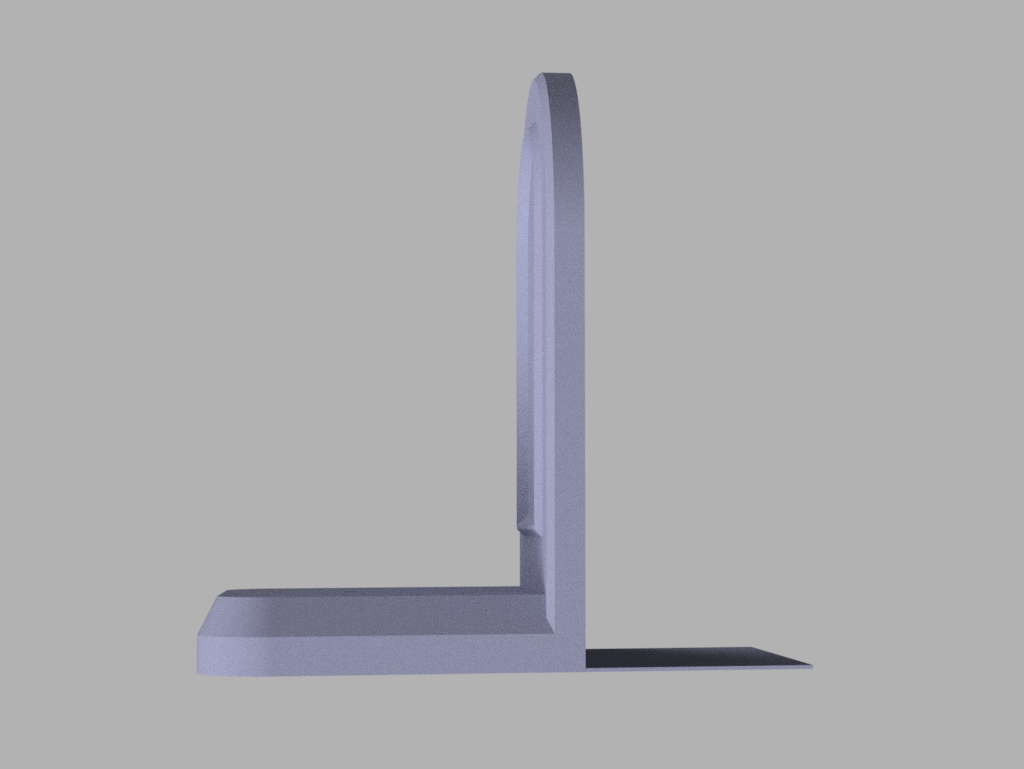
This design utilizes a thin back to slide under books for extra support when your print isn't heavy enough to support the end.

The screw holes are meant to accommodate M3 screws and are recessed so no matter what size the screw cap, they won't scratch your shelf.

DO NOT SCALE YOUR MODEL YET!!!
I've included a pair of screw threads you can add as a negative volume to your statue/model of choice to easily mount it on this base. They are 20mm apart like they are in the model.
Right click on the model and go to “Add negative volume” then use “Load …” to add the Negative Volume Screw Holes.stl file and place it accordingly.

After you add the negative volumes, pick the model as shown in the image and scale THAT.

If you scale the whole part, it will affect the screw hole size and alignment.
I included a sample project that includes a pair of mirrored low poly gargoyles and the Hyrule Crest statue from Legend of Zelda ready to slice to your specifications and print with the negative volumes already added and base matched to size.
