
fan arm for removing leftovers on neje bl 1500
We calculate the final price from your selected file. You review and accept it before payment.
Saved on this device.

Useful arm that uses parts from the engraver to have better quality results.
- Rating
- 0 / 5
- Likes
- 1
- Downloads
- 7
- Makes
- 0
- Views
- 147
- Reviews
- 0
Updated at source:
Model information
- Source
- Printables
- Category
- Accessories
- License
- Creative Commons — Attribution
An arm that uses the original fan and relocates it near the laser for removing burned leftovers.
how to:
1. unscrew the fan
2.unscrew the back plate and detach the fan wire
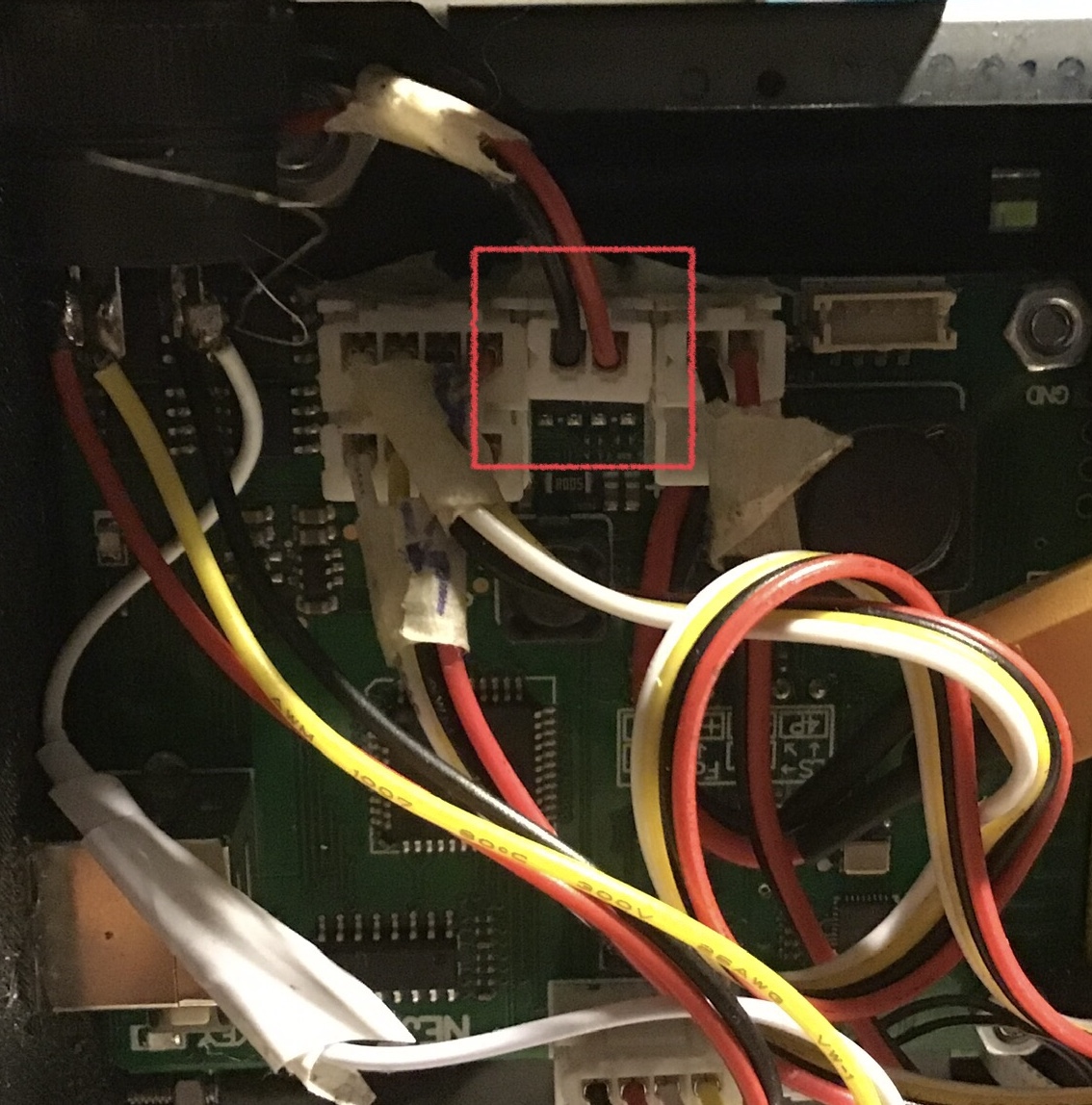
3. put super glue on the borders of the fan
CAUTION: you have to use superglue on the side that SUCKS air not the one that emits it (the emitting side should have a yellow and black sticker on it's center)

4.attach the fan on the printed model(for more security use super glue or hot glue on the side)

5.unscrew the screw on the engraver head
6.screw back in the engraver head the screw with the arm
7. screw back the back plate
print tips:
support required.
