
cufflinks deadpool
We calculate the final price from your selected file. You review and accept it before payment.
Estimated printing price per file
€0.05 – €0.06 net (excluding VAT)
For file: deadpool 1cerna_2m_0,08mm_220C_PLA_ENDER3.gcode
This is an estimate for one file. You’ll confirm the exact price before ordering.
File and estimate settings
File used for this estimate
Average indicative estimate: €0.06 excluding VAT (range midpoint).
- Weight reported by the author
- 1 g
- Print time reported by the author
- 2.4 min
- Source material
- PLA
- Estimate material
- PLA
- Estimate printer
- Bambu Lab P1S - 0.4 nozzle
- Estimate process
- 0.20mm Standard
Indicative estimate for the selected file only, based on the author’s weight and print time. File variants are not added together. The final price is calculated after file analysis.
Saved on this device.

Model information
- Source
- Printables
- Category
- Men
- License
- Creative Commons — Attribution — Noncommercial — Share Alike
For a friend's wedding, I created original cufflinks that no one else will have that day.
Some of the wedding guests were chosen to wear a secret MCU reference and I just couldn't find my old cufflinks at home.
Hence this choice.
For printing, I used an idea from Make Anything (see video), which I use very often if I need to have more than one color in the first layer, and the result is really great.
The basis is to insert all the components intended for printing into the slicer exactly where they belong.
Then I will do a slicing to test that all the parts are placed correctly, if not I will move them.
Bad location: Good location:
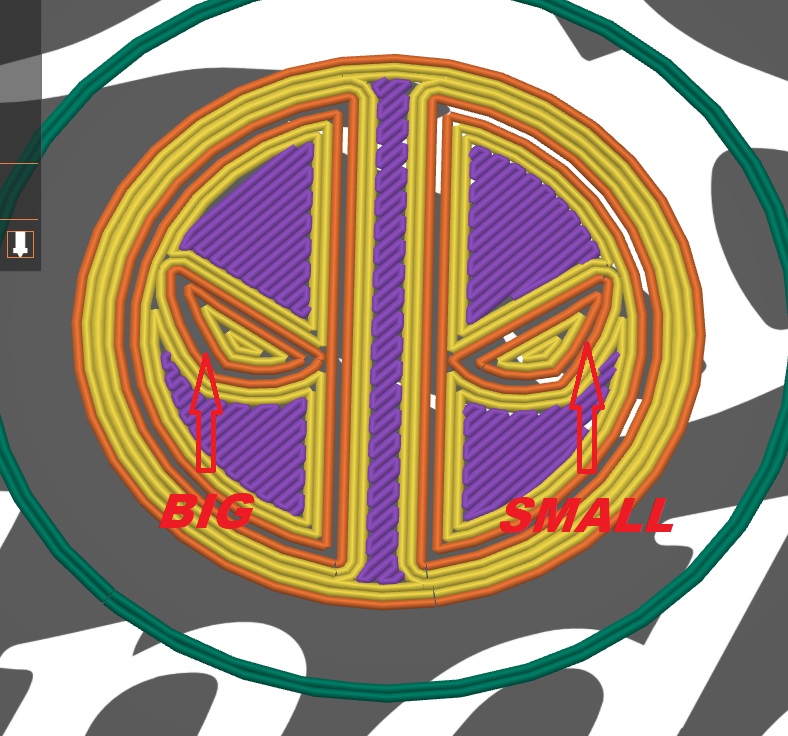
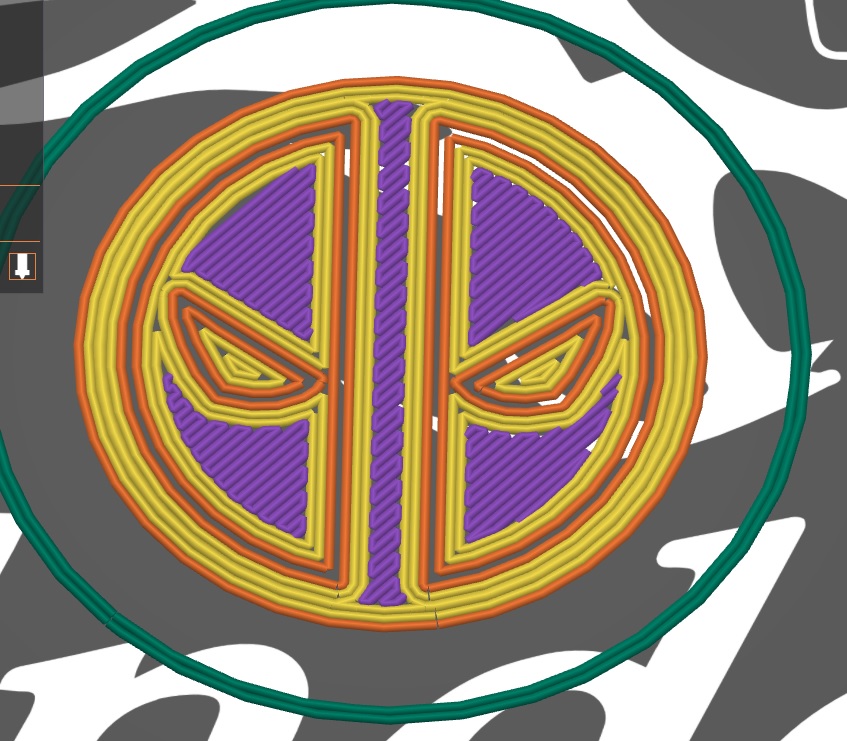
Each file needs to be spliced separately, so the result will be 3 Gcode files. In my case, named according to the order in which they should be printed (1,2,3). I printed file number 4 separately.
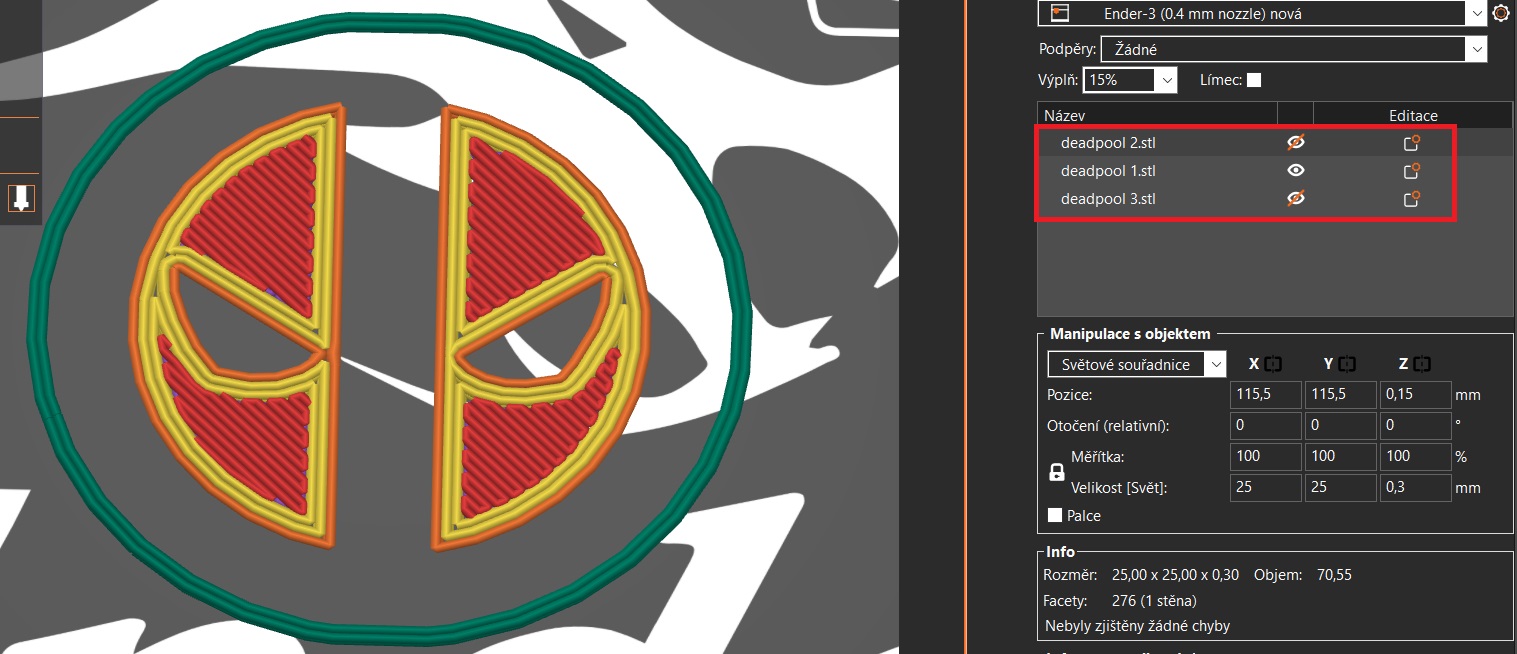
After printing one gcode, I leave the pad in place and clean only the cleaning line, I leave the printout in place and run another file where I do the same procedure.
To connect the cufflink with the rotating part, I used a piece of PLA filament which I squished a little at the end after heating it with a lighter.
My printer does not have BL touch or any other automatic Z setting.
If your printer has an automatic Z setting, it should be turned off for the 2nd and 3rd gcode you will print.
If you like my work, please consider supporting me.

Add a photo of your print 😁