
Customizable Tubular Infinity Cube (OpenSCAD)
We calculate the final price from your selected file. You review and accept it before payment.
Saved on this device.
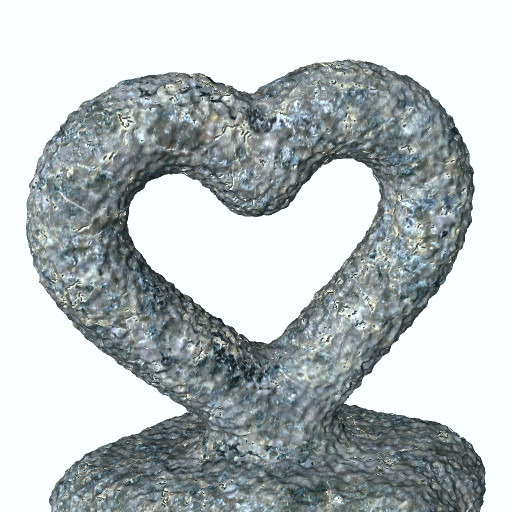
A customizable "Infinity Cube", also called an "Illusion Cube" or "Impossible Cube" with six different styles.
- Rating
- 0 / 5
- Likes
- 7
- Downloads
- 117
- Makes
- 0
- Views
- 626
- Reviews
- 0
Updated at source:
Model information
- Source
- Printables
- Category
- Other Art & Designs
- License
- Creative Commons — Public Domain
Introduction
A script for OpenSCAD can be used to create your own custom Infinity Cube, or you can pick a pre-made model.
Printing is not easy. Each model needs a lot of support and often some cleaning is needed afterwards.
OpenSCAD
OpenSCAD is free software: https://openscad.org/
After installing OpenSCAD, open the script "Tubular Infinity Cube.scad" in OpenSCAD. On the right side of the screen is a Customizer". If there is no "Customizer", then it can be turned on in the menu. The parameters can be changed and you can make your own model.
The script can make six types.
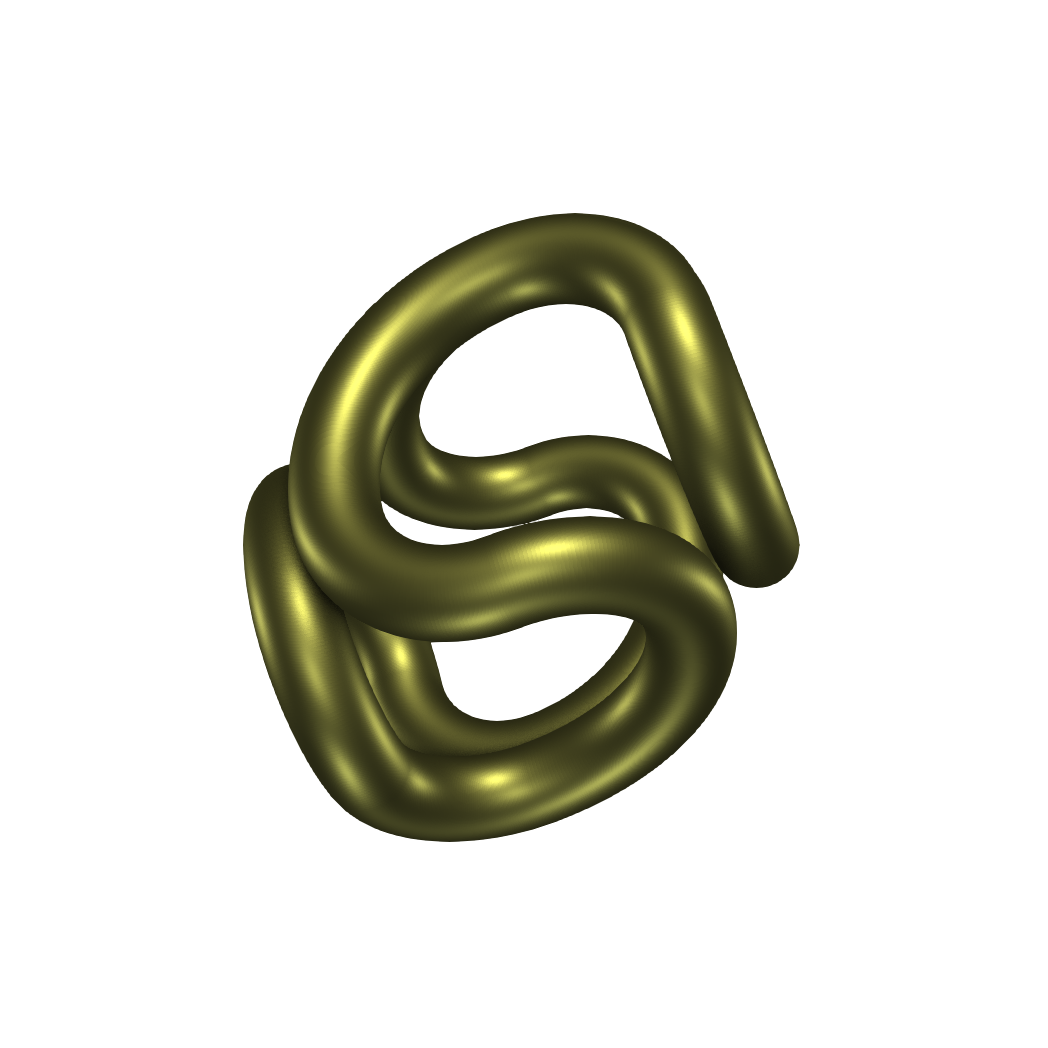
Type 1. Tubular Round
Type 1 is a round "cube". The base is a quarter of a torus. Each side has three of those quarters and two of them have a smaller radius.
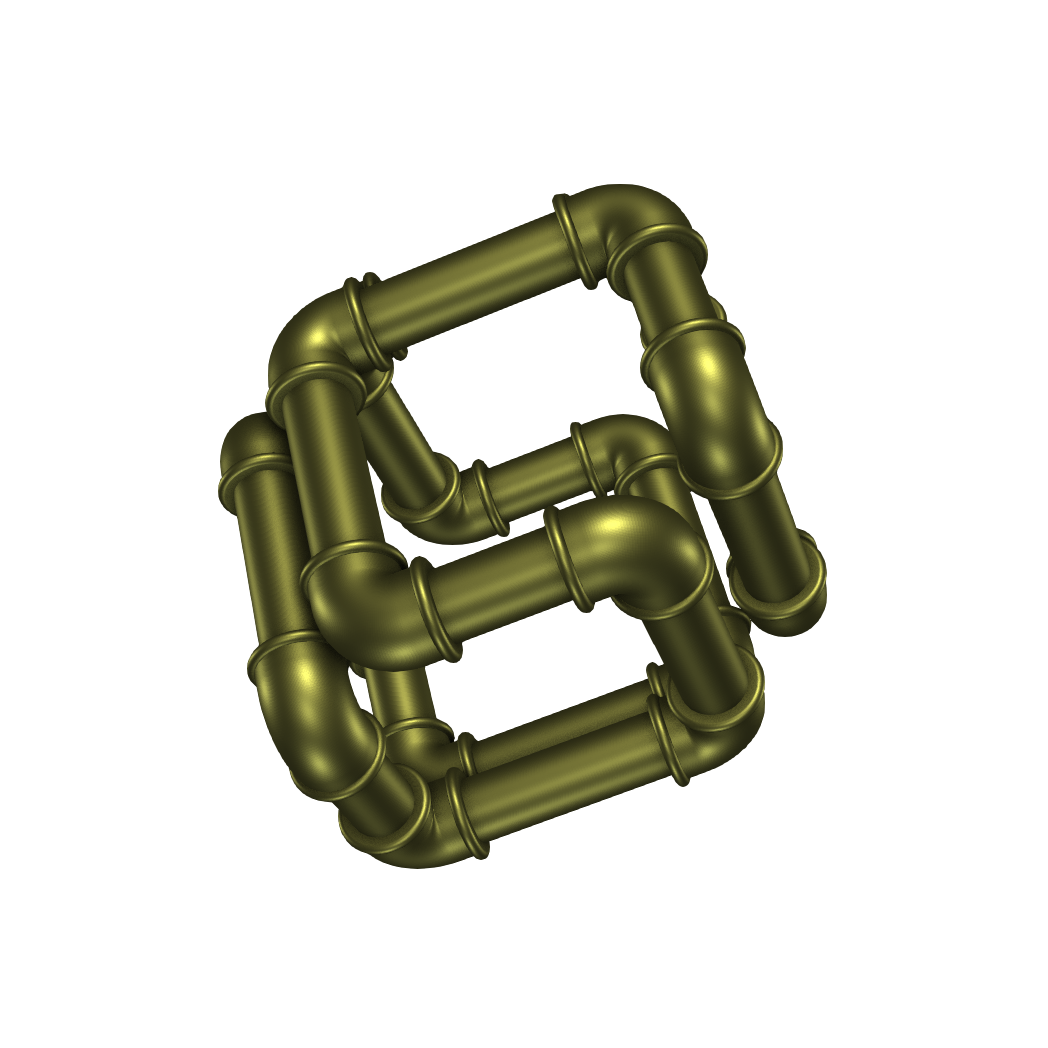
Type 2. Plumbing Pipes
Type 2 are tubes in the style of plumbing tubes with connecting corner pieces.
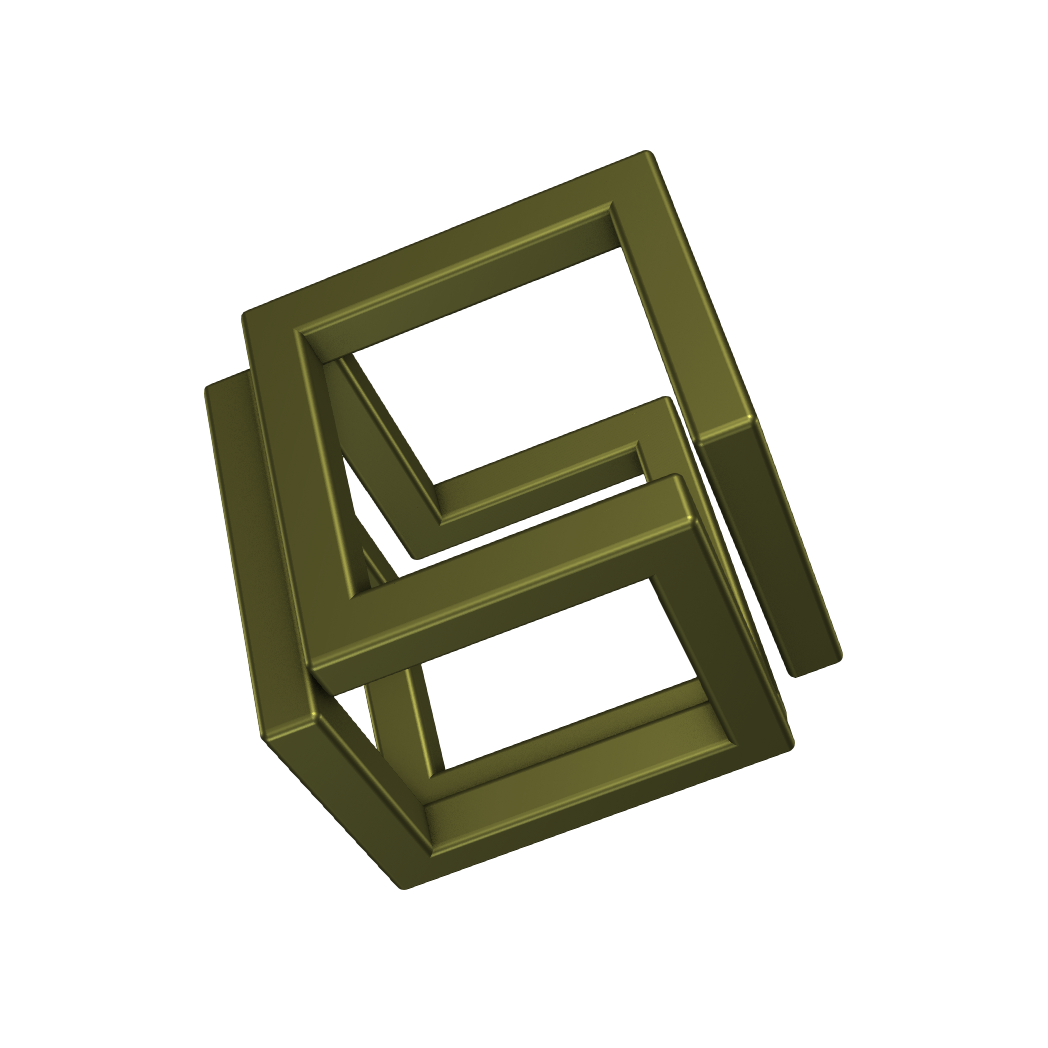
Type 3. Rectangular Cube
Type 3 is the well known Infinity Cube. The edges are not sharp and the slight rounded edges can be changed in the Customizer.
Type 4. Welding Helper
The Welding Helper is a graphical presentation in OpenSCAD to show the pieces that are needed to make a metal Infinity Cube. In the Customizer they can be shown as a cube or flat on the floor.
If the desired size is set in the Customizer, then the script calculates the size of each individual piece.
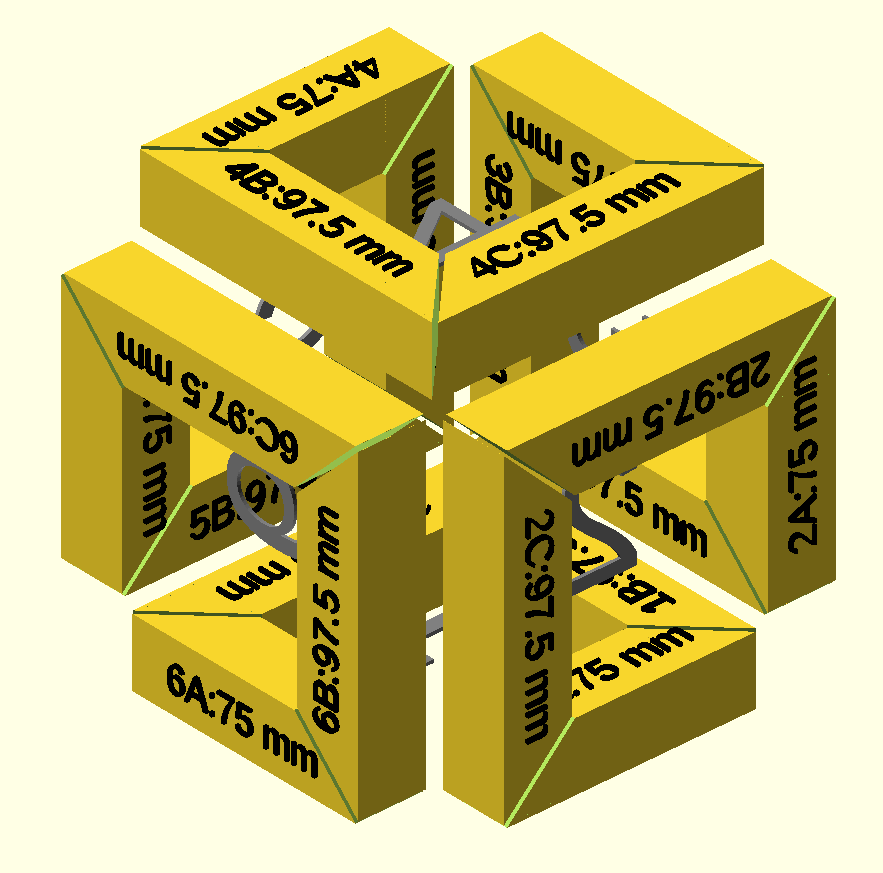
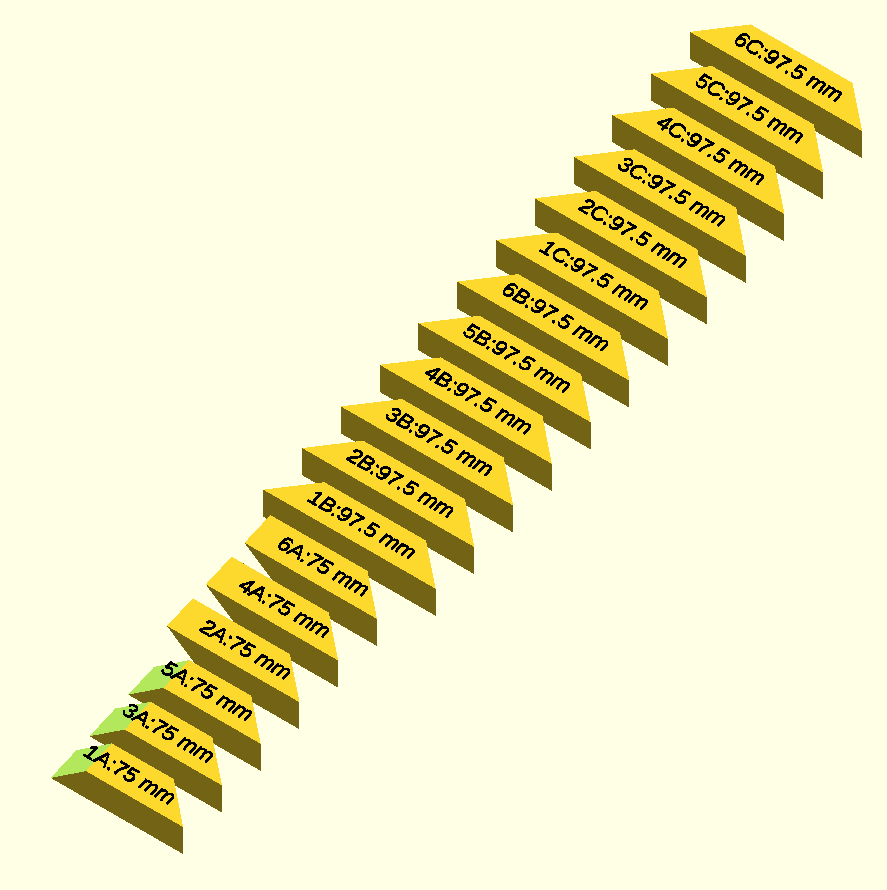
Type 5. Tubes Simple
Type 5 is easy to make in OpenSCAD. The corners are spheres and they are connected with tubes via the hull() function. As a result, there is a sharp corner on the inside of the corners.

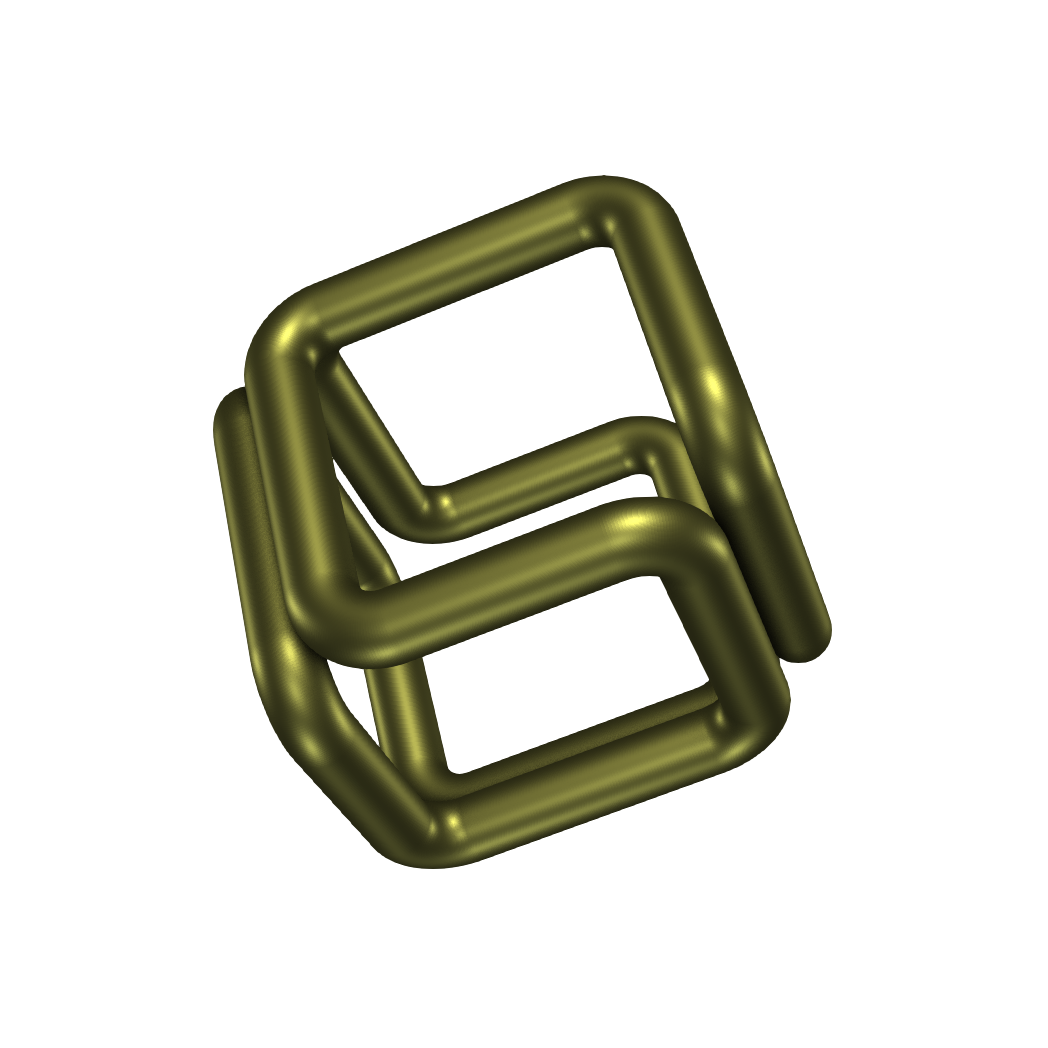
Type 6. Tubes Bent Corner
Type 6 has nice round corners. The radius of the corner can be changed in the Customizer.
License
The script and the rendered images are all make by me with free software and are licensed as CC0 (Public Domain). You may use them commercially.