Less rocking version of "Silica Dry Box for Bambu Lab AMS - Quick Print with Gyroid Infill"
We calculate the final price from your selected file. You review and accept it before payment.
Saved on this device.

I made the back bottom of the box rectangular so it would dangle less when printing and not hit the spools.
- Rating
- 5 / 5
- Likes
- 38
- Downloads
- 752
- Makes
- 2
- Views
- 3,929
- Reviews
- 1
Updated at source:
Model information
- Source
- Printables
- Category
- Bambu Lab Parts & Upgrades
- License
- Creative Commons — Attribution — Noncommercial — Share Alike
The original model is super cool, but it has one flaw - when you print something fast and the printer shakes vigorously, the silica boxes sometimes hit the spools. To avoid this, I made the back bottom of the box rectangular so it would dangle less when printing and not hit the spools. The slicer custom settings for the modifier object are shown in the screenshot. They are the same as for the original model, nothing new here.
Update: I have received the question: “How do you get the modifier file to line up in bambu slicer when you import it as a modifier?”
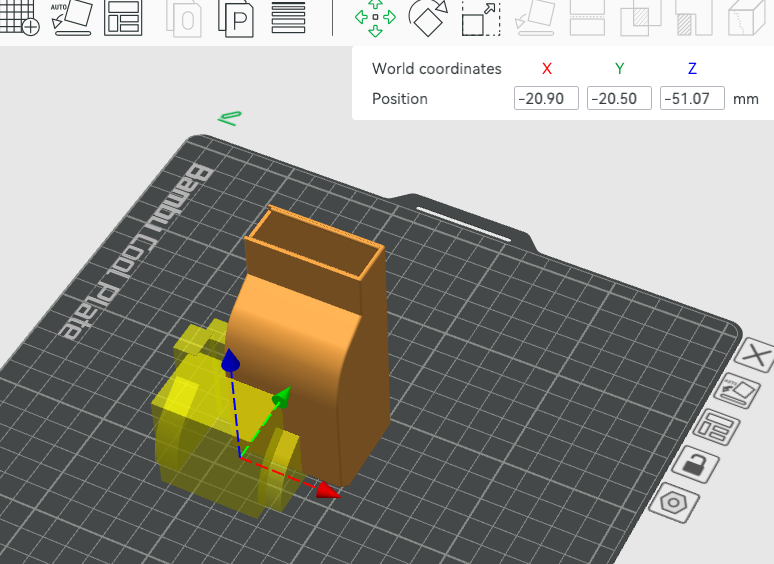
So, you have the modifier loaded and you see this mess:
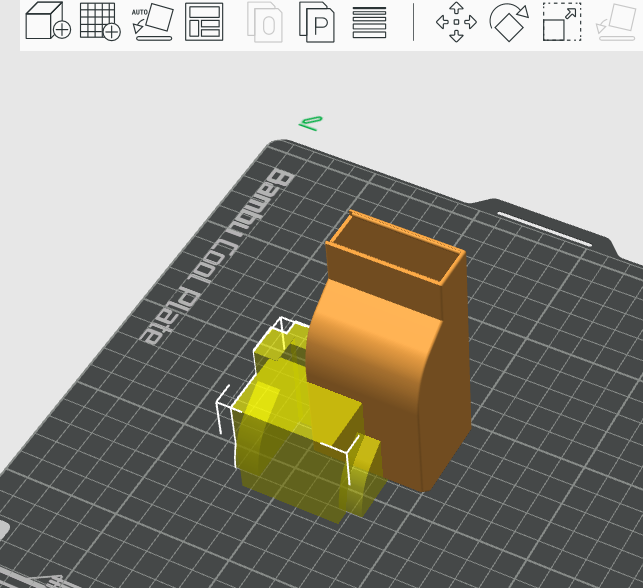
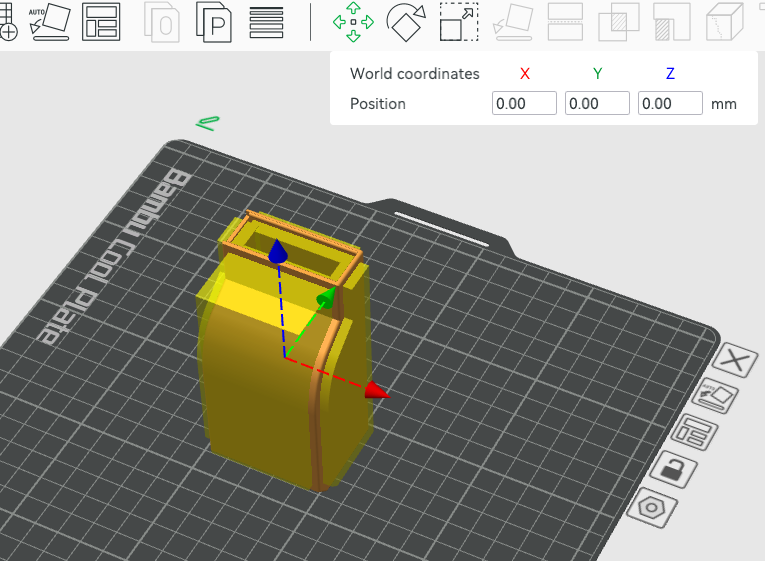
The solution is pretty simple: Select the modifier object and open the “Move” tool. You will see some values. Just set them to zero and that's it. :)