
PrusaSlicer Settings Test Tower
We calculate the final price from your selected file. You review and accept it before payment.
Saved on this device.
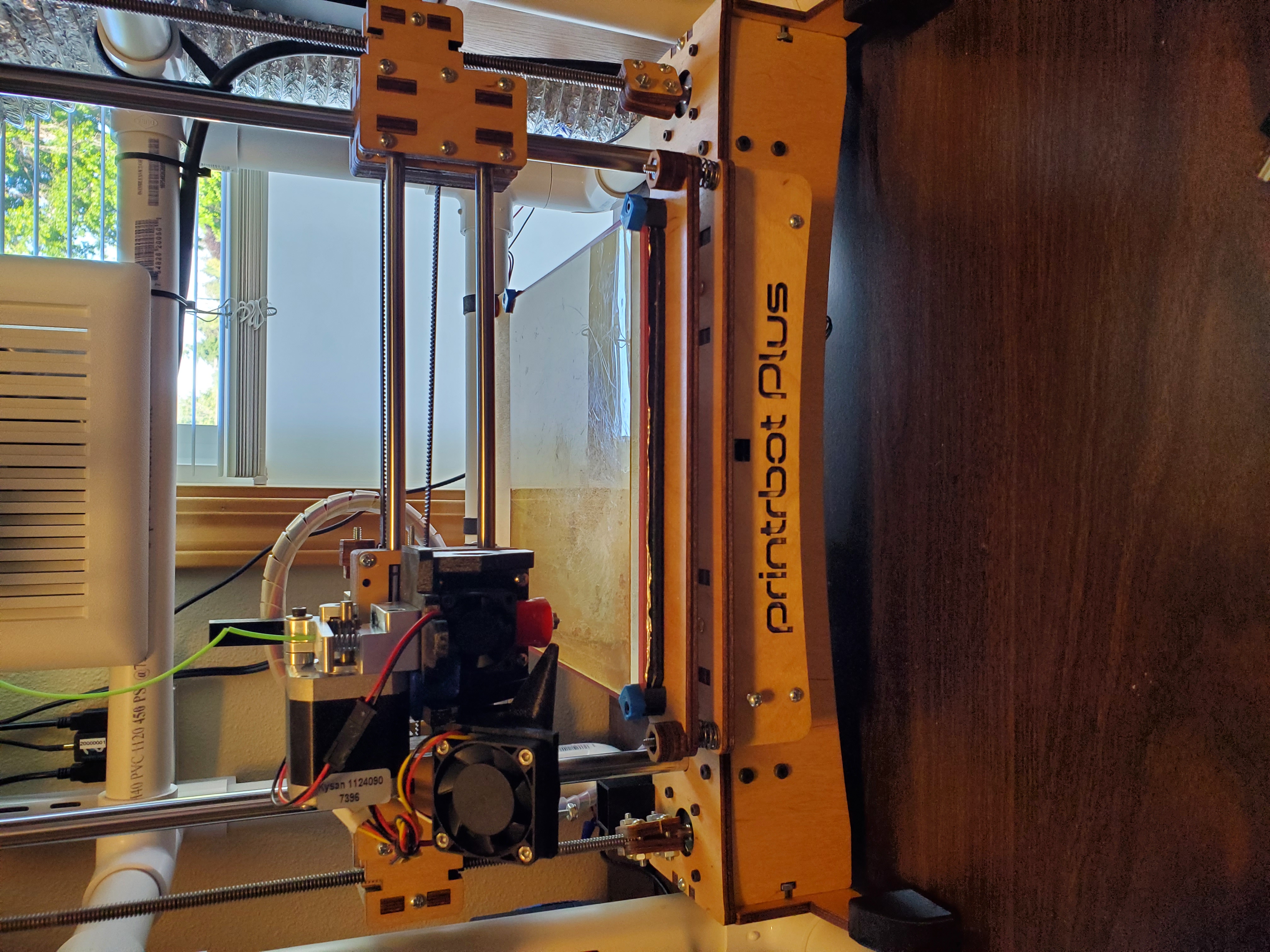
A test tower, along with a Python script that allows for testing any slicer setting across the 9 levels of the tower.
- Rating
- 0 / 5
- Likes
- 6
- Downloads
- 150
- Makes
- 0
- Views
- 978
- Reviews
- 0
Updated at source:
Model information
- Source
- Printables
- Category
- Test Models
- License
- Creative Commons — Attribution — Share Alike
Tronnic's original item makes use of the “After Layer Change” custom g-code to change the temperature between each layer. I create a simple Python script that leverages a comment that gets inserted at each layer change, and will combine multiple models into one.
Slice the tower 9 times, changing the one parameter you want to test each time. Save each slide off to a new file. Enter the 9 resulting g-code files into the script and it will output a single g-code file, with each layer being one of the changed parameters.
The script doesn't handle binary g-code, so make sure you're outputting standard g-code
The included 3MF file has the correct layer height (0.32mm) included, and the correct “After layer change G-code”, or start with you own settings make sure the layer height is 0.32mm (or adjust the “After layer change G-code accordingly” and add the following to “After layer change G-code”
; these layer numbers are for 0.32mm layer heigh, adjust accordingly if using different layer height
{if layer_num==4}; Layer 1{endif}
{if layer_num==35}; Layer 2{endif}
{if layer_num==66}; Layer 3{endif}
{if layer_num==97}; Layer 4{endif}
{if layer_num==129}; Layer 5{endif}
{if layer_num==160}; Layer 6{endif}
{if layer_num==191}; Layer 7{endif}
{if layer_num==222}; Layer 8{endif}
{if layer_num==253}; Layer 9{endif}
After creating the 9 different slices, combine them with
./BuildSettingsTestTower -i slice1.gcode slice2.gcode slice3.gcode slice4.gcode slice5.gcode slice6.gcode slice7.gcode slice8.gcode slice9.gcode -o combined_slices.gcode