
1 / 4
Prusa XLCD support
Order a print of this model
We calculate the final price from your selected file. You review and accept it before payment.
Saved on this device.

I moved LCD little bit higher and to inside of printer.
- Rating
- 5 / 5
- Likes
- 16
- Downloads
- 52
- Makes
- 2
- Views
- 685
- Reviews
- 1
Updated at source:
Model information
- Source
- Printables
- Category
- Prusa Parts & Upgrades
- License
- GNU General Public License v2.0
Remove 2 front screws.
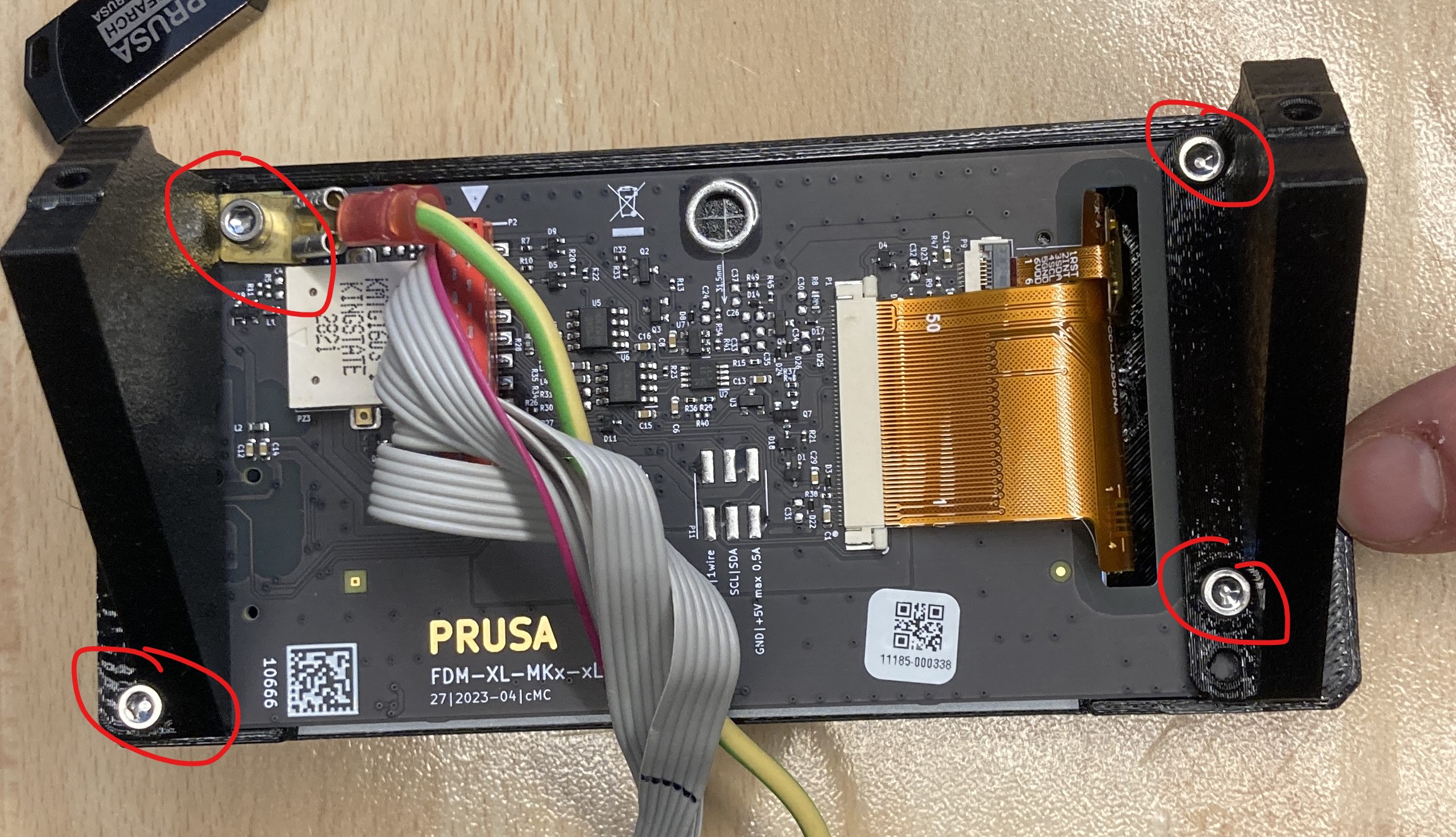
From back LCD are 4 screws. Remove them all.
From bottom of Prusa XL printer, unclip this red marked part and blue marked flex part.

Blue marked flex part is necessary to cut by 20mm.

Now just put new printer supports instead of olds one. Screw it with same amount of screws.
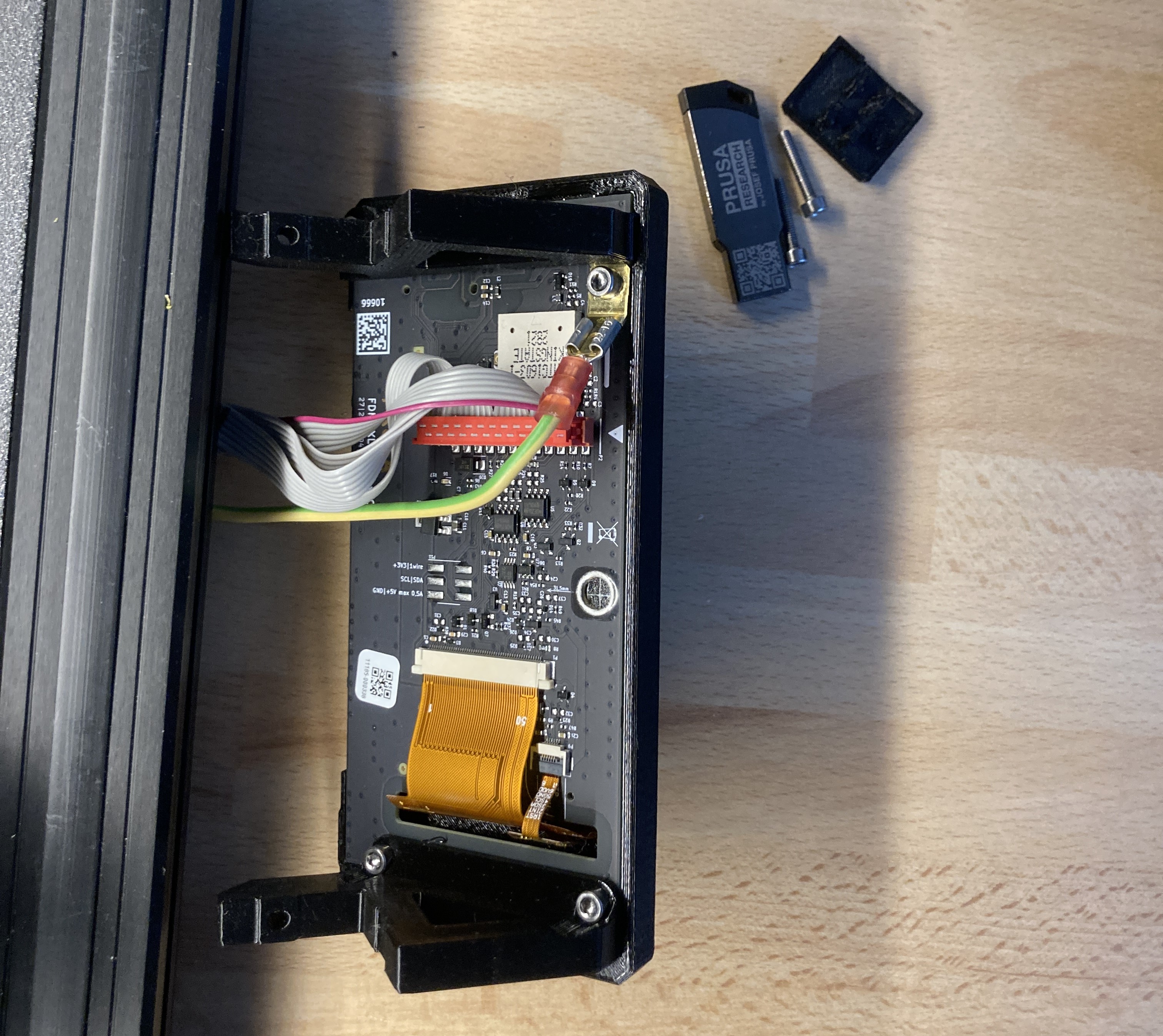
Now, you can attach the LCD to the printer with the last 2 screws. And your job is DONE. Nice job buddy.
