
Mini Standup Sign - Double Sided
We calculate the final price from your selected file. You review and accept it before payment.
Saved on this device.
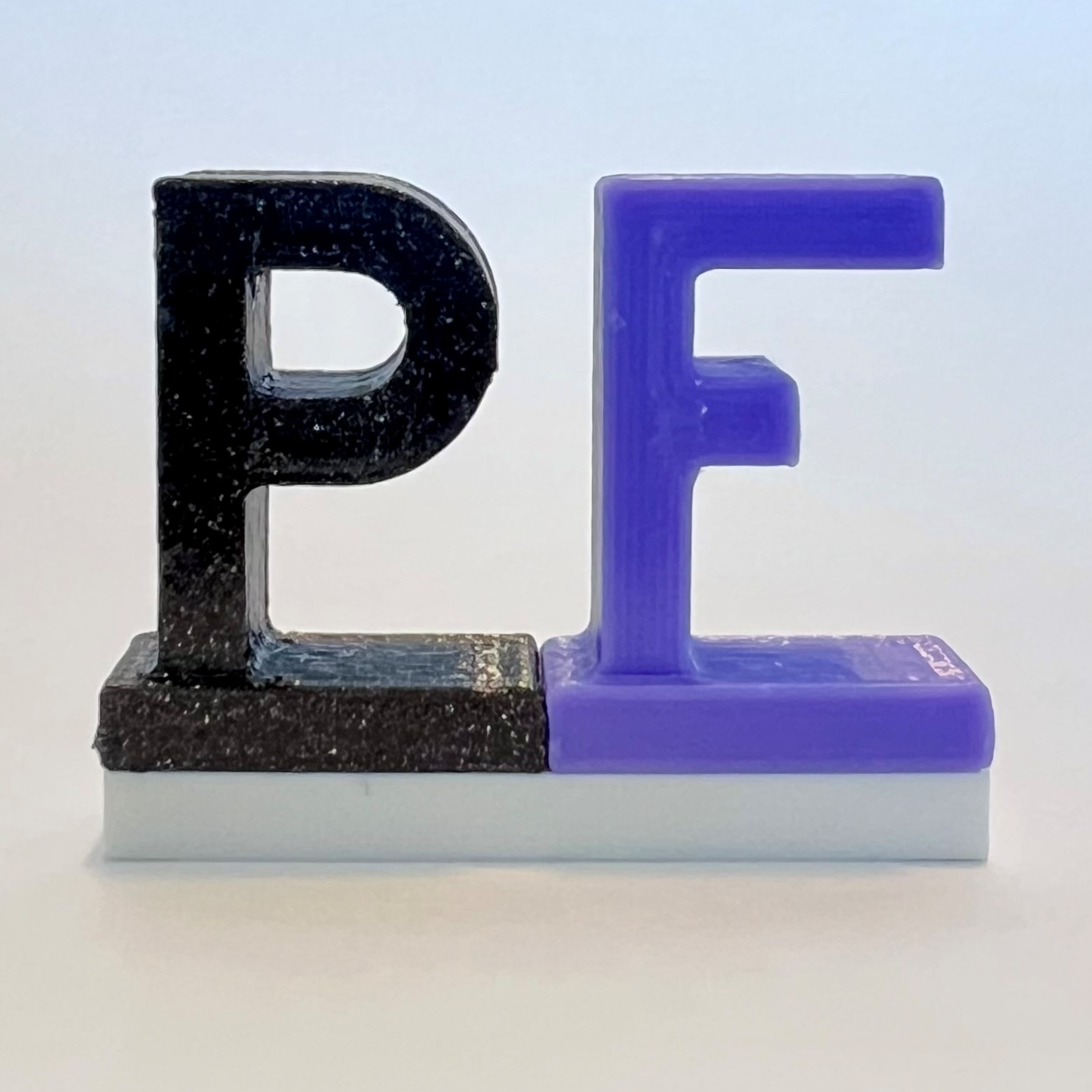
Easy to print mini standup sign where you can choose your own text using the text embossing function in the Slicer.
- Rating
- 4.8 / 5
- Likes
- 78
- Downloads
- 499
- Makes
- 8
- Views
- 1,418
- Reviews
- 5
Updated at source:
Model information
- Source
- Printables
- Category
- 2D Plates & Logos
- License
- Creative Commons — Attribution — Noncommercial
This model is heavily inspired by the amazing Mini Floor Stand by muzz64. It is not a remix however as I made the model from the ground up and came up with a simpler design that also has tighter clearances in the hinges for less wobble. The biggest change is that the model does not contain any text however.
Modern Slicers offer an easy way to emboss text onto a STL file. Use this function to write whatever you wish onto the sign (as long as space permits). Then add a color change and you're done.
Also check my Single Sided Sign, it can be folded better and has slightly more space for text.
How to emboss text in Prusa Slicer (Version 2.7.2):
Right click on the model, select Add part -> Text.

Write your text, choose a font and customize it. Drag the text to the desired location. Emboss the text with a height of 1mm. For the text on the back of the sign, rotate the text by 180°.
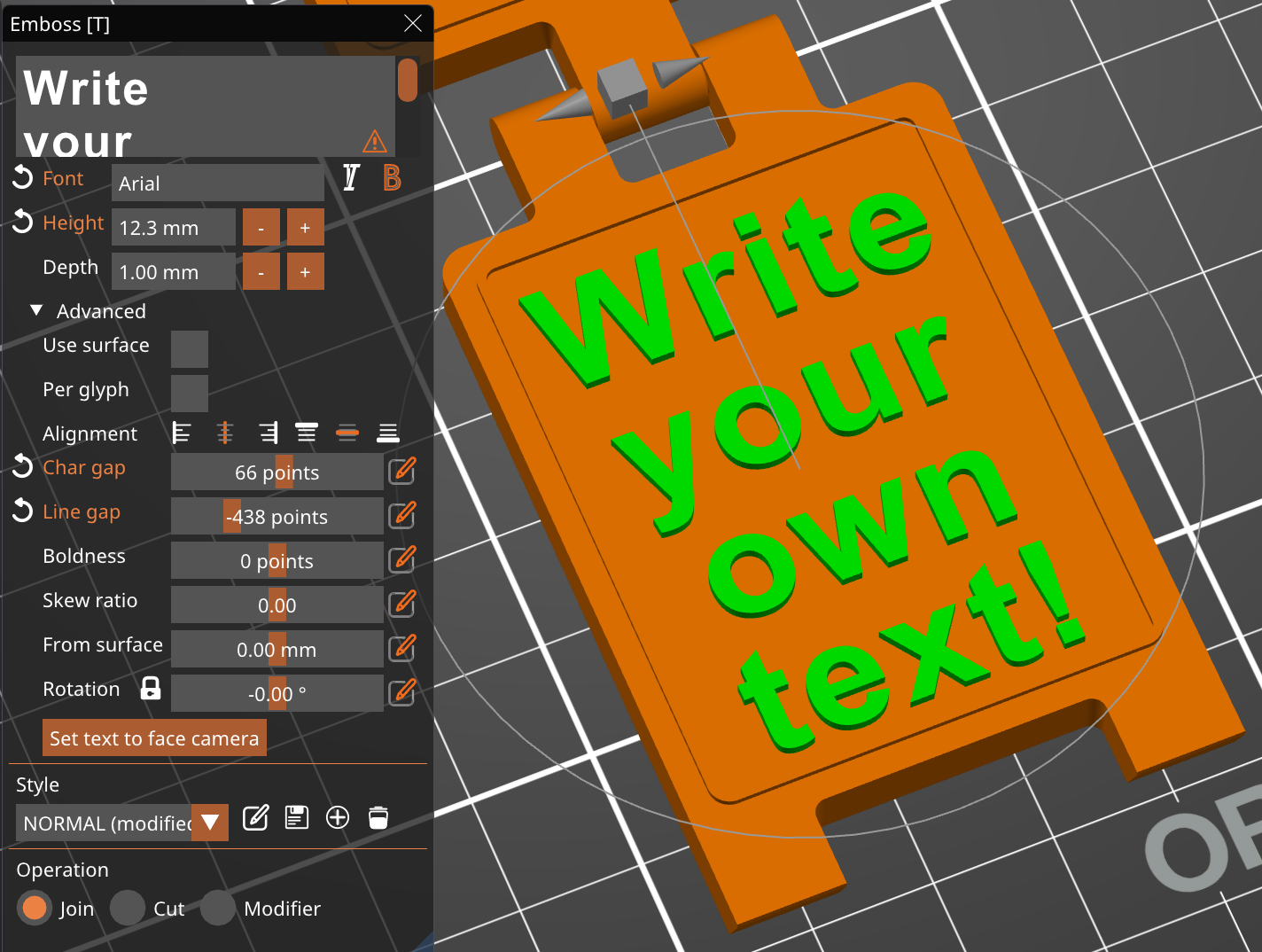
Slice the file with a layer height of 0.2mm. Right click the plus sign at the layer height of 5.20 and select Add color change. Select a color (this is just for visualization in the slicker) and click OK.

That's it. If you have good ideas for useful or funny text, please share a make. I would love to see it :-)
Recommended print settings:
- Layer height: 0.2 mm
- Infill: 15%
- No Support
- Color change after 5mm