1 / 3
Mechanical Seven Segment Display (Version 2)
Order a print of this model
We calculate the final price from your selected file. You review and accept it before payment.
Saved on this device.
Model information
- Source
- Printables
- Category
- Engineering
- License
- Creative Commons — Attribution
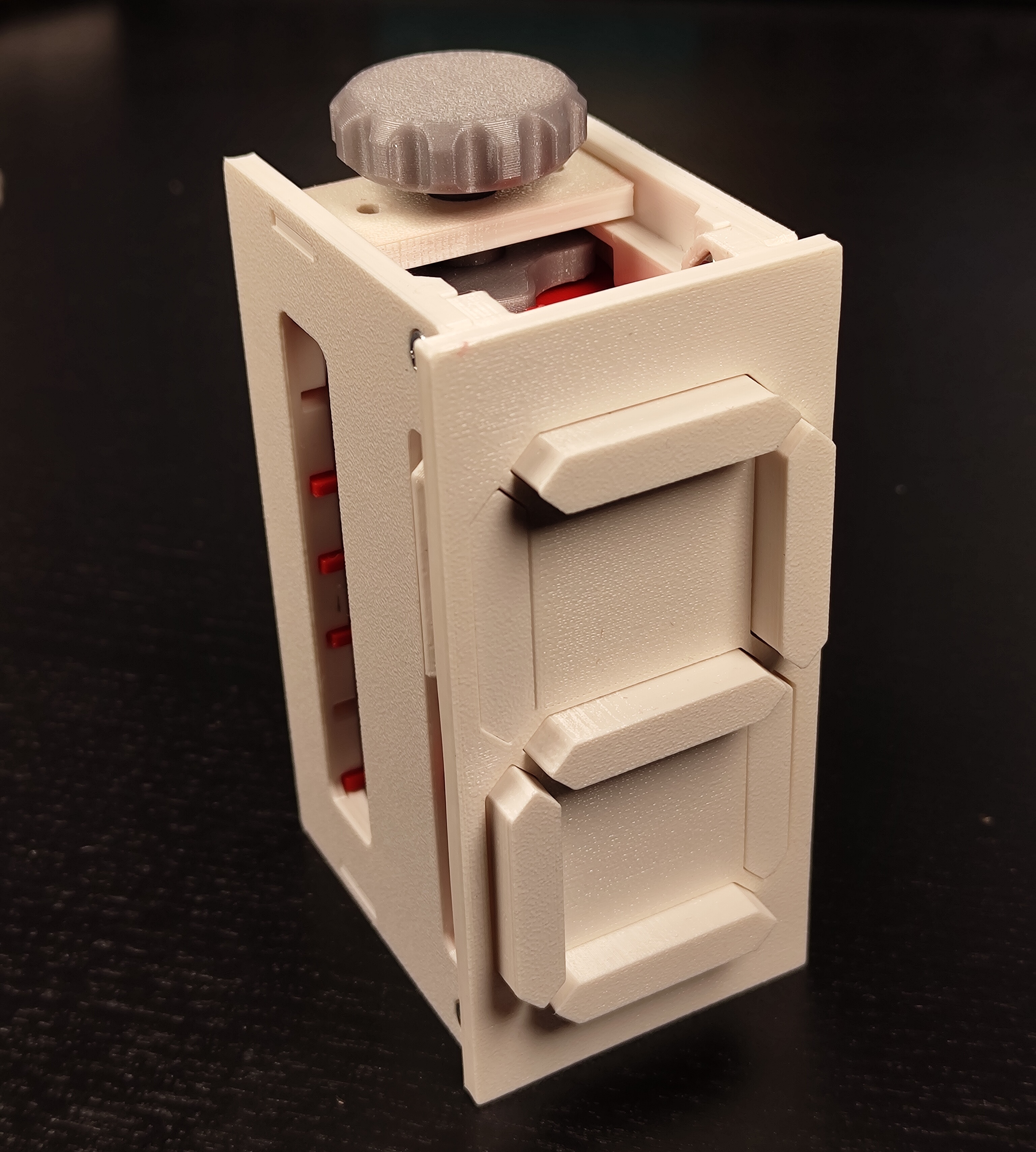
This is a mechanical seven segment display that counts from 0 to 9 using a single camshaft.
Non-printed parts
- 8x Square M3 Nuts
- 4x M3x6 screws (or longer)
- Plastic glue
Printed parts
- 1x Front plate
- 2x Side plate
- 2x Top/Bottom Plate
- 7x Segment
- 2x Pusher Right
- 2x Pusher Left
- 3x Pusher Center
- 7x Pusher Pin
- 1x Camshaft (pick one of the camshafts in the files, the default is 0-9)
- Optional: Knob. The unit can also be driven with a Lego Technic axle
Printing
The camshaft should be printed standing up with supports. Everything else can be printed laying flat without supports.
Assembly
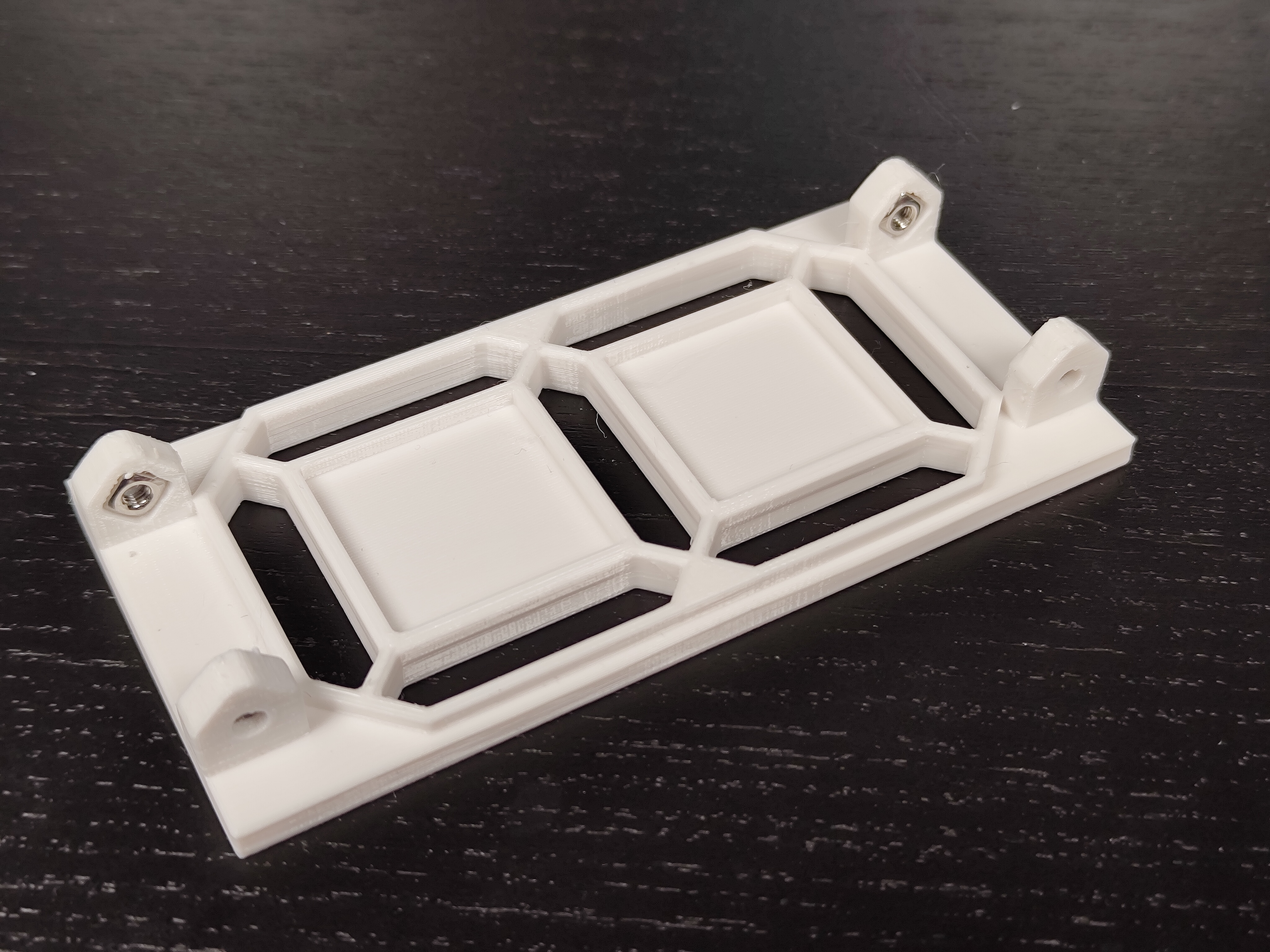
- Insert four square M3 nuts into the front plate and glue them into place
- Put a pusher pin into each pusher plate and glue it in place.
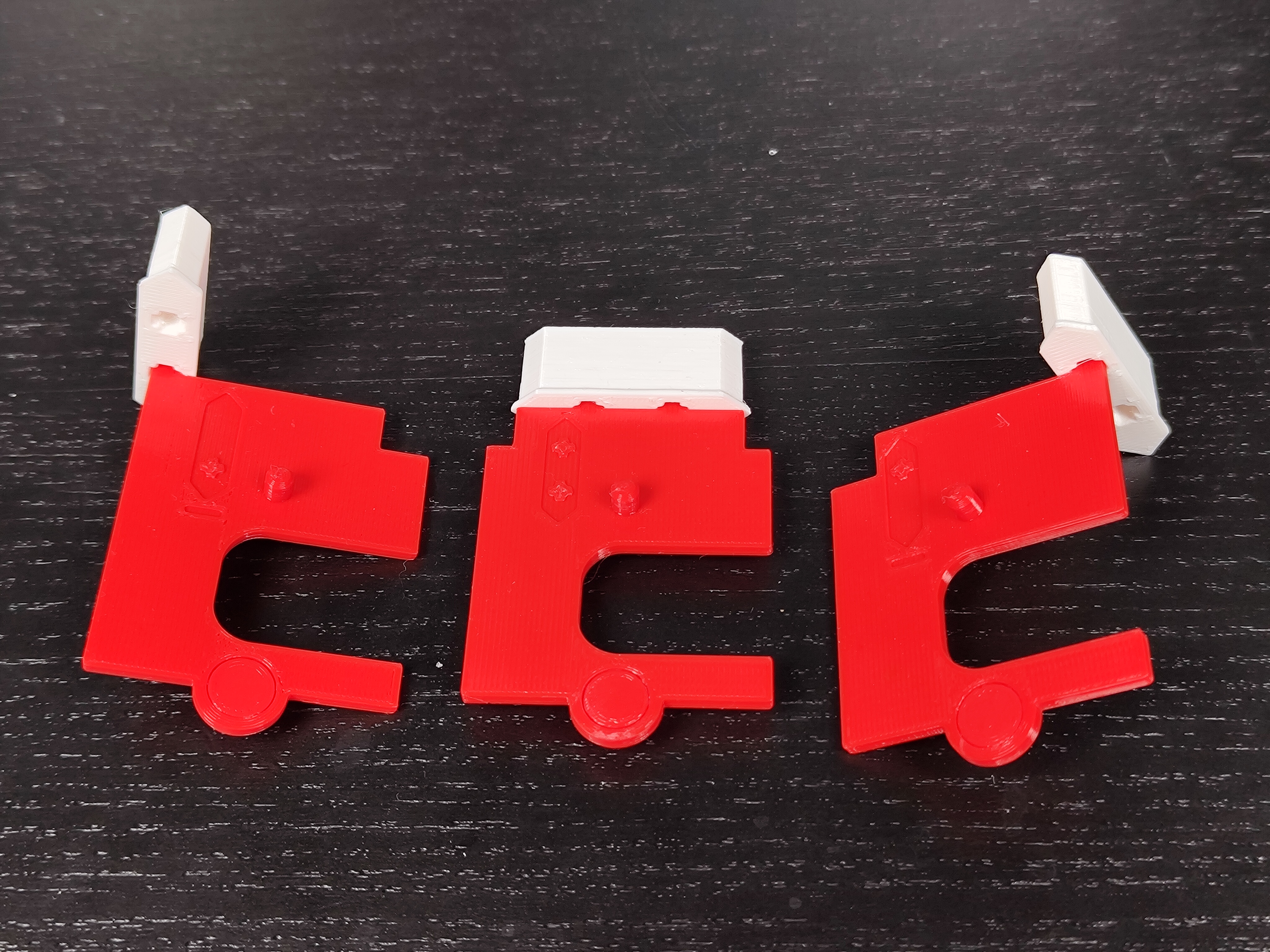
- Connect a segment to each pusher as shown in the photo.
- Put the segments into the front plate.
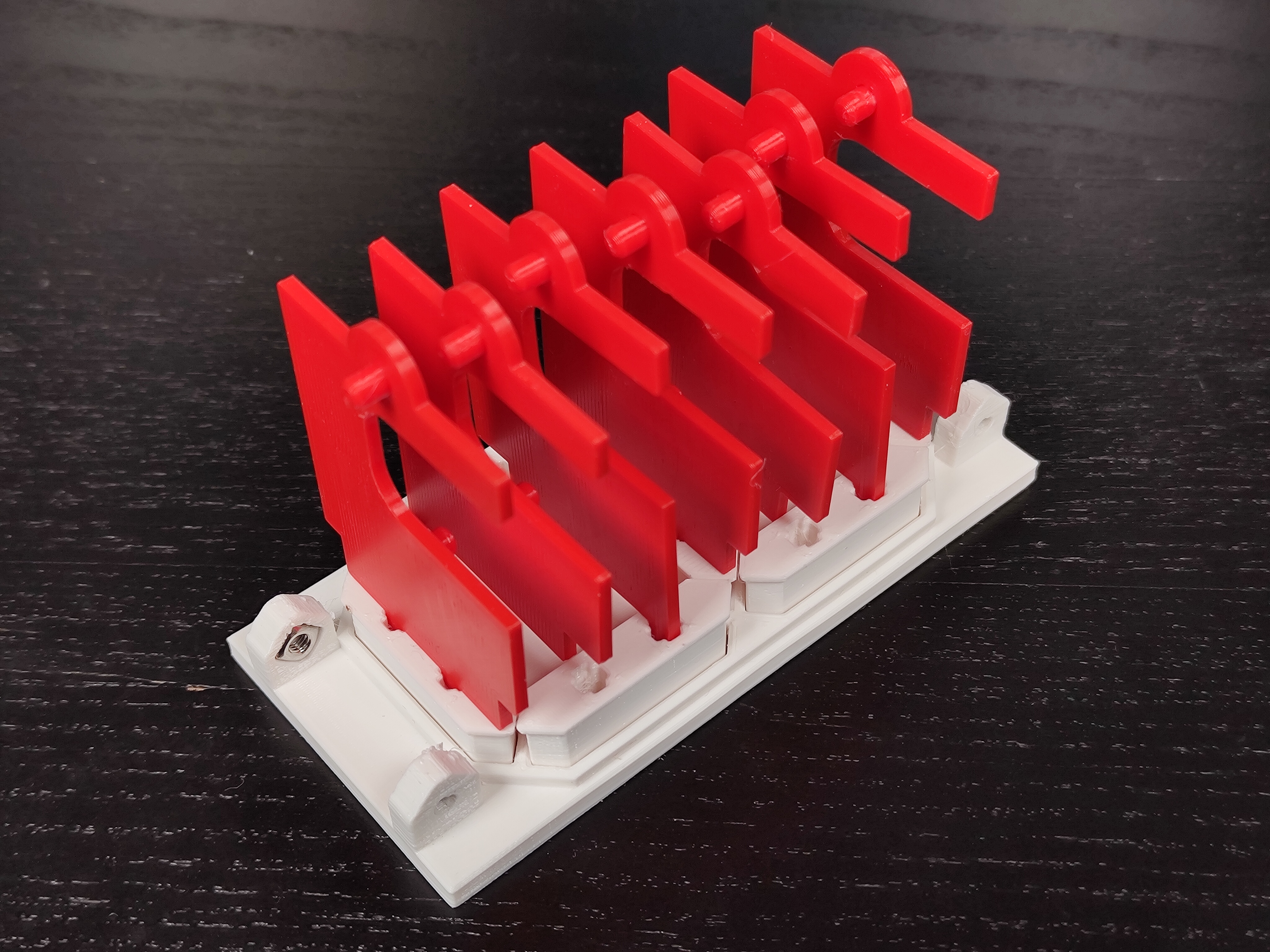
- Attach the side plate on the side where the pushers don't have an opening and screw it into place.
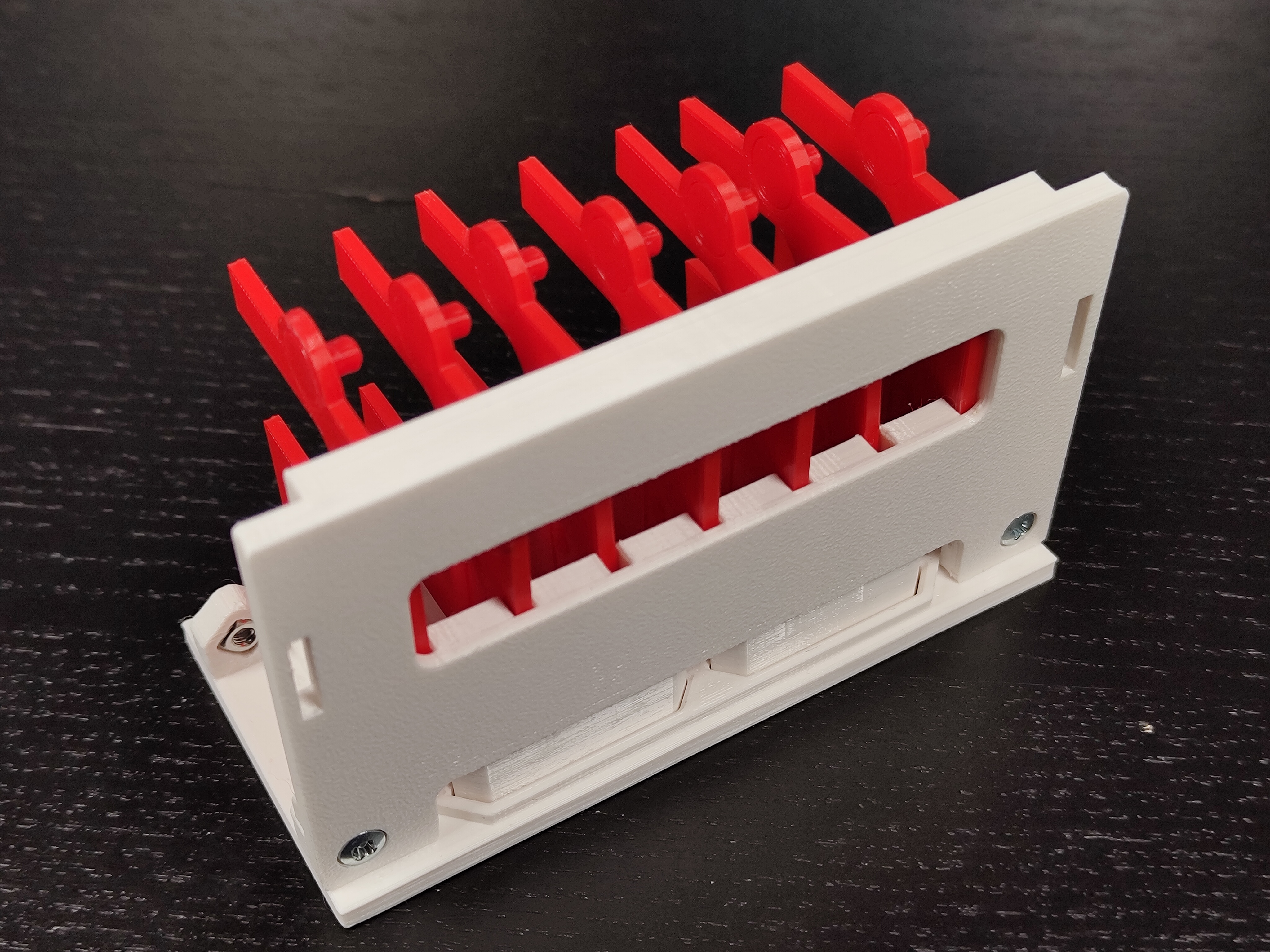
- Optional: Insert square M3 nuts into the top and bottom plate and glue them into place. The nuts can be used later to attach other things to the seven segment display.
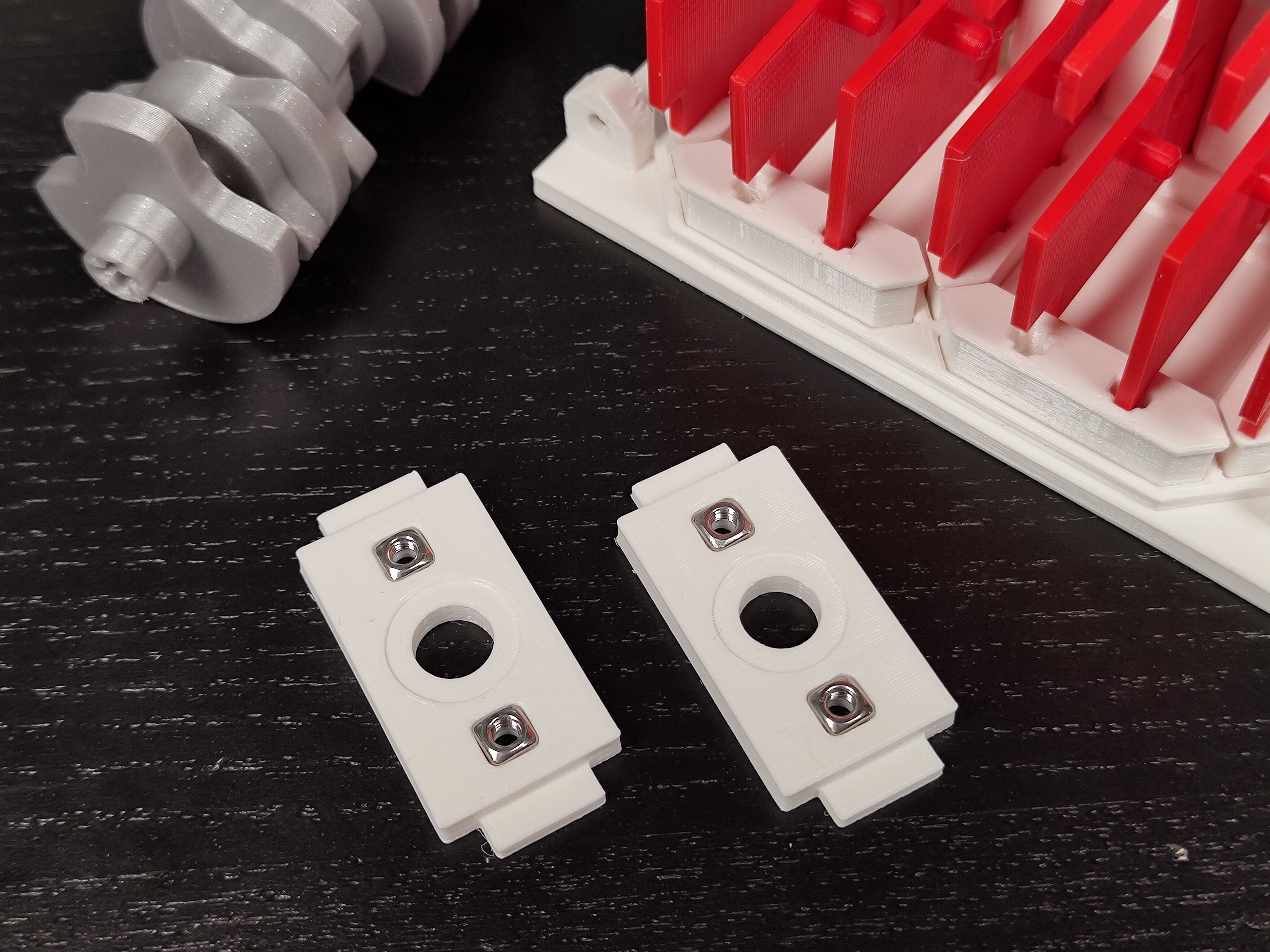
- Place the camshaft between the top and bottom plate and insert these pieces into the unit.
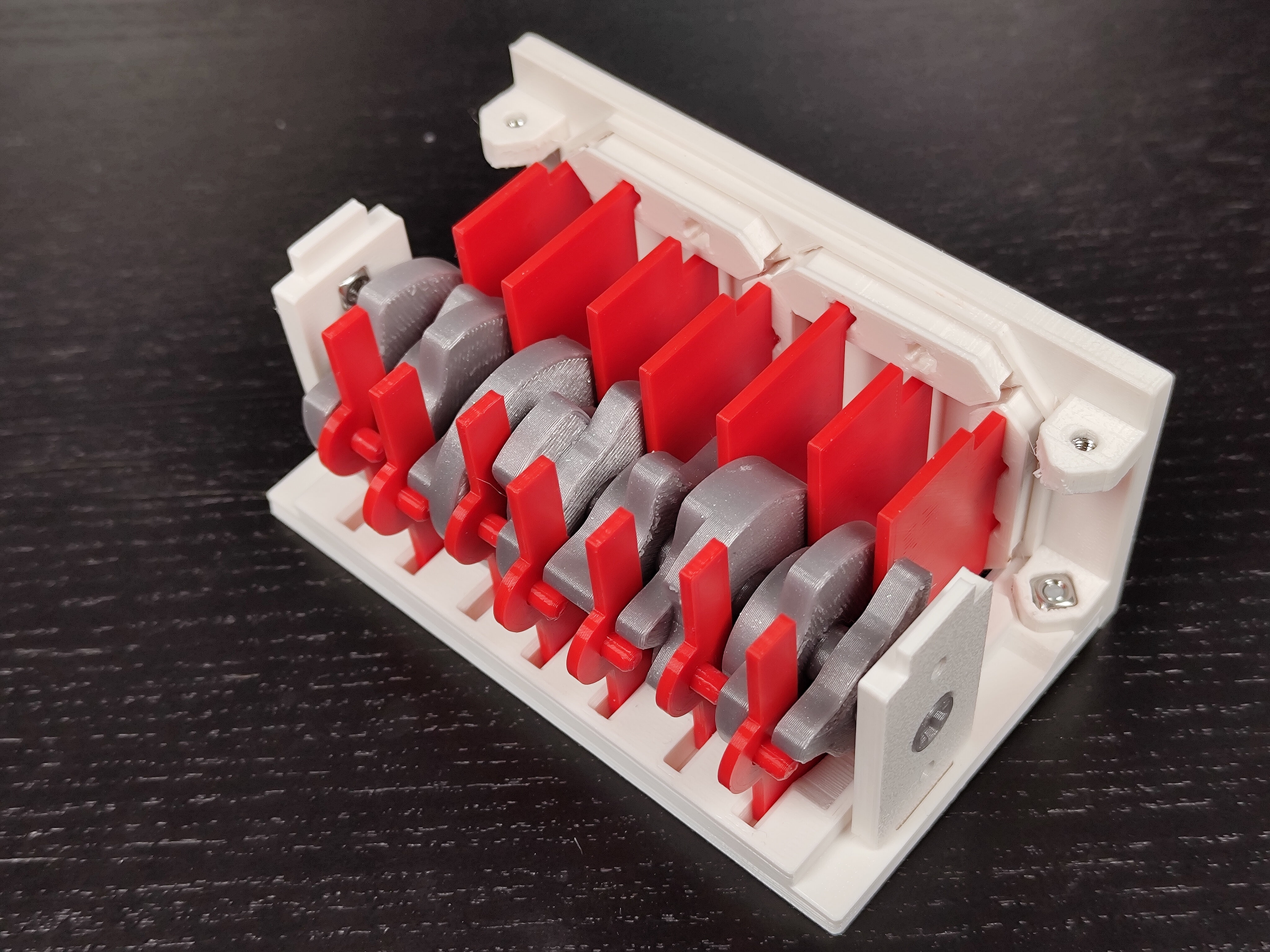
- Attach the other side plate and screw it into place.
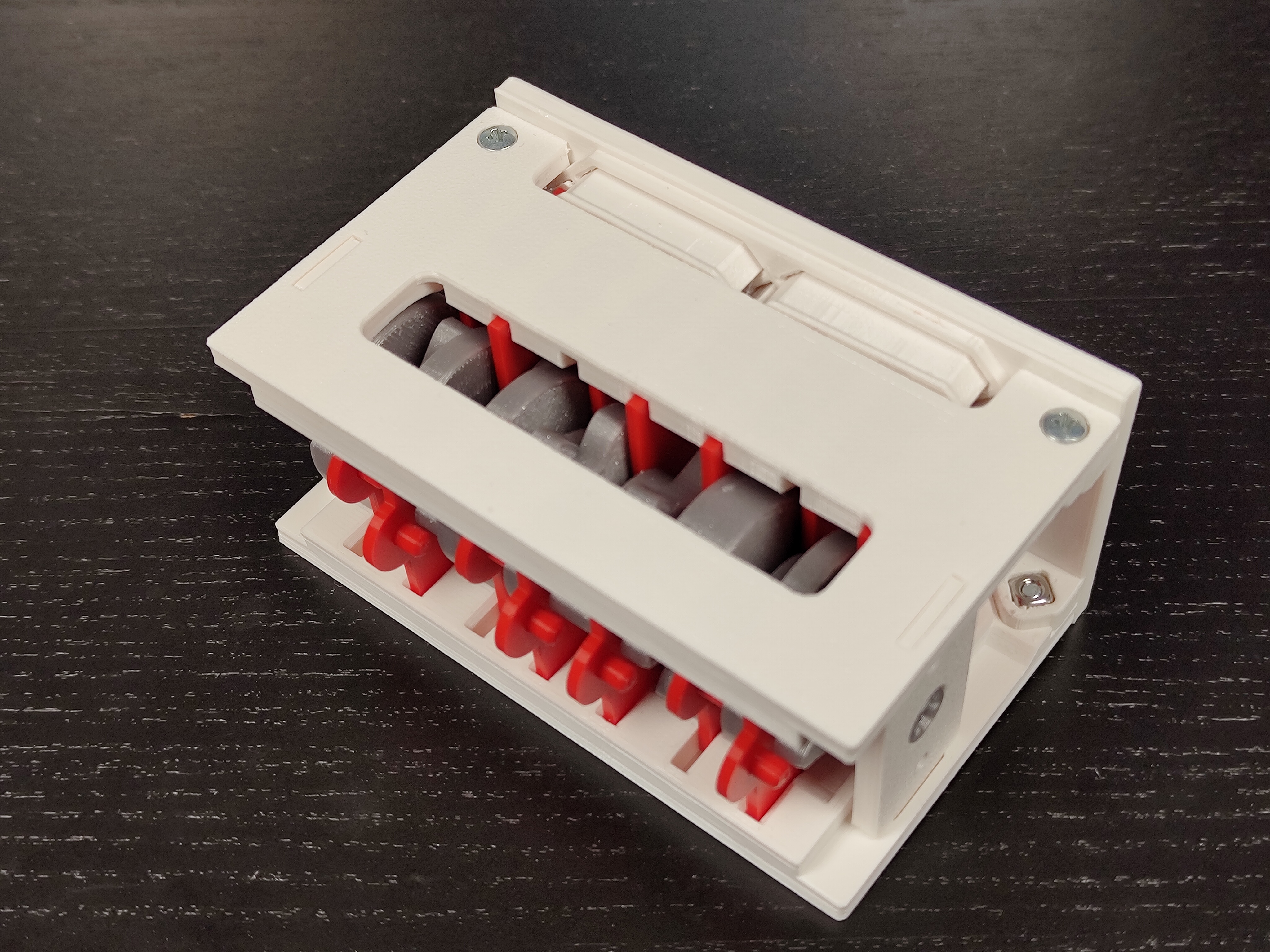
- Attach the knob.