Jedi Logo
We calculate the final price from your selected file. You review and accept it before payment.
Saved on this device.
This is a 15cmx15cmx9cm two-dimensional logo for the jedi order. *continued in description*
- Rating
- 5 / 5
- Likes
- 11
- Downloads
- 66
- Makes
- 1
- Views
- 278
- Reviews
- 1
Updated at source:
Model information
- Source
- Printables
- Category
- 2D Plates & Logos
- License
- Creative Commons — Attribution — Noncommercial
It is a cool thing to show off in your room and has the classic colors of the order during the war.
This was a team project.
Link to my partners page: @NathanQuilty_1885665
Lesson Plan:
With a partner, you will design a “2D” placard using Solidworks. You and your partner will have the same design which meets certain constraints, and you will EACH use Solidworks to create your design.
Assembly/Construction Instructions:
Before: After:
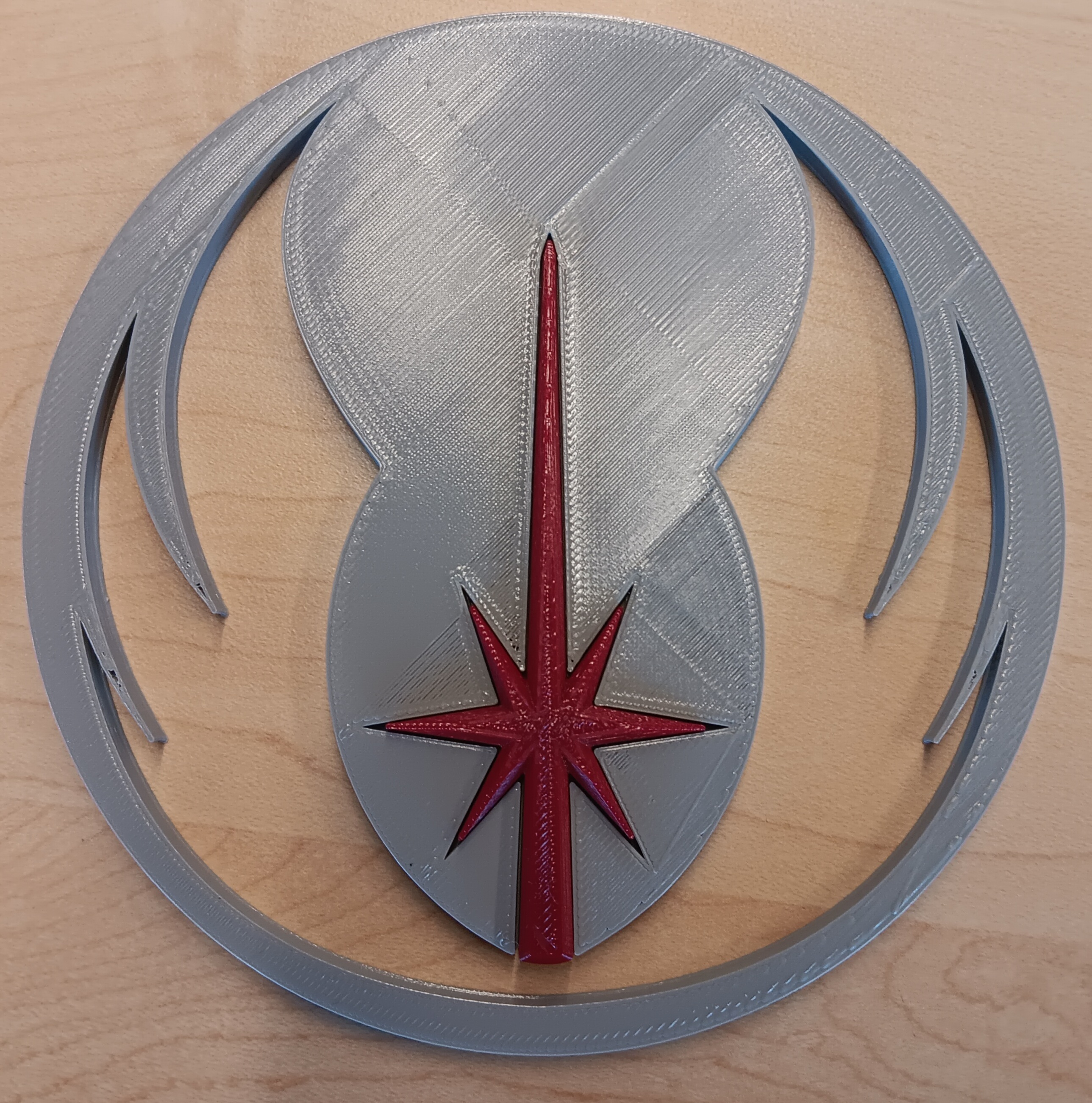


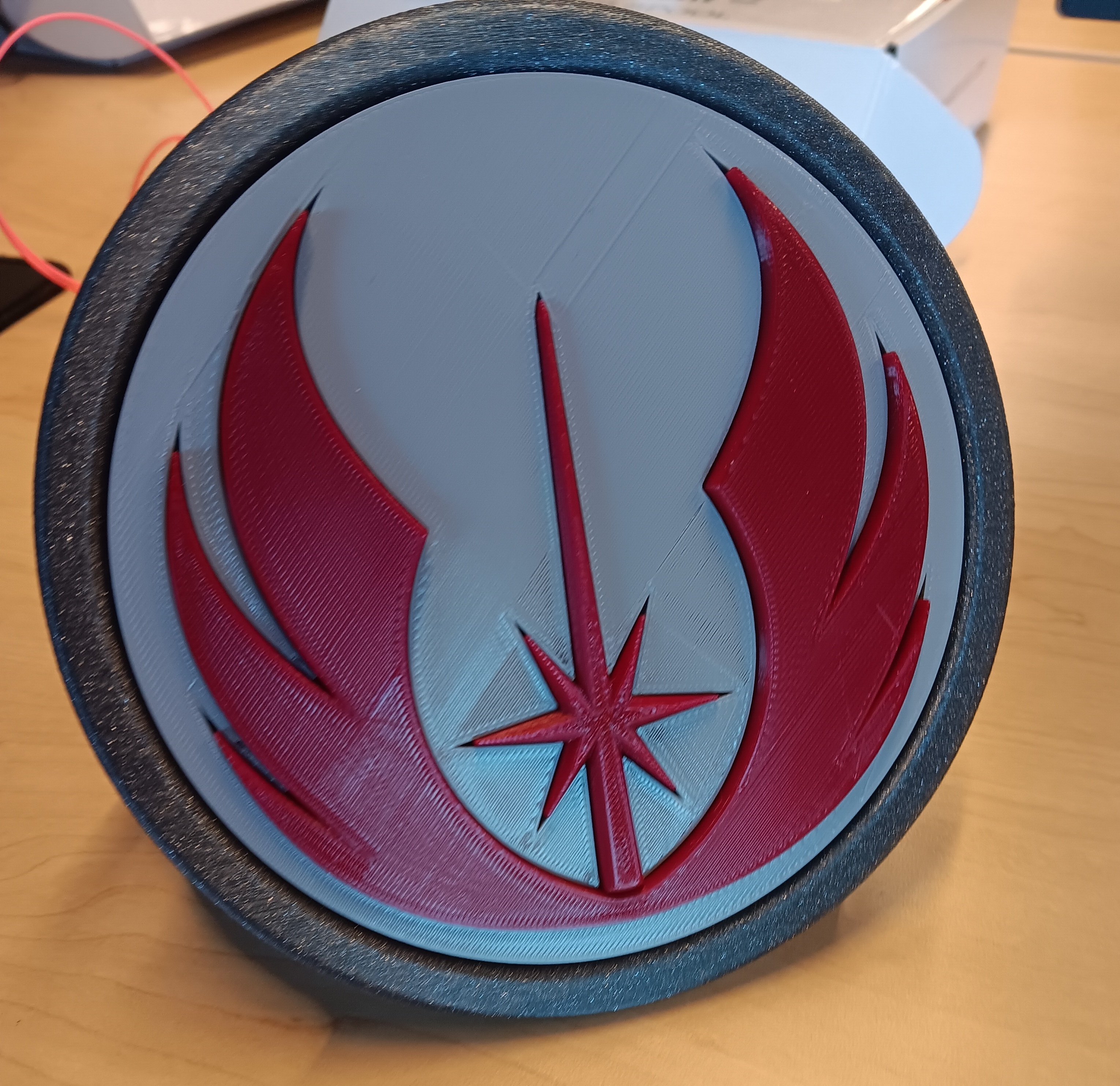
First, take the pillar and background and insert the pillar into its designated slot.
Then, take the wings and insert them into its slot.
Finally, insert the three pieces to the stand (Be sure it is straight in the stand)
Design Choices:
When we designed the logo, we took an image from off the web,

But it wasn’t symmetrical, so mid way through we had to change that so it could be symmetrical.
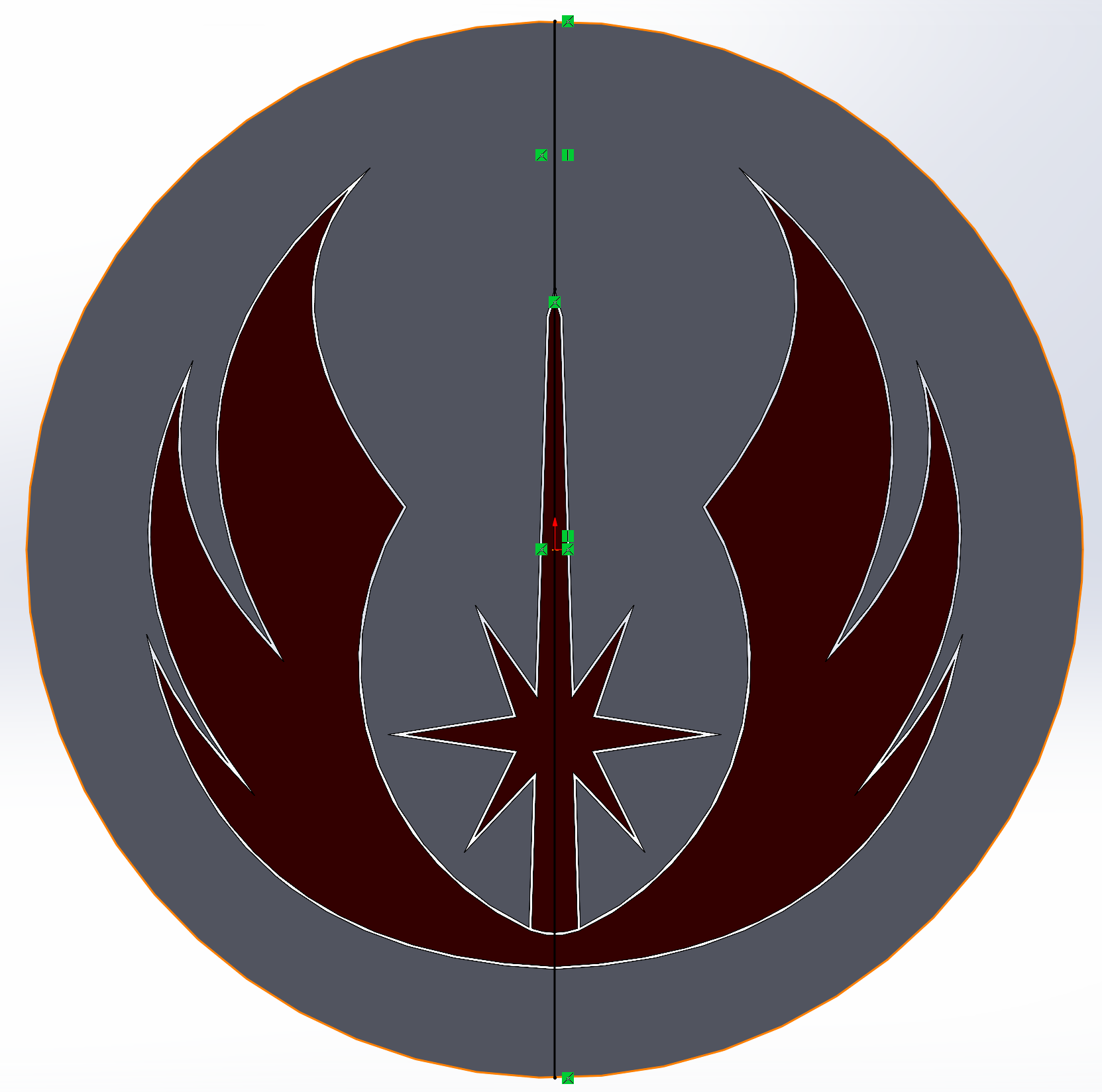
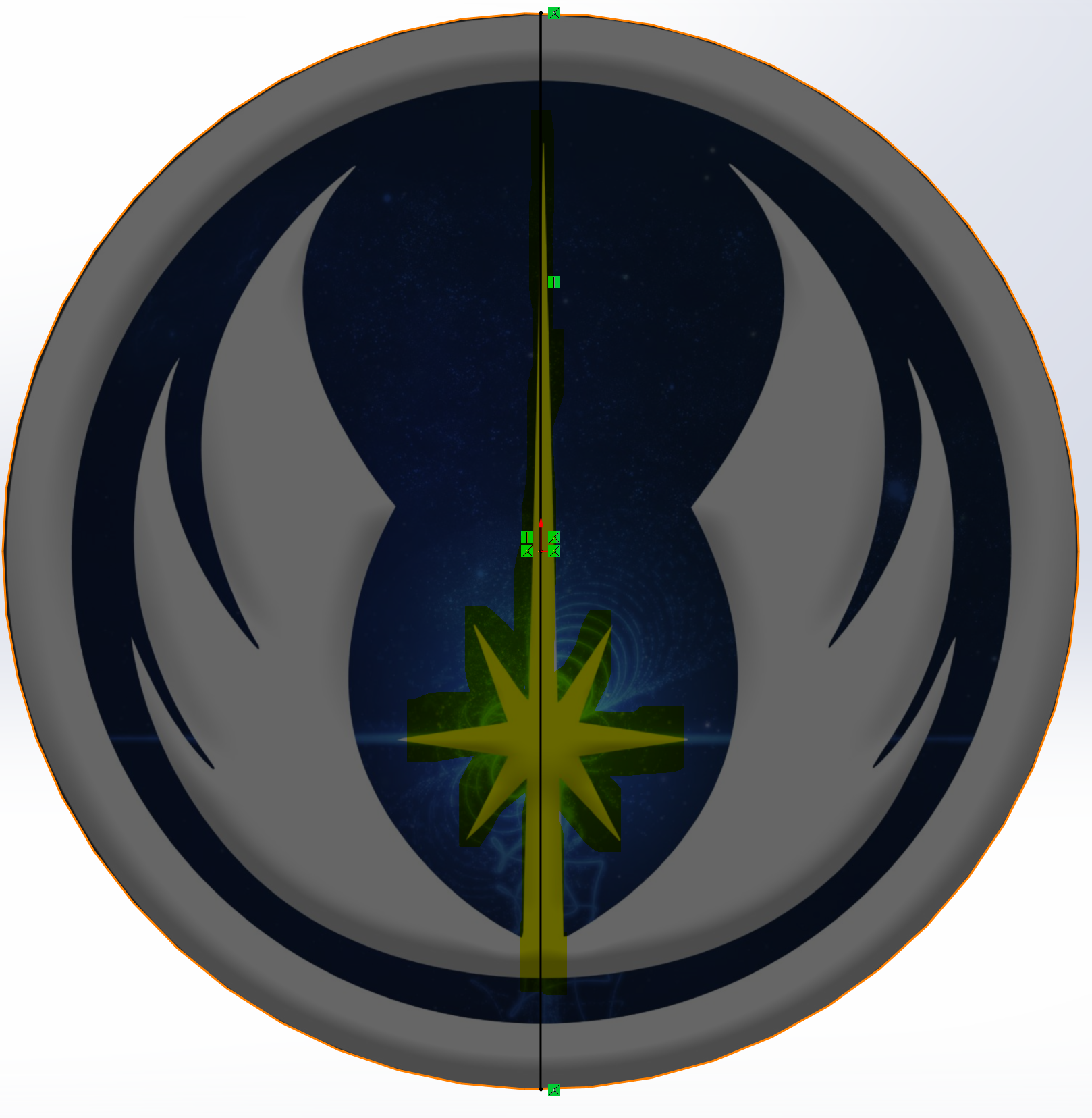
Next, as we were cutting the logo into pieces, we wanted to make them pretty in a different way. The wings we wanted to curve the edges, and the pillar we wanted to slowly slant inward. On top of that, we had an issue where the printer couldn’t print as thin as the pillar went.

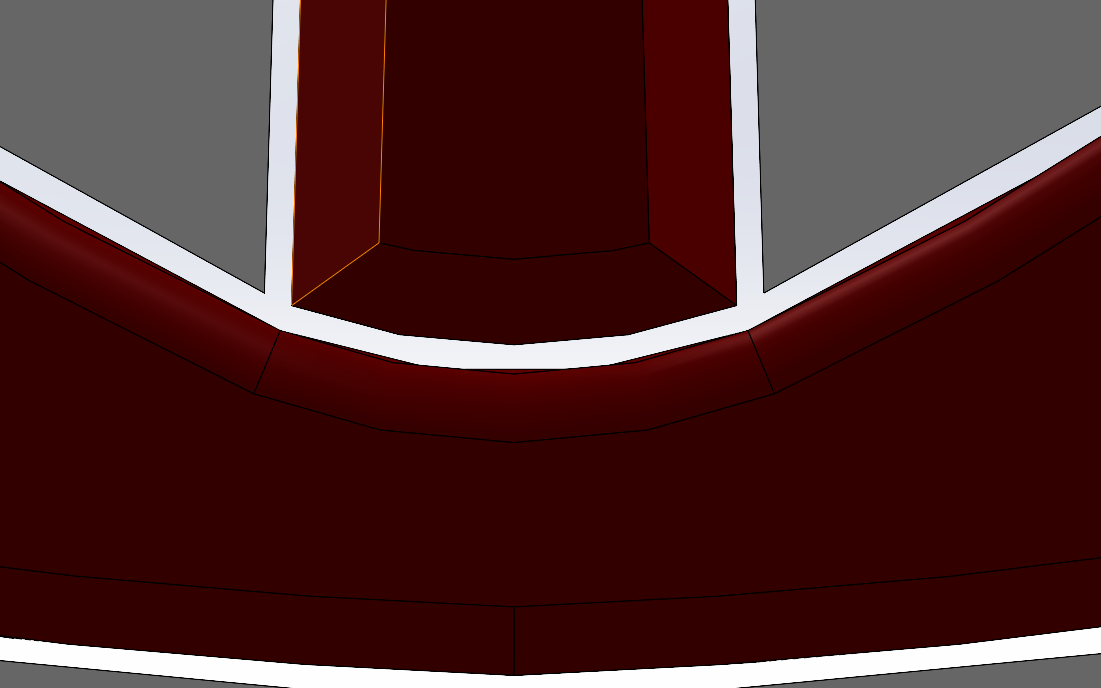
So, we separated the pieces and cut off the pillar.
Thirdly, after we had made the stand for the logo, we decided that it would look better if we elongated the triangle at the end of the pillar.
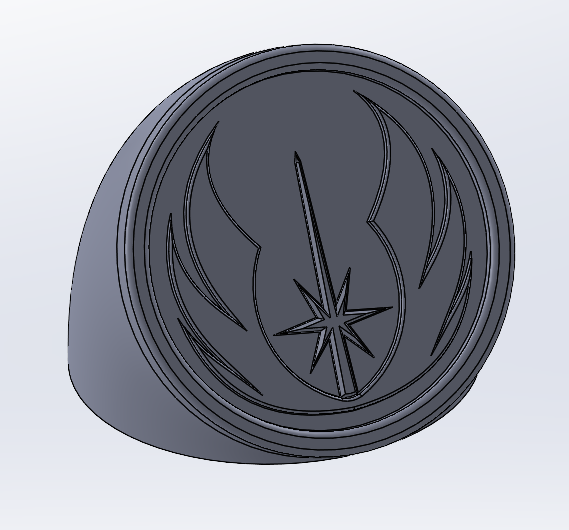
The result was as shown above.
Next, after we had split up to personalize the logo, I decided to change the stand seen above to be more fancy, along with changing my colors from a blue and white Jedi color scheme to a more red look as seen in the “Clone Wars” TV show.