Search results: mackie

Sort order

Counting matching models…

P
PrintablesAmazingSpanoMan

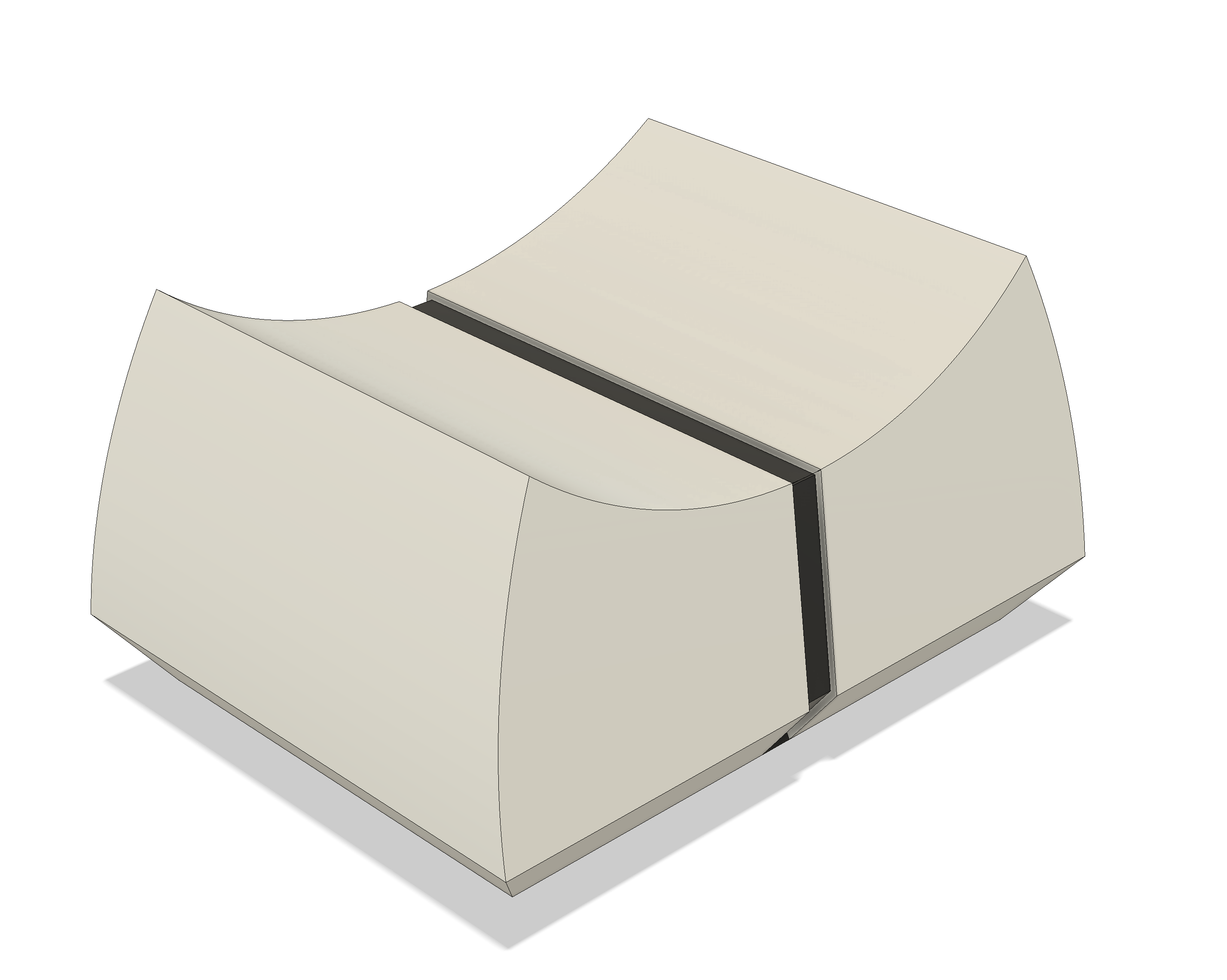
Mackie Audio Mixer Replacement Slider

Got an old Mackie mixer to use as part of a video job. Of course it was missing a volume slider for one of the channels. Here is the replacement I created built from dimensions taken from one of the original sliders. After review of the…

Downloads
222
Likes
20
Rating
4
P
PrintablesAmazingSpanoMan

Mackie Volume Knob Replacement *UPDATED*

UPDATE Uploaded a newer version with indents and the pointer raised above the top. It is slightly bigger than the smooth version so it slides on the pin easier. I used superglue to keep it in place but it doesn't really need it. I got…

Downloads
117
Likes
9
Rating
0
P
PrintablesACP0n3

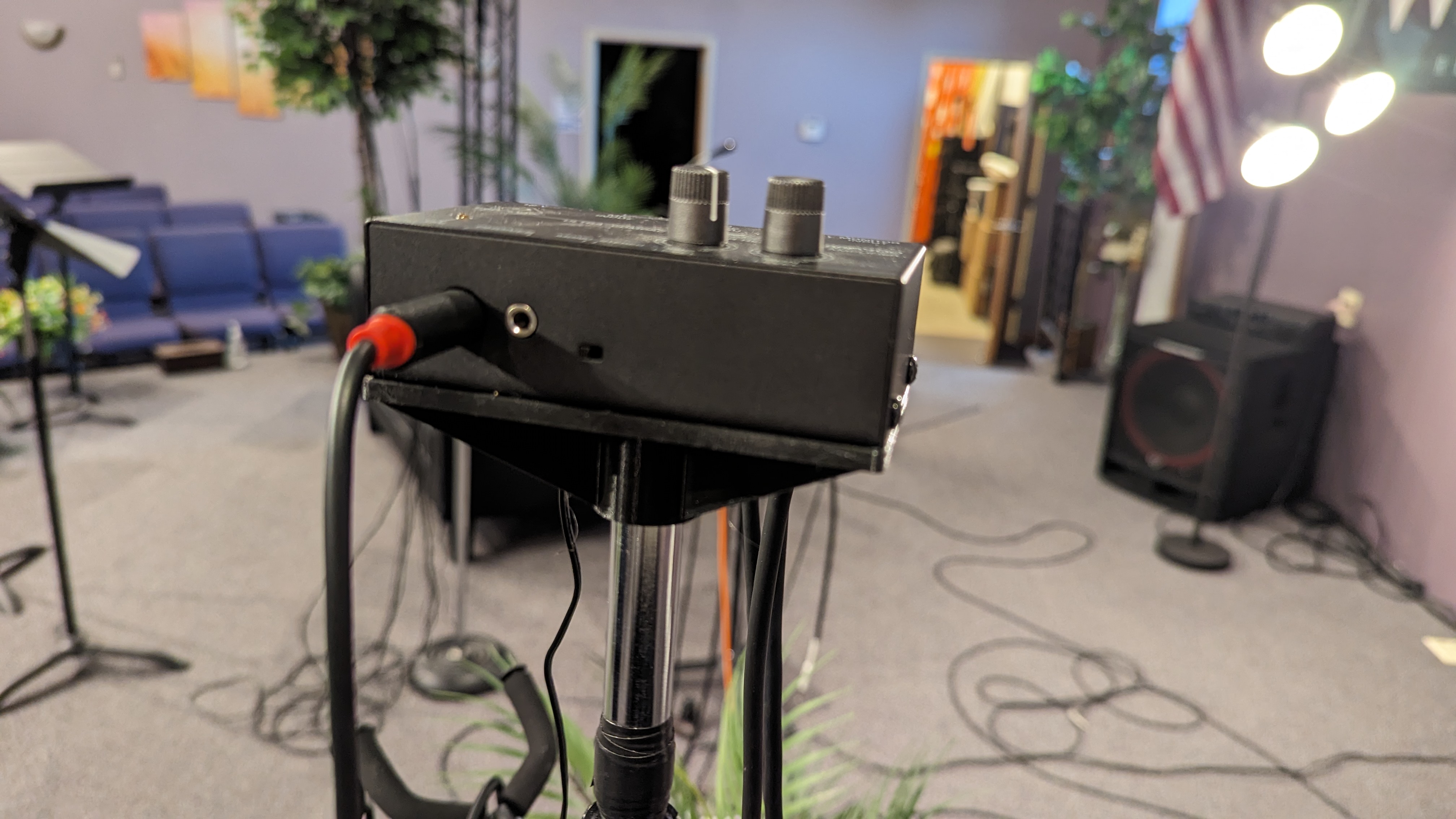
Mic stand mount for Behringer MA400 and Mackie HM-4

We were updating our church to in ear monitors , but didn't have a digital board to have an aux for each person, and I came up with this idea. Use the Behringer MA400 as a partial personal mix for instruments. Then the Mackie HM-4 for the…

Downloads
86
Likes
13
Rating
5
P
Printables3D-Printiverse

Mackie CR3-X speaker stand

Speaker stand for Mackie CR3-X

Downloads
84
Likes
14
Rating
5
P
PrintablesBrave 3D

Captain America Brave New World (Anthony Mackie)

Captain America Brave New World (Anthony Mackie) For Ease of use i also added the shield separately and i added one model where the shield is fixed to the character

Downloads
69
Likes
19
Rating
0
P
PrintablesBesiB

Mackie Slider Knob Replacement

I re-created a missing slider knob for a Mackie mixer

Downloads
20
Likes
4
Rating
0
P
PrintablesJokada

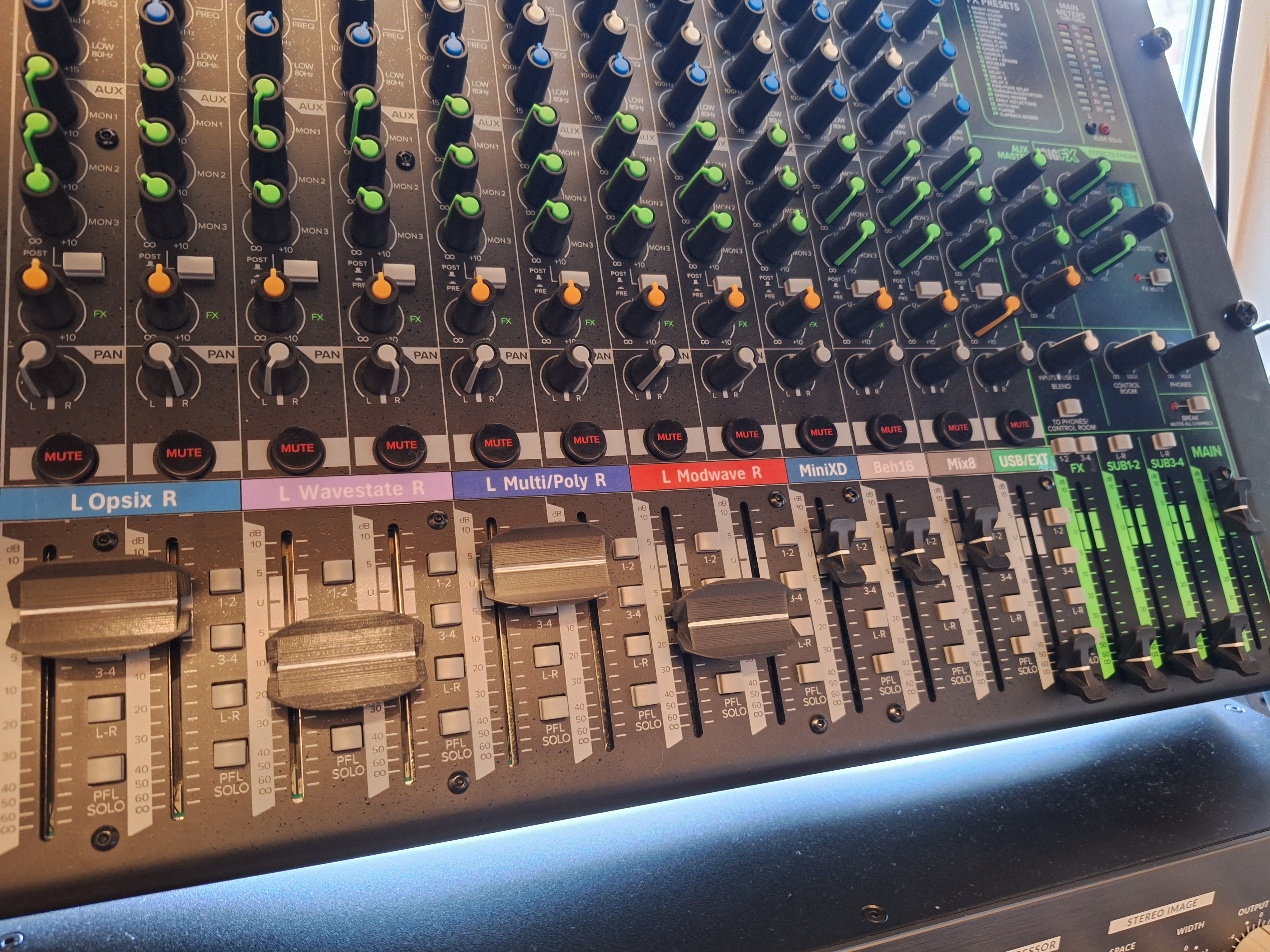
double fader button Mackie proFX16V3

Recommended to print with support & brim, for best results, use variable layer height and set Quality/Speed to 0. Fill 20%. Use a small precision knife to remove support from the pin holes.

Downloads
11
Likes
2
Rating
0
P
Printablesmadsi1m

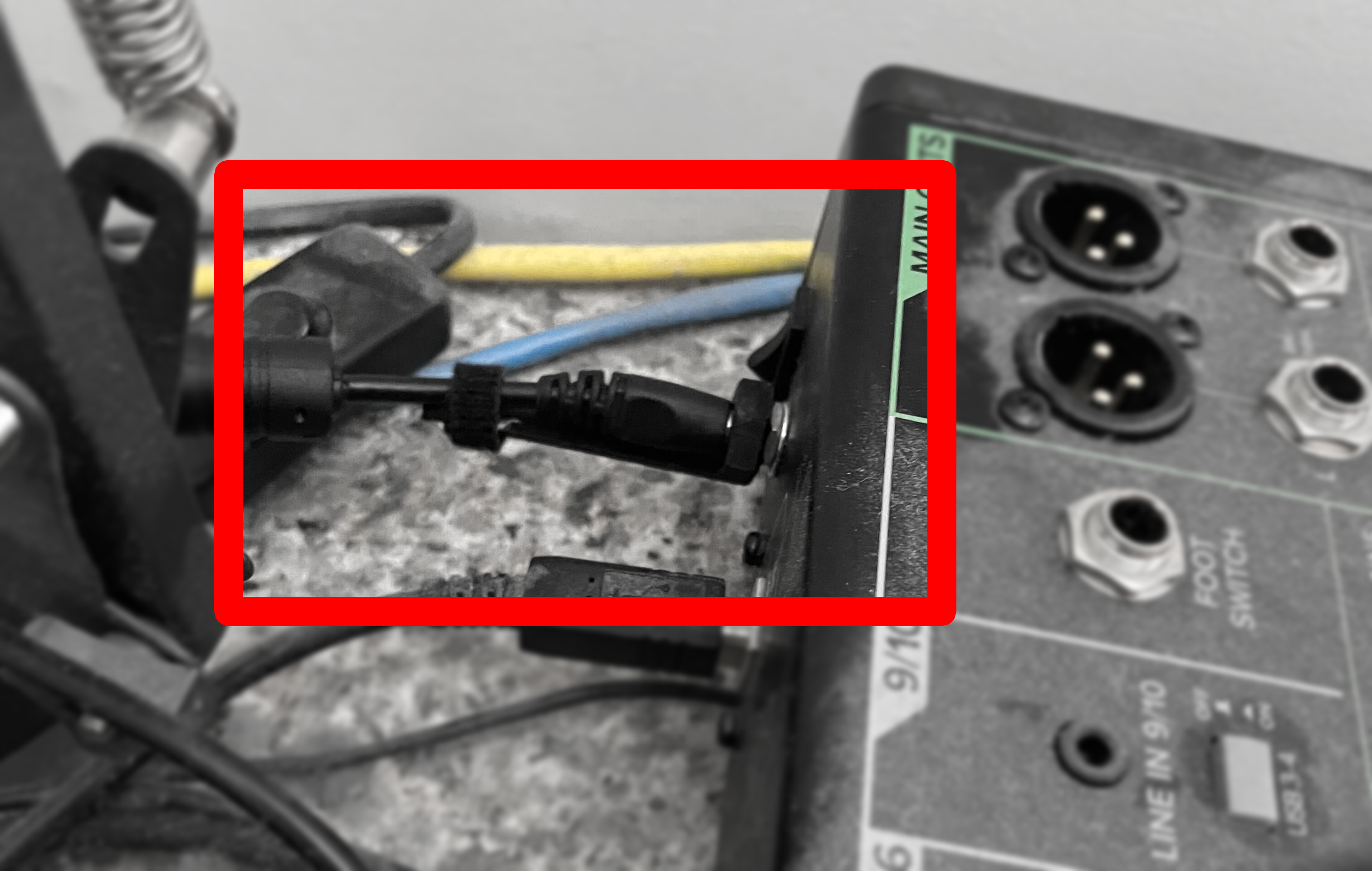
Mackie mixer 3rd party power lead adaptor

I have a Mackie ProFX12 v3 and the PSU died, now using a spare 12V PSU but does not have the fancy Mackie screw terminal and the barrel jack isn't tight, so made my own adaptor. Simply print and screw in the adaptor, plug in 3rd party PSU…

Downloads
7
Likes
0
Rating
0
P
Printables

Mackie CR3-X speaker stand

Speaker stand for Mackie CR3-X

P
Printables

Desk Grommet Speaker Stand for Mackie CR-4

What is this? My desk has two "3-inch" (measures ~3.15" or just over 80mm) grommet holes with matching power plug fittings. To keep horizontal space free, I decided I want to mount my speakers above it, without resorting to clamp-mounted…

P
Printables

MACKIE CR-4 printed Ring

This is a work in progress ! The small ring is still slightly off —a little too small . I’ve uploaded the part so you have a starting point . Scaling the small ring up by ~1% might do the trick! Keep in mind your 3D printer’s tolerances…

P
Printables

Mackie ProFX10v3 Plus – Hard Cover / Dust Cover

A simple protective cover for the Mackie ProFX10v3 Plus mixer. Designed for the Prusa XL , as the model is quite large (about 306 × 276 mm ) and requires a big print bed. The top includes an embossed “ProFXv3+” text, which looks great in…

P
Printables

Speaker Stand for Mackie CR3-X Speakers

I designed these to hold my Mackie CR3-X studio monitors in my home recording studio. I made them out of PLA and they work and look great. Holds the speakers at the perfect angle for the position I have them in. Simple, but one step…

P
Printables

Mackie DL1608 Tray for ipad 5

Bought an older audio Mixer Mackie DL1608 which I find georgous. Having the surface on an ipad directly on the device and also remotely... cool. I didnt find a Tray for my "new" ipad 5, so I constructed one. Slides smoothly and holds the…

P
Printables

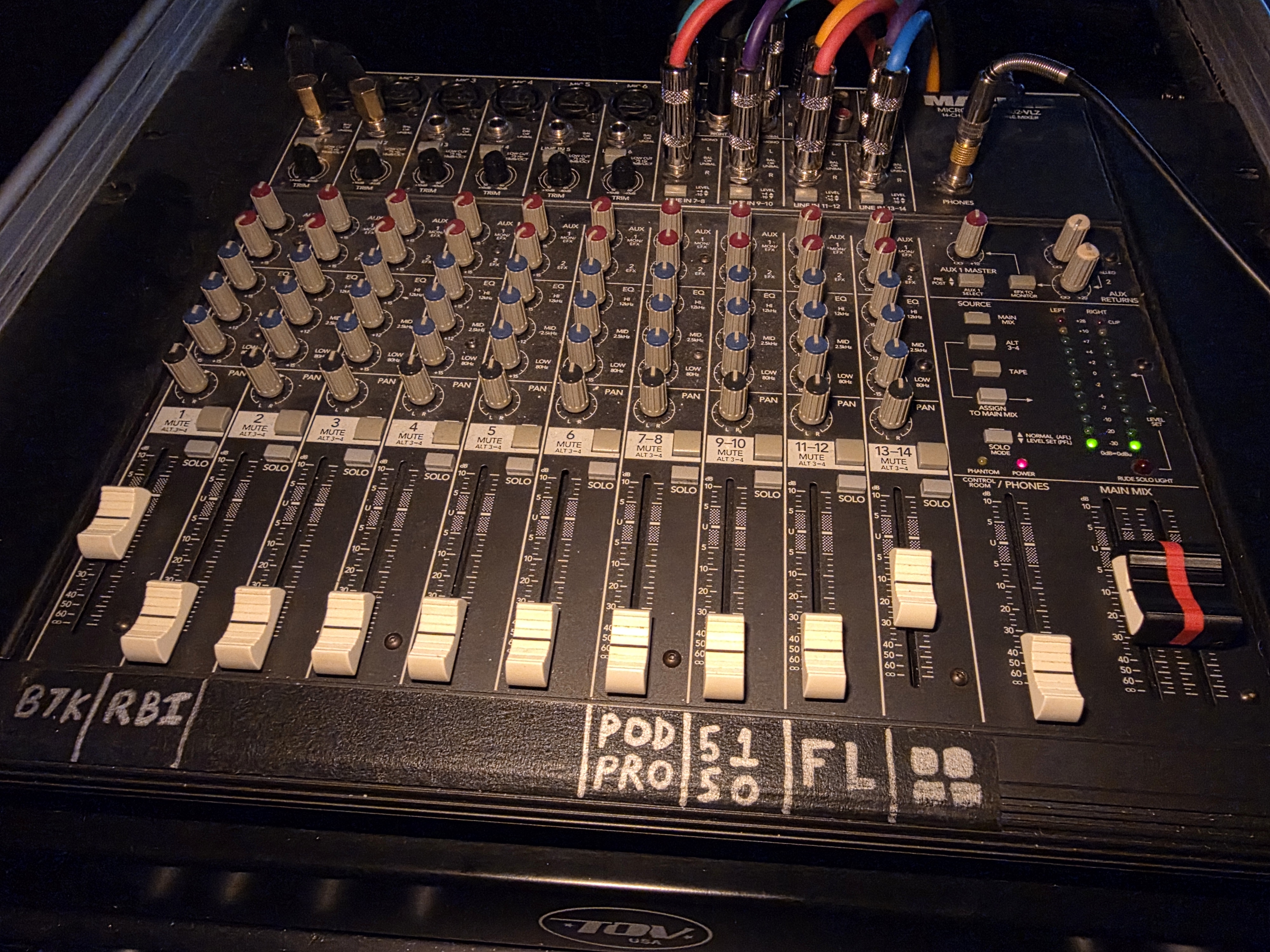
Mackie 1402-VLZ Main Outs Fader Bridge

I made this for my Mackie 1402-VLZ. I widened the original from 24mm to 25mm and added a bump out on the underside to keep it centered in place between the faders.

P
Printables

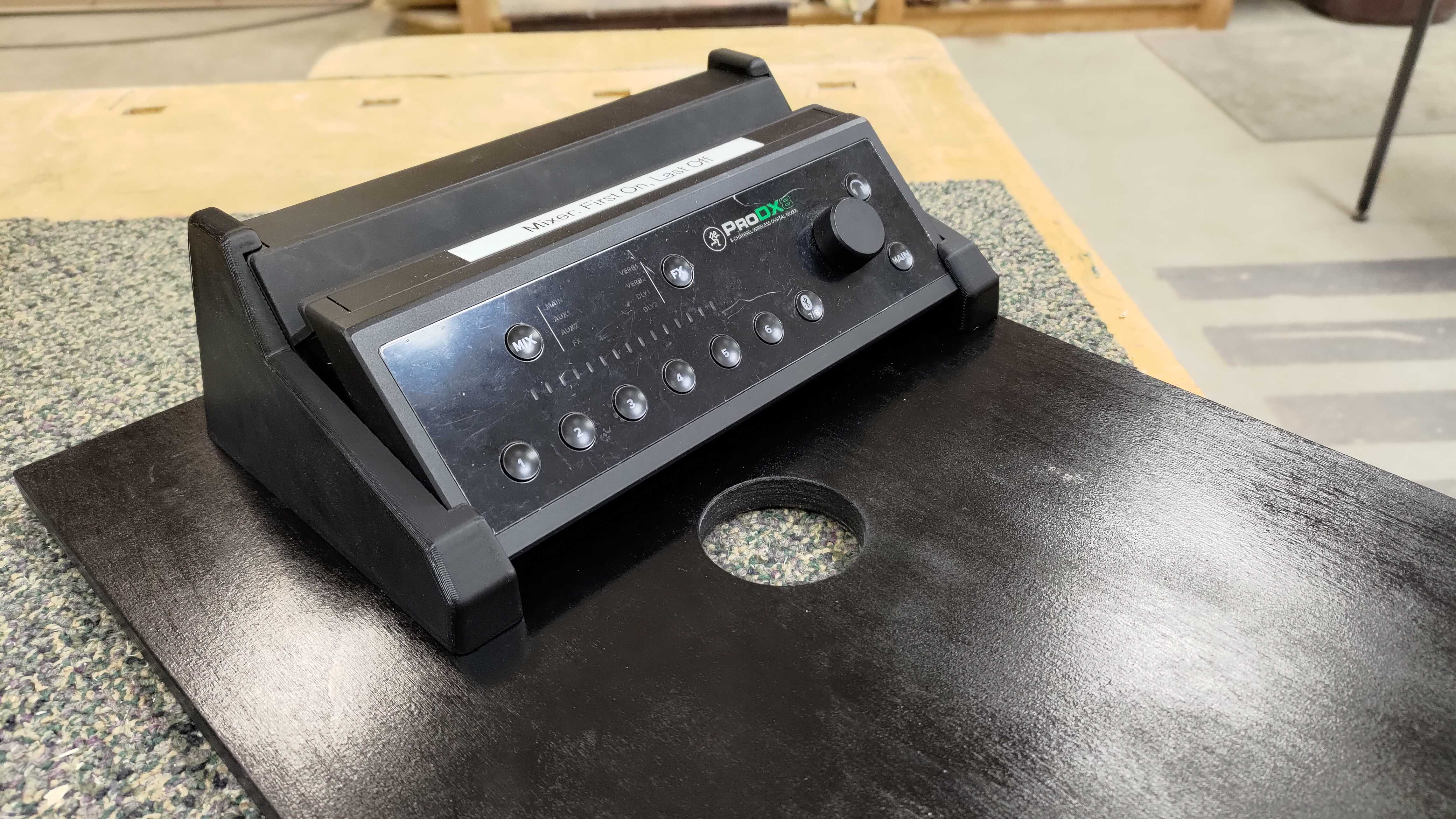
Mount bracket for Mackie ProDX8 mixer

This bracket fits the profile of the Mackie ProDX8 mixer and has screw holes to allow it to be mounted to a surface from the bottom. It contains two screw holes and pockets for nuts sized to accomodate #8 hardware. I used #8x32 7/8" flat…

P
Printables

Mackie Mixer Small Knob

I was looking for a 1:1 replacement of the original knobs that were missing on this used mixer I bought. I couldn't find the models anywhere, so I created one myself by measuring the original knobs. Because of their small size I printed…

P
Printables

Mackie HM-4 Headphone Amp Roland V-Drum Mount

Mount to connect a Mackie HM-4 headphone amp to a roland vdrum drumrack using a Roland mount. Requires 4x M3 x 6mm Allen head bolts 2x M3 x 12mm Allen head bolts 2x M3 Nuts Connect mounting rod to the base using M3 screws and nuts Remove…

P
Printables

Channel markers for MackiePro mixer

These little markers have a small magnet inside that keeps them in place. They fit on any MackiePro mixer. There are .stl files for the alphabet and Dr (drums), Kb (keyboard), Kc (kick), Gt (guitar). You can make your own characters if…

P
Printables

stand for Mackie cr-x3

here is my 3d design - stand for Mackie cr-x3 modeled on shrp3d. This stand is made only for this model!!! voici ma conception 3d - stand pour Mackie cr-x3 modeliser sur shrp3d . ce stand est fait uniquement pour ce modele !!!

P
Printables

Mackie HM-4 4-Channel Headphone Amplifier Holder

I needed something to hold my HM-4 mackie headphone amp next to me at my table, and when I couldn't find anything online, I decided to make my own :) Default setting will print this just fine. I used Tree supports and 0.2 head.

P
Printables

Orejas para Mackie DL16S

Realicé por encargo estas orejas para el mezclador digital inalámbrico Mackie DL16S. Gracias a estas orejas se puede poner el mezclador en un estuche rack como es el Thomann Rack Case 4U Shallow Comparto los archivos STL sin marca, así…

P
Printables

Support wings for Mackie HM-4

Two ‘wings’ to hold an HM-4 unit. The left one can house a switch and to barrel power connectors (2.1 mm) , to control the unit power: just wire the switch in series with the barrels and make or purchase a “2.1 to 2.1 cord”. If you don't…