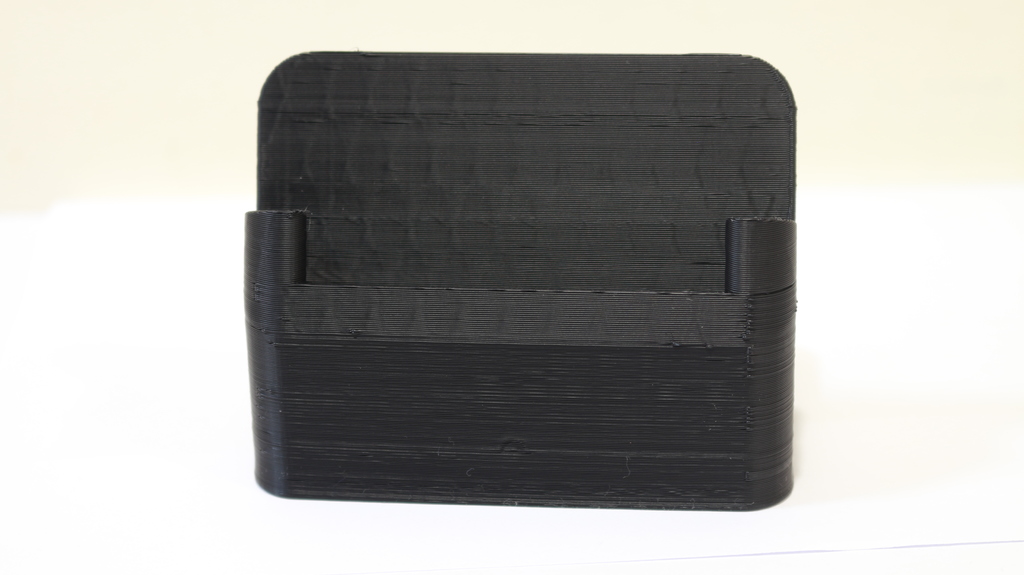
Case for Pocophone F1
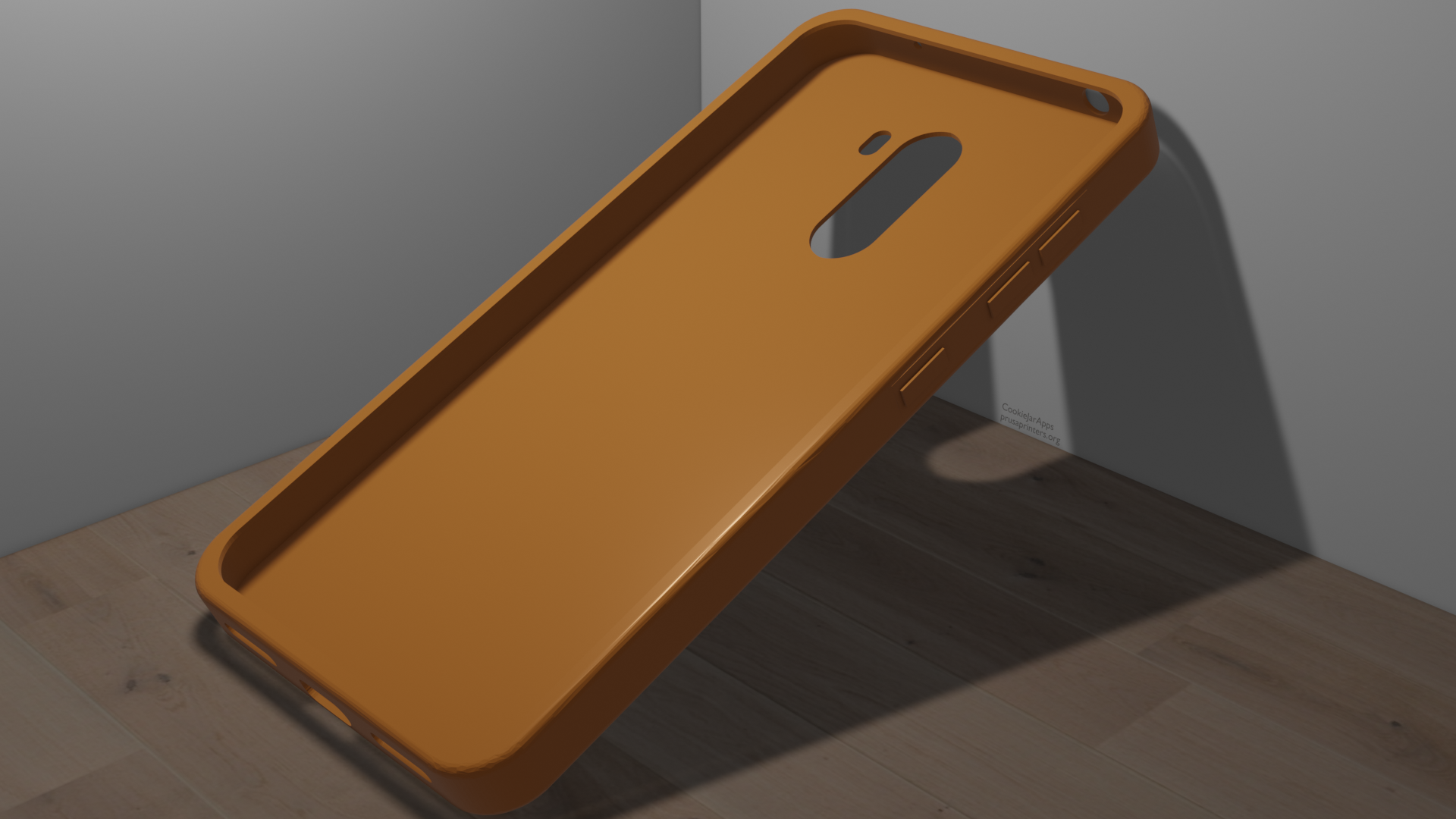
A simple case for the Xiaomi Pocophone F1. Print instructions Must be printed with flexable filament - otherwise the phone won't fit in the case No supports or rafts needed.
- Downloads
- 412
- Likes
- 10
- Rating
- 5
Counting matching models…
A simple case for the Xiaomi Pocophone F1. Print instructions Must be printed with flexable filament - otherwise the phone won't fit in the case No supports or rafts needed.
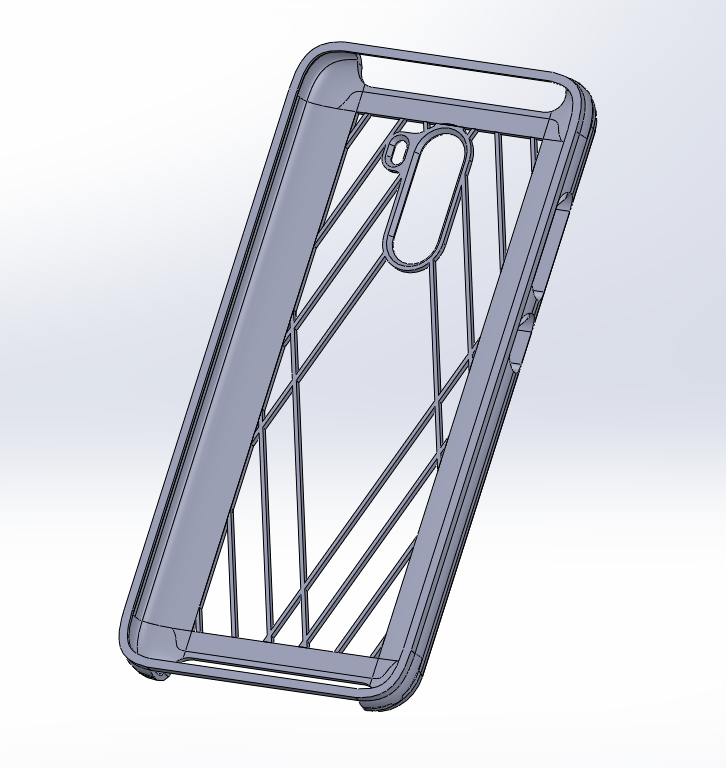
Remixed this case, so the back has some nice honeycomb struture. Also made an alternate version with lanyard holes Print in TPU laying on the back with supports
An attempt at making a phone case for the Pocophone F1. Turns out it is not that easy to model a phone case. So, if you want a case for your phone and don't want to buy one, you can give this one a try. My version was printed in TPU with…
This version is smaller than the others but it has to be printed with flexible filament, it has to take supports inside but few to take it out more easily Print instructions Category: Mobile Phone
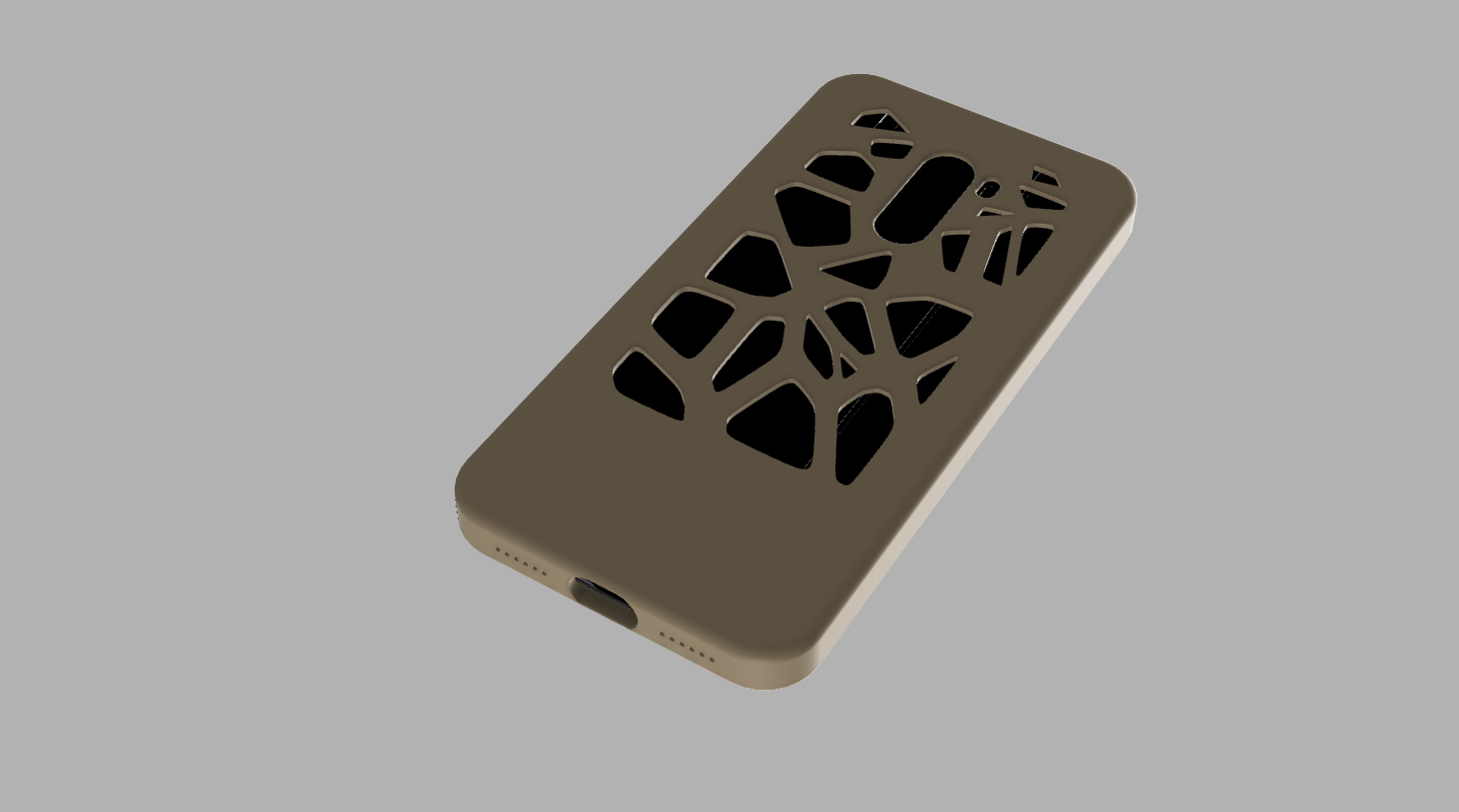
Thanks to the 3d design of Pocophone F1 made by https://grabcad.com/daniel.lukonis-1 I design these cases with Fusion 360 : The first one is the simple case, the second one is the case with voronoï design and the last one is the case with…
Wall holder for Xiaomi Mi11i or pocophone F3
I am building a gridfinity charging station for all our mobile devices. This is the charger for Poco X3. Fair warning: I still need to add an adapter piece for the usb-c cable so the phone will nicely lock in, I will add this in 2-5 days…
This case is for a Xiaomi Pocophone F1, it can be printed with flexible filament like Eryone TPU
Update (Dec 14th 2018): Version 2 was uploaded and i made more room for the original charging cable. Just a charging dock for the Pocophone f1 Print Settings Printer Brand: Creality Printer: Ender 3 Rafts: Doesn't Matter Supports: Doesn't…
I made this support to monitor my computer performance and charge my phone battery. The interface is fully customizable in AIDA64. You can download my oslcd file here You need: -AIDA64 -Android Remote Panel app (free) -USB-C 180°…