
MK4/S camera mount (ESP32CAM + Multiboard)
Obliczymy ostateczną cenę na podstawie wybranego pliku. Sprawdzisz ją i zaakceptujesz przed płatnością.
Zapisane na tym urządzeniu.

Discover the ultimate camera mount for your Prusa MK4/S!
- Ocena
- 5 / 5
- Polubienia
- 41
- Pobrania
- 133
- Wydruki
- 3
- Wyświetlenia
- 1109
- Oceny
- 3
Aktualizacja u źródła:
Informacje o modelu
- Źródło
- Printables
- Kategoria
- Prusa Parts & Upgrades
- Licencja
- Creative Commons — Attribution — Noncommercial — Share Alike
After a year of experimenting and testing, I’ve finally found the best spot to mount a camera on the Prusa MK4. Whether you’re using a Raspberry Pi with its associated camera or an ESP32CAM, you’re going to love the enhancements I’ve made. Initially, I designed two versions of the mount:
- For the Raspberry Pi on Z axis: Camera support + Raspberry 3 support
- For the ESP32CAM on Z axis.
While these solutions worked well, the arrival of the Prusa MK4S with its larger ventilation system made it harder to get a clear view of the print in progress.
That’s why I searched for the perfect placement and discovered that the rear of the printer, on top of the PSU, offers the best visibility of the print bed.
I’ve created a mount that fits perfectly there, ensuring you can monitor your prints without any obstruction. Plus, I’ve incorporated Tiles from the amazing Multiboard project, making it easy to expand the functionality of your Prusa MK4/S.
I’ve also tested various lenses with the ESP32CAM, allowing you to choose the best option for your needs:
- With a 160° angle:
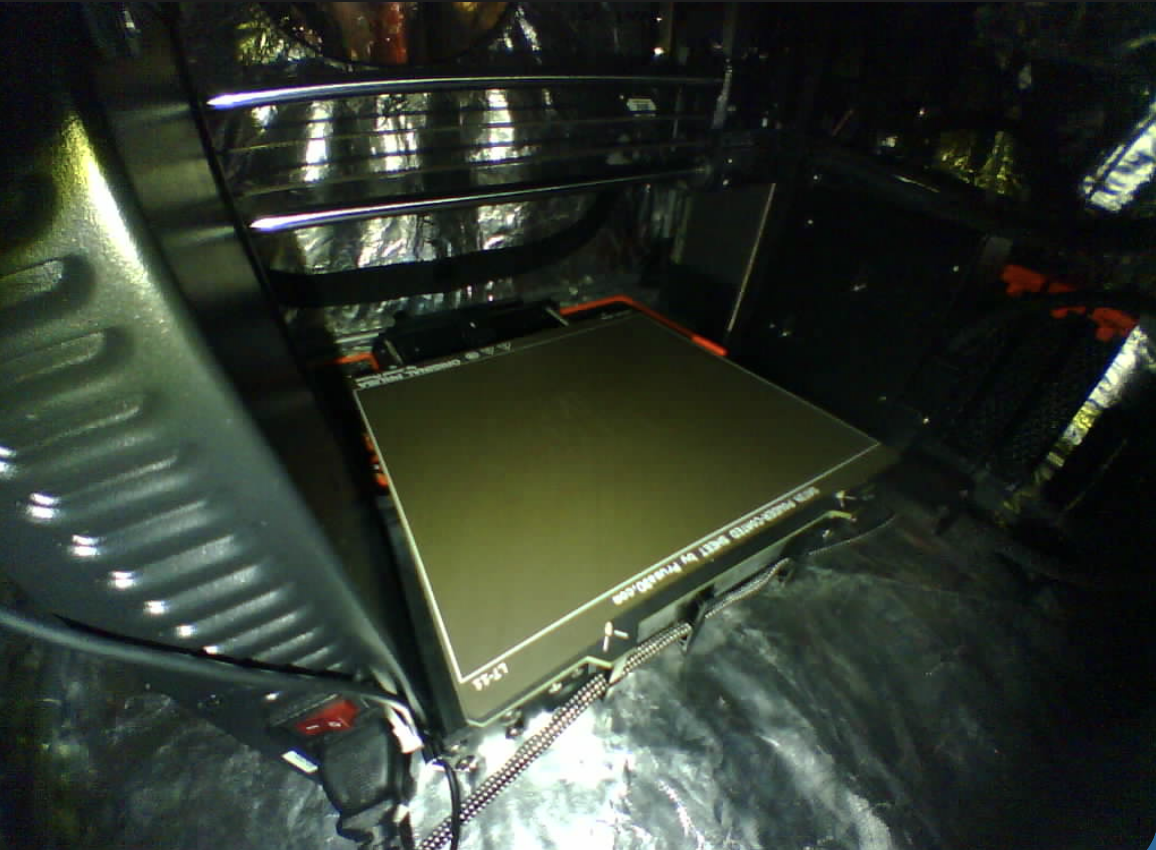
2. With a 120° angle:
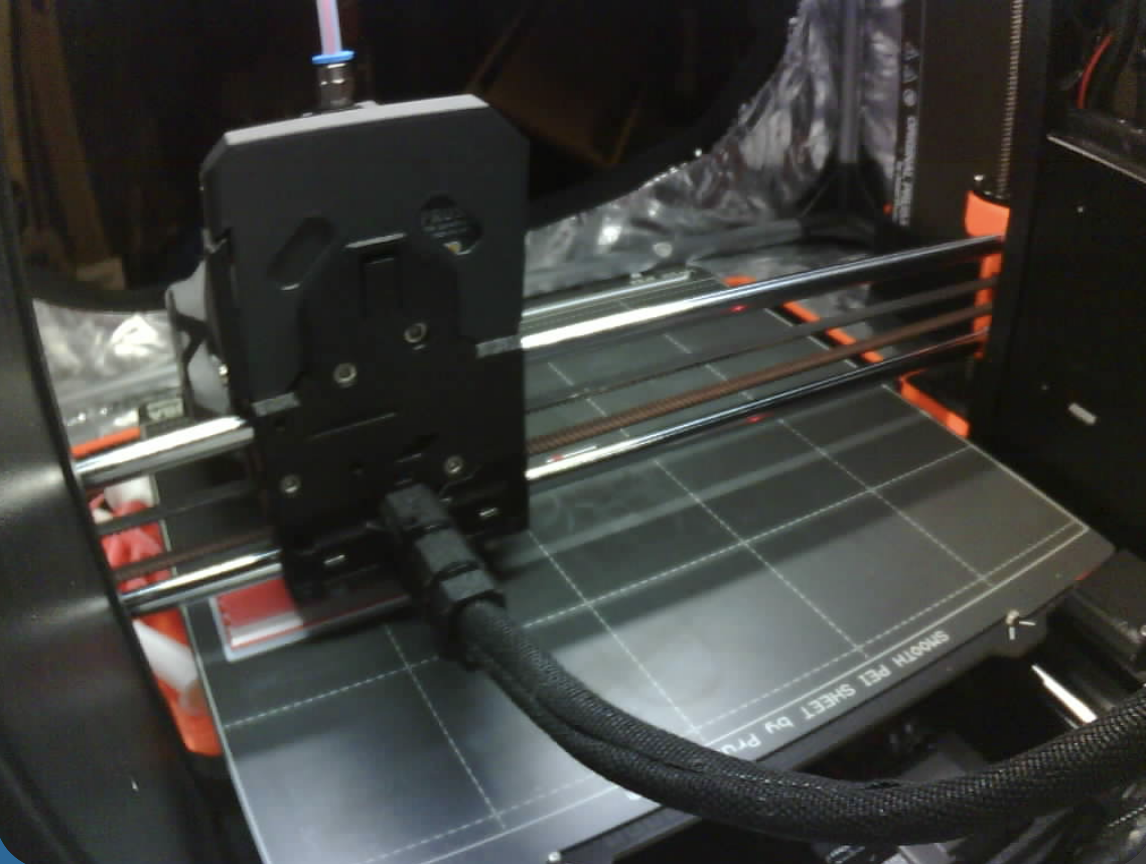
3. With a 100° angle:
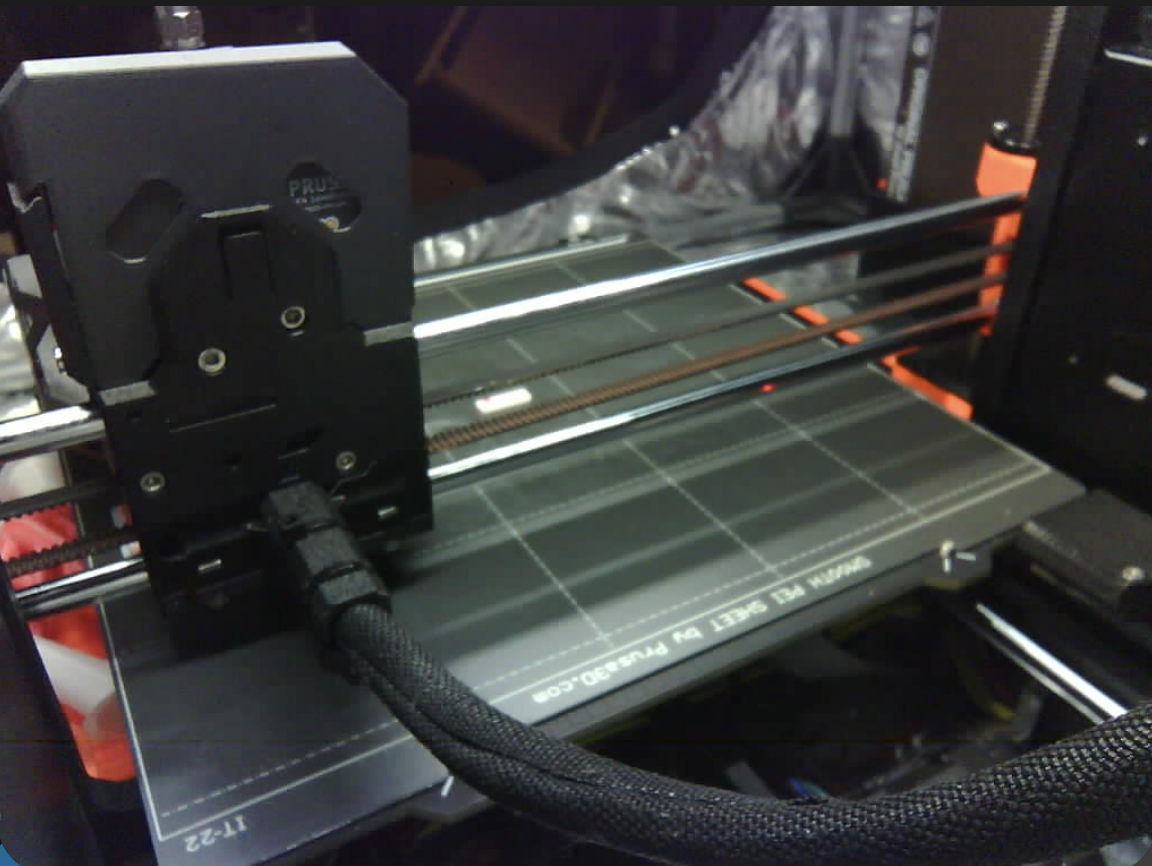
4. With the default ESP32CAM camera (60°):
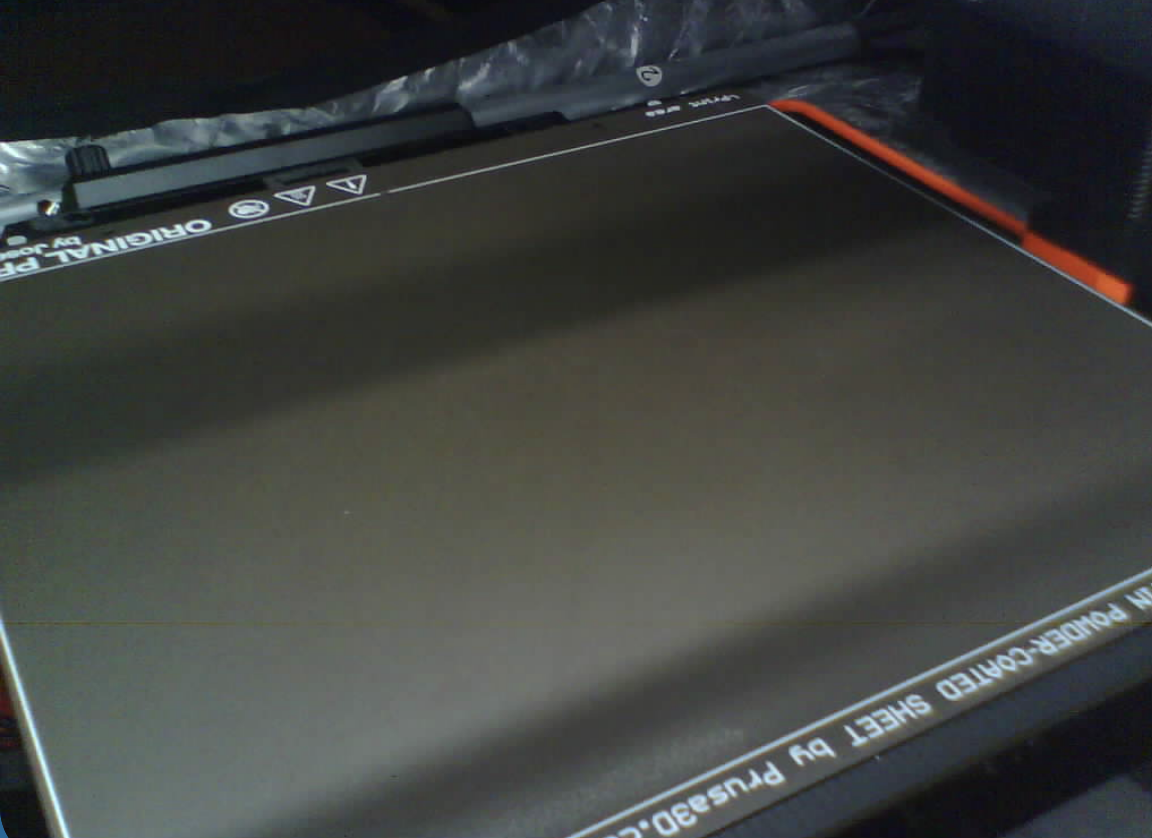
This mount is designed to avoid any collisions with objects during printing, giving you peace of mind and a perfect view of your print.
Get ready to elevate your 3D printing experience with this practical and innovative solution!
Print instructions:
- No support required (tested on MK4S)
- 15% Infill
- PLA or PETG
- 0.2mm Structural (required for a correct Multiboard fit)
Hardware:
Add one M3*6 or M3*4 on the PSU for a better support
Thanks:
Some pieces are coming from other projects like: