1 / 2
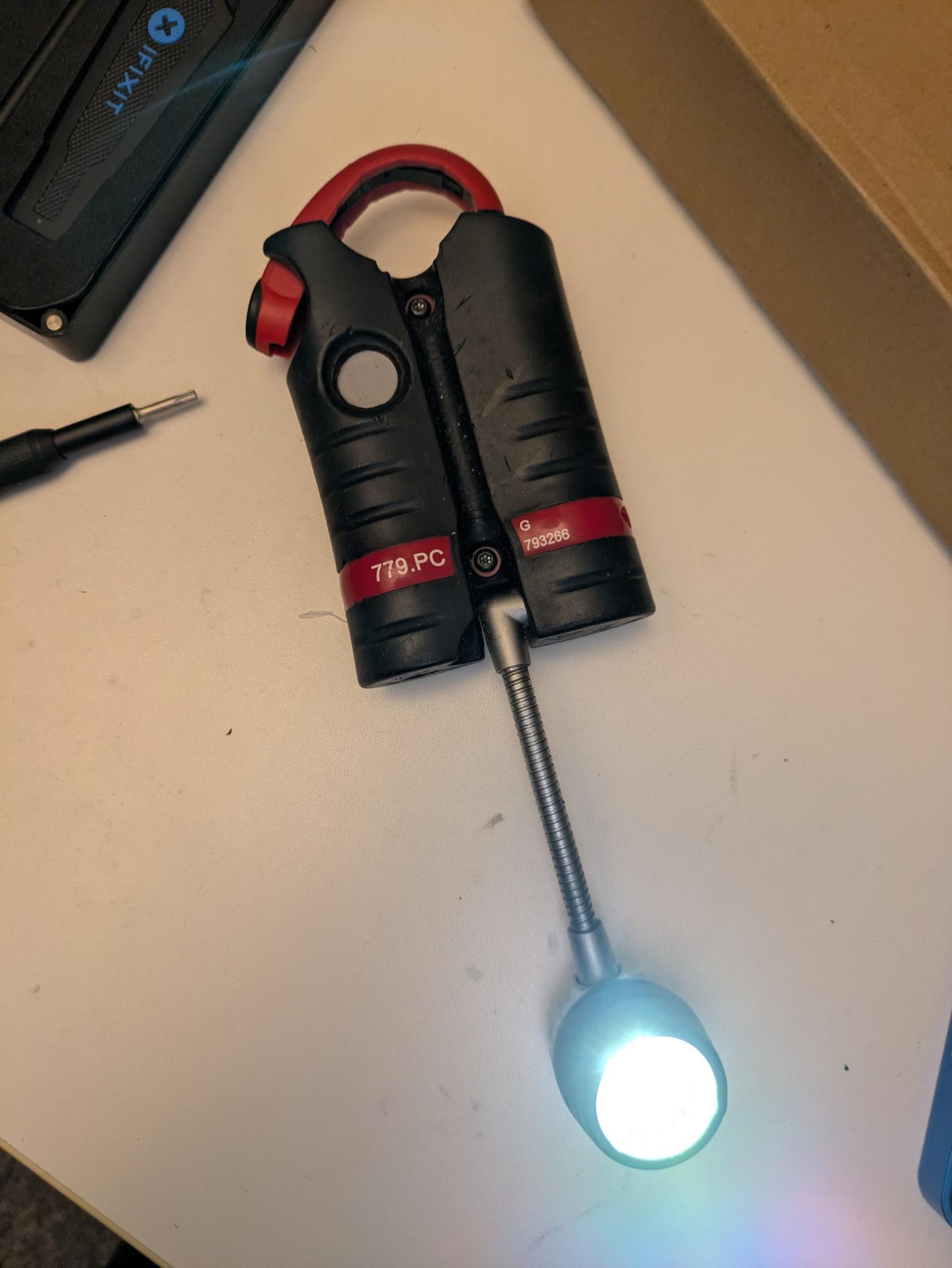
Facom 779.PC lamp button replacement
Zamów wydruk tego modelu
Obliczymy ostateczną cenę na podstawie wybranego pliku. Sprawdzisz ją i zaakceptujesz przed płatnością.
Zapisane na tym urządzeniu.
Informacje o modelu
- Źródło
- Printables
- Kategoria
- Garage
- Licencja
- Creative Commons — Attribution — Noncommercial — Share Alike
Printing instructions
Printed without support, biggest side down with ironing for the best finish on the visible side.
I had great result with 0.4mm nozzle.
Assembly
To install the button replacement, first remove the two TORX TR10 screws on the back of the lamp under the metal tube
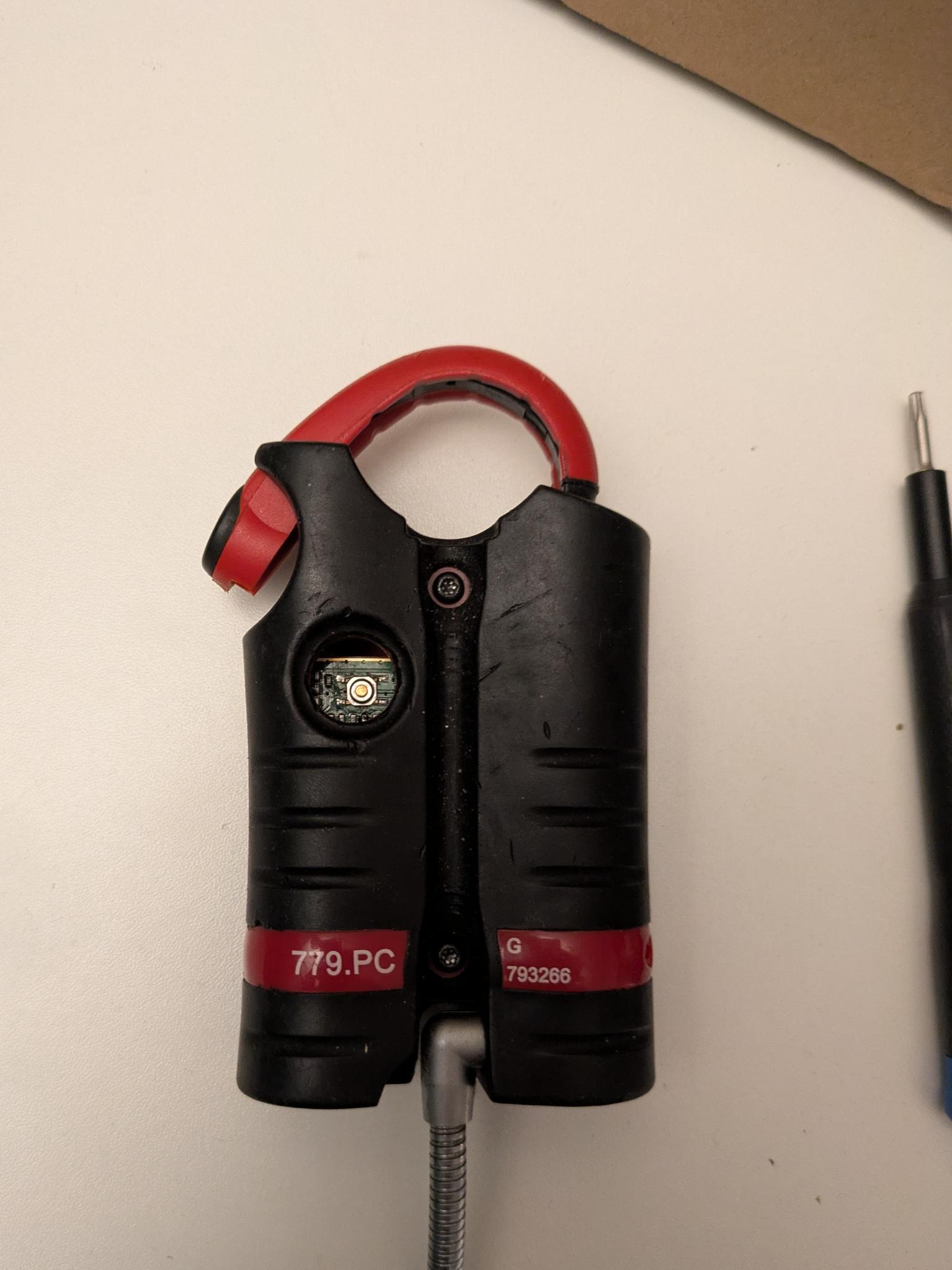
Then turn the lamp over
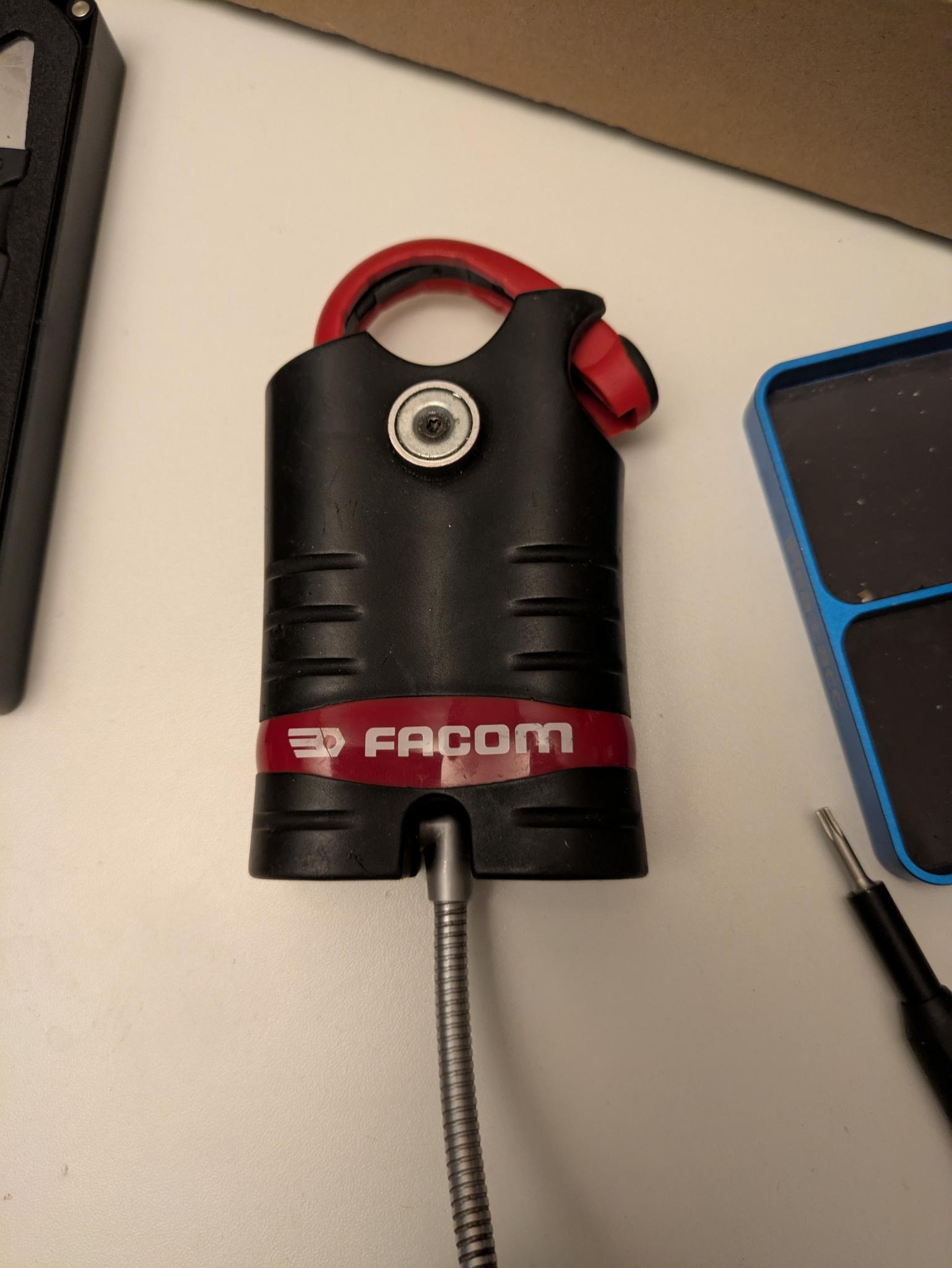
Separate the two halves
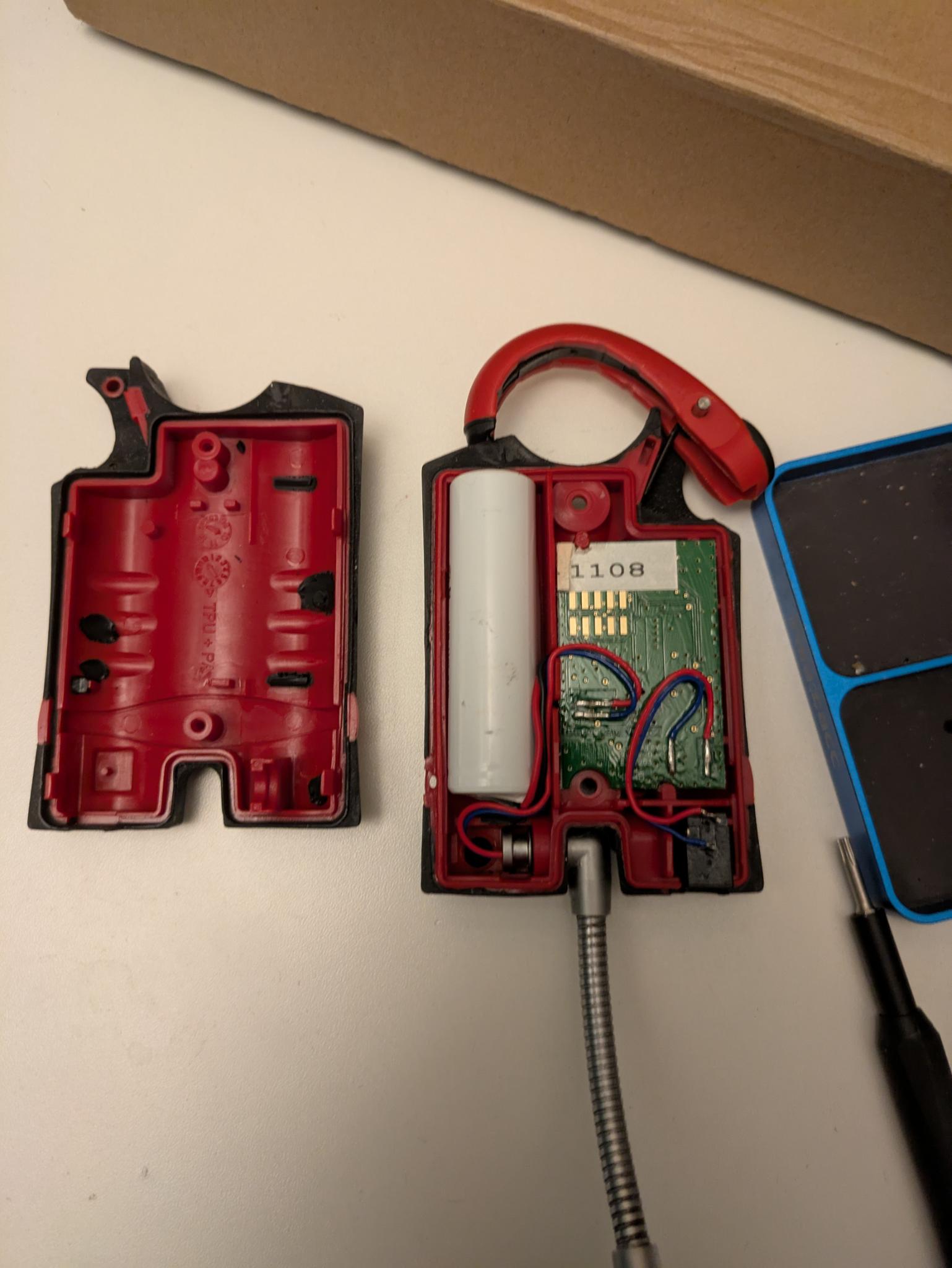
Carefully lift the PCB and the charging port to make room :
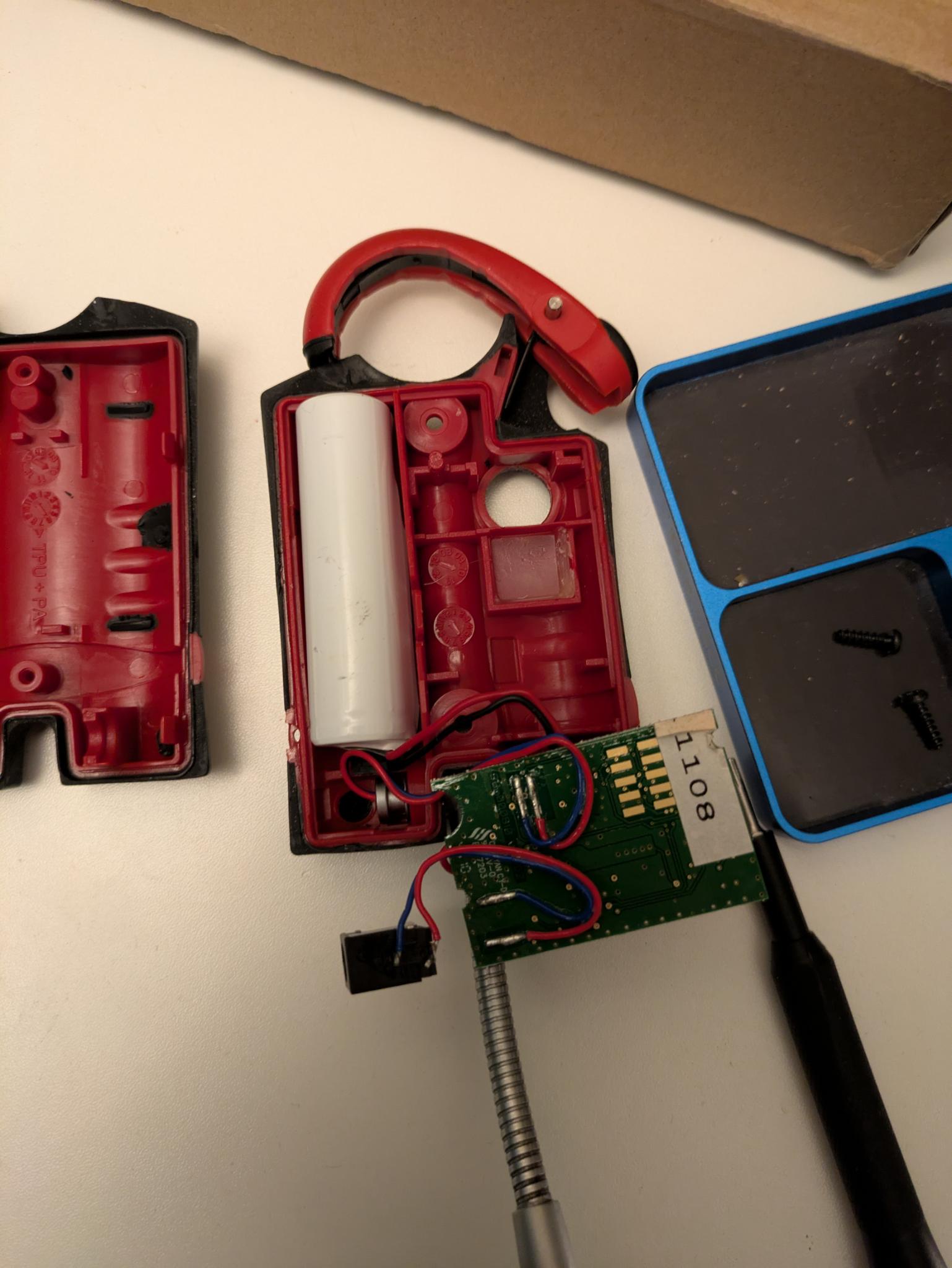
Insert the printed part in the hole, the missing corner nmatching the L shape on the top right of the lamp
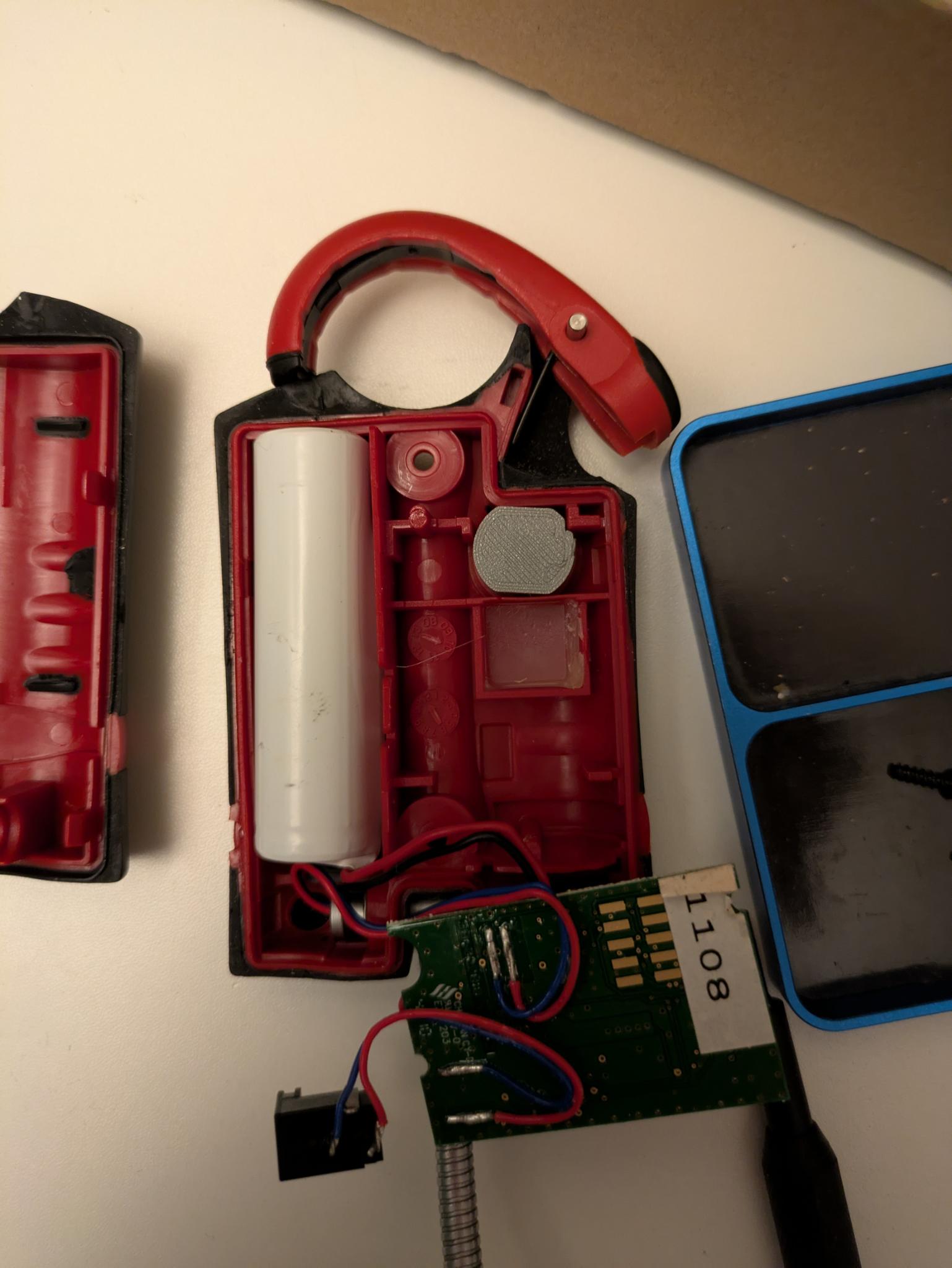
Replace the PCB and charging port, making sure the cables fit in the grooves as shown
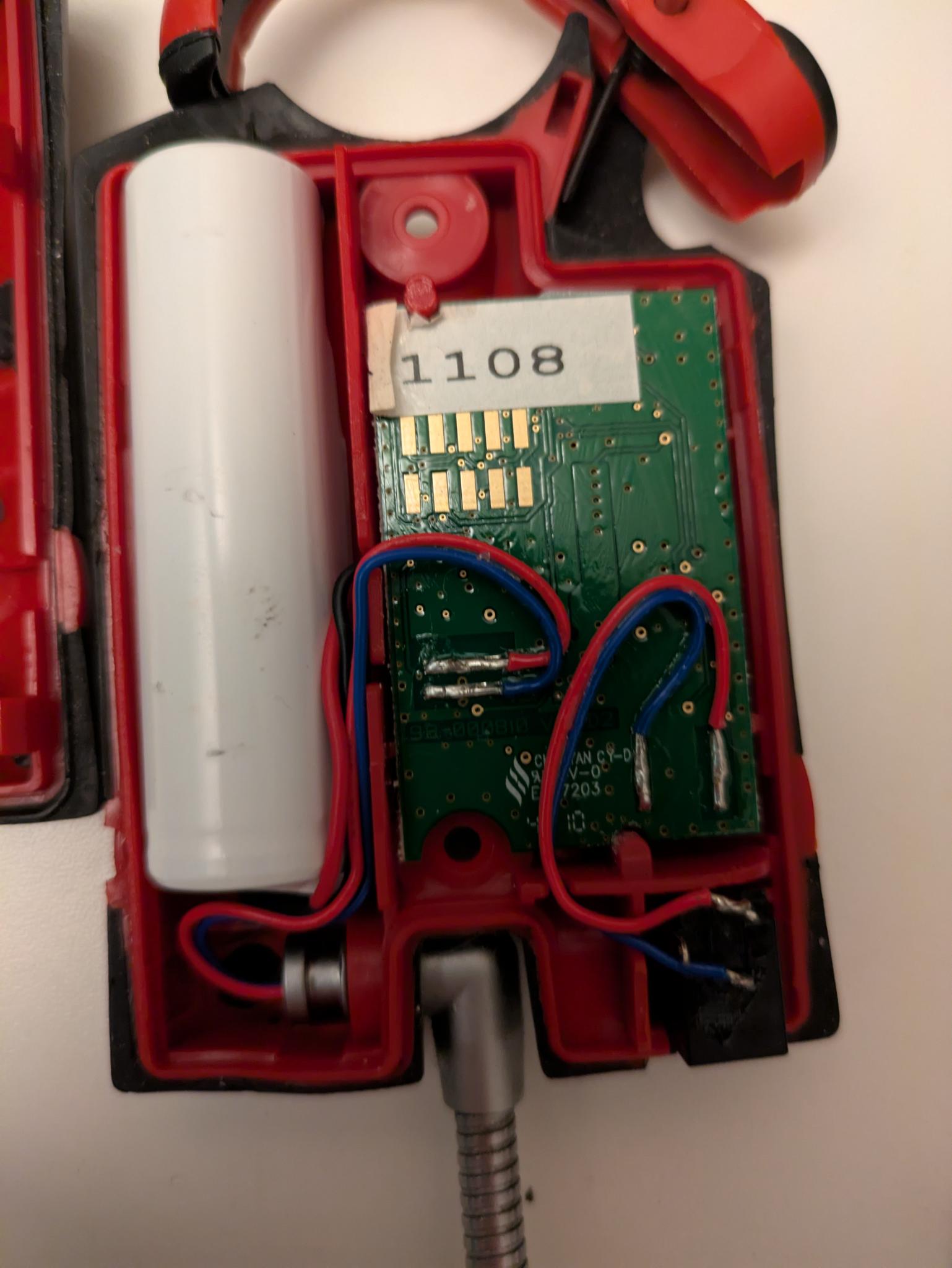
Then assemble back the two halves, screw it back and enjoy !