
Skeletor Cali-benchmark
Obliczymy ostateczną cenę na podstawie wybranego pliku. Sprawdzisz ją i zaakceptujesz przed płatnością.
Zapisane na tym urządzeniu.
Four levels of part cooling challenges. Can you pass the final level while maintaining print quality?
- Ocena
- 0 / 5
- Polubienia
- 11
- Pobrania
- 40
- Wydruki
- 0
- Wyświetlenia
- 239
- Oceny
- 0
Aktualizacja u źródła:
Informacje o modelu
- Źródło
- Printables
- Kategoria
- Test Models
- Licencja
- Creative Commons — Attribution — Noncommercial
While working on the latest update to Skeletor, a Creality K1/K1 Max/K1C cooling system I found myself needing a model to quickly test cooling and overhang performance.
As cooling continues to get better, the test models must continue to get more difficult.
Because of how much testing I do, I needed something challenging but also quick to print.
The end result was 4 different models that start from the same overhang test but each subsequent level builds on the previous level.
If you need help dialing in your print settings and want some one on one help please don't hesitate to reach out to me on my Patreon. I am available to help 7 days a week and if you reach out, expect a response in no more than 24 hours.
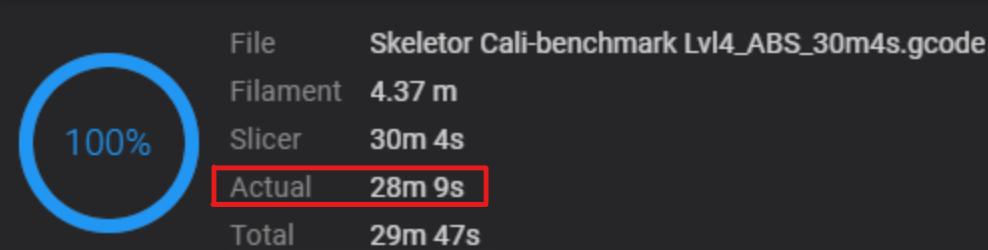
| In order to “Pass” the Skeletor Calibration Benchmark you must be be able to print the “Lvl4” model AS FAST AS POSSIBLE while still keeping print quality. |
|---|
|
| Recommended Print Settings | |
| Layer Height | 0.2mm |
| Wall Line Width | 0.4~0.45mm |
| Wall Generator | Arachne |
| All other settings open for calibration | |
| Custom Calibration Per Level |
Level 2-4 models can be split into parts for easier calibration. This allows you to test different settings all in the same print. 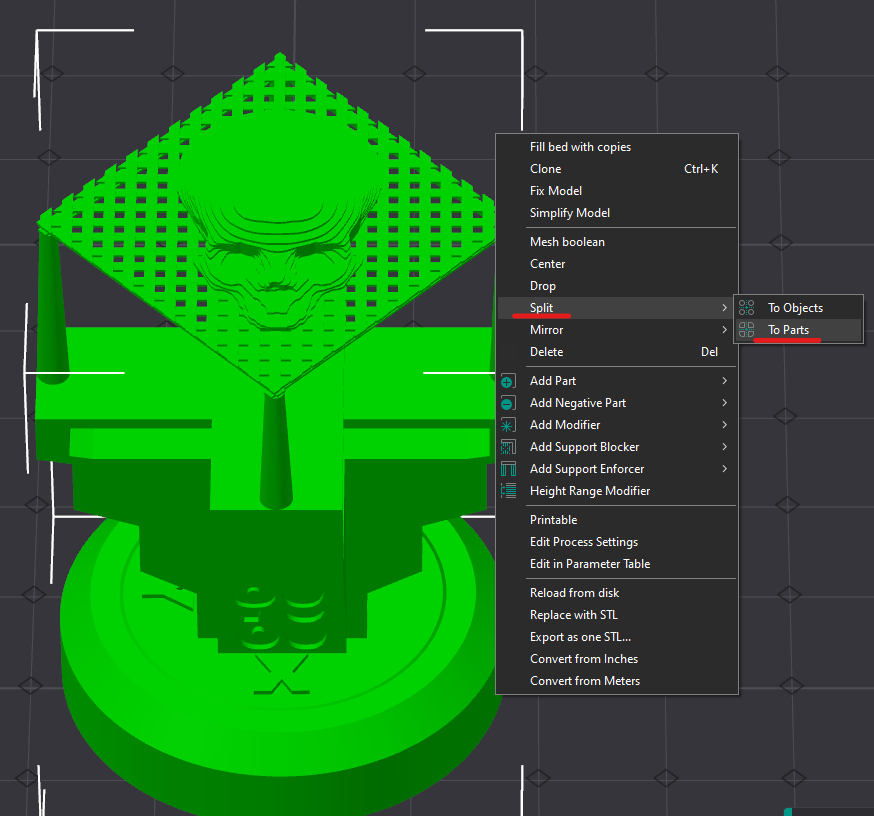 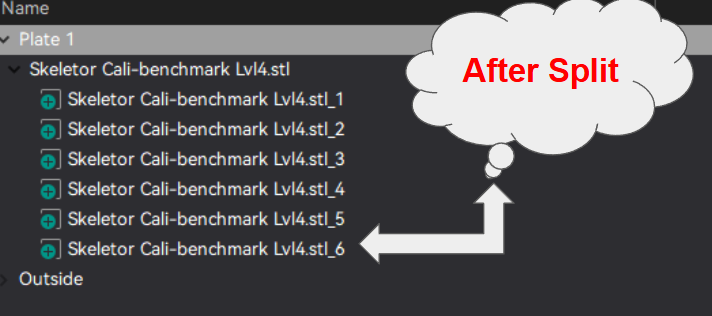 The split feature also works great for MMU calibrations. Easily split the model into different colors. 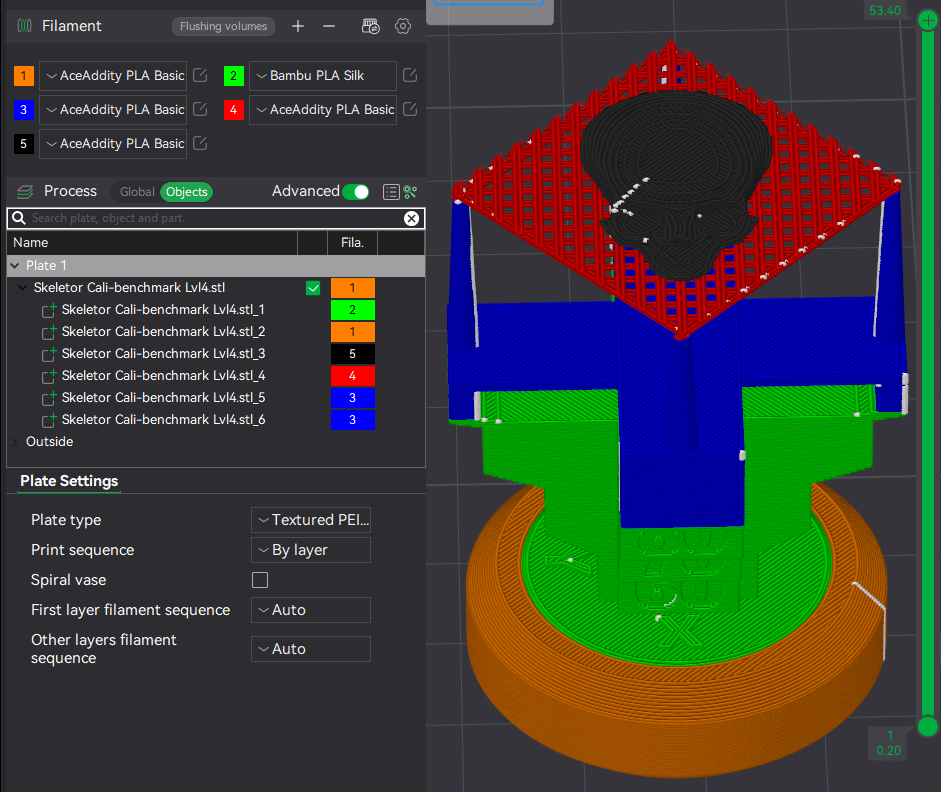 |
| Lvl 3-4 M3x8 Slip Fit and Tolerance Test | |
Level 3 and Level 4 models include an M3 x 8 Bolt fitment test. One M3 x 8 bolt should slip fit perfectly into the hole at the bottom of the model. This bolt SHOULD NOT SCREW FIT. It should simply drop into place with no effort and fall back out of the model when turned upside down. The bottom portion should spin freely as well. 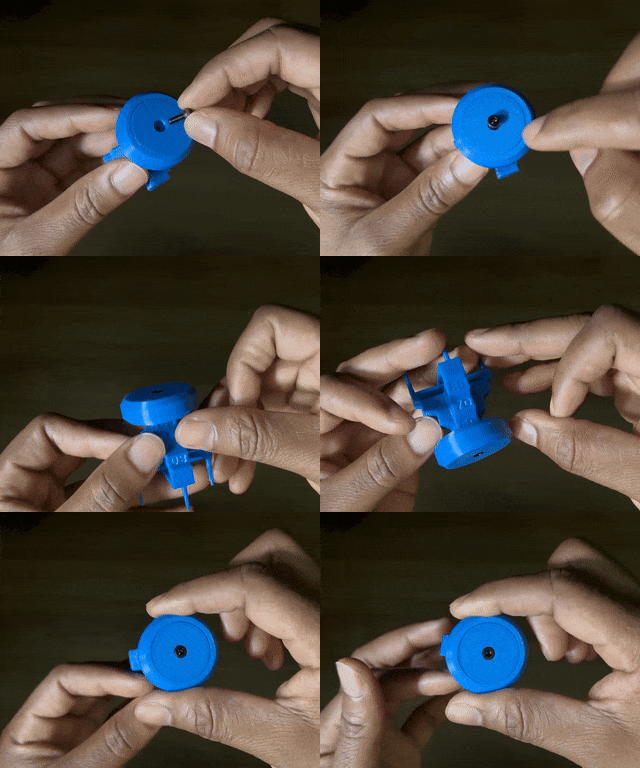 | |
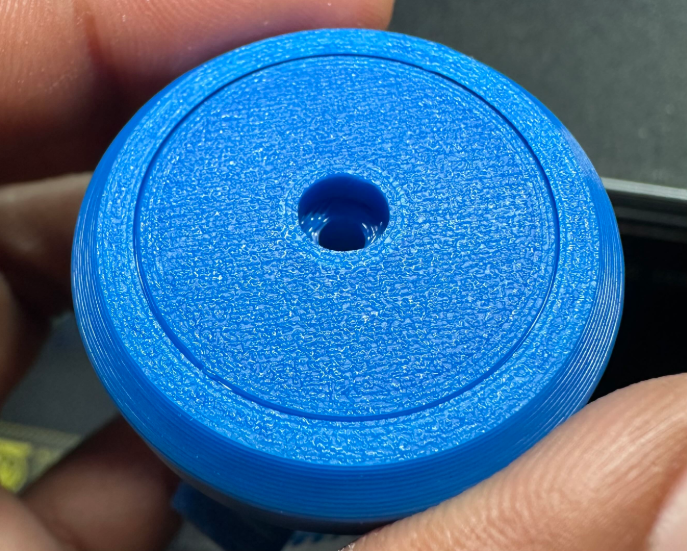 | 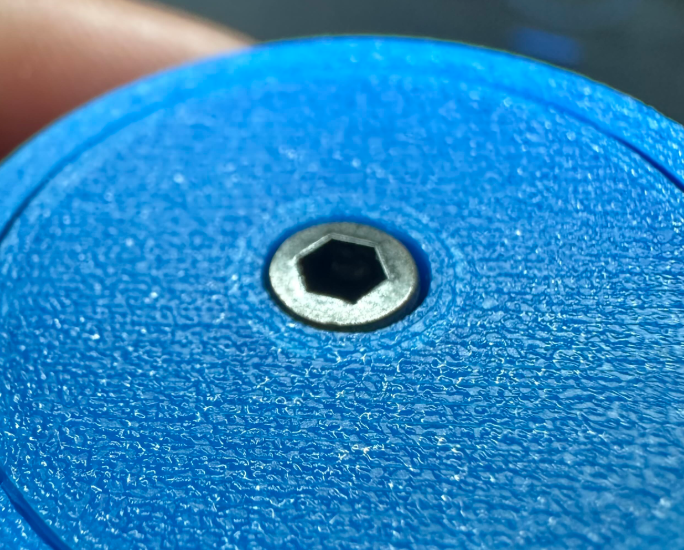 |
| Helpful Tips |
If you're not confident in your printers cooling capabilities, It would be best to start off at Lvl 1 (the overhang test) and ensure you can get this to print perfectly before trying any of the other levels. 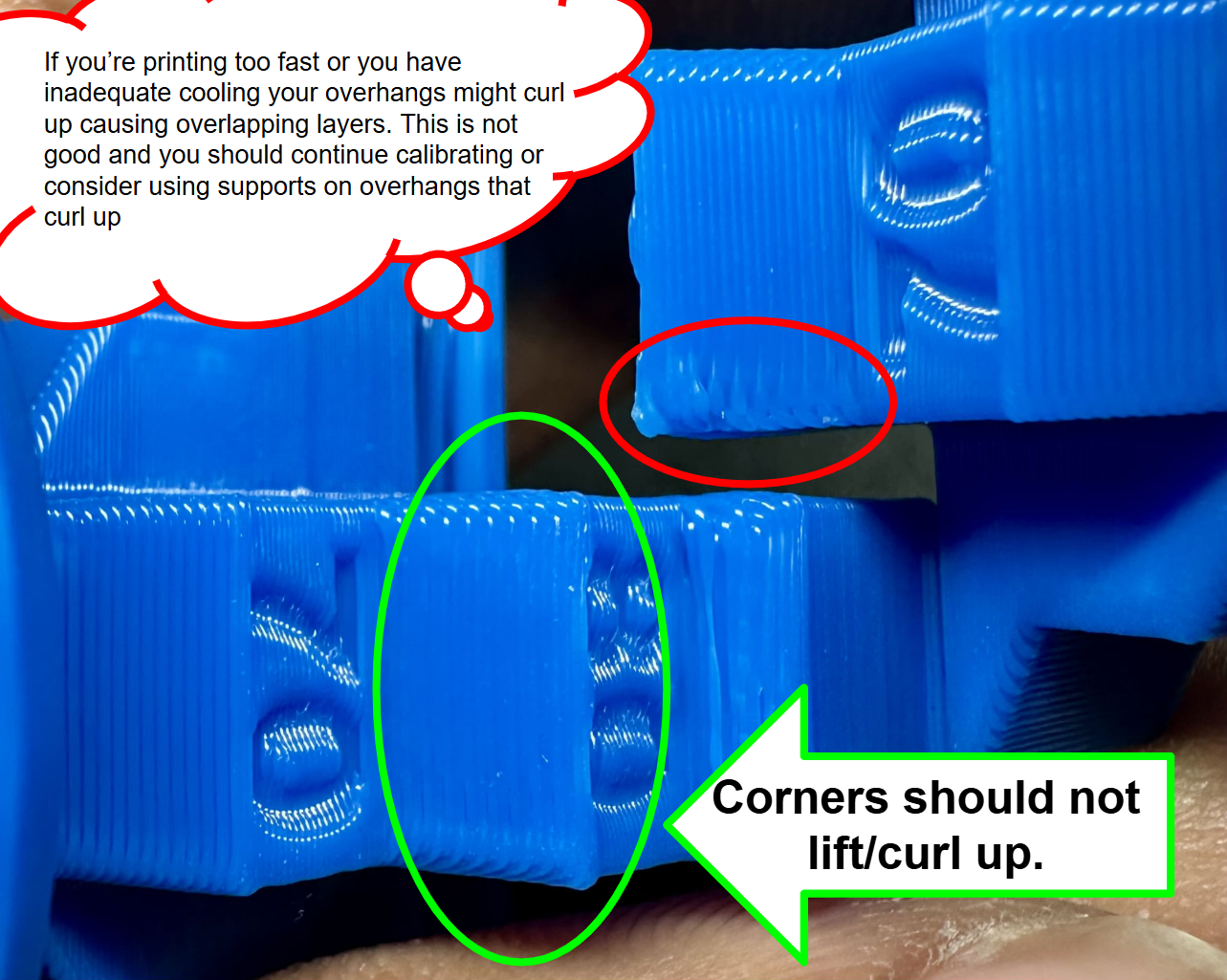 |