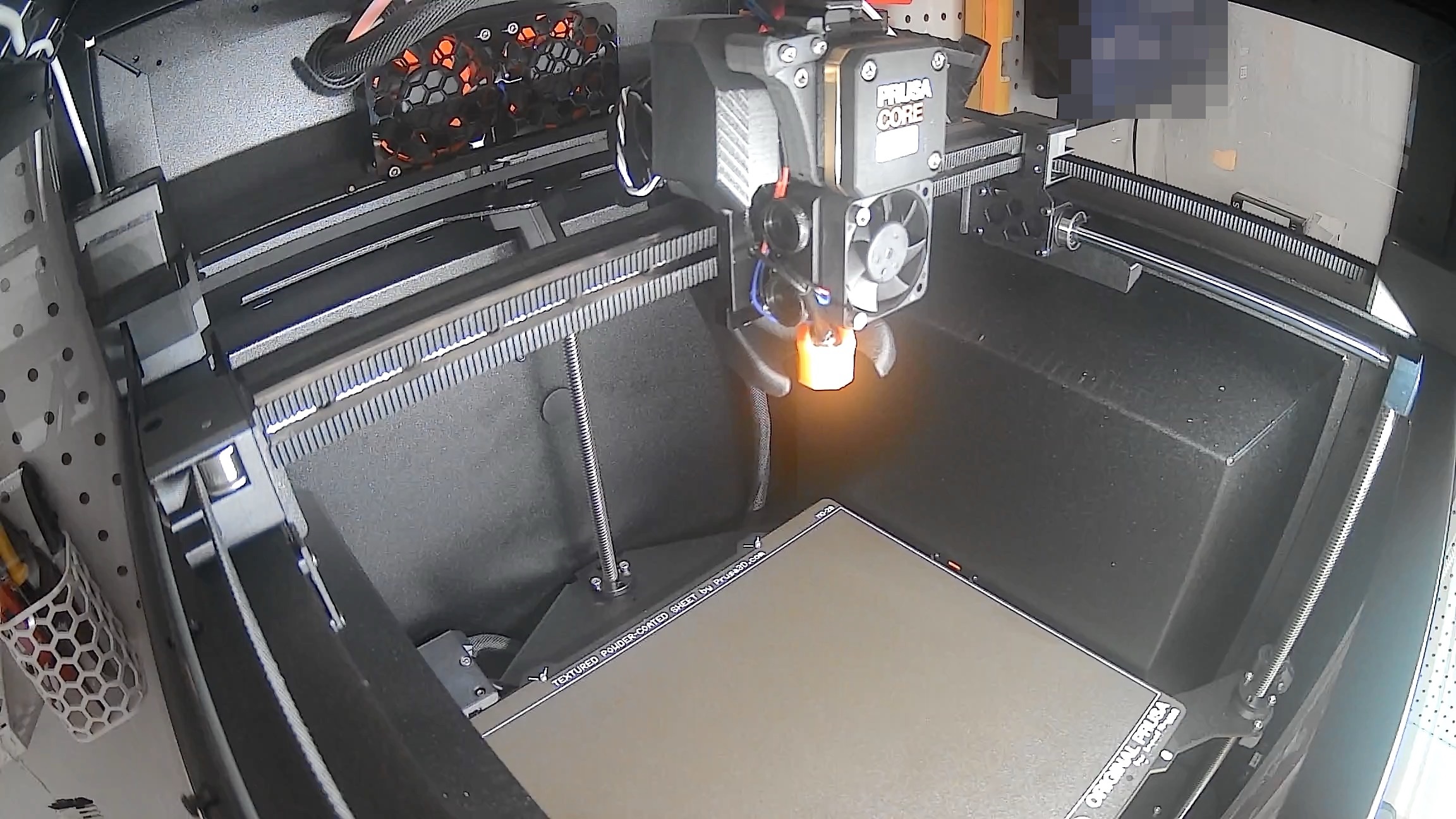
Core One Eufy Camera
Obliczymy ostateczną cenę na podstawie wybranego pliku. Sprawdzisz ją i zaakceptujesz przed płatnością.
Zapisane na tym urządzeniu.
Informacje o modelu
- Źródło
- Printables
- Kategoria
- Prusa Parts & Upgrades
- Licencja
- Creative Commons — Attribution — Noncommercial — Share Alike
Recently upgraded my Prusa MK4 to the wonderful Prusa Core One. Quickly realized the Eufy camera I used to monitor the MK4 could not magically see through the Core One enclosure. The alternatives, the Prusa camera or the ESP32 variants, did not really appeal to me. I tried to see if the Eufy camera would fit in the corner, but the enclosure was too bulky. So... what if we removed the Eufy camera enclosure? Turns out, the innards of the camera can be condensed into a tiny package that fits great in the Core One corner.
Step 1 - Configure the Eufy camera first!
The most important step for all of this is to CONFIGURE YOUR EUFY CAMERA FIRST! Follow the setup steps in the Eufy app and make sure it works before we disassemble the camera.
Step 2 - Remove the front
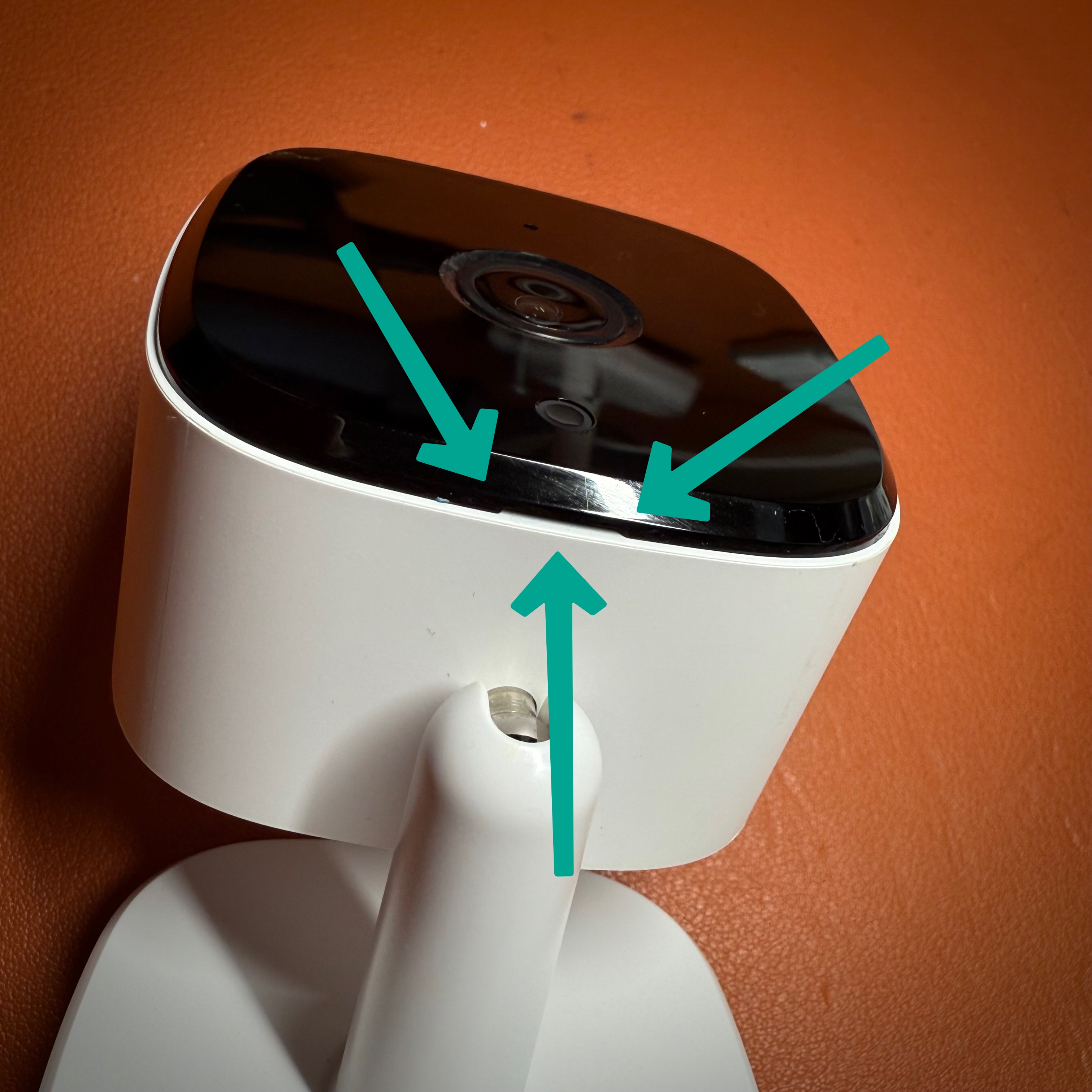
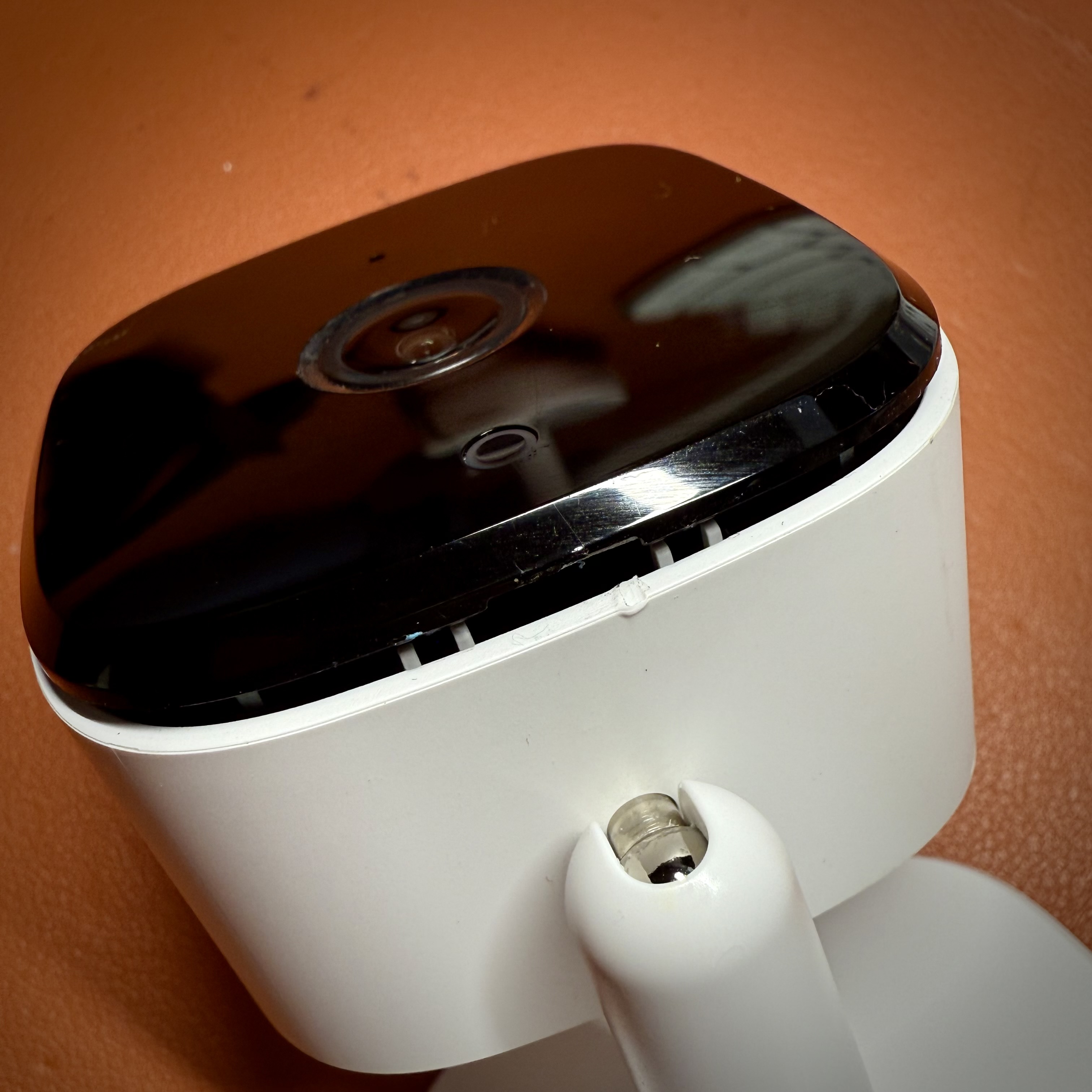
Using a pry tool, gently open the case via the notch on the bottom of the front of the camera. The front will come loose as you pry open the sides.
Step 3 - Remove the camera
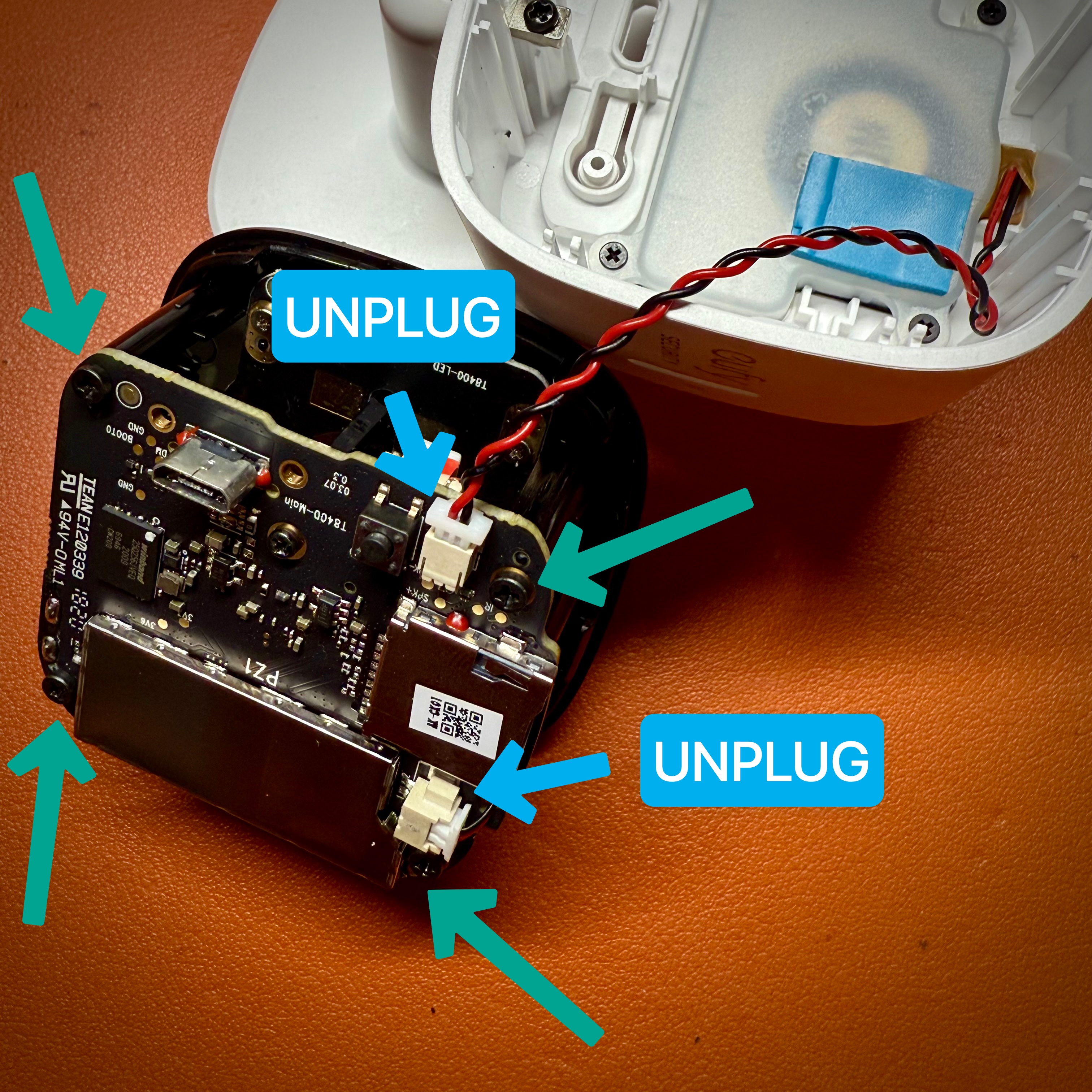
Unplug the speaker and remove the main board by unscrewing 4 black screws. Unplug the connector for the speaker and microphone. There is a second board with the status and infrared LEDs connected via 6 long leads. When the main board is removed, unscrew the 4 tiny screws on the second board and remove it.
Tip: copy the setup code (from the bottom of the camera foot) somewhere on the main board of the camera, like the large metal shield on the back.
Step 4 - Surgery
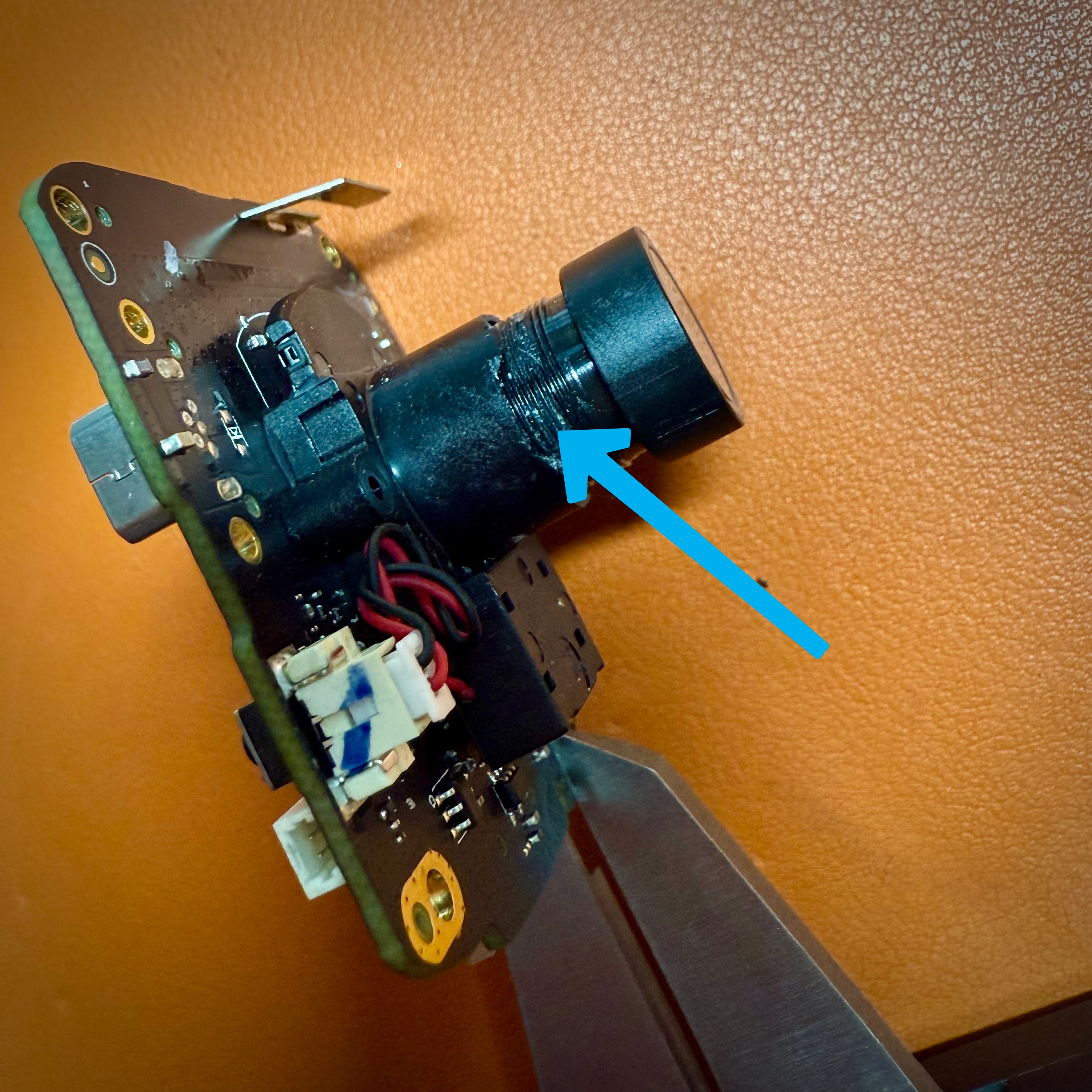
[Optional] Carefully remove/scrape the glue from the camera lens construction with a sharp blade. Once removed, you can rotate the lens to adjust focus if needed.
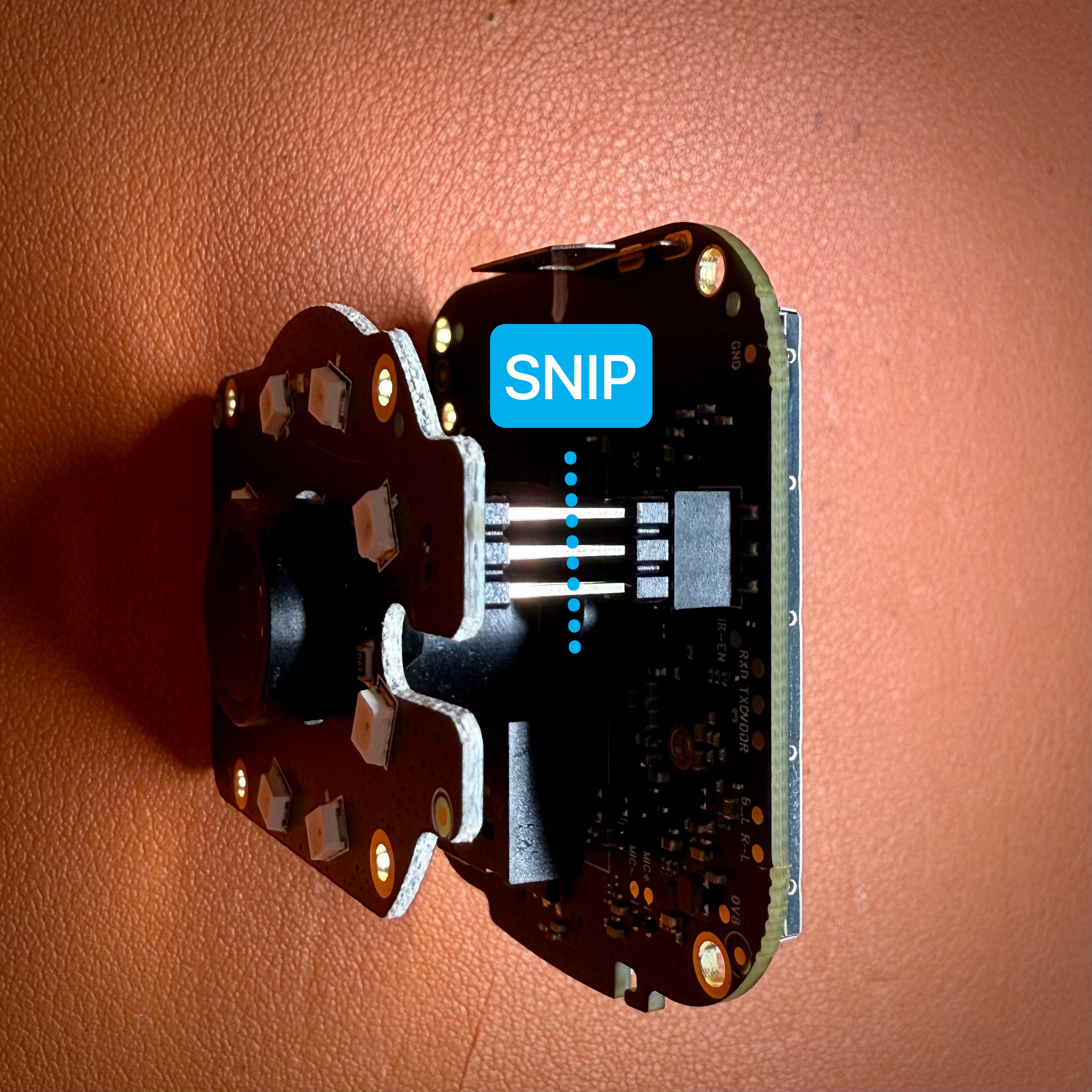
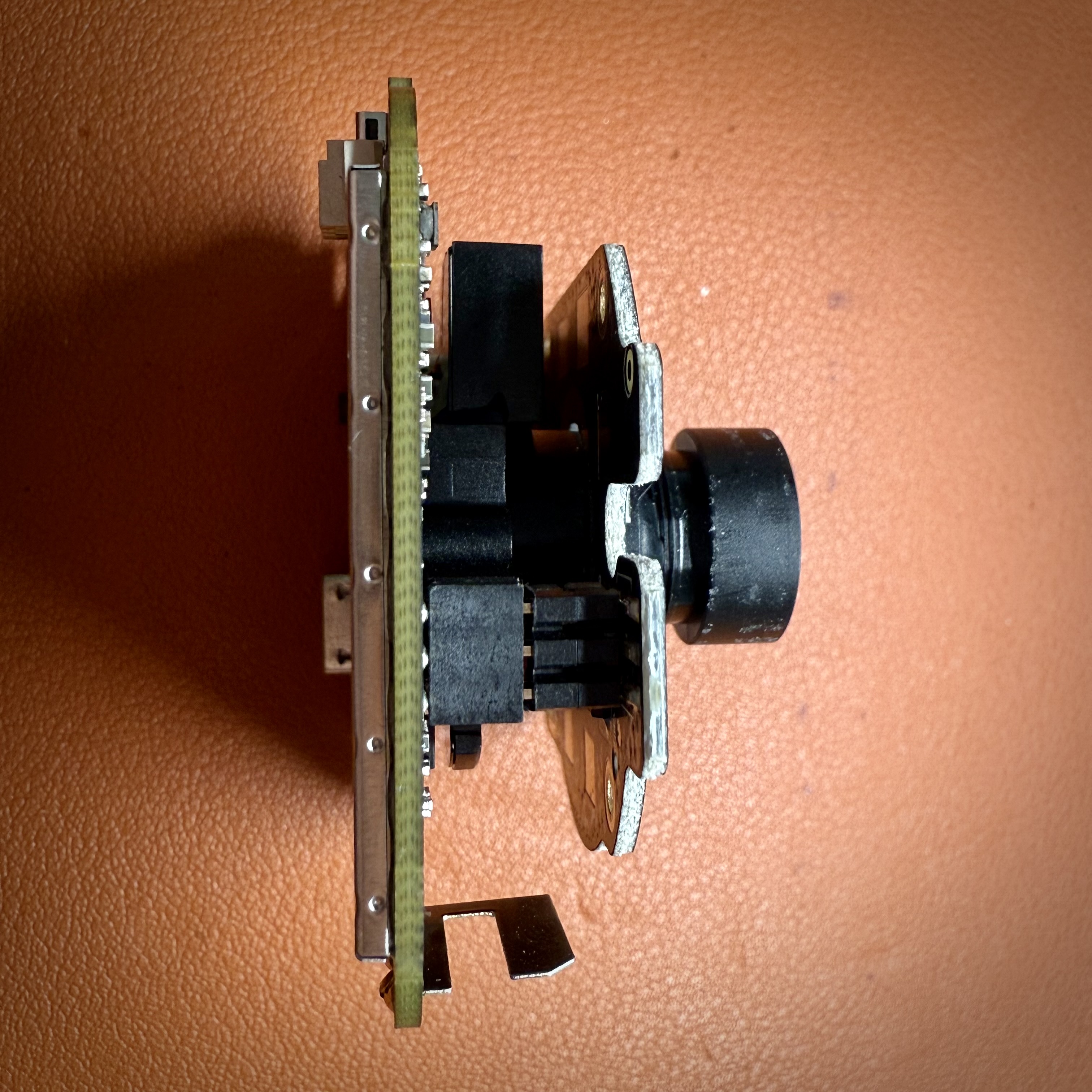
To keep the camera as small as possible, I snipped the 6 leads on the second board to about 5 mm in length before I reconnected the second board to the main board.
Step 5 - Mount
Push the 3 8x3mm magnets into the mount. Note it is a snug fit. Using the 4 tiny black screws, screw the camera assembly to the mount. Do not over tighten. You can reconnect the second board via the 6 leads. Optionally add a dab of hot glue.
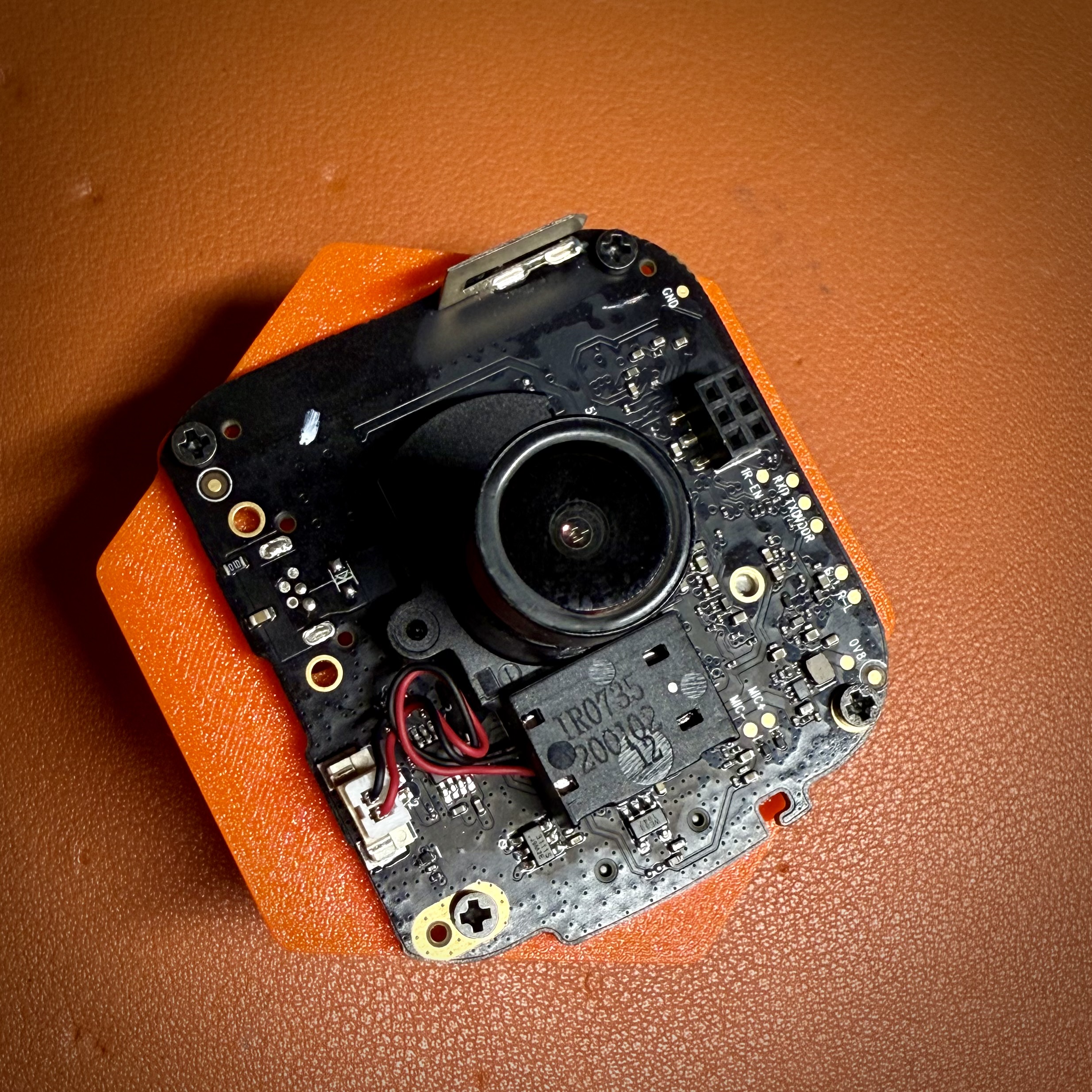
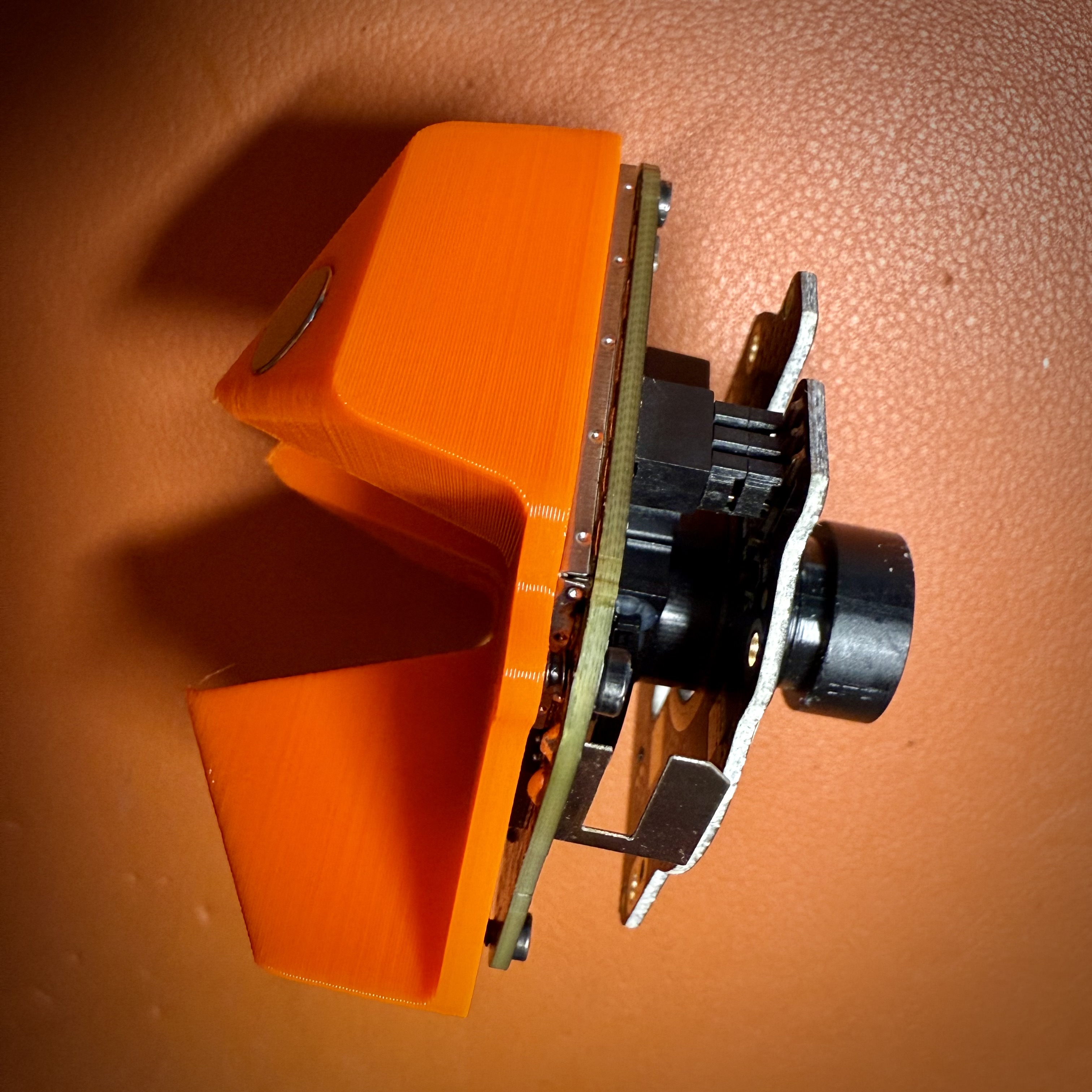
The end result is a very compact camera setup that gives you a great view of the inside of the Prusa Core One. To integrate the camera with Prusa Connect, I used this Docker setup: https://github.com/jtee3d/prusa_connect_rtsp. Setup is very simple, highly recommended.
Note I did not dissemble the left side of the Core One to route the USB cable as per instructions of the Buddy or ESP32 camera. I used some simple cable clips called “tidyhelper” to route the cable via the top of the printer and out to the back.
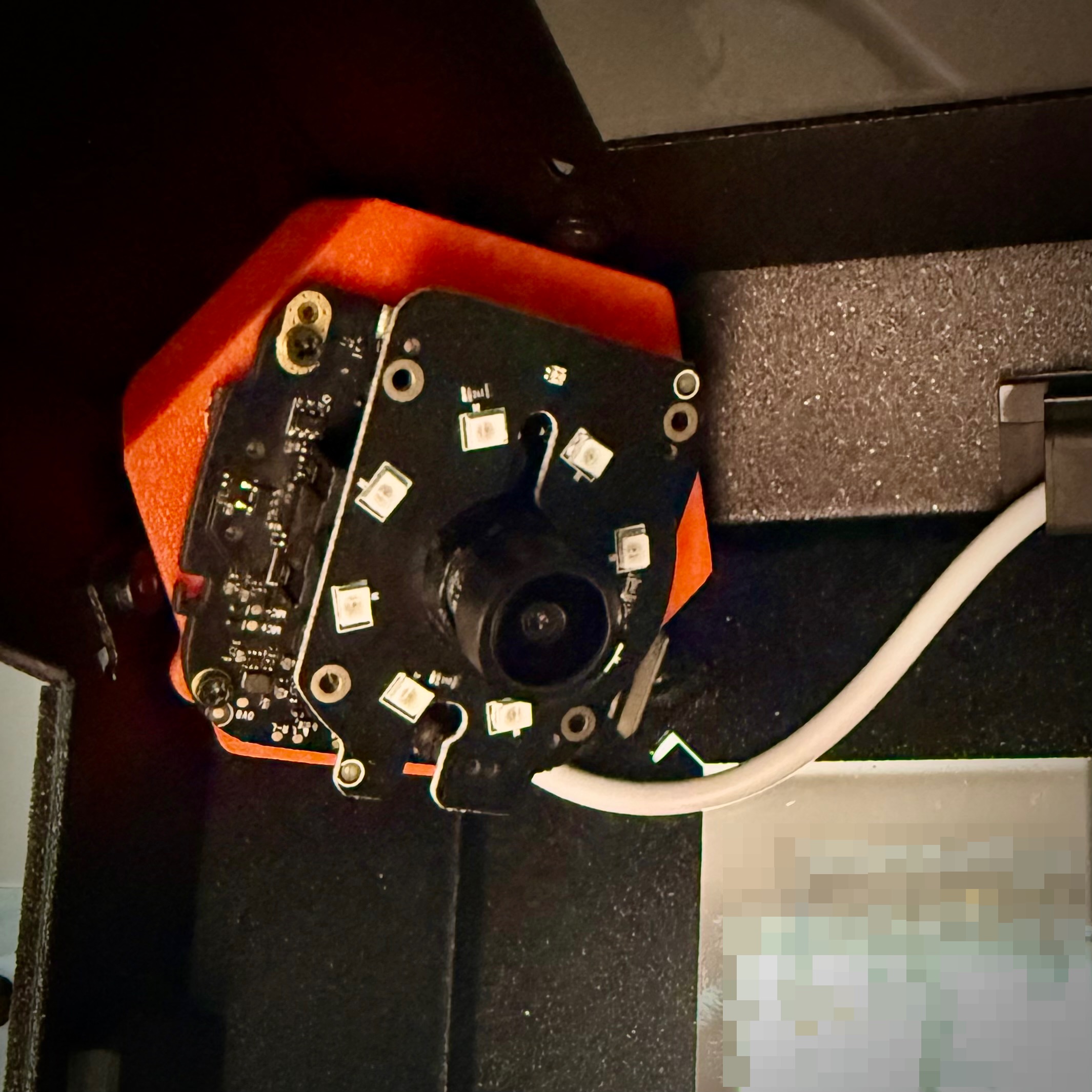
Unedited camera view: