
AZBA Status Indicator: 3D Printable Display for Desks & Clubhouses
Obliczymy ostateczną cenę na podstawie wybranego pliku. Sprawdzisz ją i zaakceptujesz przed płatnością.
Zapisane na tym urządzeniu.
Stay ahead of airspace restrictions with the 3D Printable AZBA Status Indicator!
- Ocena
- 0 / 5
- Polubienia
- 0
- Pobrania
- 5
- Wydruki
- 0
- Wyświetlenia
- 49
- Oceny
- 0
Aktualizacja u źródła:
Informacje o modelu
- Źródło
- Printables
- Kategoria
- Other Gadgets
- Licencja
- GNU General Public License v3.0
This do-it-yourself desktop device is designed for pilots, students, and aero club members. Place it in your clubhouse, office, or at home to get immediate, at-a-glance visibility of the status of Activated Zones in Low Altitude (AZBA). It's the perfect tool for enhancing pre-flight planning and maintaining general awareness on the ground.
Fusion 360 and STEP files are included to allow remix culture :-).
Key Features:
At-a-Glance Visual Status: The "AZBA" name is printed with a transparent filament and backlit by a multi-color LED system for a quick and clear status reading from across the room:
Blue: Connecting...
Green: Zone Inactive and no activation planned
Yellow: Zone will be active in the future
Orange (blinking): Zone is approaching activation / will be active very soon
Red (blinking): Zone is currently active
Open-Source & Customizable: The Arduino code (for the D1 mini) is available on GitHub repository, allowing you to modify it to your needs, including the refresh rate and the specific AZBA number you want to monitor.
Perfect for Shared Spaces: Ideal for the briefing room, front desk, or lounge of any aero club to keep all members informed.
Simple & Low Cost: Based on a D1 mini microcontroller, 6x W2812B LEDs, and a standard power connector.
How Does It Work?
The indicator uses a D1 mini that queries a PHP script hosted on your own server every 5 minutes (customizable interval). This PHP script is responsible for scraping the AZBA information from the official SIA (Aeronautical Information Service) website and sending it back to the D1 mini. The microcontroller then interprets this data to light up the W2812B LEDs with the appropriate color and blinking mode, providing a constant, real-time update.
3D Printing Details
Easy to Print: This model is designed to be printed without any supports!
Personalization: With the Fusion 360 file, you can personalize the AZBA number. Reach out to me if you cannot by yourself, happy to help.
Print Settings:
Layer Height: 0.2mm (or your preferred setting)
Infill: 15% (or more, the part is not structural)
Material: PLA or PETG recommended.
Multi-Color Printing (for the AZBA text):
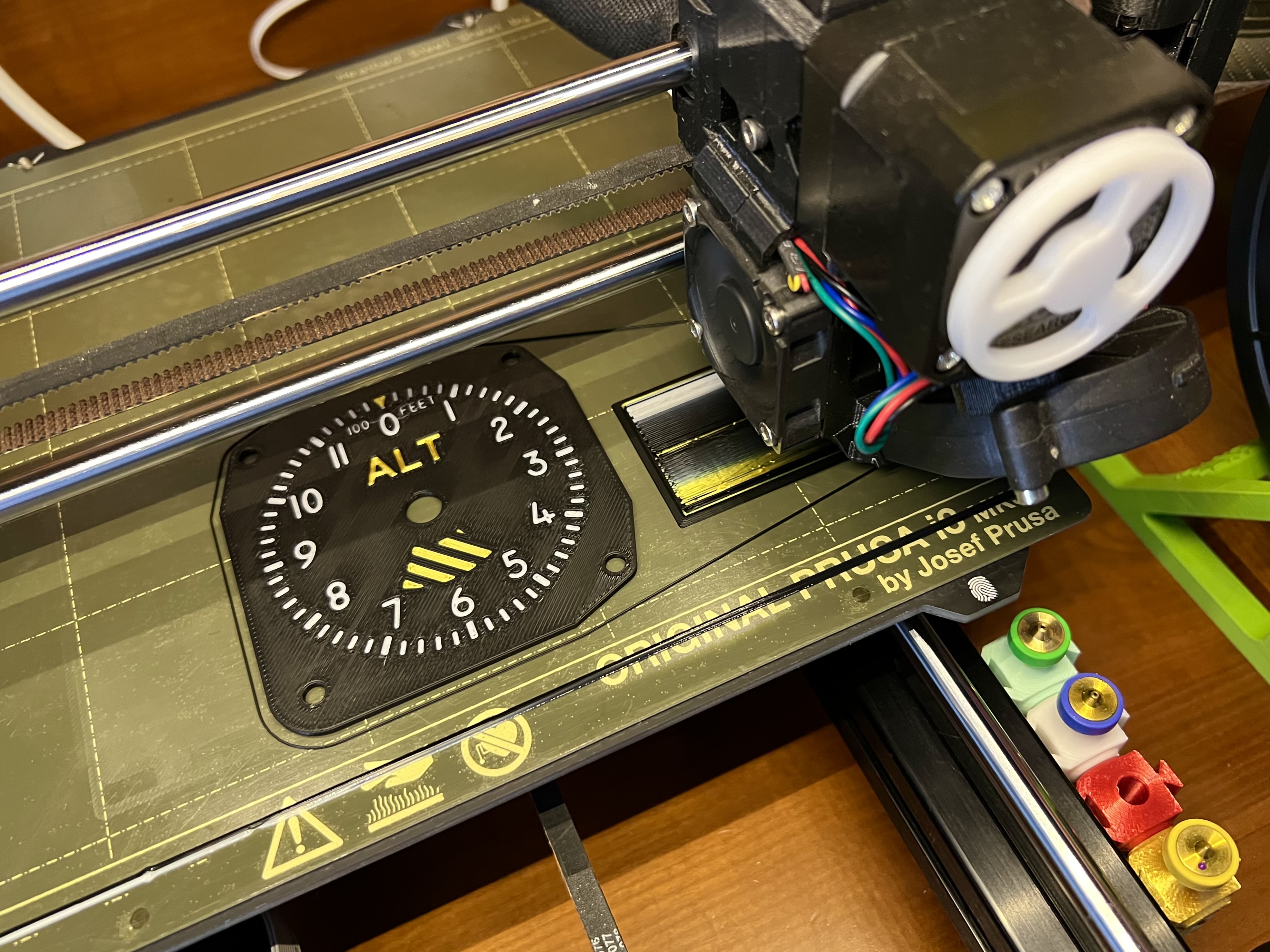
I used an MMU2S for the 3 colors on the front plate (for the AZBA text).
Alternative (No MMU): You can easily perform a manual filament change for the first 5 layers.
Monochrome Option: Print the entire model in black and simply place a piece of tracing paper behind the text cutout to diffuse the light.
Light Diffusion: I highly recommend adding a piece of tracing paper behind the AZBA text (even if you use transparent filament) to soften the light from the LEDs and prevent hot spots.
What You'll Need (BOM)
3D Printing:
Transparent filament (for the AZBA text if not printing in monochrome)
Colored filament for the housing (black, white, etc.)
Electronics:
1 x D1 mini (ESP8266)
6 x W2812B LEDs (or a small strip cut to 2x3 LEDs)
1 x Power Connector (DC jack)
1 x Power Supply 5V 1A (with relevant DC Jack)
Hook-up wires
Software/Hosting:
Access to the GitHub repository for the Arduino code and PHP script.
A web server with PHP support to host the scraping script.
Optional: Tracing paper for light diffusion.
If support is needed or you have comments or ideas, feel free to reach out.