
Customizable 100Hex
Obliczymy ostateczną cenę na podstawie wybranego pliku. Sprawdzisz ją i zaakceptujesz przed płatnością.
Zapisane na tym urządzeniu.

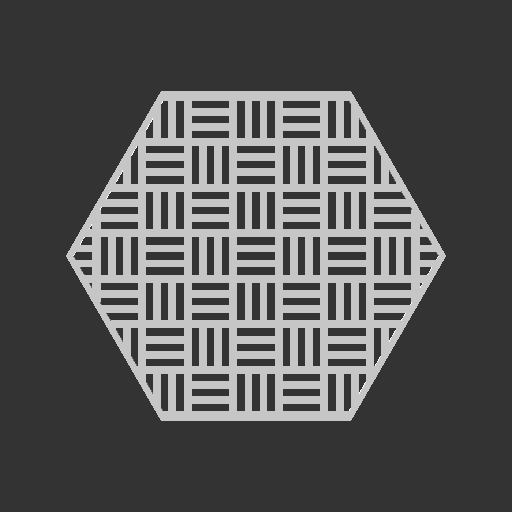
Customizable Hex art to go with 100Hex project
- Ocena
- 5 / 5
- Polubienia
- 188
- Pobrania
- 724
- Wydruki
- 2
- Wyświetlenia
- 3687
- Oceny
- 1
Aktualizacja u źródła:
Informacje o modelu
- Źródło
- Printables
- Kategoria
- 2D Plates & Logos
- Licencja
- Creative Commons — Attribution — Noncommercial — Share Alike
I recently discovered the 100Hex project by tecnoloxia_org and decided I would challenge myself to add a load of hex designs. These have all been created in OpenSCAD so I've also created a customizable version. If the customizer isn't working today, check out the guide for using OpenSCAD to customize this and other things.
A load of these patterns are taken from my Customizable Fan Grill Covers
This could be considered work-in-progress as I'll continue to add patterns/features over the next few weeks/months.
A few ideas for displaying the hexs:
- Use a wall frame
- Box Lid
- Coasters
- Glue it to some card or a surface
- kakiemon has created an awesome Belt designer using the patterns!
Note: Some of the hexes in the first two images, and everything from the third image is from other creators. Check the credit section for more info.
Features
- Loads of customizable patterns
- Add Text (Can increase height for filament change at layer height)
- Import .SVG files (only if using OpenSCAD)
- Add a base (perfect if using this wall frame) or for creating a hex without a outer ring/frame.
- Different frame options (change the inside shape)
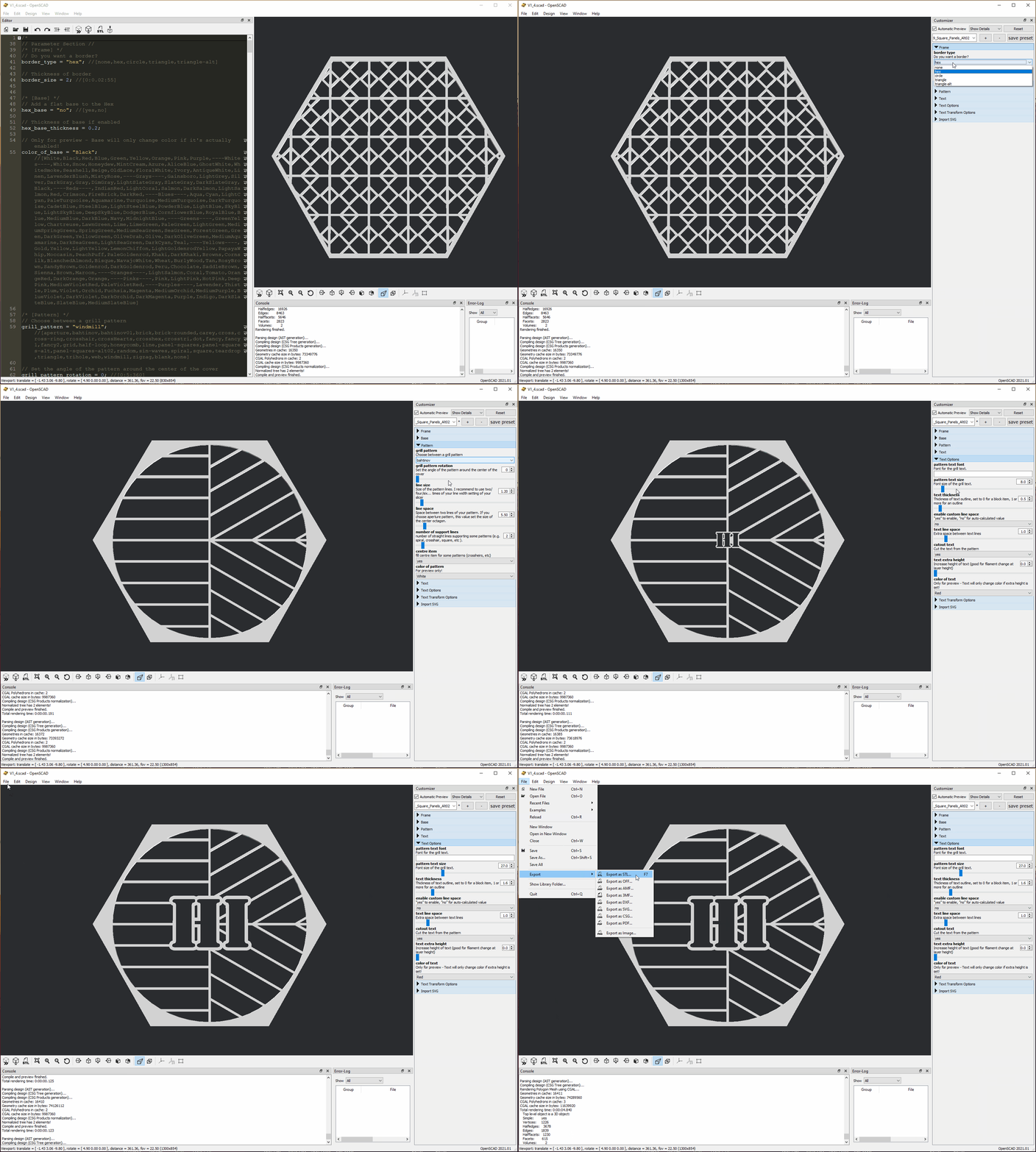
How to customize in OpenSCAD
- Download OpenSCAD from here and install it - https://openscad.org/downloads.html
- Download the .SCAD file and open it
- Click WINDOW, then untick Hide Customizer
- Optional: Click Window, then tick Hide Editor
- Customize the settings. After changing a setting, you may need to press enter to confirm the change. Some changes (like adding text) will take a while for the preview to appear. Please be patient.
- Click Design > Render and wait for the design to render
- Click File > Export > Export to STL
- Save the file and slice it like any other .STL file
Credit
Some of the hexes in the first images are from other creators:
- Some (mountains, city, crack) are from the original 100Hex, I believe they were all made by tecnoloxia_org
- 100hex portal by 2CoB9
- 100Hex Twirl by xurxoarines
- 100 Hex Single Lightbulb (edge) by minching
I've used some other assets for a few hexes:
I've used images from:
Change Log
V1.6
- Added 2D export option and a .zip full of SVG exports
V1.5.1
- Fixed manifold error
- Fixed error with SVG import and extra height
V1.4.2 - 2021-07-30
- New Pattern
- Tsutsuidutsu
- Fixes & optimization:
- $FN value for Shippou-Tsunagi pattern updated
- Update to Teardrop Pattern
- Removed useless 'text replace center' varible
V1.4.1 - 2021-06-28
- New patterns
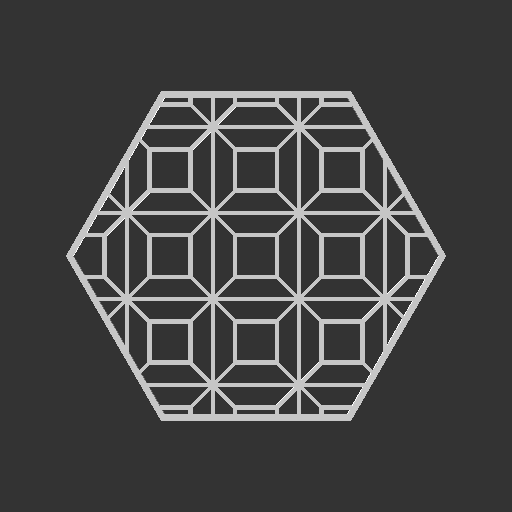
- Shippou-Tsunagi
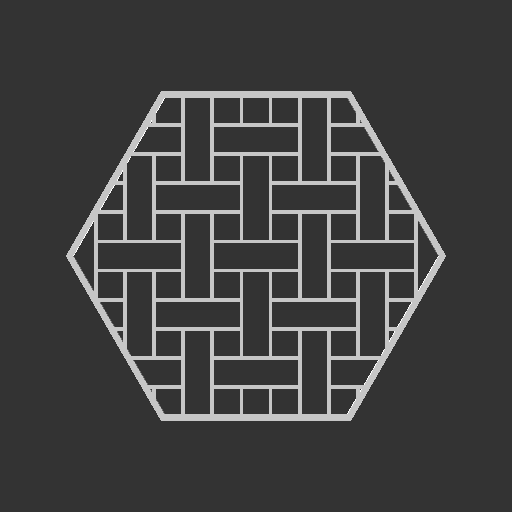
- Rectangles

V1.4 - 2021-06-26
- Hex Size & percent options
- New Pattern
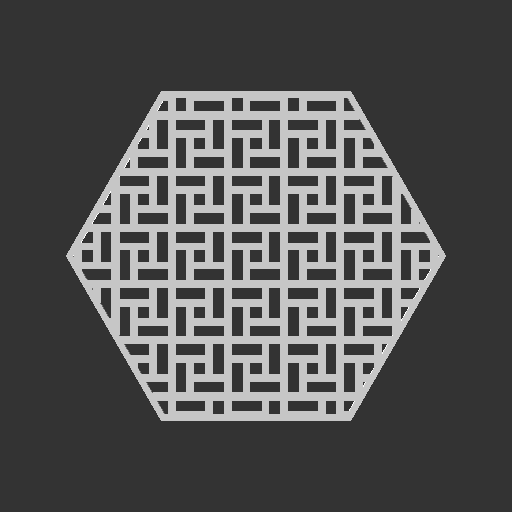
- Masu-Tsunagi
- Fixes and optimization

V1.3 - 2021-06-14
- New Pattern
- Panel Square Alt
- Updated panel square to use line space value
V1.2 - 2021-06-05
- New patterns
- Sin Waves
- Panel Squares
- More bug fixes

V1.1
- Fixed a few bugs/typos
- Fixed center item for crosshair