BoxTurtle Middle Buttons
Obliczymy ostateczną cenę na podstawie wybranego pliku. Sprawdzisz ją i zaakceptujesz przed płatnością.
Zapisane na tym urządzeniu.
Informacje o modelu
- Źródło
- Printables
- Kategoria
- Accessories
- Licencja
- Creative Commons — Attribution — Share Alike
BOM
470ohm Resistors
1,200ohm Resistors
1,800ohm Resistors
2,400ohm Resistors
3,000ohm Resistors
3,600ohm Resistors
4,200ohm Resistors
6,200ohm Resistors
7,500ohm Resistors
9,100ohm Resistors
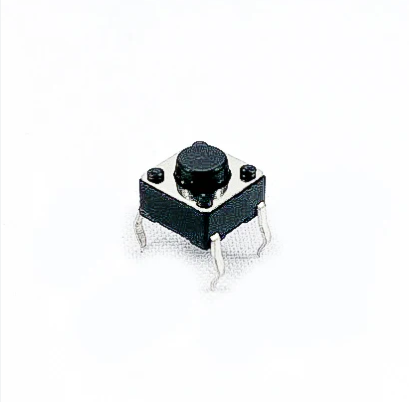
6×6×5mm Switch button for each buttons.
Download the (Button.txt) file and rename it to (button.cfg) and copy it into your printer config folder, then add a ( [include button.cfg] ) in your (printer.cfg). Each button can be use for 2 functions(ShortPress and LongPress) and you can set the LongPress time however you want. (See the Buttons.txt file)
By default, buttons T0 to T3, LOAD, UNLOAD and MULTI is used for Happy-Hare software, Gate Select(T0-T3), Load Unload, Eject, on-off(mmu_eneble). So there is 4 more buttons (F1 F2 F3 F4) that you can add your own macro.
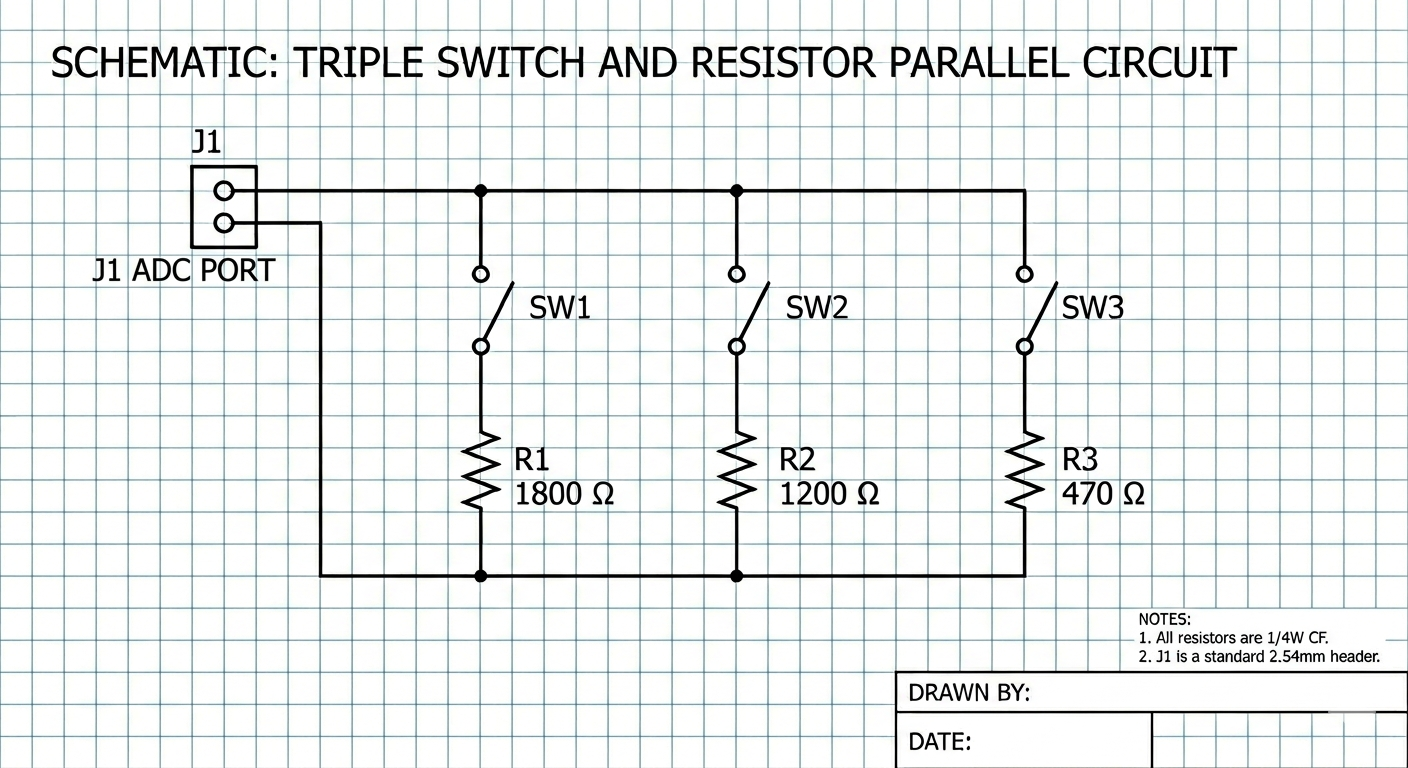
This mod require 1 ADC(Analog-to-Digital Converter) port on your control board, all the buttons is connected on 1 port using only 2 pins.
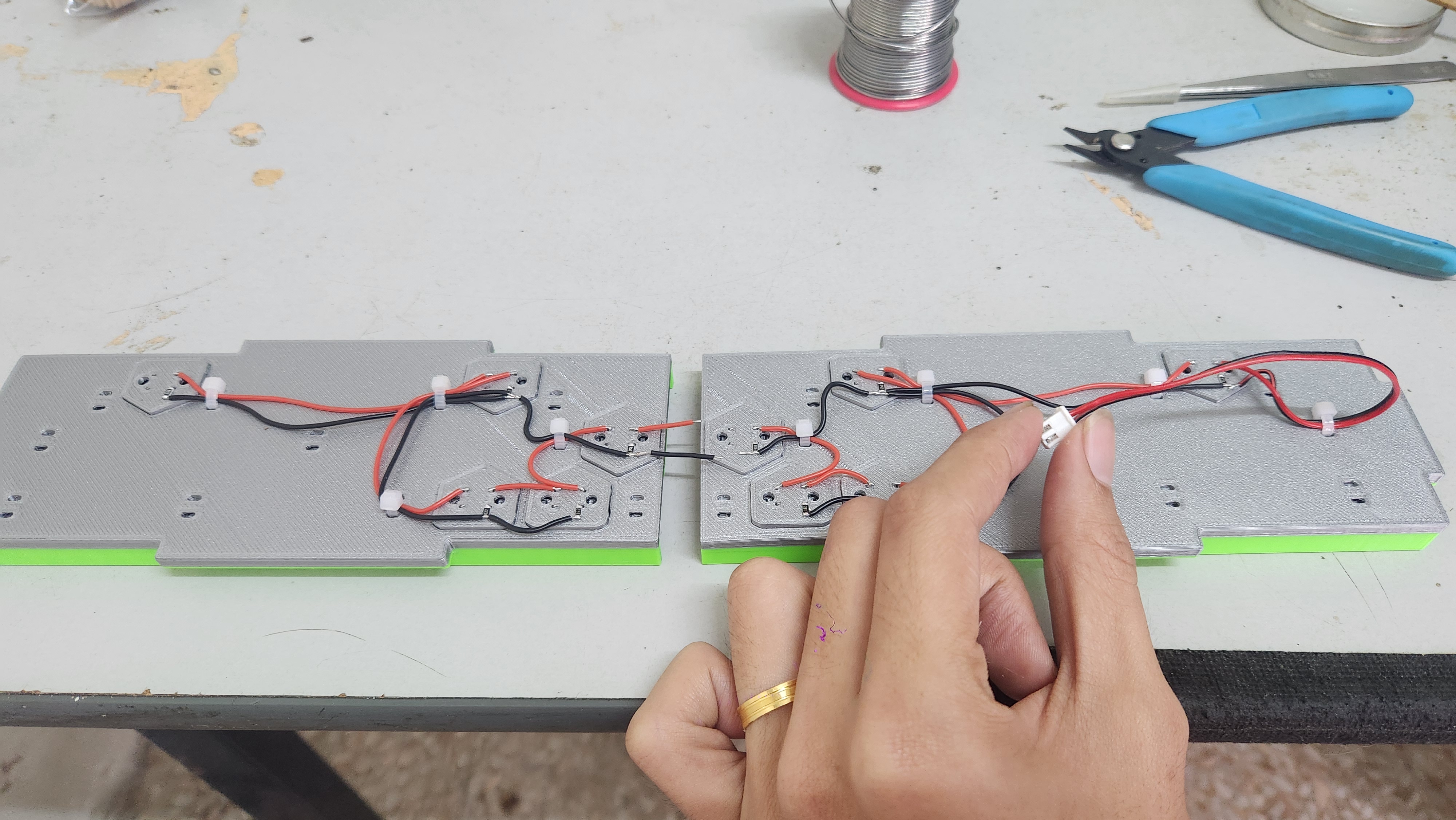
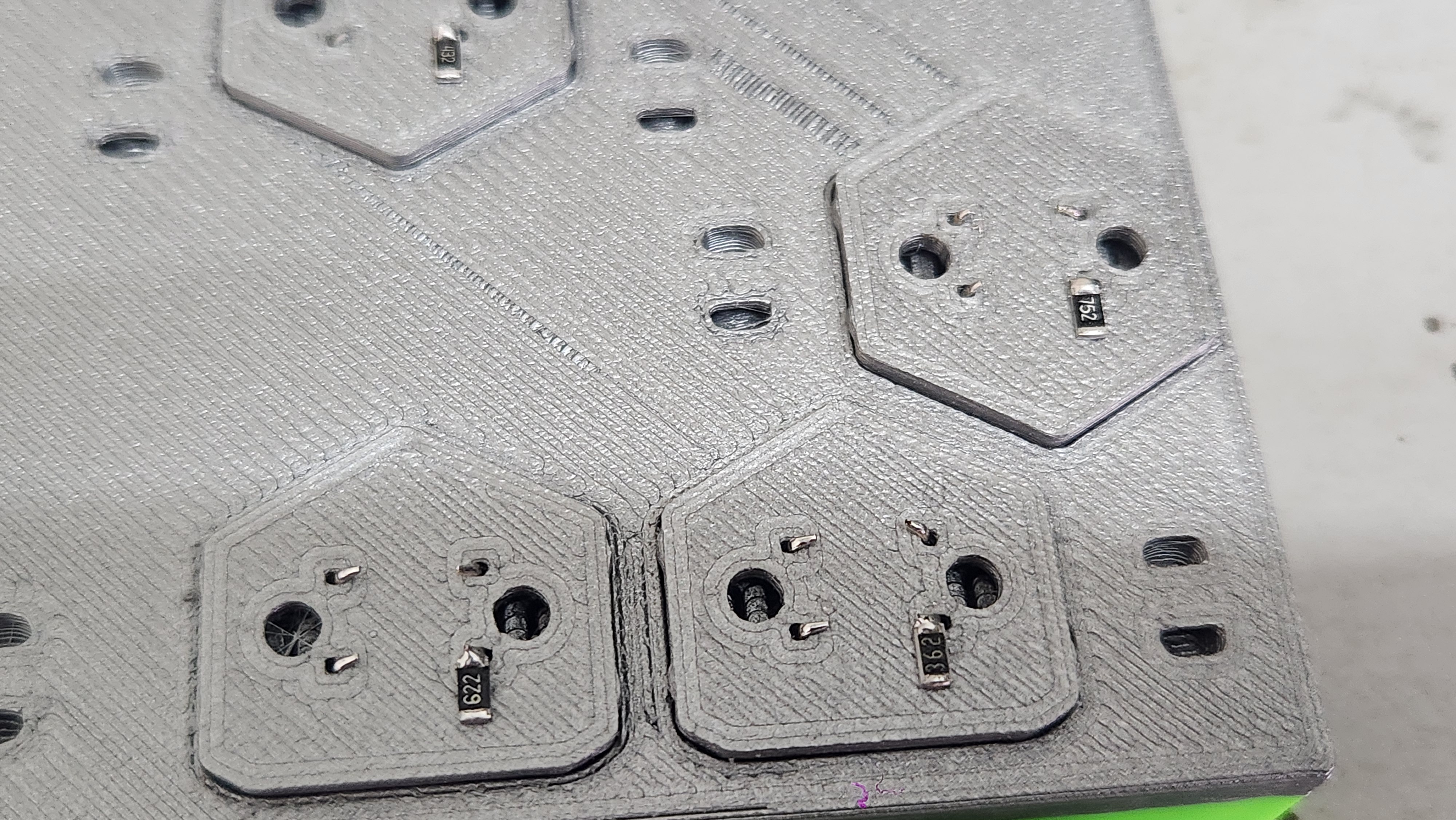
Wired all the switches and resistors parallel as shown.