
Respawn Mints - Power Bank
Obliczymy ostateczną cenę na podstawie wybranego pliku. Sprawdzisz ją i zaakceptujesz przed płatnością.
Zapisane na tym urządzeniu.
Informacje o modelu
- Źródło
- Printables
- Kategoria
- Other Gadgets
- Licencja
- Creative Commons — Attribution — Share Alike
I stumbled across a video from Shop Therapy called "Design And Build Your Own Power Bank" and was inspired to make my own version of a Power Bank using an empty Respawn Mint Tin.
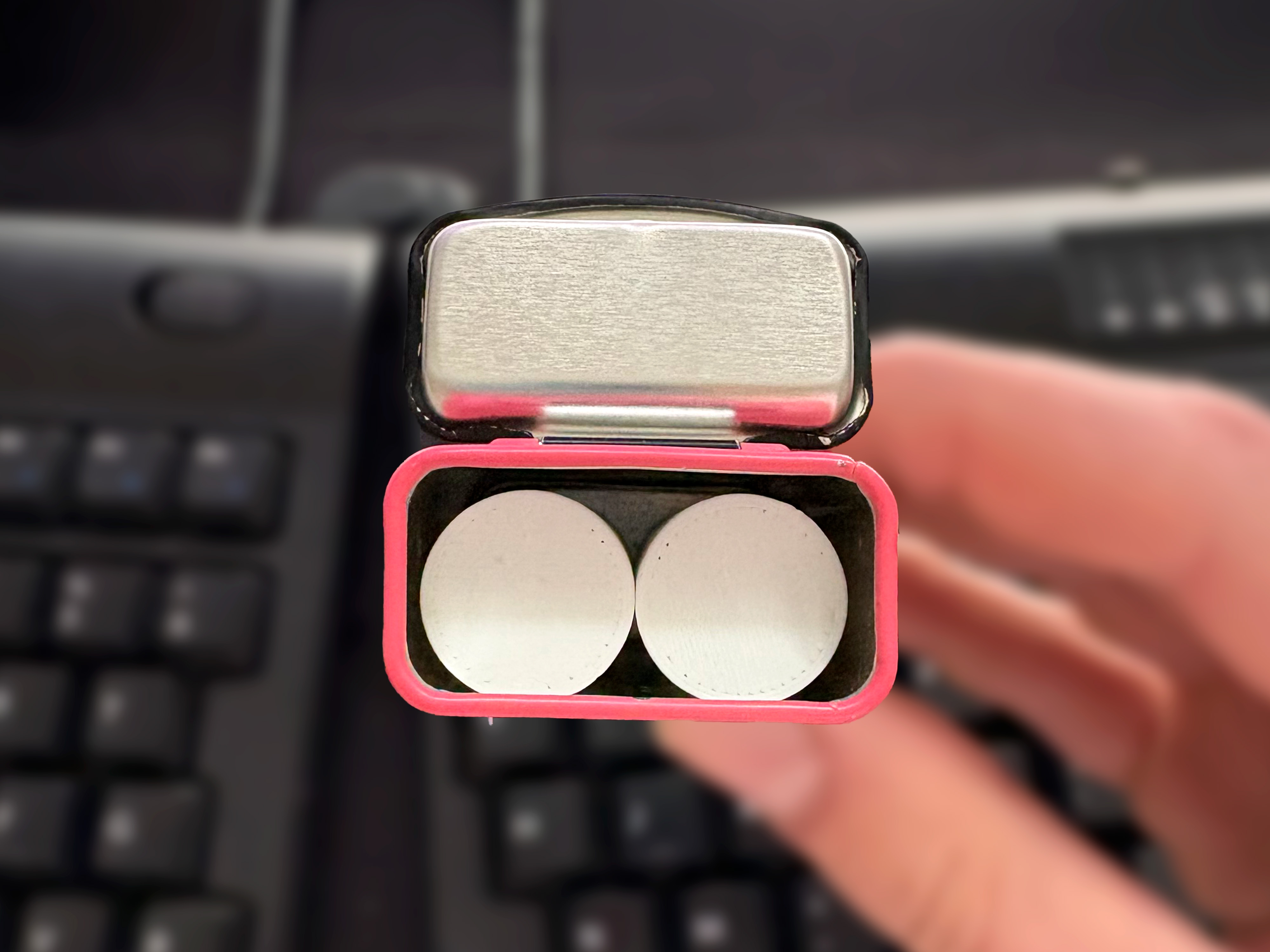
It turned out that 2 18650 power cells fit perfectly into the mint tin body. I then created a 3D printed cap/head that holds the USB-C PCB board and snugly snapped into the top of the tin.
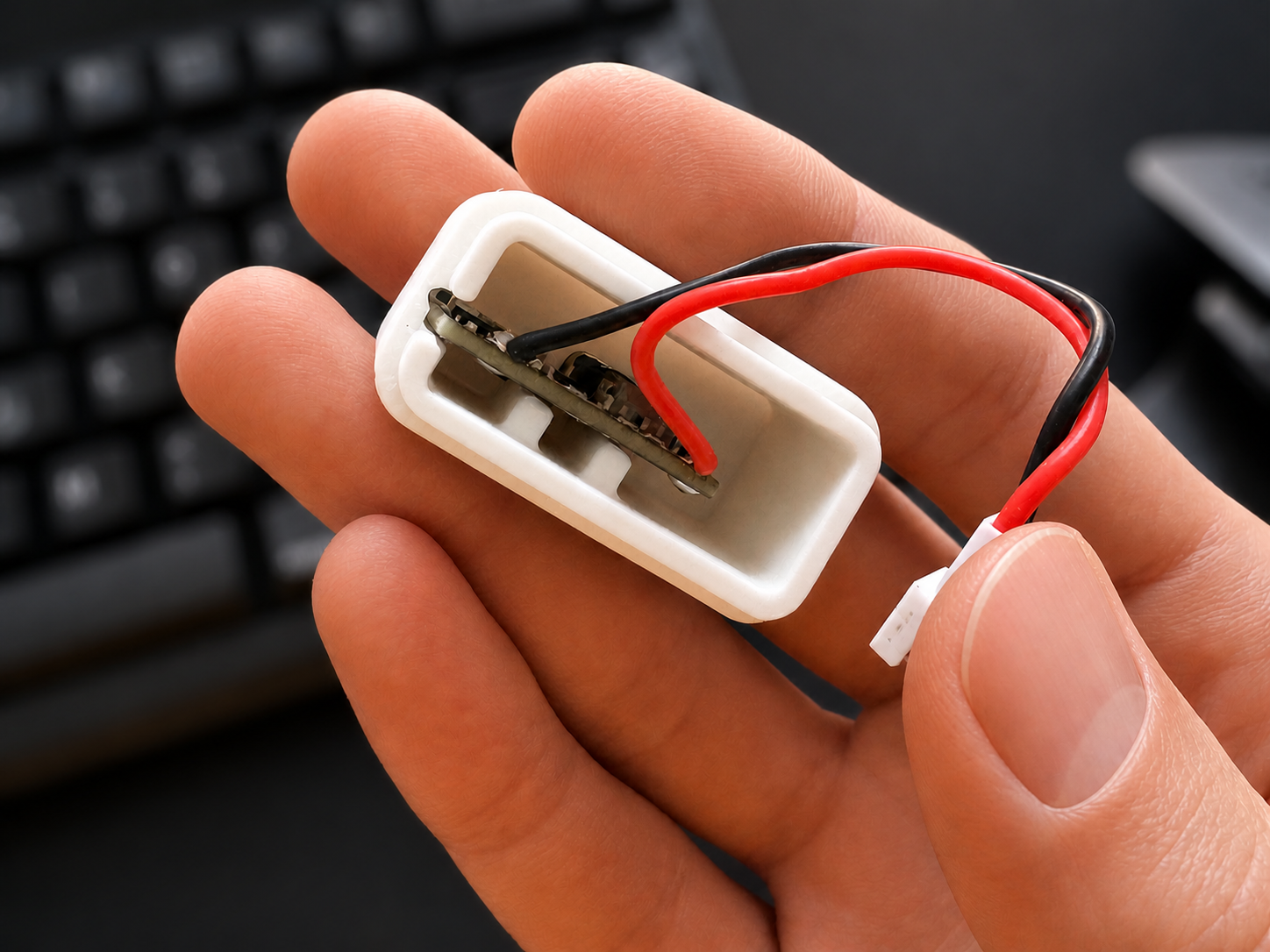
I then created a cap to hold the USB-C board and after many iterations, I ended up with my final fully functional power bank!
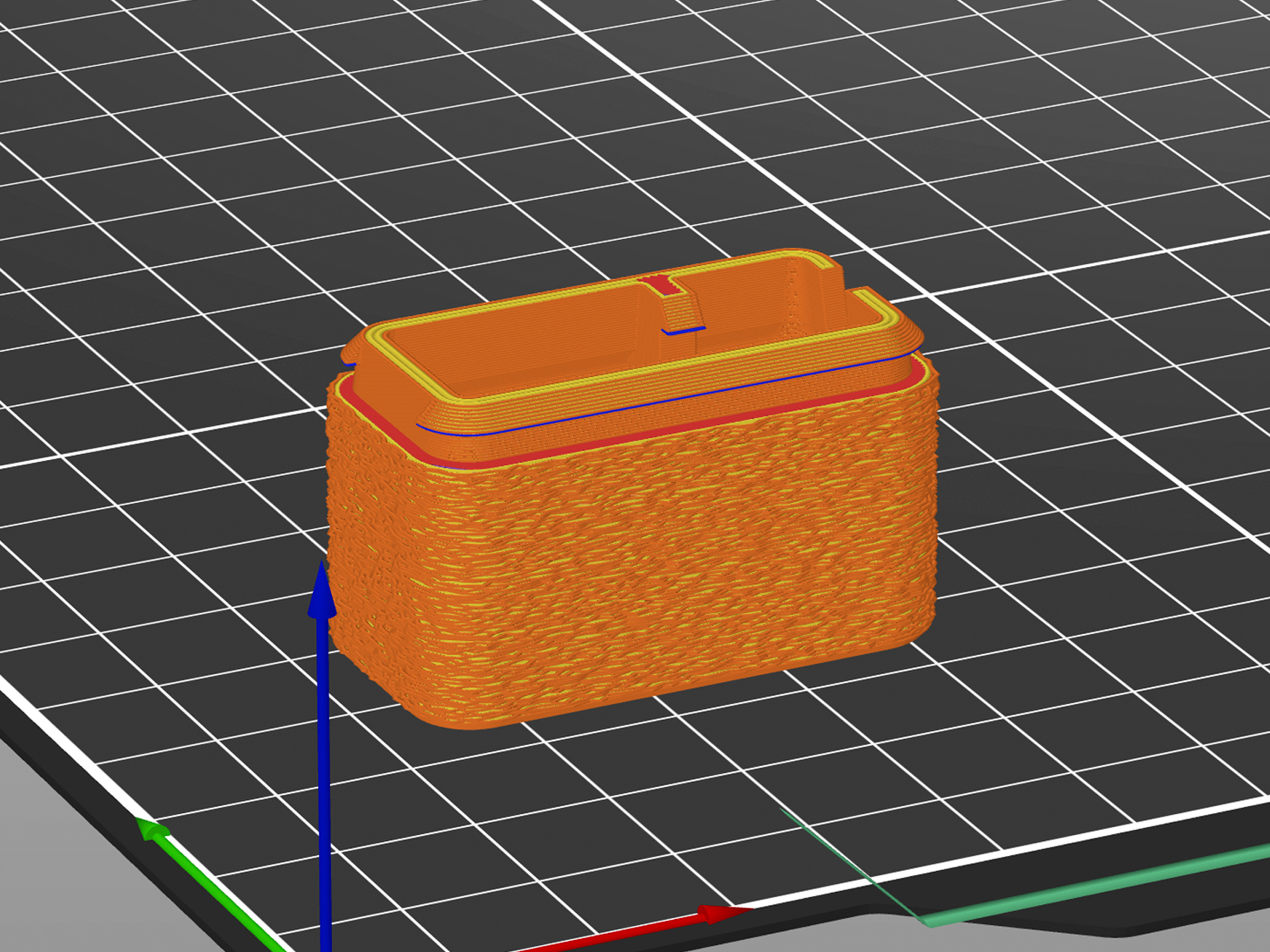
I also added fuzzy skin on the final design in Prusa Slicer to hide the random seam placement & give a little more grip.
————————
3D CAD FILE
Respawn Mint - USB-C Power Bank - Cap
————————
Materials List (BOM)
Item | Price | Visual | Note |
|---|---|---|---|
$27 | 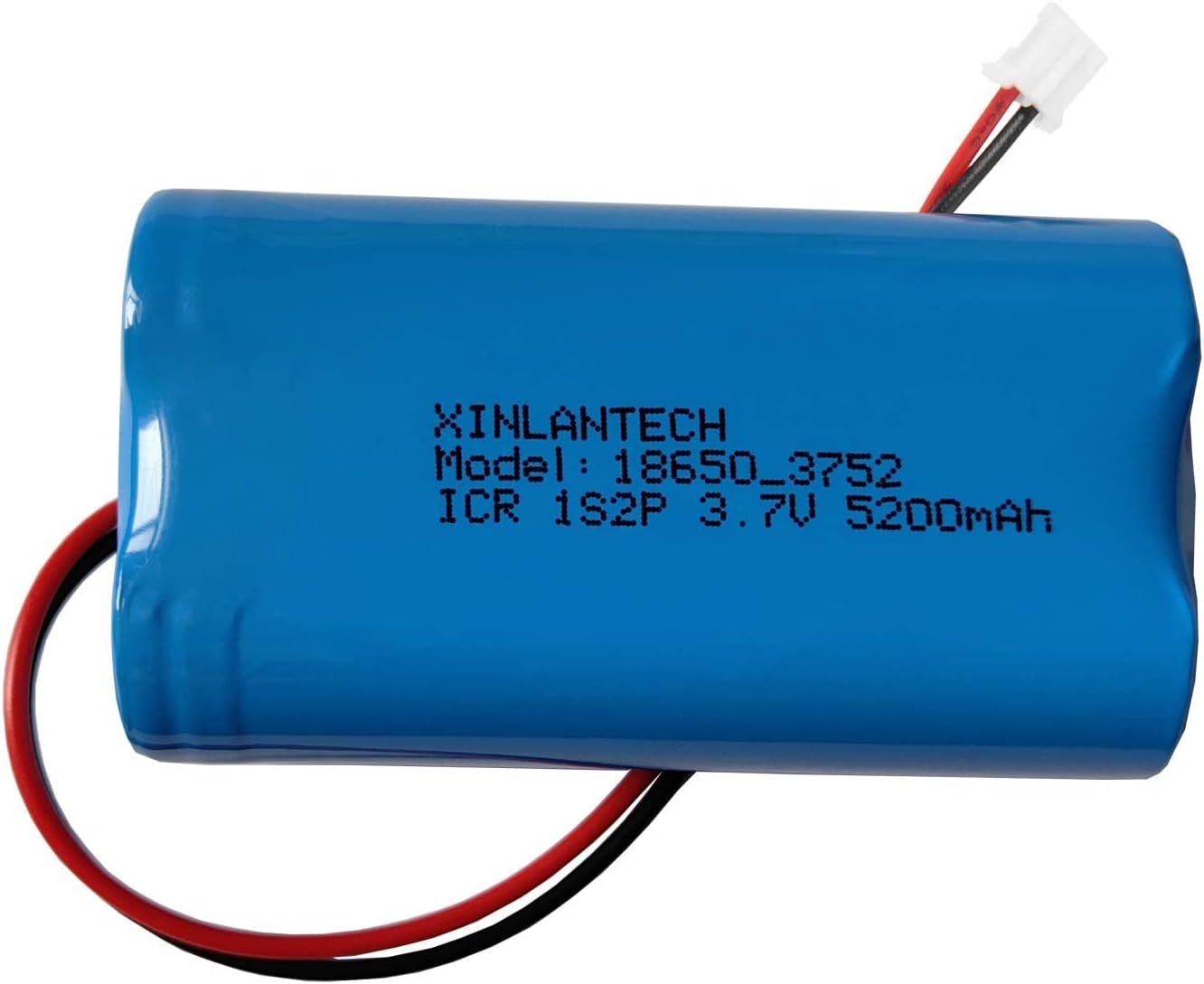 | I didn't want to mess with soldering lithium ion batteries, so I purchased pre-made versions for safety & easy assymbly | |
$12 | 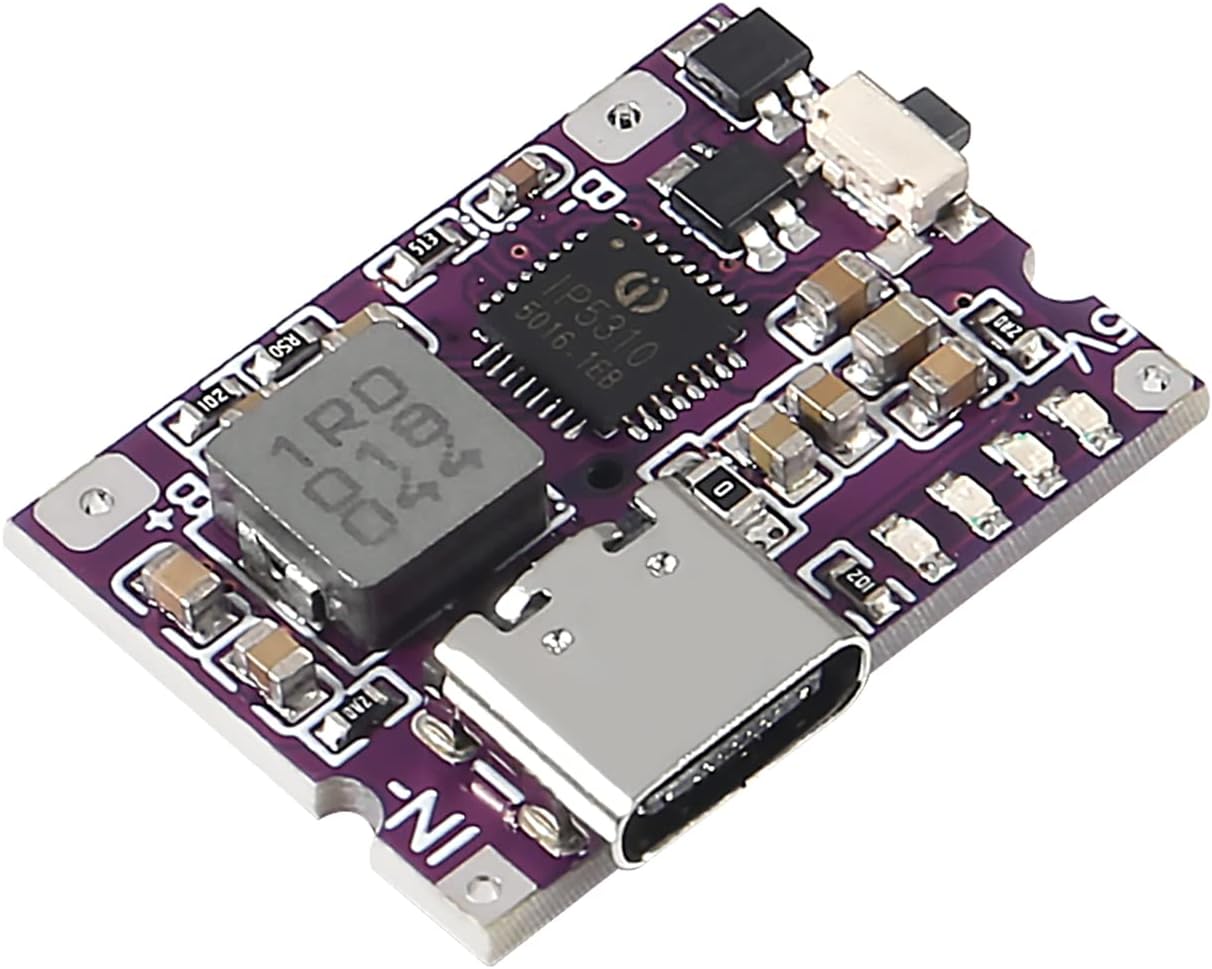 | I selected this because it was only ~19mm tall so the 3D printed cap could be as short as possible. | |
$8 | 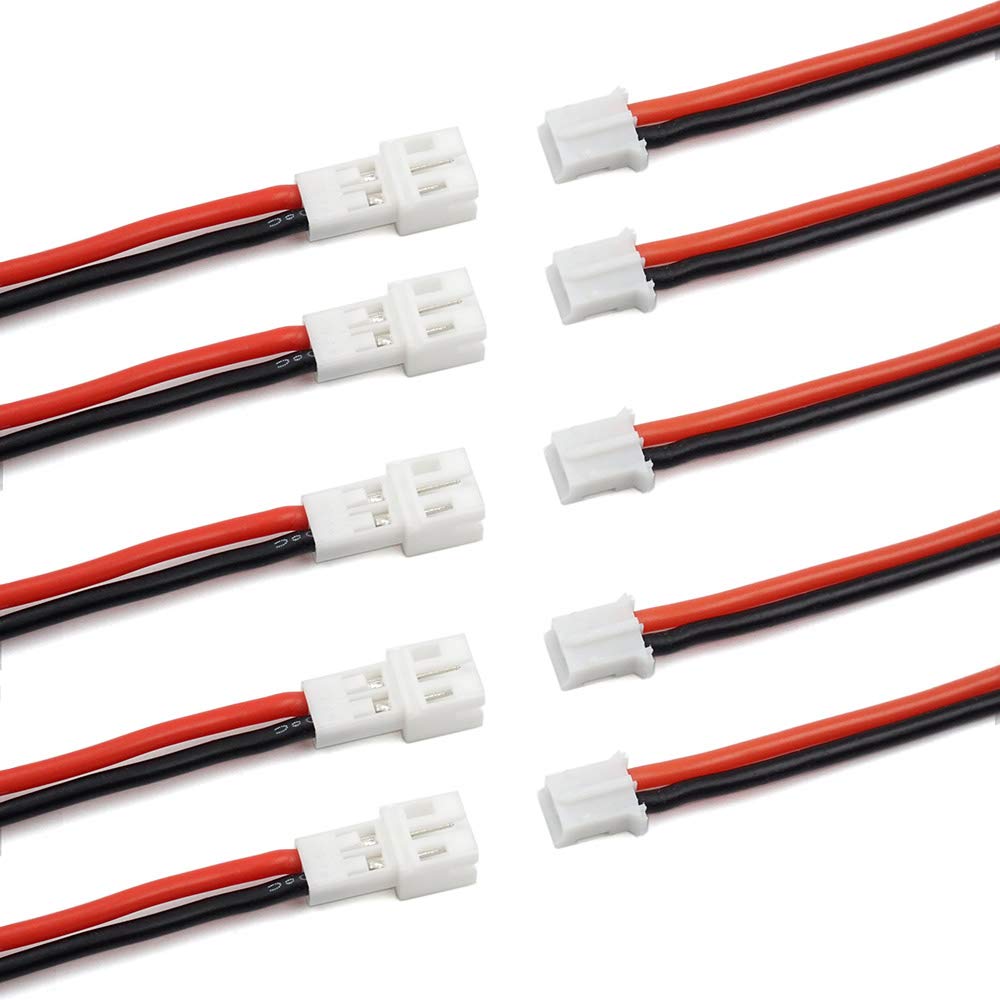 | Using this cable allowed me to easily connect and disconnect the battery from the USB-C power module. | |
$3 | 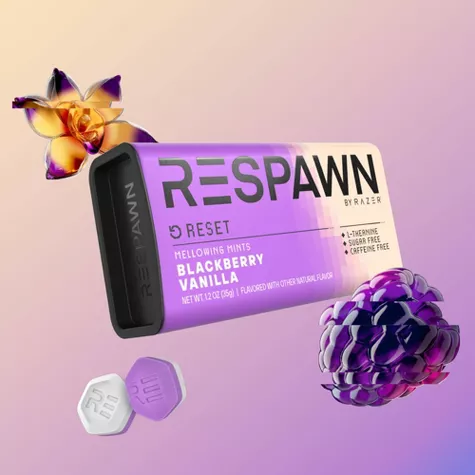 | ||
Total Cost | $50 | ||
————————
Tools Needed
Soldering Iron & Solder