
multi-microcontroller mount
Obliczymy ostateczną cenę na podstawie wybranego pliku. Sprawdzisz ją i zaakceptujesz przed płatnością.
Zapisane na tym urządzeniu.
Socket for mounting microcontrollers to your 3d printed electronics project
- Ocena
- 0 / 5
- Polubienia
- 7
- Pobrania
- 22
- Wydruki
- 0
- Wyświetlenia
- 180
- Oceny
- 0
Aktualizacja u źródła:
Informacje o modelu
- Źródło
- Printables
- Kategoria
- Electronics
- Licencja
- Creative Commons — Attribution
This model allows you to easily mount a microcontroller to your electronics project. It consists of:
A socket that needs to be modeled into your project (e.g. using CAD)
Mounts for different microcontrollers
Currently supported microcontrollers are:
nice!nano
Xiao family (RP2040/nRF52840/...)
RP2040 Zero
Changelog
2026-05-09: Initial release
2026-05-31: Added RP2040 Zero model and fixed Xiao socket model
Assembly
Follow these steps to use the mount:
Solder wires required for your project
Slide the microcontroller from the front into the mount
Slide the mount into the model
Use a short (e.g. 14mm) M3 screw and nut to connect holder and socket
Modeling
Follow these steps if you want to integrate the microcontroller mount into your project.
Import the socket.step into your CAD software of choice. It includes the socket in blue and the USB cutout in red.
Position socket and USB cutout where you want them in your project. The sockets needs to be located on a flat spot (e.g. bottom) while the USB cutout should collide with a wall.
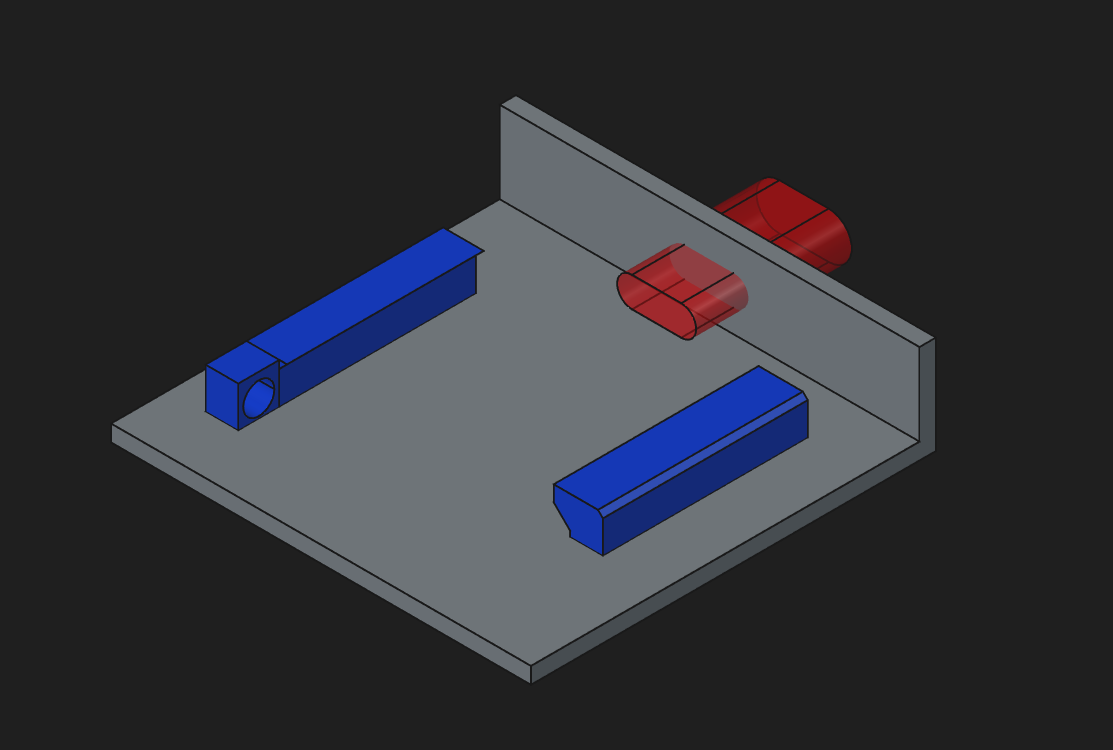
Subtract USB cutout volume. Use cut boolean operation in your CAD software to remove the cutout volume.
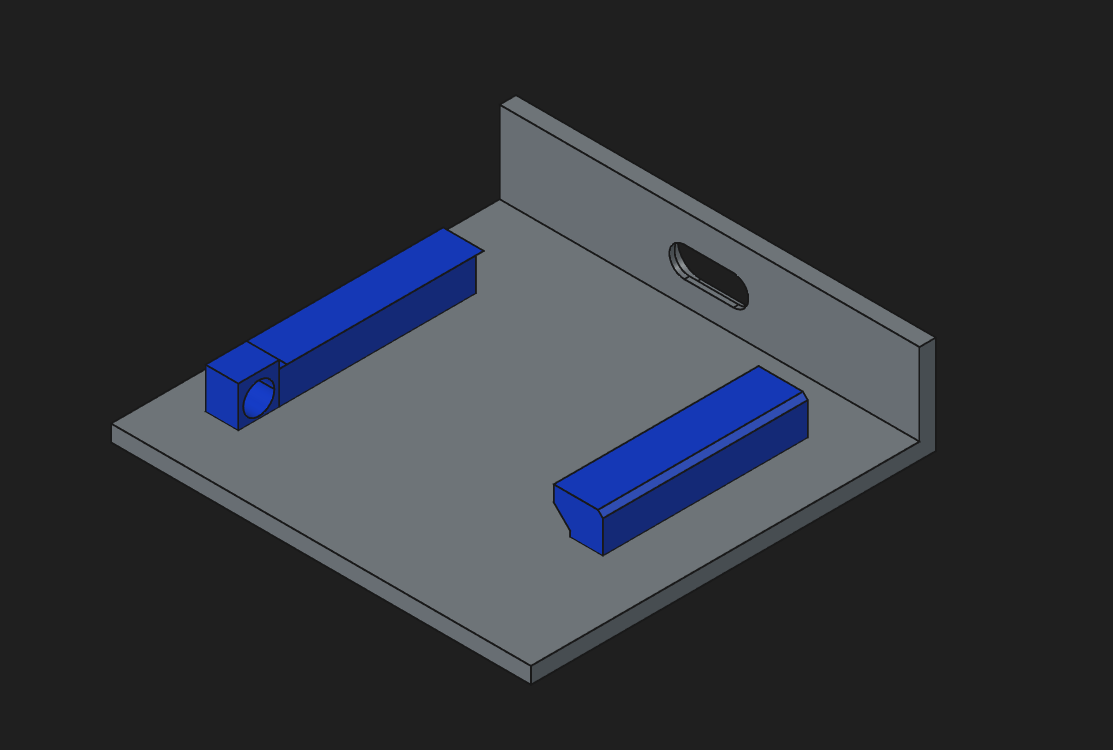
Combine socket with your model. Use "fuse" boolean operation in you software to combine the socket and your model
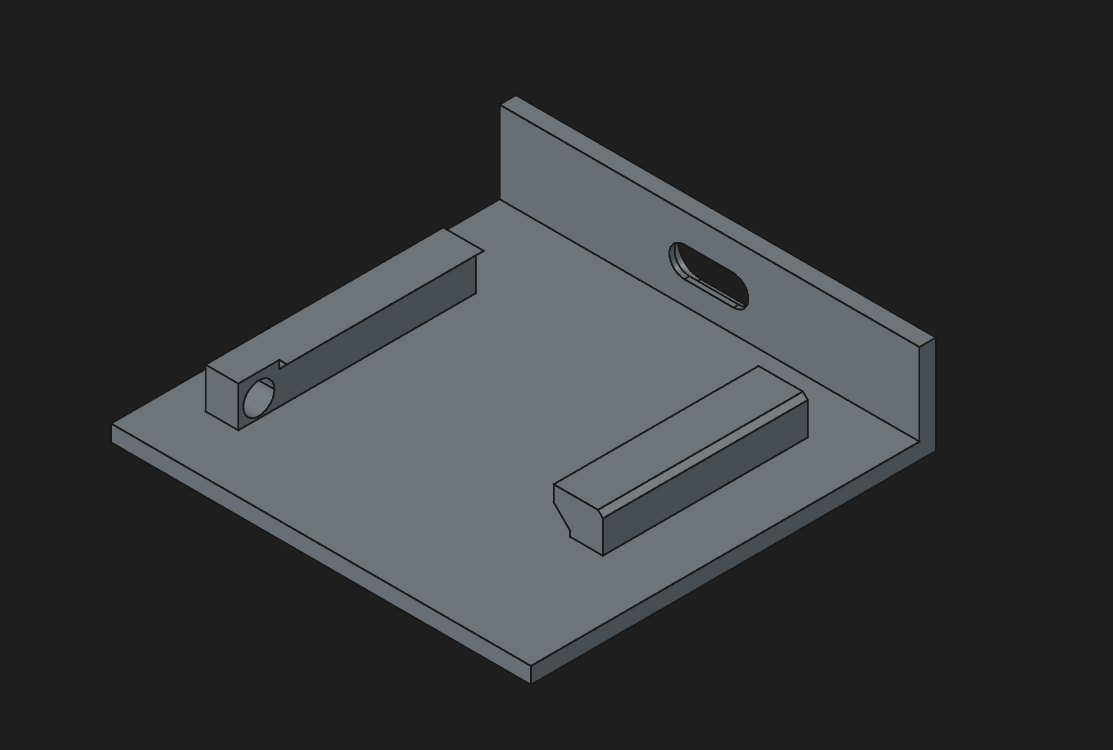
Done!
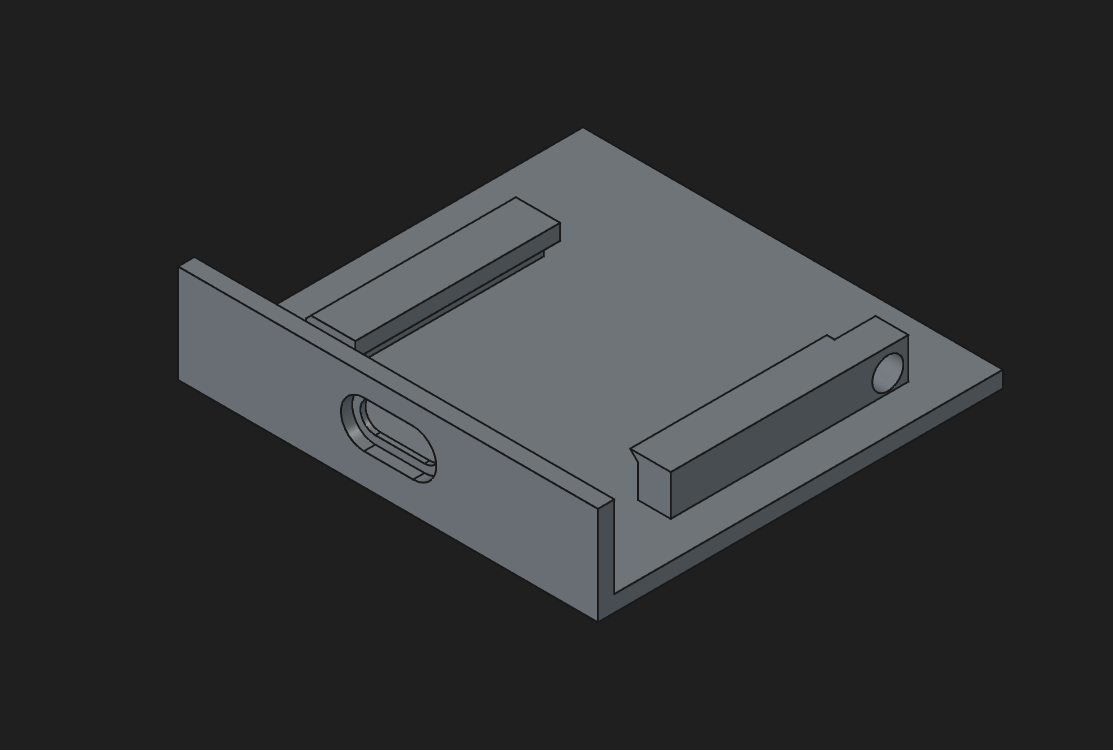
Idea
The idea for this mount was inspired by the ingenious microcontroller mount of the "Cygnus" keyboard. The models have been created from scratch.