
HSW customizable worklight holder with magnet
Obliczymy ostateczną cenę na podstawie wybranego pliku. Sprawdzisz ją i zaakceptujesz przed płatnością.
Zapisane na tym urządzeniu.
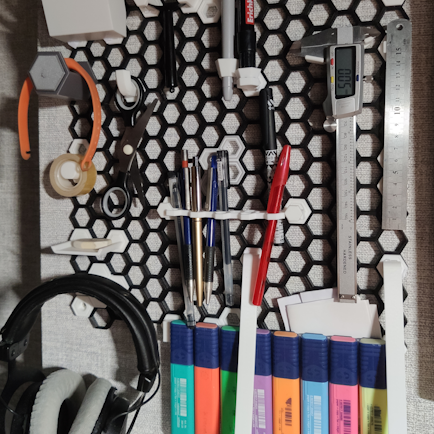
Customizable holder for worklight or other things with magnet or metal plate on the bottom to Honeycomb storage wall
- Ocena
- 0 / 5
- Polubienia
- 10
- Pobrania
- 49
- Wydruki
- 0
- Wyświetlenia
- 348
- Oceny
- 0
Aktualizacja u źródła:
Informacje o modelu
- Źródło
- Printables
- Kategoria
- Other House Equipment
- Licencja
- Creative Commons — Attribution — Noncommercial
Holder for worklight or other things with magnet or metal plate on the bottom to Honeycomb storage wall.
This thing customizable throw OpenScad file. You can customize:
- Plate dimensions: lenght, width, thickness
- Plate shape: oval, rectangle, rounded rectangle
- Magnet dimensions: lenght, width, thickness
- Magnet shape: rectangle, circle, oval, none
- Distance magnet udner plate surface
- Mount wall thickness
- HSW attach type: insert, hexagon, M3, M4
This OpenScad file need "hex plug library.scad" for working. You can grab this file here: https://www.printables.com/model/260073-openscad-library-for-hsw-attachments
File contains "Debug magnet mode". Turn on if you want make magnet visible along plate.
Warnings:
- Watch out for magnet polarity!
- Do not forget add pause in slicer to place magnet!
- At least two layers must cover magnet! So 0.4mm minimum if you use 0.2mm layer.
- On Prusa MK3 print from sd card not by octoprint! In my case after pause to insert magnet print resumed, but hotend did not heat up.
- When print insert and hexagon attachment use supports.