
Pinecil shell
Obliczymy ostateczną cenę na podstawie wybranego pliku. Sprawdzisz ją i zaakceptujesz przed płatnością.
Zapisane na tym urządzeniu.
3d printable shell for pinecil soldering iron
- Ocena
- 5 / 5
- Polubienia
- 117
- Pobrania
- 475
- Wydruki
- 6
- Wyświetlenia
- 6191
- Oceny
- 3
Aktualizacja u źródła:
Informacje o modelu
- Źródło
- Printables
- Kategoria
- Electronics
- Licencja
- Creative Commons — Attribution
Revision history
| Revison | Description | Date |
| Rev2 | Increased dept of recess for tip ground contact wire Reduced height of "stand" on the lid to make it | 20-02-2023 |
| Rev1 | First issue | 16-02-2023 |
16-02-2023 revision 1 uploaded
I needed a replacement shell for my Pinecil soldering iron, so I designed a printable version based on the original one. All original parts can be reused.
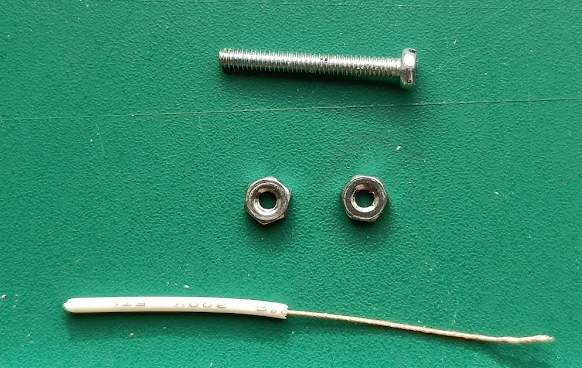
Extra parts needed:
2x m2 nut
1x piece of 18awg wire (for tip grounding)
1x m2x30mm screw (needed for assembly)
Material
The part of the tip that is inserted in the shell will get hot during a long soldering session. therefor you have to make sure you choose a material with a high TG like ABS or ASA.
I did print mine from Esun ABS(+) filament.
Slicing and printing
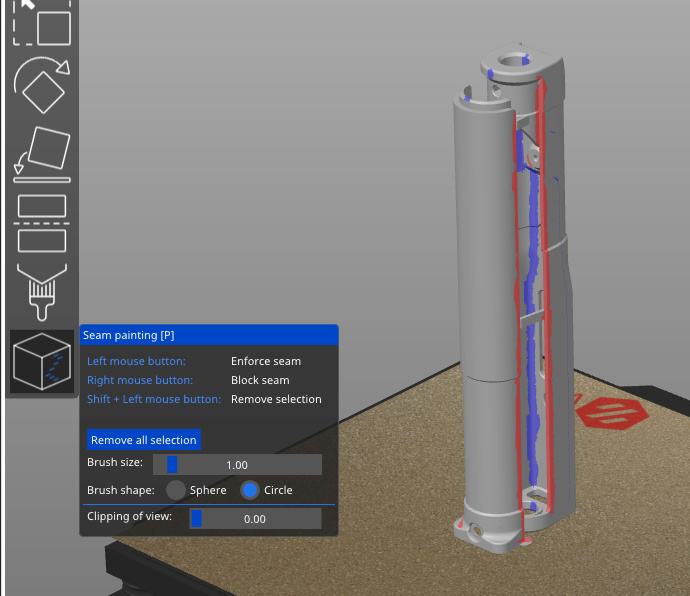
It is designed to be printed vertical and has integrated supports.
Slicer settings:
- 0,4mm Nozzle
- 0,2mm or 0,1mm layer height.
- 3 perimeters
- 100% infill
Use the seam painting/blocking tool of your slicer to make sure the seams are located on the inside of the print and not on the edges of the shell.
After printing
If you've got strong bed adhesion, it is advised to cut the 4 horizontal support first before you start releasing the parts. Now you can release the parts individually without the risk of breaking it when one of the parts suddenly releases while the other one is still stuck (don't ask me how I know..…)
Assembly
- Cut away the supports and cut away the bottom of the hole on the front of the iron (where the tip is inserted).
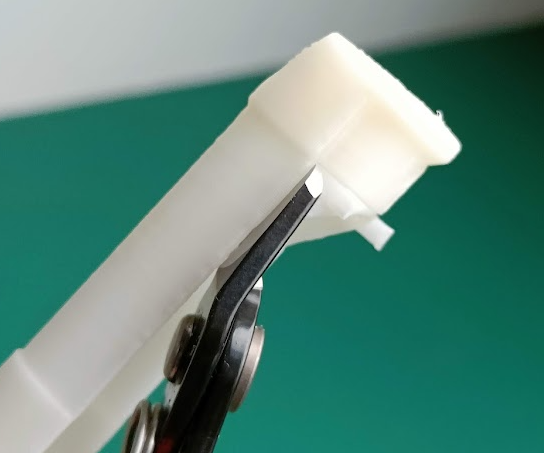
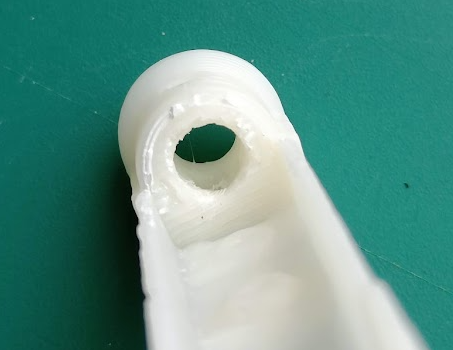
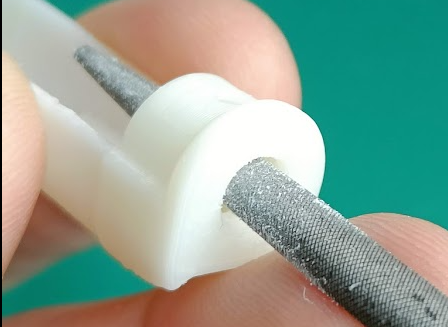
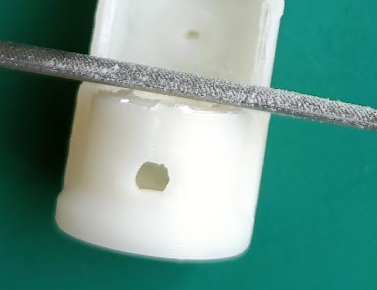
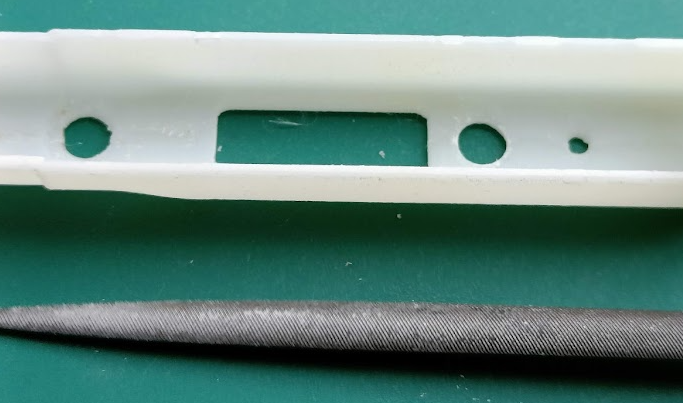
- Use a small file to clean the holes (tip, buttons and screen) and edges of the print
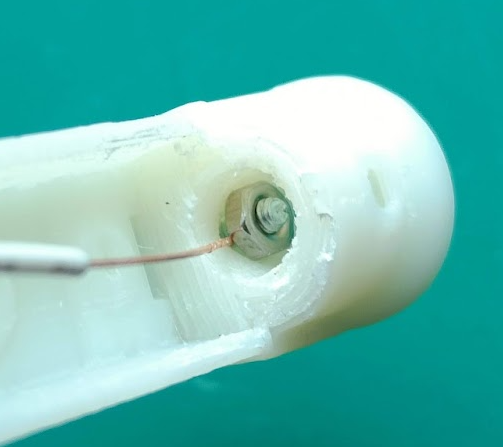
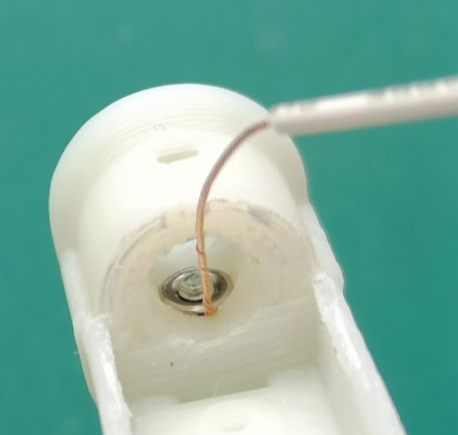
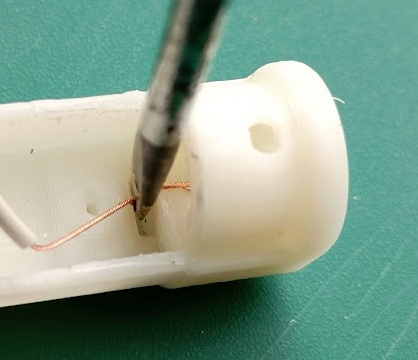
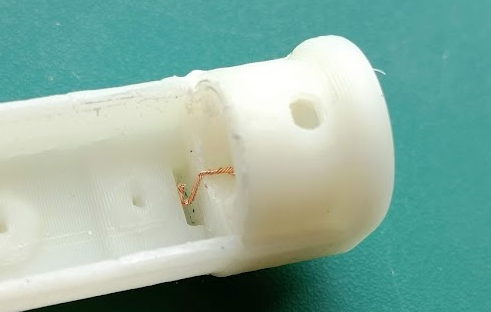
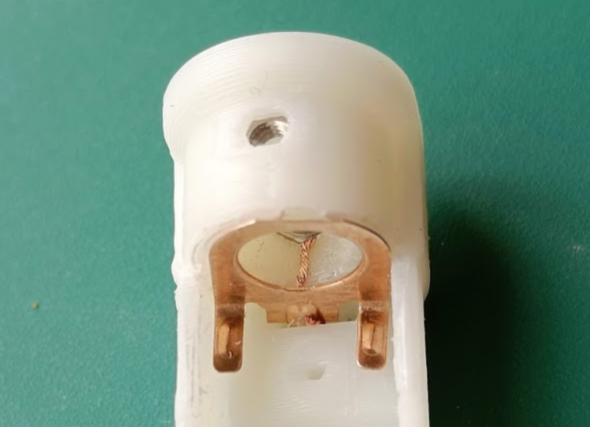
- Cut a piece of 28awg wire and twist it together. Insert it between the top m2 nut and the plastic housing. Use the m2 screw to pull it in place. Use a flat head screwdriver push the other end of the wire in the slot for the ground contact. Cut off the excess wire.
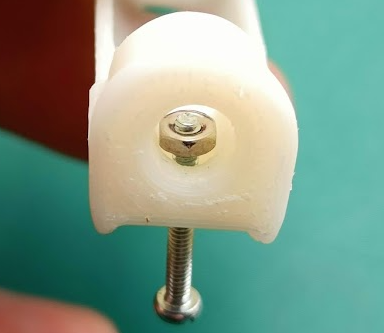
- Place the bottom m2 nut (the one which hold the screw for the lid). Place the m2 nut on top of the already mounted nut. Screw in the m2 screw and pull the nut in place
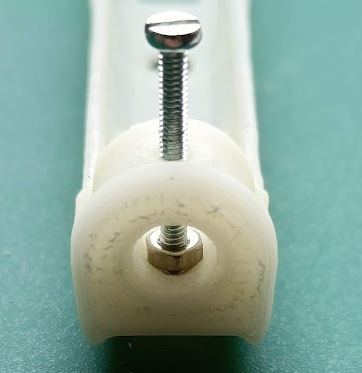
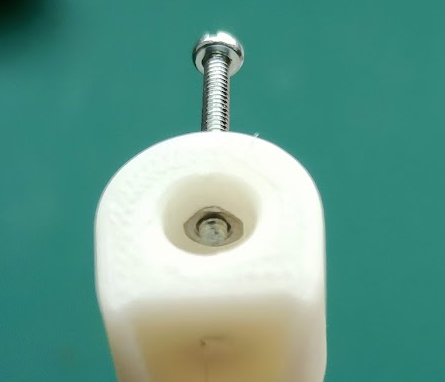
- Put the copper tip ground contact in place.
- Place the buttons
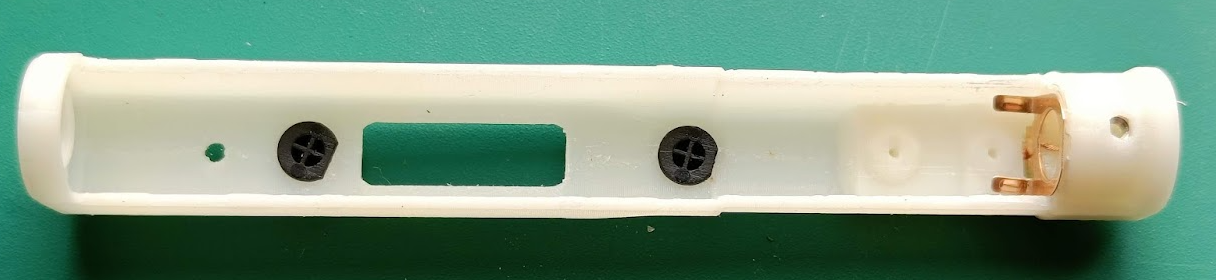
- Slide the PCB in place and mount the 2 copper tip contacts.
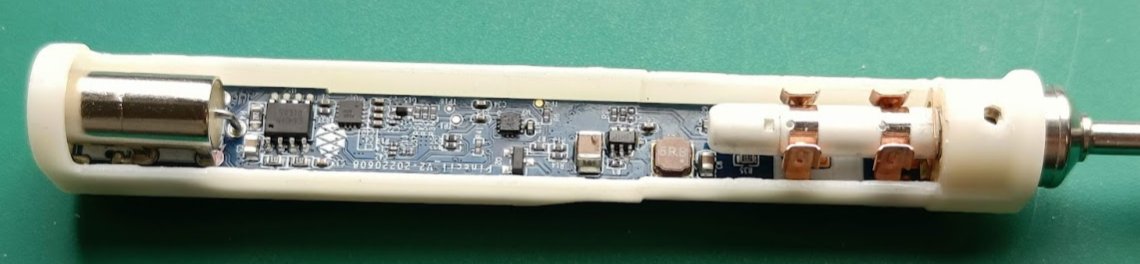
- Place the m2 screw on top of the iron
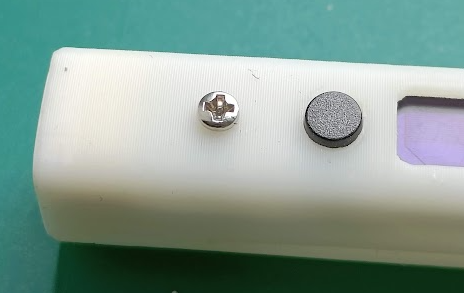
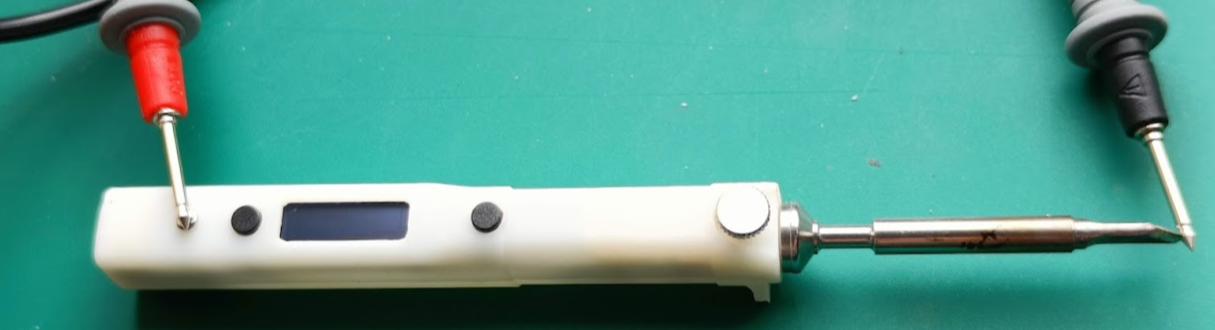
- Use a multi meter to check for continuity between the tip and grounding screw on top of the iron.
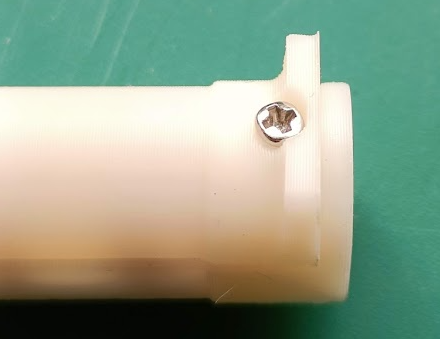
- Mount the lid and fix with a m2 screw
- Slide the grip over the shell and you're done!
