
1 / 9
spiggytech Ankermake M5 T-Volcano Hot End Mod Shims
Zamów wydruk tego modelu
Obliczymy ostateczną cenę na podstawie wybranego pliku. Sprawdzisz ją i zaakceptujesz przed płatnością.
Zapisane na tym urządzeniu.
These are clip-in Z-Axis shims that modify the Ankermake M5 to Volcano Hot End
- Ocena
- 0 / 5
- Polubienia
- 25
- Pobrania
- 61
- Wydruki
- 0
- Wyświetlenia
- 983
- Oceny
- 0
Aktualizacja u źródła:
Informacje o modelu
- Źródło
- Printables
- Kategoria
- Other Printer Parts & Upgrades
- Licencja
- Creative Commons — Attribution — Noncommercial
SzczegółyPliki (1)Wydruki i komentarze (Wydruki: 0) (Komentarze: 3)Remiksy (0)Kolekcje (35)Powiązane
These are 4mm shims meant to clip inside the Z-Axis towers to make the M5 compatible with Volcano hot ends. Print 2x, PLA/PETG @30% Cubic (100% recommended)
You will need the following items:
- Polisi3D Volcano Hot End Block
- Volcano Nozzle (Your choice of diameter, I like 0.40mm)
- Volcano Ducts (By @BlakeDouglas_545792)
- 2x M2x16mm Screws (the OEM ones are fragile)
- (optional) Hot End Service Tool Block
Assembly Instructions:
- Print the Ducts first. You need them.
- Then print the shims. You want two of these.
- Then print the hot end tool, because you'll probably need it too
- set the Z-axis up on the printer. Then turn off the machine.
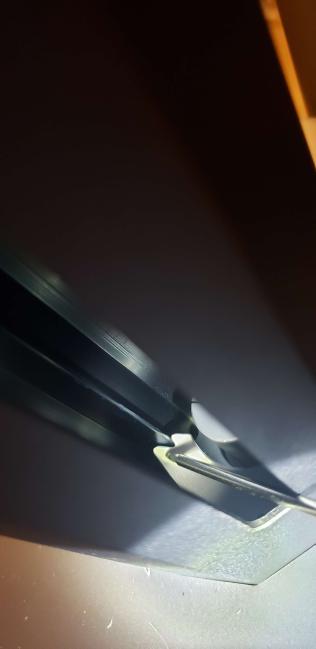
- Install the Z-clips per the cover image.

- Push it flat with a screwdriver. The right tower is the same, but mirrored.
- Remove the OEM hot end per AnkerMake Instructions
- Assemble the Volcano Hot End with the OEM AnkerMake M5 heatbreak. Use the Volcano Hot End Tool Block for assistance
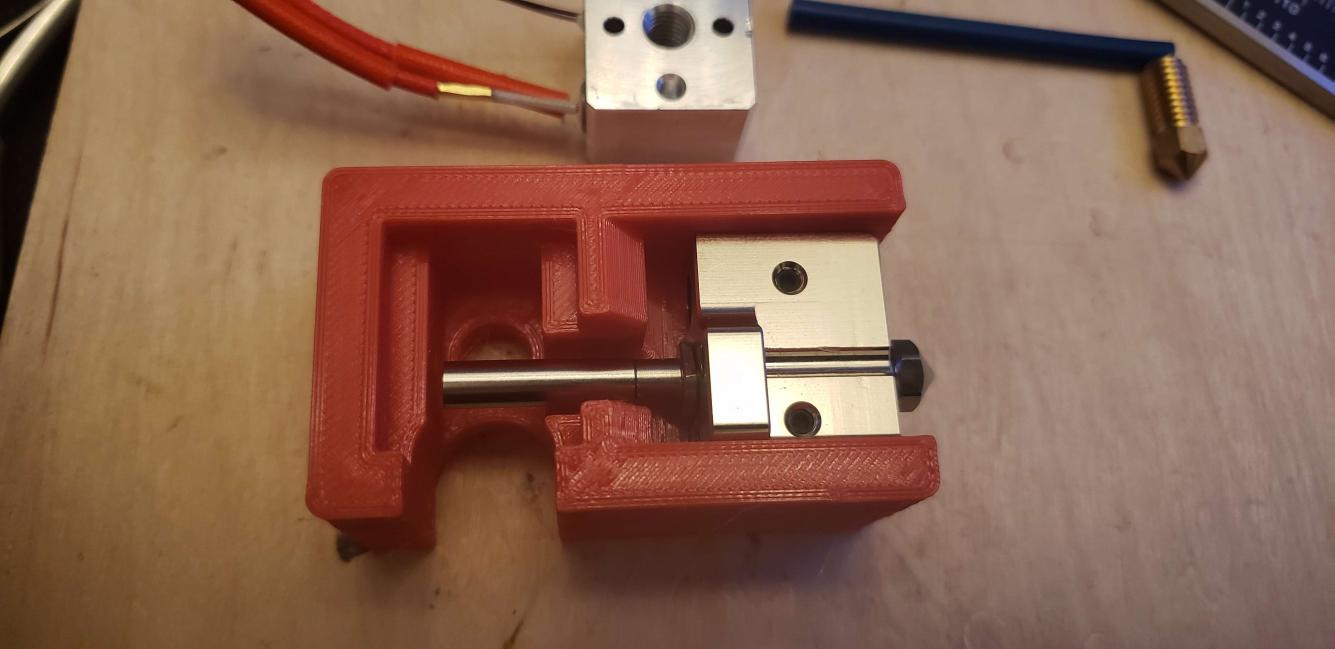
- Everything should be about the same. Even the PTFE tube is the same OEM length.
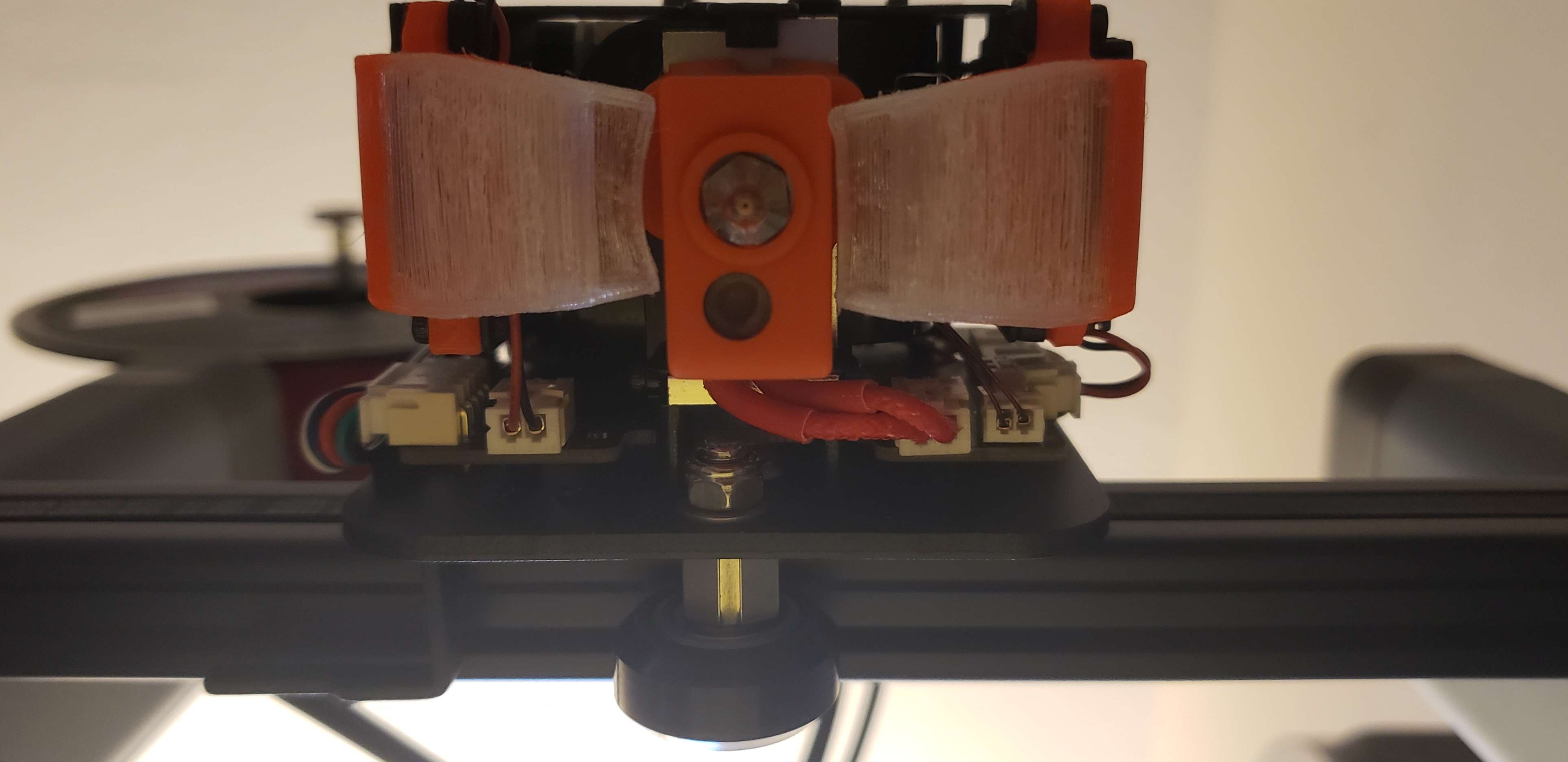
- Assemble the Volcano Hot End with the heater cartridge (long side) pointed at the crossbar.
Happy printing.
Design based on the initial concept crafted by @BlakeDouglas_545792 on the Unofficial Wiki