
Bed leveling wheel lock for Creality CR10 Smart Pro by MAXPROBE for red metal alloy aluminium leveling wheel nuts
Obliczymy ostateczną cenę na podstawie wybranego pliku. Sprawdzisz ją i zaakceptujesz przed płatnością.
Zapisane na tym urządzeniu.

Bed leveling adjustment wheel nut lock for Creality CR10 Smart Pro printers with the red metal leveling wheel nuts
- Ocena
- 5 / 5
- Polubienia
- 56
- Pobrania
- 448
- Wydruki
- 6
- Wyświetlenia
- 2832
- Oceny
- 6
Aktualizacja u źródła:
Informacje o modelu
- Źródło
- Printables
- Kategoria
- Creality Parts & Upgrades
- Licencja
- Creative Commons — Attribution — Noncommercial — Share Alike
Bed leveling adjustment wheel nut lock
Developed by MAXPROBE for Creality CR10 Smart Pro printers with the red metal leveling wheel nuts.
These wheel locks are low profile and prevent the bed from self-adjusting or being accidentally bumped out of adjustment when working near the bed.
Features
- Easy to install
- Fully reversible
Suits
- Creality CR-10 Smart Pro
Sick of auto bed leveling issues?
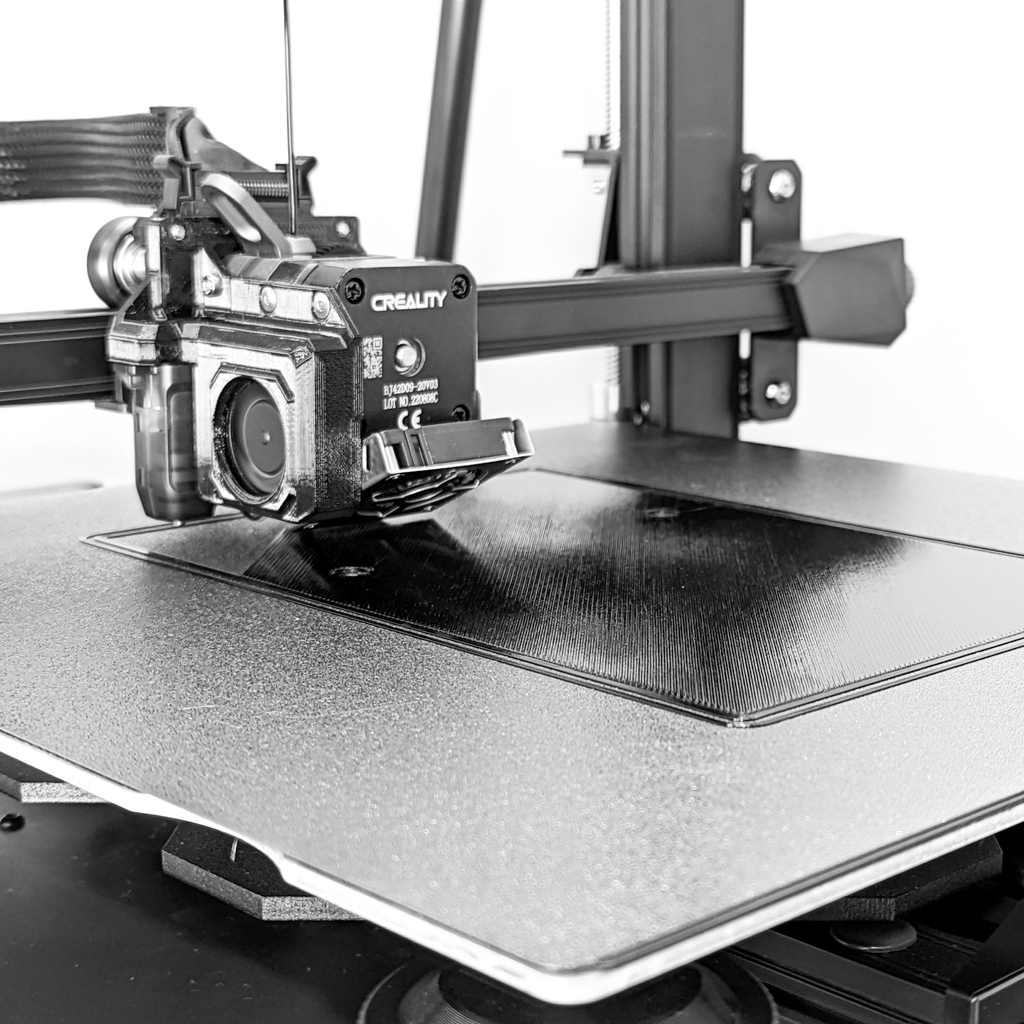
So are we, that is why we developed the MAXPROBE backplate - the solution to auto bed levelling issues on Creality printers with the Sprite Pro Extruder such as the CR10 Smart Pro and Ender 3 S1 Pro. It is easy to install, uses all standard components and does not require cutting any wires. Download the MAXPROBE backplate here
Print instructions
- Material: PLA or PETG
- Layer height: 0.2
- Walls: 1.2 thick (0.4 line width) , 1.5 thick (0.5 line width)
- Top/bottom thickness: 1.4
- Infill: 20% grid
- Supports: Not required
Installation instructions
- Adjust bed as required
- Insert wheel locks from above, there will be some resistance then should snap into place
- Push wheel locks up from below through the gaps in the wheel when you need to adjust the wheel again