
Slicer Size Gauge, How Small Can You Go? No Printing Required!
Obliczymy ostateczną cenę na podstawie wybranego pliku. Sprawdzisz ją i zaakceptujesz przed płatnością.
Zapisane na tym urządzeniu.
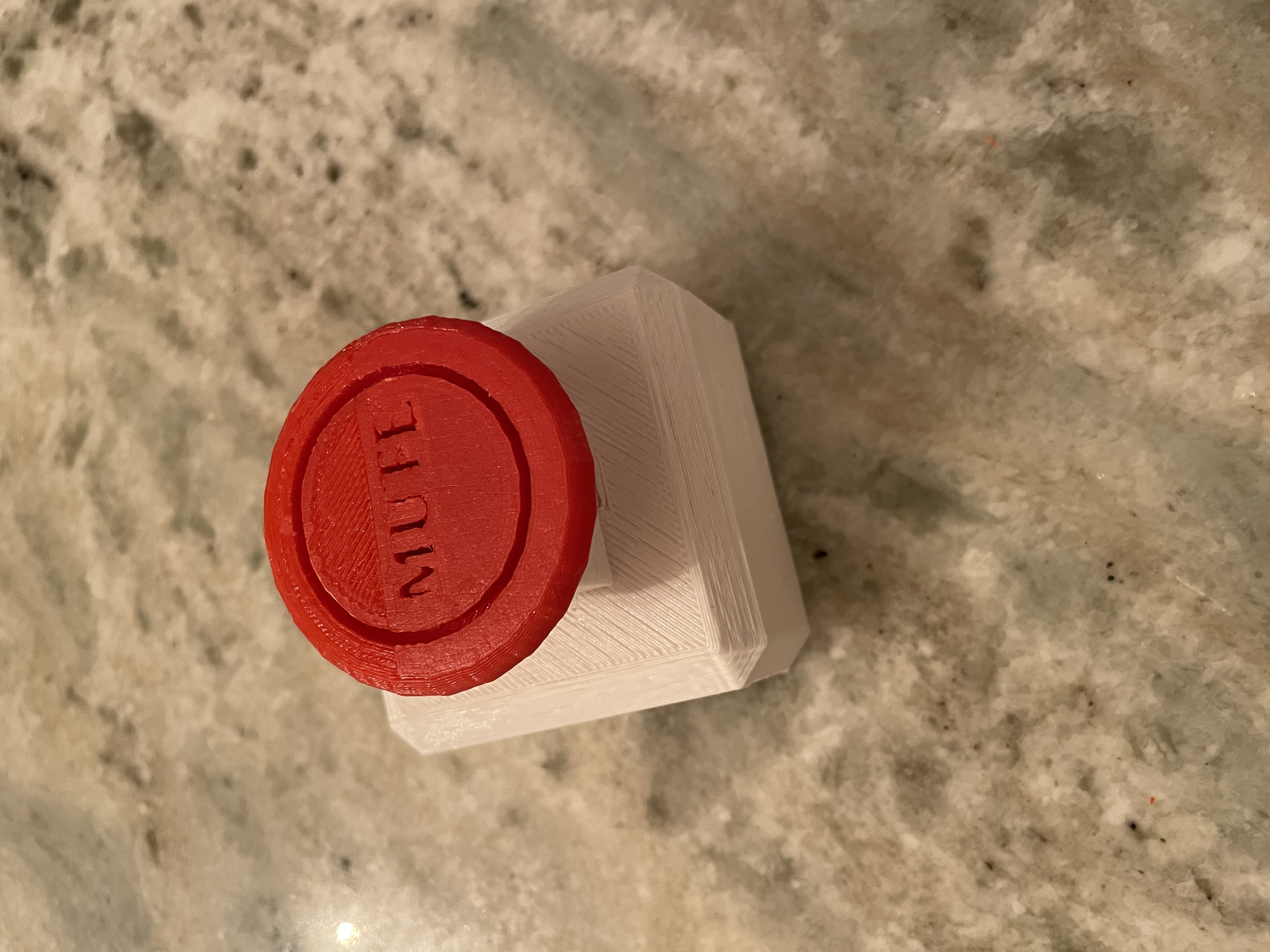
Helps determine how small of a model piece you can use. Just Slice and see smallest size you slicer recognizes.
- Ocena
- 5 / 5
- Polubienia
- 6
- Pobrania
- 34
- Wydruki
- 1
- Wyświetlenia
- 187
- Oceny
- 1
Aktualizacja u źródła:
Informacje o modelu
- Źródło
- Printables
- Kategoria
- Test Models
- Licencja
- Creative Commons — Attribution — Share Alike
I made this quick little gauge to see what size my slicer will recognize. For me, Bambu Studio recognizes down to around 0.45mm. You really don't even need to print, just slice to get an idea of how small a piece you can model that will show up. I used this to to model 0.5mm standoffs for a part and I was successful. Layer Height did not make a difference for me, which now thinking about, makes sense.
If possible, make sure you turn on “Arachne” Wall Generation in your slicer, smaller parts of model won't typically show up if sliced with Wall Generation set to "Classic".
First Picture = PreSlice
Second & Third Picture = Sliced (notice starting at 0.40mm cylinder is missing)
God Bless!
@BowieInc
Edit: March 5th 2024, Printing in Horizontal and Vertical Orientations and posted pics with calipers shown. Super hard to measure and it looks like last few are same size. . Originally, I designed to see what would show up in slicer, but it looks like I didn't' post actual prints.