
Segmented Modular Hose, Parametric and Customizable
Obliczymy ostateczną cenę na podstawie wybranego pliku. Sprawdzisz ją i zaakceptujesz przed płatnością.
Zapisane na tym urządzeniu.

A flexible and segmented modular hose to use as an air duct or with a vacuum. Customize your own segments & attachments!
- Ocena
- 5 / 5
- Polubienia
- 160
- Pobrania
- 369
- Wydruki
- 1
- Wyświetlenia
- 2497
- Oceny
- 1
Aktualizacja u źródła:
Informacje o modelu
- Źródło
- Printables
- Kategoria
- Tools
- Licencja
- Creative Commons — Attribution — Share Alike

A flexible segmented hose makes a great air duct for the exhaust fan on my 3D printer enclosure.
Inspired by several other terrific segmented hose models, I built my own segmented modular hose model and library! I chose OpenSCAD so the software and model would be fully open source.
Features
This model was built with configurable sizing based on the smallest interior diameter, such as where the two halves of a segment join at the center:
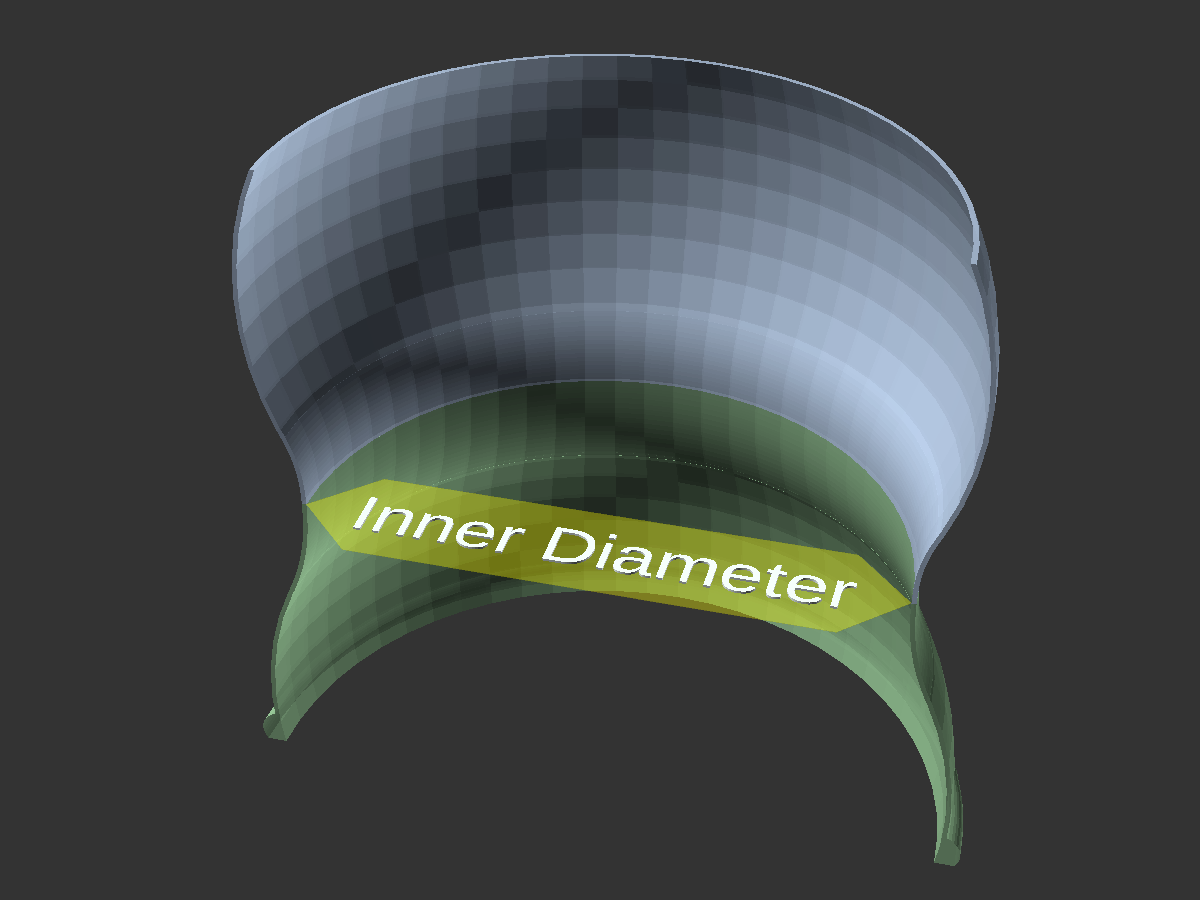 | 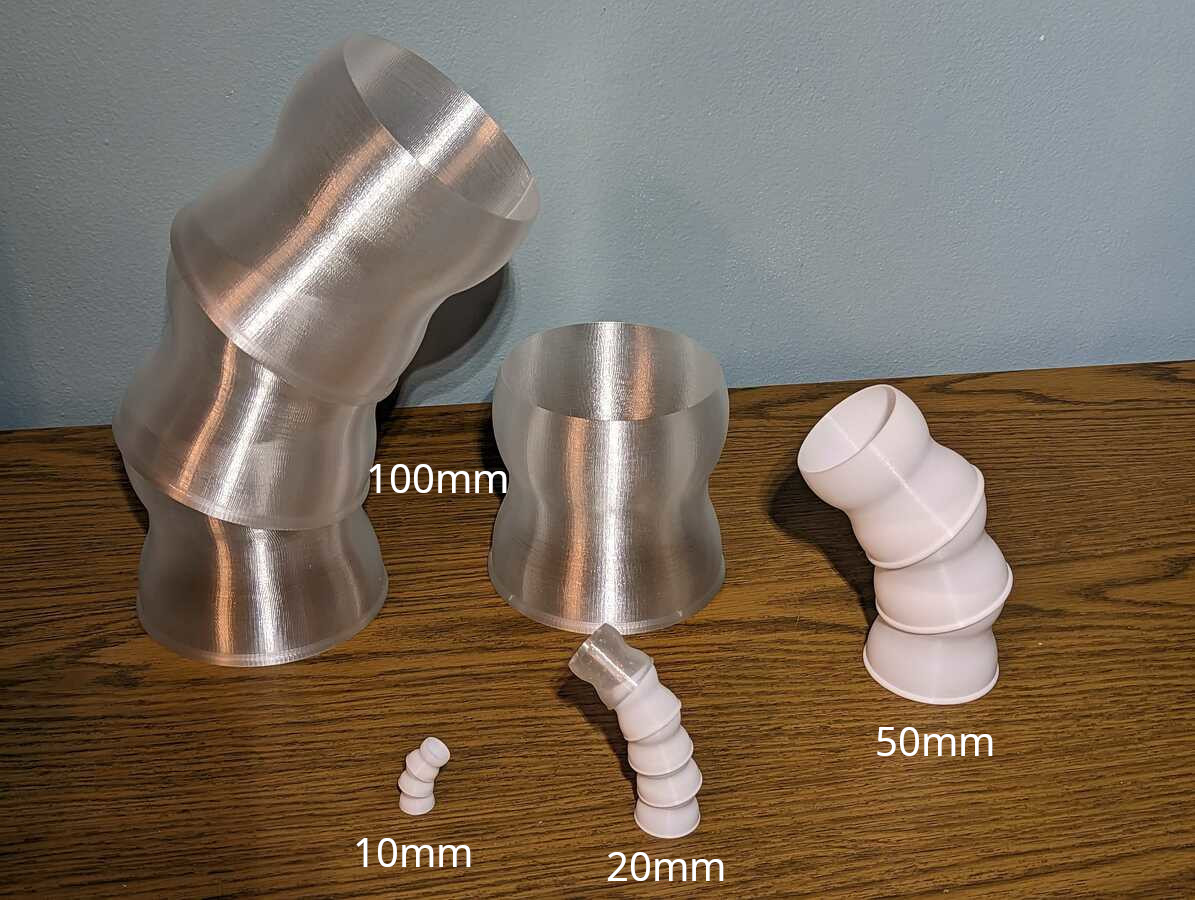 |
This diameter, wall thickness, and connector size tolerance are configurable for all parts. Selecting the same values for each part will create compatible parts. The default thickness (0.8mm) and size tolerance (0mm) worked well on my printer with a 0.4mm nozzle.
The model code is also organized as a library, so you can make your own custom parts!
Setup and rendering
Setup
The OpenSCAD model depends on included third-party library code, such as BOSL. Download and unzip libraries.zip into the same folder as the rest of the scad files.
Model files and rendering
Ensure all of the model's *.scad files are placed in the same directory. Open a part model file (such as mh-segment.scad) in OpenSCAD. Select your desired sizing and options in the OpenSCAD Customizer before rendering each part.

Printing
I recommend printing with PETG for the additional flexibility it provides compared to PLA. The hose segments bend slightly when fitting together.
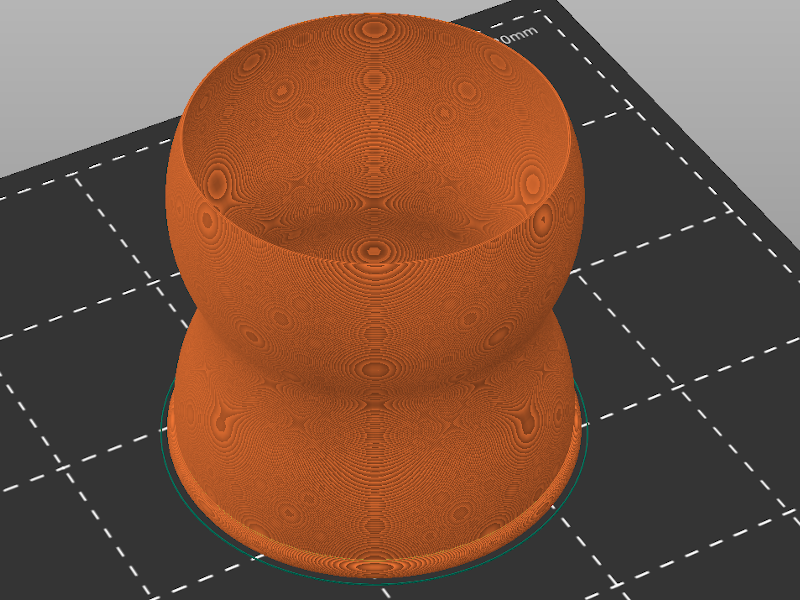
Hose segments and connectors are sized to be two perimeters thick with the default wall thickness of 0.8mm printed using a 0.4mm nozzle. Hose segments and connectors should not generate any printed infill material (except for the female connector end raised lip, if the hose diameter is large enough).
Available parts
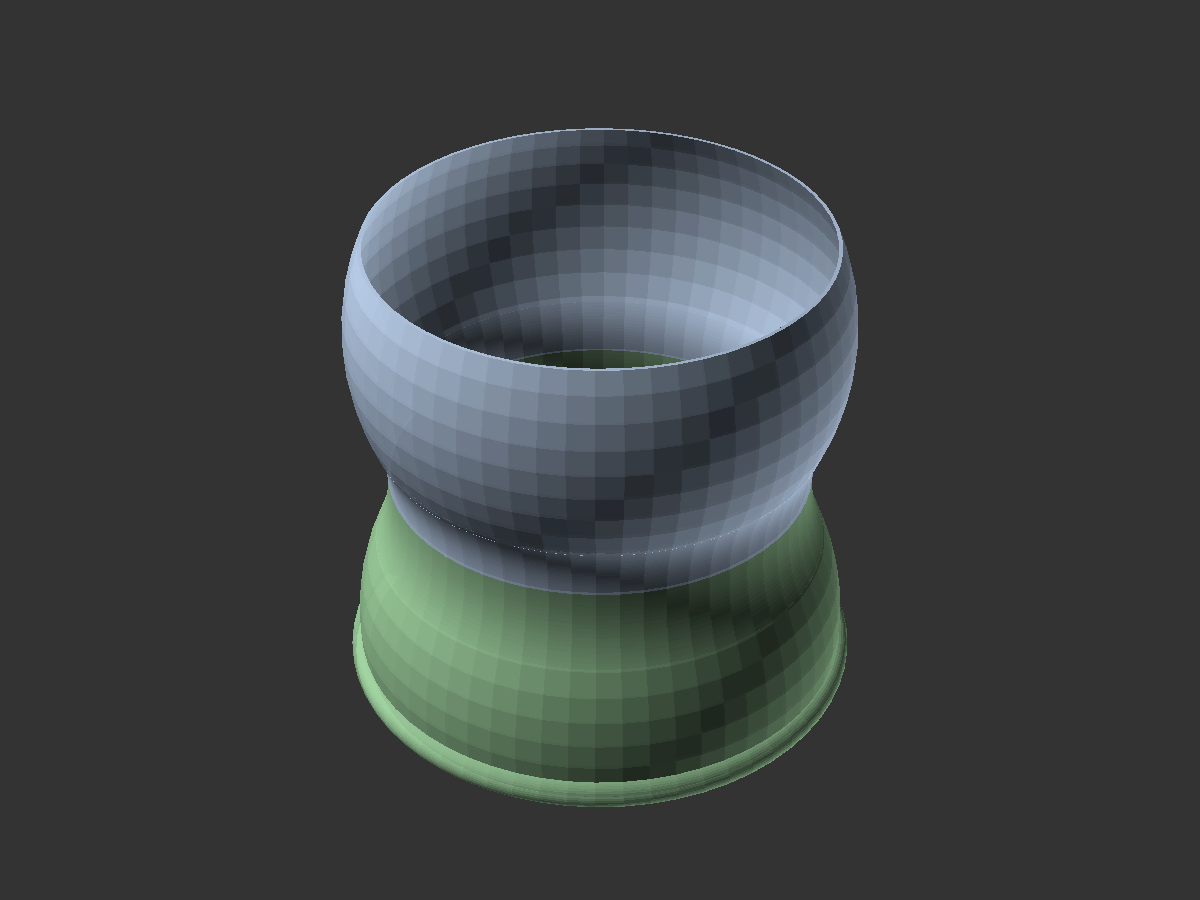 | Flexible segment (mh-segment.scad): Print as many of these as you need for your desired hose length |
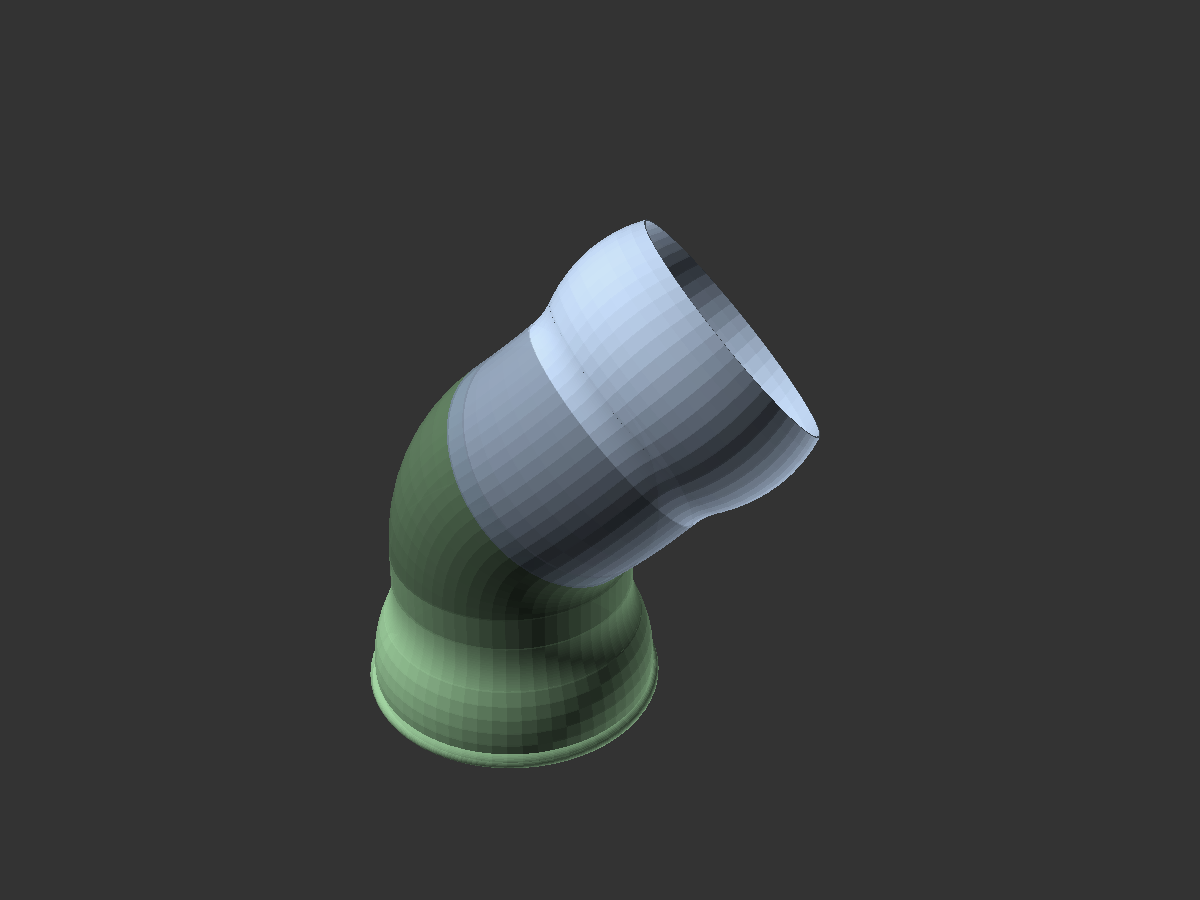 | Flexible segment (advanced options) (mh-segment-advanced.scad): Segment with more advanced bend/length options than mh-segment.scad |
 | Round connector (mh-magnetic-parts.scad): A round base connector with base holes for magnets/screws (configurable size). Use with another connector or a grommet. |
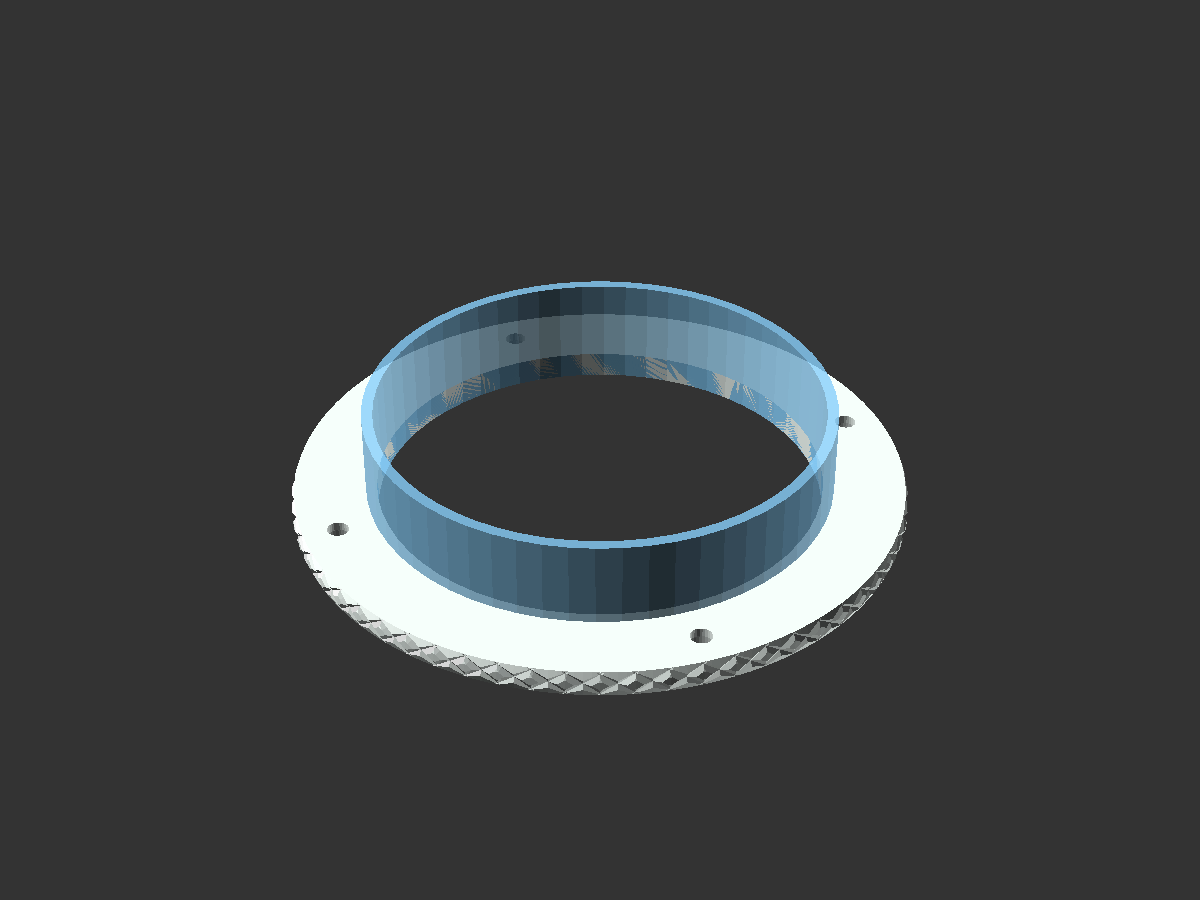 | Round grommet (mh-magnetic-parts.scad): A round base grommet with base holes for magnets/screws (configurable size). Use with a connector. |
 | 120mm fan connector (mh-magnetic-parts.scad): A 120mm fan base connector with base holes for magnets/screws (configurable size). Use with another connector or a grommet. |
 | 120mm fan grommet (mh-magnetic-parts.scad): A 120mm fan base grommet with base holes for magnets/screws (configurable size). Use with a connector. |
 | Vacuum attachment (mh-vacuum-attachment.scad): A sample vacuum attachment that can connect to the end of a hose |
Design your own custom parts and attachments!
Design your own custom parts using mh-library.scad!
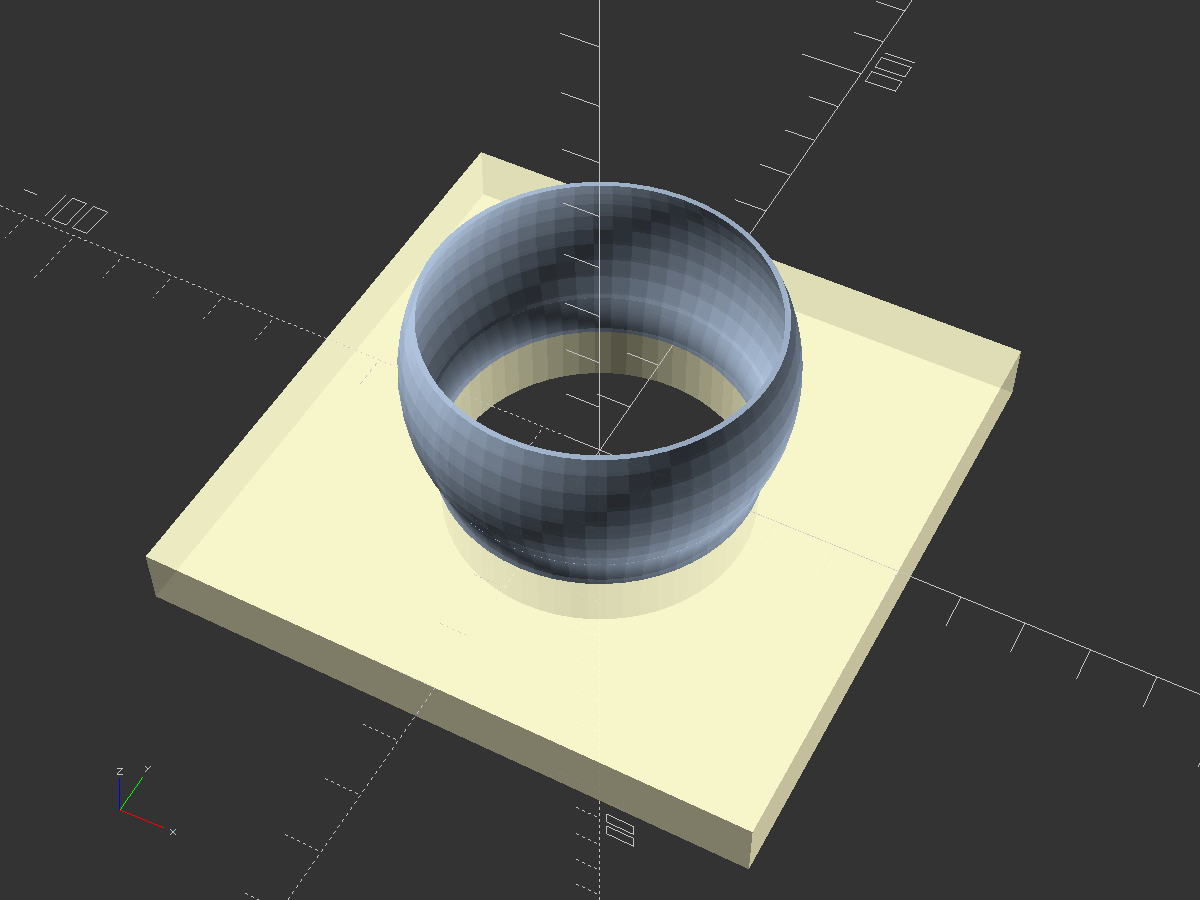
Here's an example of how to create a hose part with a connector on top of another shape:
// Create this new .scad file in the same directory as mh-library.scad                                                                                                                                              include <mh-library.scad>;
// Initialize a modular hose part with an inner diameter of 50mm
mh(inner_diameter=50) {
// Create a male connector.
// For a female connector, use mh_connector_female().
mh_connector_male();

// Since connectors render centered at the origin,
// attach our new part by facing it downwards instead
// of upwards. Mirroring along the Z-axis flips
// the parts to face down.
mirror([0, 0, 1]) {

    // Let's create a 100x100mm square attachment base
    // with a hole matching the hose diameter (50mm).
    // We can do this by creating a square with a
    // circle removed from the center,
    // then extruding that to a 3D shape.
    color("lemonchiffon", 0.8)
    // Make the attachment part 10mm thick
    linear_extrude(height=10)
    difference() {
        // Create the 100x100mm square
        square(100, center=true);
        // Subtract a circle matching the hose diameter
        circle(50 / 2);
    }

}

}
The above code produces this part:
Attribution
This model depends on:
Third party components have their own licenses.