
Favorite Filament Sample (Customize color swatch)
Obliczymy ostateczną cenę na podstawie wybranego pliku. Sprawdzisz ją i zaakceptujesz przed płatnością.
Zapisane na tym urządzeniu.

This is my favorite filament sample - customizable and easy to use! Build you filament library today.
- Ocena
- 4,971 / 5
- Polubienia
- 376
- Pobrania
- 1867
- Wydruki
- 43
- Wyświetlenia
- 6855
- Oceny
- 34
Aktualizacja u źródła:
Informacje o modelu
- Źródło
- Printables
- Kategoria
- Test Models
- Licencja
- Standard Digital File License
| Welcome to GlennovitS3D. Join the Club on Printables.com to support creation of new models, get access to exclusive models, and get commercial rights, to sell prints. Join today - GlennovitS3D - or check out my model collection or my popular models |
Updates
22. June 2024 - Uploaded a box to store the samples: Ultimate Sample Box - enjoy!
17. June 2024 - Added Elegoo, Jayo and Kingroon as brands in the OpenSCAD file.
This has been my go-to filament sample I have printed for years now, every time I got a new material type/color. And having these cards as reference for color and transparency is awesome. And now I have learned a little OpenSCAD and recreated it there, for ease of use for other makers! Enjoy!
You can add text in multiple ways - whatever suits you the best. And the card (size, thickness and so on…) itself can be customized too.
Overview

The filament sample contains the following information about the filament material:
- Brand
- Series and Color
- Type
- Optional extra (fx. price, temperature or something else..)
Customize it!
You can add text in multiple ways:
- Print a default version with only material type added in the model, and add label or write with a marker afterwards.
- Add text in the slicer (easy to do in fx. Bambu Studio - see attached files!)
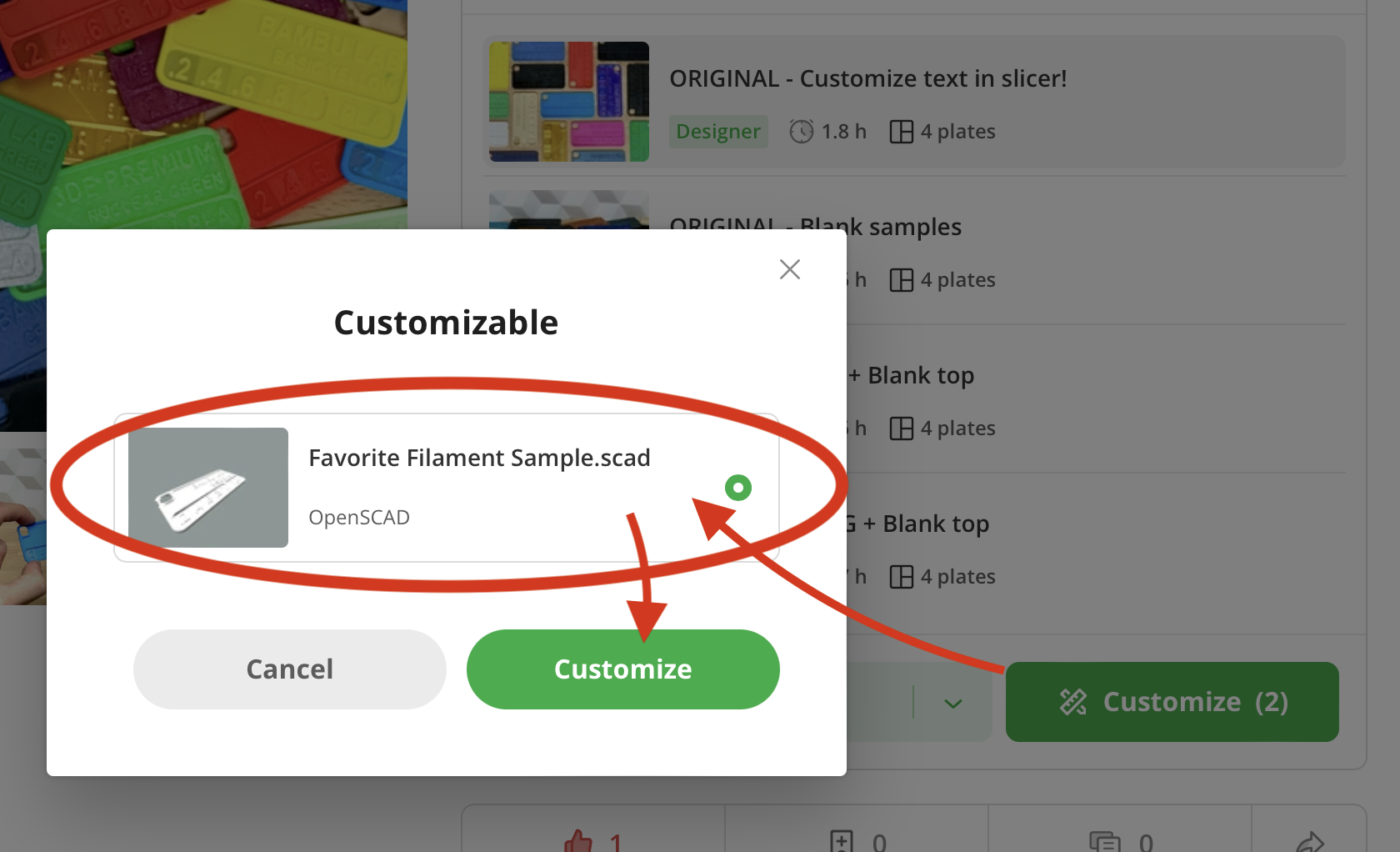
- Customize text and/or size in the OpenSCAD file - easily done online on MakerWorld’s Parametric Model Maker. Customize → Download → Slice → Print!
OpenSCAD options
The OpenSCAD model that you can customize online, has a lot of options for you to find what you like the best! Here are some of them:
- Materials (20+ options or custom)

- Material Brands (15+ options or custom)
- Material Types/Series (30+ options or custom)
- Material Color (60+ options or custom)
- Text sizes
- Text styles (default, bold, narrow, extra narrow - or a combination)
- Custom text
- Size of sample card (length, height, thickness, corner radius, border…)
- and more!..
Edit custom text in slicer
Here is how to edit custom text in slicer (in Bambu Studio):
- Click on the Filament Sample with the ‘Custom’ text on
- In the side-panel on the left, click on Objects (next to Process / Global)
- Expand the Favorite Filament Sample by pressing the little arrow
- Right click on either 'PLA', ‘Color’ or ‘Title’ and press Edit text
- Adjust text and size to your liking
- Optional: if needed move the text around on the model - simply drag on the pink square in the middle of the text (visible after you pressed Edit text above..)
Print instructions
This is easy - but a few tips:
- Layer height: 0.2 (makes the layer transparency equal for all layers of that part)
- Brim: No, not needed
- Nozzle size: 0.4 works just fine
Happy printing!