Wyniki wyszukiwania: moonraker

Sortowanie

Liczymy pasujące modele…

P
PrintablesARekieh

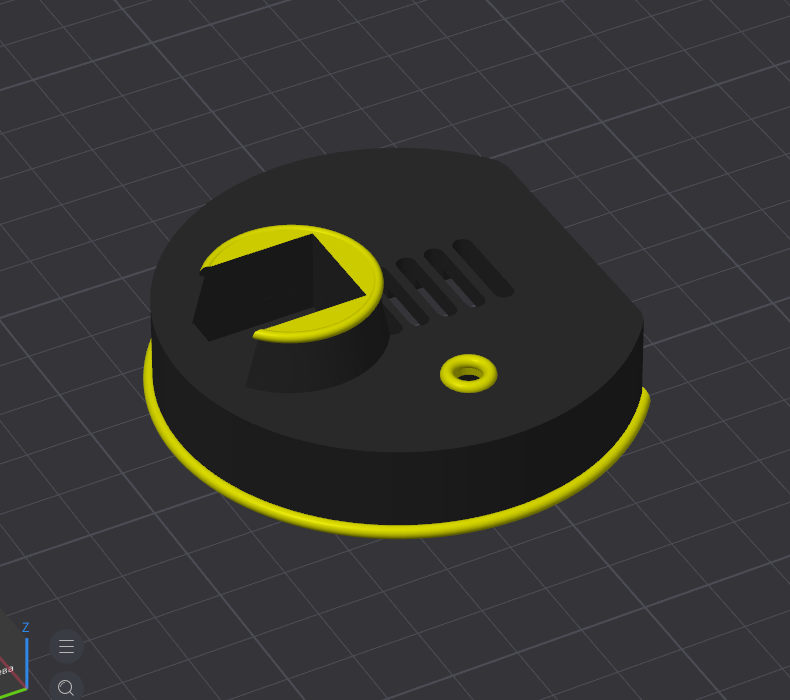
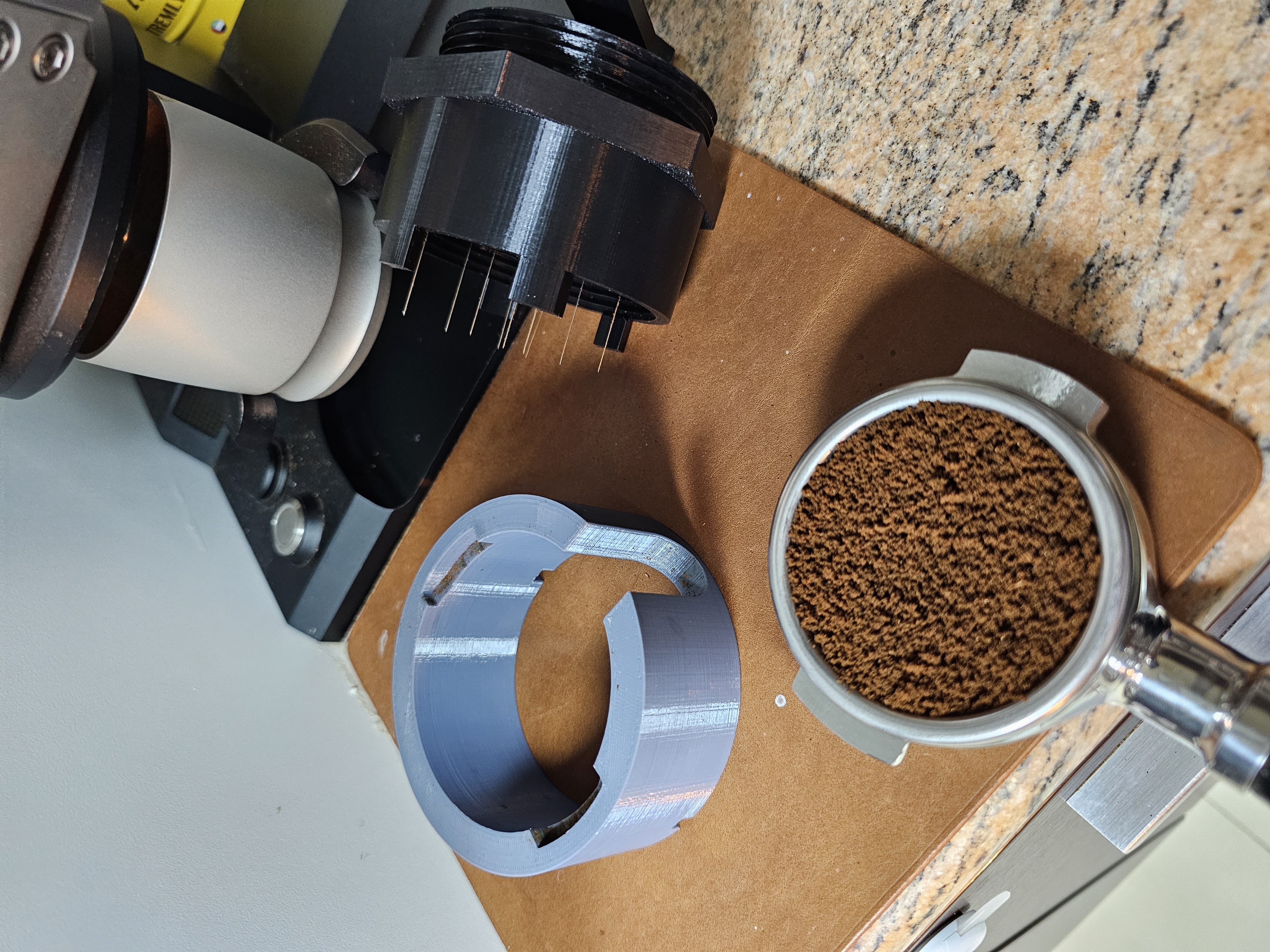
Ghetto Moonraker Rotary WDT Tool

3D Printed Weber Moonraker WDT Tool Tested model, works good. Printed at 0.2mm Quality on Prusa MK3S with PLA 10% infill adaptive cubic. The STL's include two options for the base, one for porta filter ears, and one that indexes into the…

Pobrania
529
Polubienia
113
Ocena
5
P
PrintablesLeron

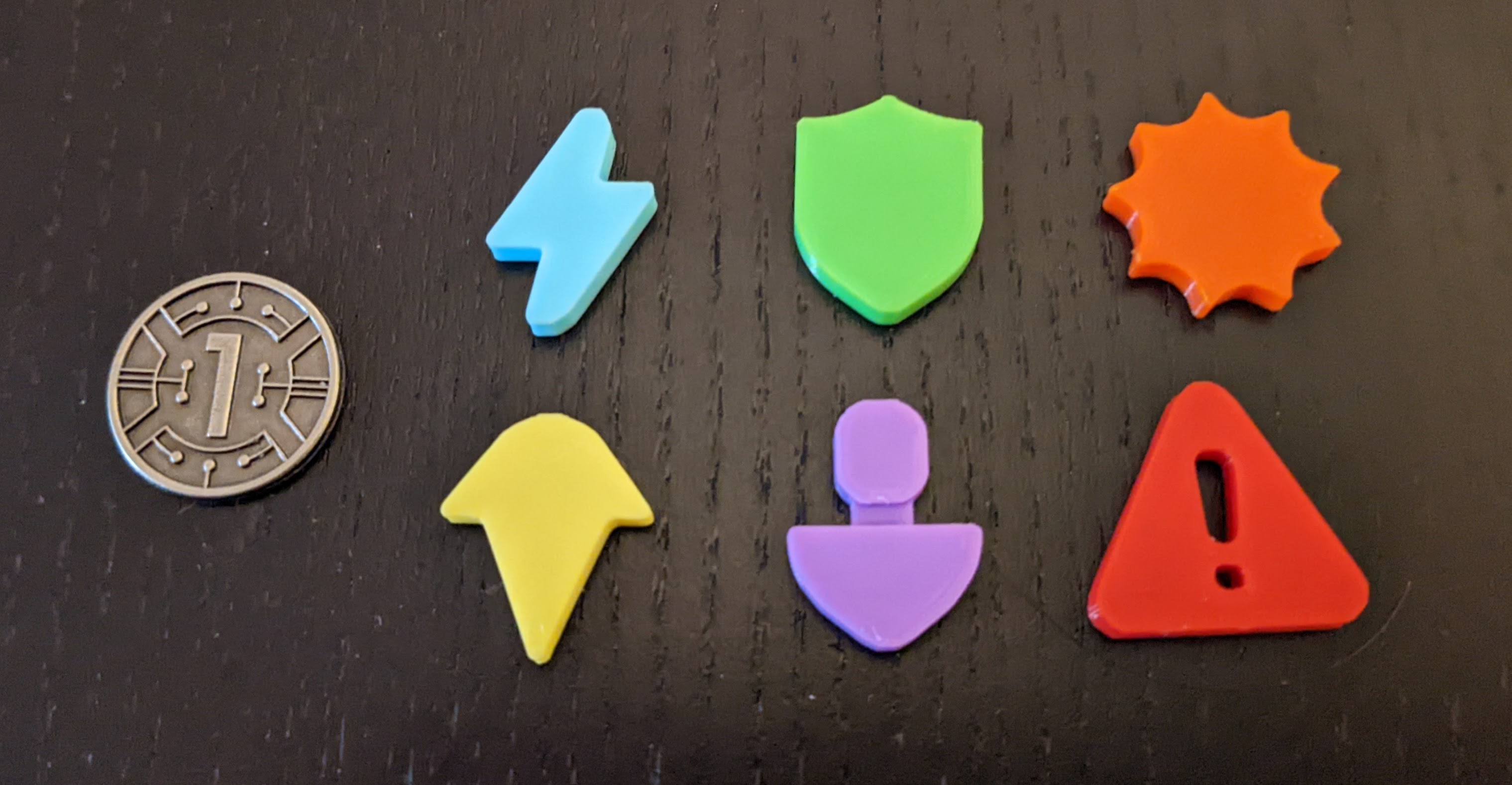
Moonrakers Card Icon and Hazard Tokens

Tokens for the Moonrakers Board Game available from IV Games. At the time of this upload, there is an ongoing Kickstarter Campaign going on for new expansions and a big-box version of the game, as well as a newly released free digital…

Pobrania
113
Polubienia
19
Ocena
0
P
PrintablesTomE1337

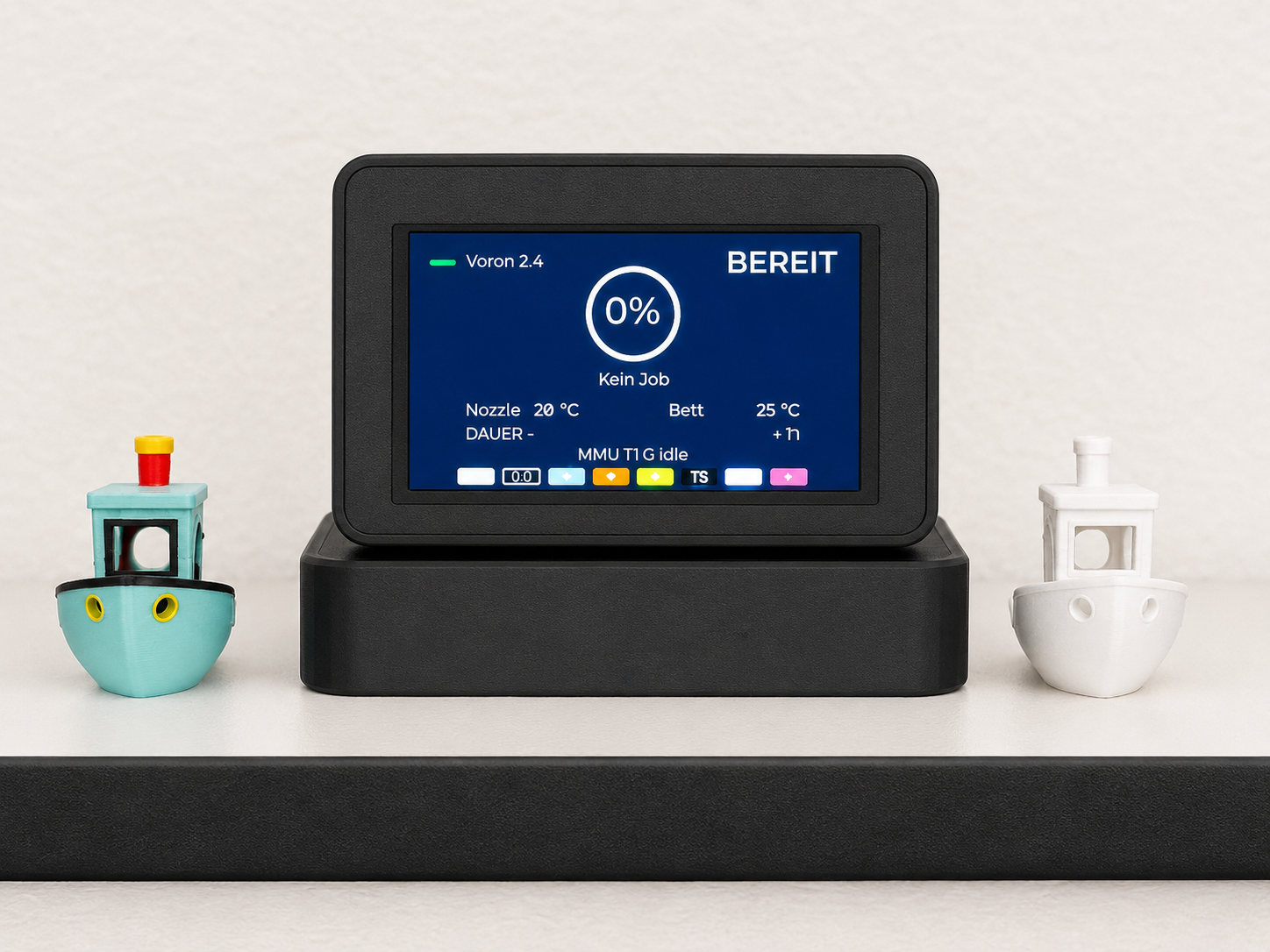
ESP32-S3 Klipper Dashboard Case with Weather, Crypto & Moonraker

This is a 3D printed enclosure for the Guition JC4827W543 ESP32-S3 HMI display. The case was designed for a small desktop or printer-side information panel that can be used with my Arduino/LVGL Klipper Crypto Weather Panel project. The…

Pobrania
76
Polubienia
7
Ocena
0
P
PrintablesEnte

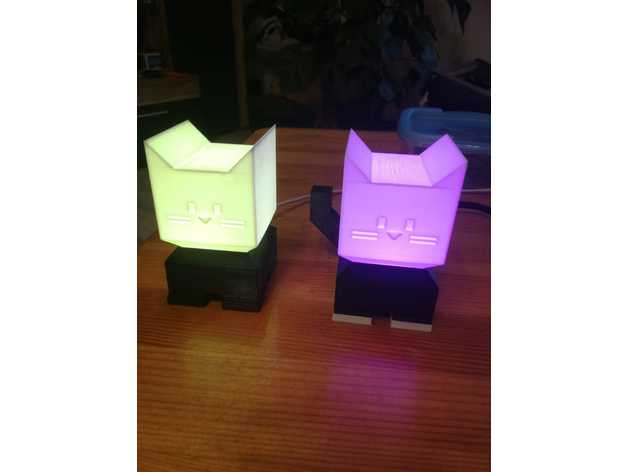
Illumination Cat Moonraker

https://github.com/EntenPaule/simple-moonraker-ws2812

Pobrania
13
Polubienia
7
Ocena
0
P
PrintablesKlausko

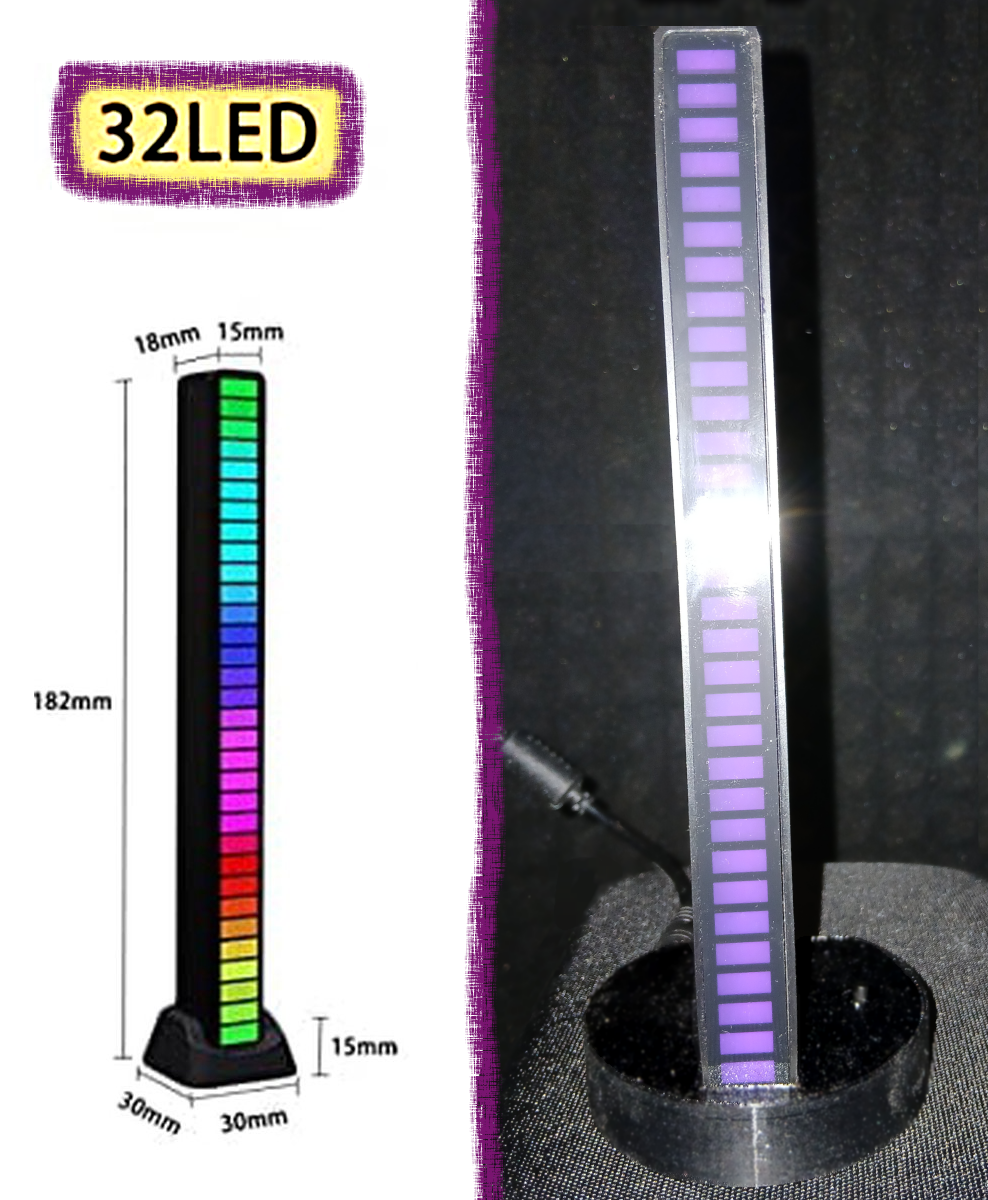
Visual printer operation indicator (MQTT protocol, Klipper, Moonraker)

LOLIN board (Wemos D1 mini), power connector, button, and LED. The LED should be connected from the power connector to the board so that when connected to the USB port for flashing, the LEDs don't receive power from the computer. The…

Pobrania
10
Polubienia
2
Ocena
0
P
PrintablesSpicyLimes

Moonraker Logos

A couple of Moonraker Logos to print as eye-candy for your 3D Printer or Home Lab. I designed these to stick on my Ender 3 Pro and Ender 3 Neo as a reminder that without the hard work of individuals who have developed these programs and…

Pobrania
9
Polubienia
1
Ocena
0
P
PrintablesKlausko

Visual printer operation indicator - MQTT protocol, Klipper, Moonraker - color variations

LOLIN board (Wemos D1 mini), power connector, button, and LED. The LED should be connected from the power connector to the board so that when connected to the USB port for flashing, the LEDs don't receive power from the computer. The…

Pobrania
3
Polubienia
2
Ocena
0