
Braille in FreeCAD
We calculate the final price from your selected file. You review and accept it before payment.
Saved on this device.

Create Braille in FreeCAD with Python
- Rating
- 0 / 5
- Likes
- 23
- Downloads
- 77
- Makes
- 0
- Views
- 489
- Reviews
- 0
Updated at source:
Model information
- Source
- Printables
- Category
- Other 3D Objects for Learning
- License
- Creative Commons — Public Domain
A humble Python script that runs in FreeCAD to create Braille dots.
This script generates Braille dots using FreeCAD and Python. It works by typing a line as a string. Each Braille line will be named properly and can be copied to your project.
Careful
3D-Printed braille dots can be sharp. Make sure to soften them!
Python
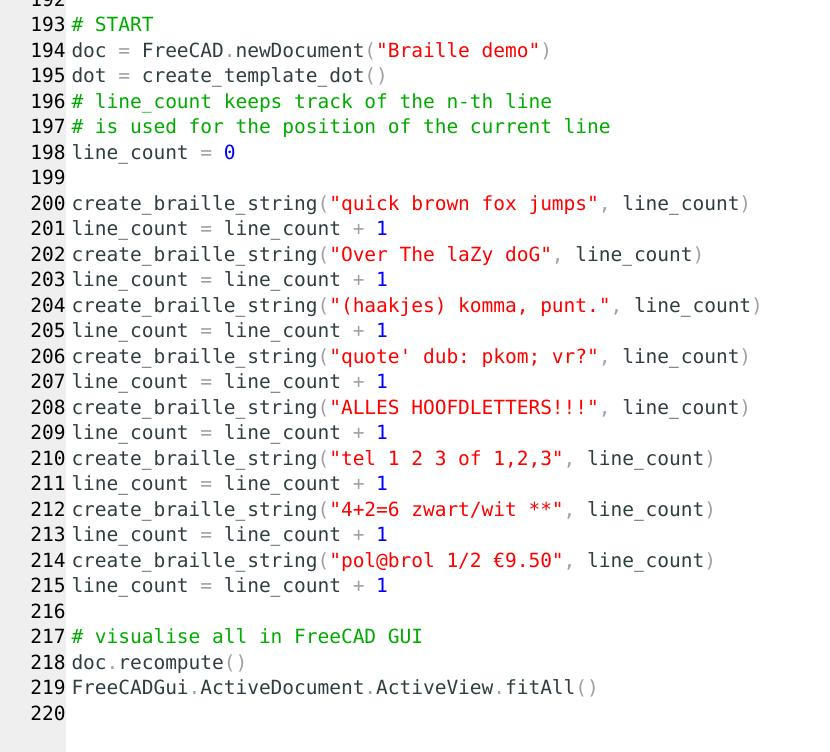
Every call to the create_braille_string function will create a line in Braille dots in FreeCAD.
FreeCAD
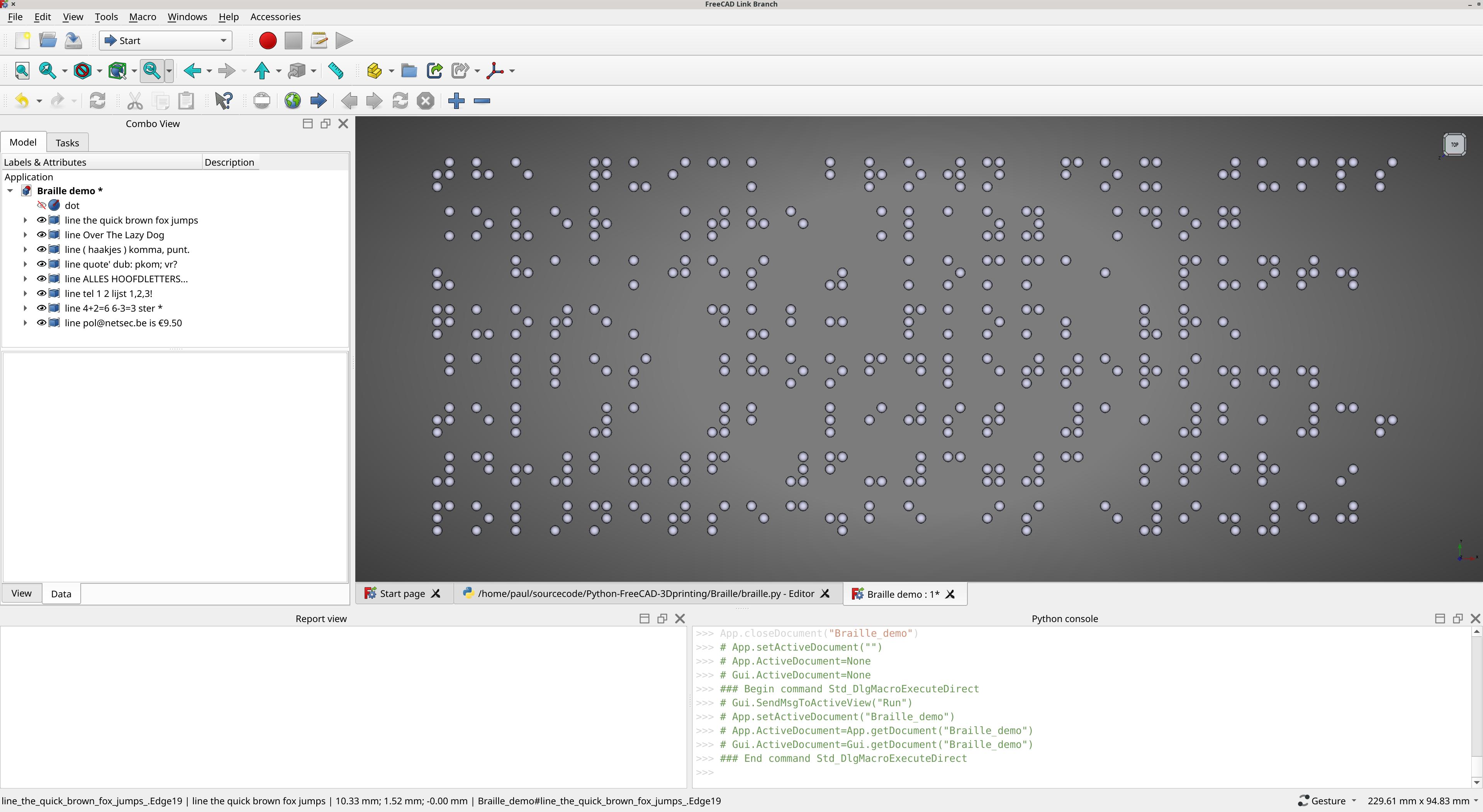
Screenshot of FreeCAD after running the script.
Source
here: https://github.com/paulcobbaut/Python-FreeCAD-Braille
License
Free for all, any use.
Nice people will point to one of these pages:
https://github.com/paulcobbaut/Python-FreeCAD-Braille
https://www.printables.com/model/1124407-braille-in-freecad