
Itachi-Keychain with NFC-Chip
We calculate the final price from your selected file. You review and accept it before payment.
Saved on this device.

A friend asked for this design of Itachis symbol
- Rating
- 0 / 5
- Likes
- 32
- Downloads
- 216
- Makes
- 0
- Views
- 930
- Reviews
- 0
Updated at source:
Model information
- Source
- Printables
- Category
- 2D Plates & Logos
- License
- Creative Commons — Attribution — Share Alike
A small design for a keychain. You can use my file for printing, there are all the swaps already included.
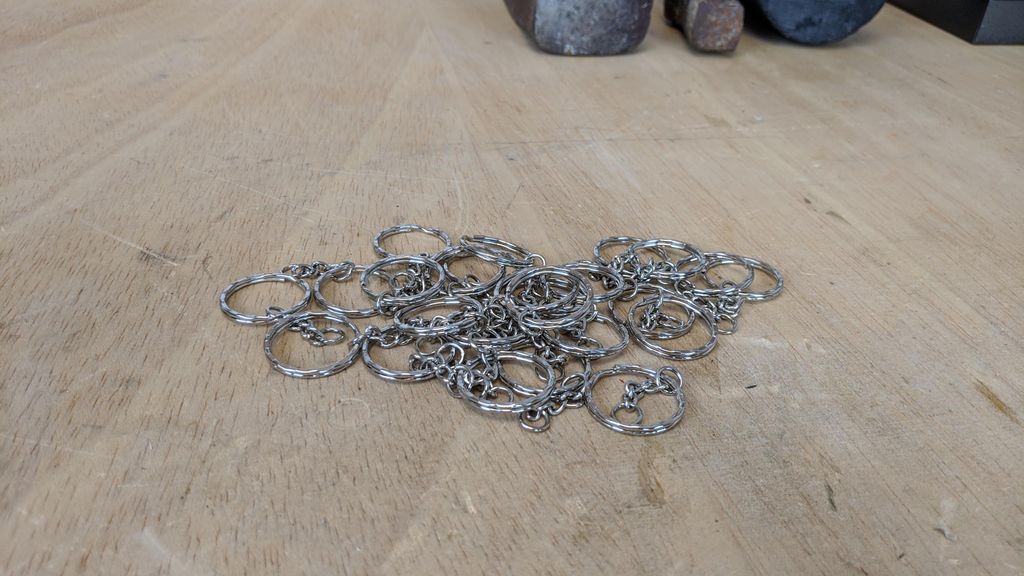
For the chain, I used this.
I also included a little hole where you can put on of this NFC-Tags to store data.

Insert the NFC Chip

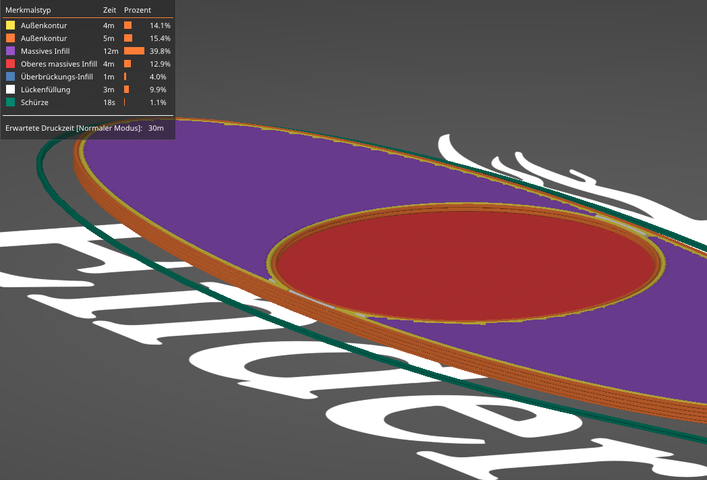
You can add the NFC chip on the fly while the 3D printer is working. You have to look for the right time. Take a chair and sit in front of the 3D printer, not to miss the time for inserting. You should only insert the NFC chip in the end because otherwise the hot nozzle could possibly damage your NFC chip and make it unusable.
You can also use the color switch to stop the printer at a specific layer or height and don't switch the filament color.
Program the NFC Chip
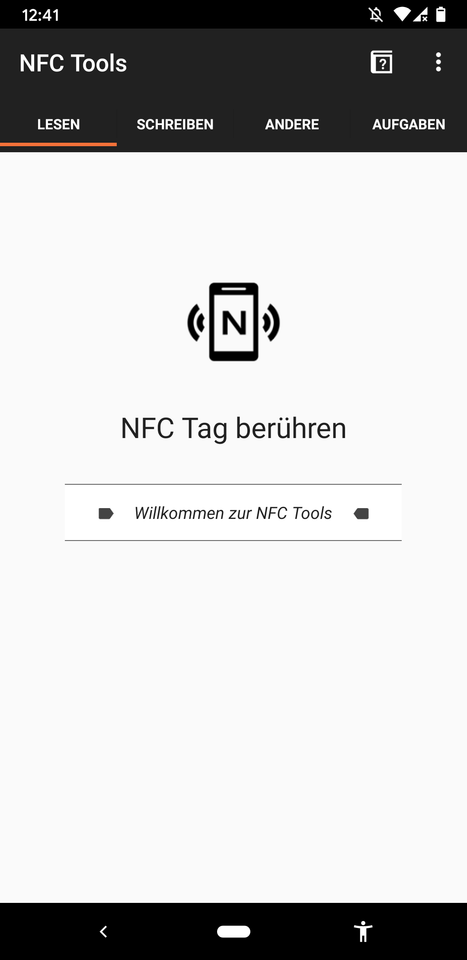
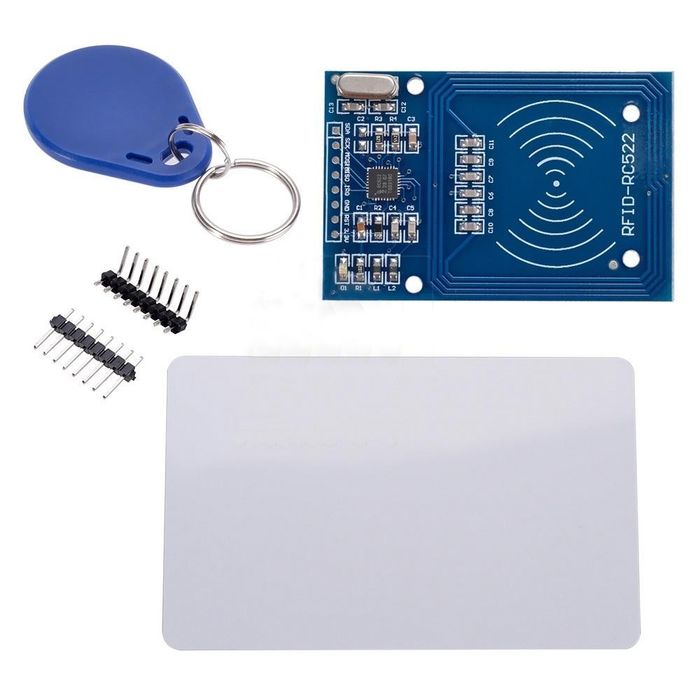


For this process, you can use an app or the Arduino with a special module. The App has more prebuild options like emergency information, simple text, URL, contacts, wifi-passwords or also a bitcoin address. With the Arduino, you as the user have to program things that work or search on the internet for something.
NFC App:
DIY Version:
I hope you like it.
If you like to, check out my other designs too!