V1 MeLE Overclock X5 Vixen Mount for C14 Celestron CGX-L
We calculate the final price from your selected file. You review and accept it before payment.
Saved on this device.
Model information
- Source
- Printables
- Category
- Physics & Astronomy
- License
- Creative Commons — Attribution — Noncommercial
Edit 6/24/26. I have made a version 2 of this which uses two screws as hinges. Version 2 can be found here:
Edit 6/20/26. Added photos.
Edit 3/27/26: I've realized screws needed for mounting to OTA are 10-24 x 3/4" and trim screws as needed. STL has been updated to allow 10-24 screws.
Edit 2/18/26: Info update. Screws needed to affix this thing to the OTA are 8-32 x 1". Use washers against the screwhead to fur the screwhead out if needed. Screws in my OTA measured at 7/16" or 11.5mm. Combined you'd need ~22mm. Hence the washers needed to fur the head out. Can also trim the screw as well.
Edit 2/13/26: Updated photos to match current STL model.
Edit: 2/12/26: I've modified the holes to fit correctly. I added a base part so it's better supported on the OTA. Also rounded a couple spots for cleaner print. The picture shows the original but the STL model is updated and correct for what I intended. To my knowledge, I found and eliminated all errors within this STL so slicer should have no issues.
Edit 2/11/26: To the one person who's downloaded this so far. I'm sorry! I didn't measure correctly for the hole and the slot! I'm going to fix that soon.
Edit 2/11/26: I've added a hole on the bottom of the base piece (long slot with a hole) for the screw that may interfere depending on location chosen to mount. Also rounded some corners. Note: There may be errors in one of the models. Most likely the base piece. The repair tool (for my slicer) seems to take care of it all. Your results may vary.
Edit 2/10/26: I'm aware that depending on which spot you mount this on the OTA. There may be a screw underneath the base (long slot and hole piece). I will modify the model to correct this shortly so it sits flat on the black portion of the OTA.
Follow assembly in order of pictures from top down. Radius fits 14" Celestron. This is for MeLE Overclock X5. I know of the other MeLE models. Other models may be different sizes. I can adjust or make adapters if you message me with dimensions in mm's.
B.O.M
Eight M3 * 8mm screws
Four M3 * 16mm screws
Two 10-24 3/4" Screws
Twelve Ruthex RX-M3x5x4 (Made for Voron)
One MeLE Overclock X5
I set my heat insert tool to 240C.
PLA is fine as long as the machine doesn't get hot but if in direct sun you may want to use HT-PLA-GF from Polymaker. HT-PLA-GF filament works fine in direct sun. This filament can handle temps up to 150C and 180C if heat treated. I've personally witnessed the Overclock X5 reach above 60C on it's surface either from fan not operating (was unplugged) or extreme workloads. However, you can use almost any filament for this keeping in mind that glass temp change. Choose one that best fits general outdoor conditions for your area.
Note to user. I've only used PLA's for this project. You may find other types of filament don't play nice.
Default settings for PLA. I used 210C for print temp. Everything Monotonic with top being Monotonic Line. A few settings I changed in mine from default were:
Quality
Seam Position = Aligned back
Bridging (My settings here seem to work well)
Bridge flow ratio = 1.1
Internal bridge flow ratio = 0.95
External bridge density = 120%
Internal bridge density = 100%
Thick external bridges = Checked
Thick internal bridges = Checked
Extra bridge layers (beta) = External bridge only
Filter and none for counterbore
Strength
I like 4 walls and 8 layers. Gives a lot of strength and allows for any hole to be reamed.
Sparse infill density = 15% or higher
Sparse infill pattern = Gyroid
Infill/wall overlap = 25%
Speed is all default
Support
Enable support = Turn this off because I made a custom support for the cradle that holds the Overclock X5 but see optional note below about part that sits on OTA
Threshold Angle = 30
Multi-material NA
Others
Brim type = No-brim (personal preference)
Printed with Elegoo Centauri Carbon with textured PEI Plate
File is organized to print as one STL. If you need to move pieces. You need to right click, split, to objects. Objects tab, select which part to move, drag where ever needed.
Optional. The part that sits on the OTA. You can try printing it upright or flat like it would sit on the OTA. If flat then the mounting screws will go through the filament layers. So no risk of splitting but you will need to print that object separately with generated support.
Takes ~200 grams of filament and ~5.75 hours.
Note, when installing onto OTA. May need longer screws and you may want to install the Vixen mount onto the OTA first (Upper right in photo below with the long slot and the hole).
Screws maybe .1nm (Newton Meter) tight. It's holding a MeLE not a Bangle Tiger.
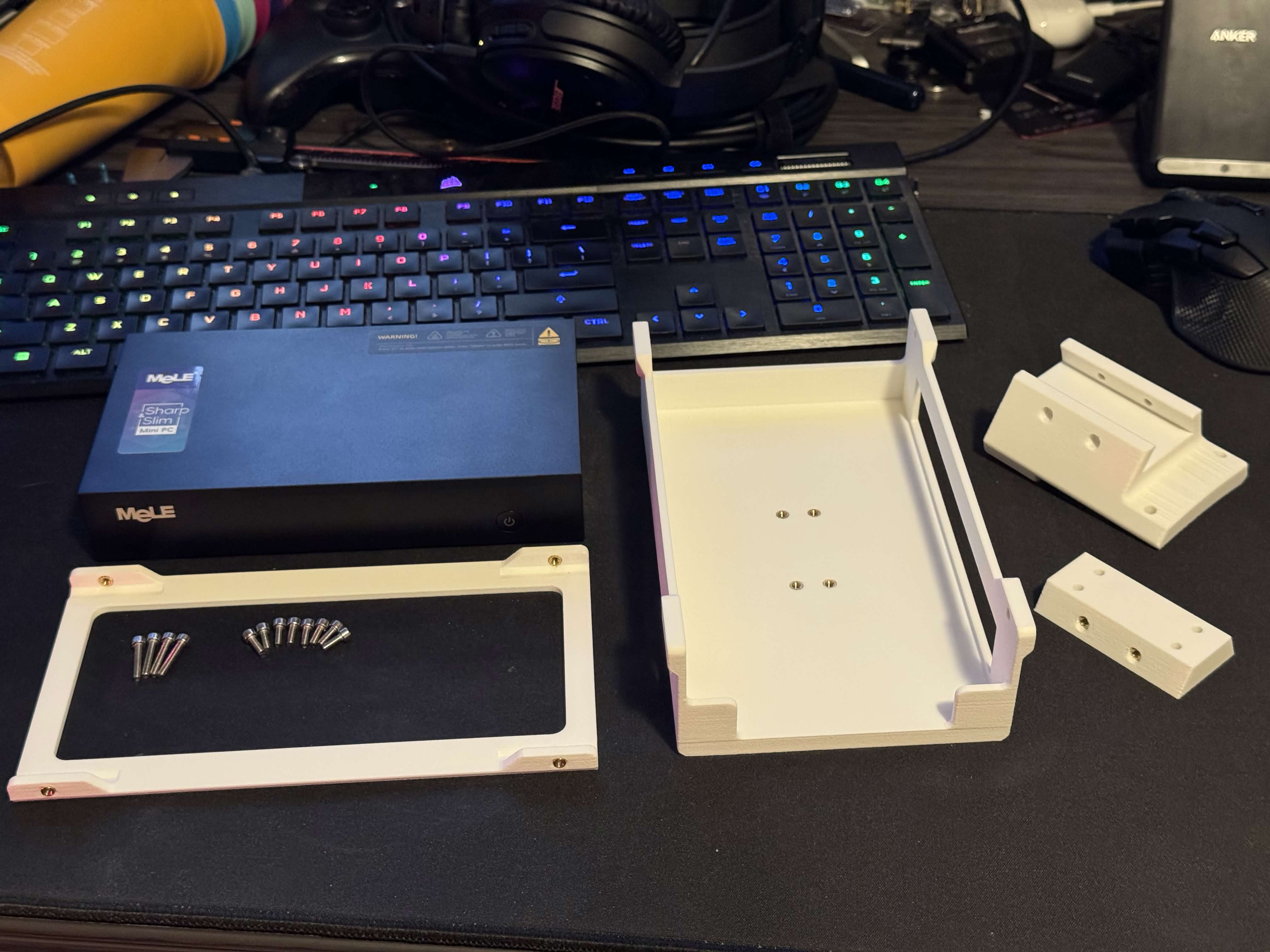
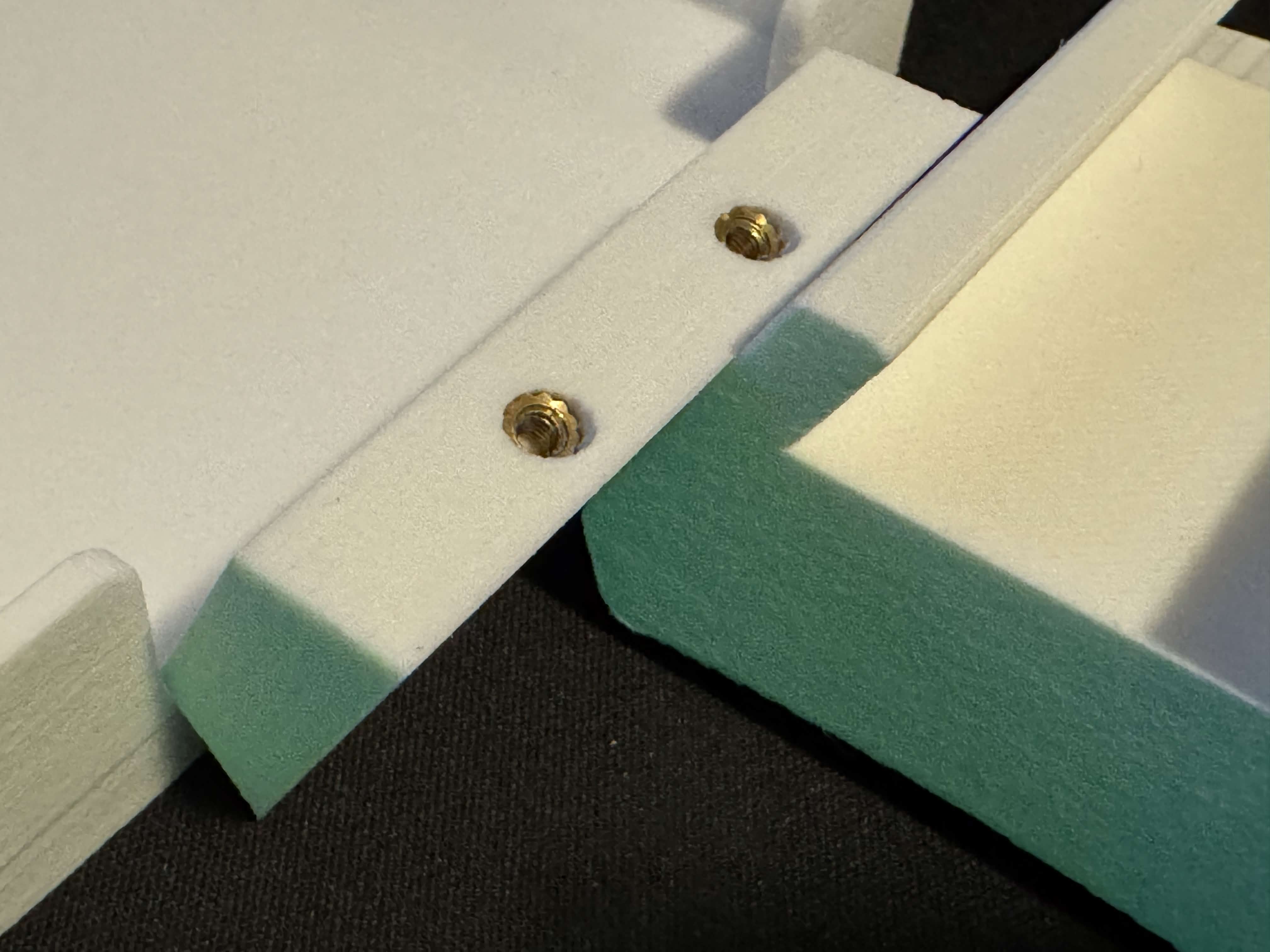
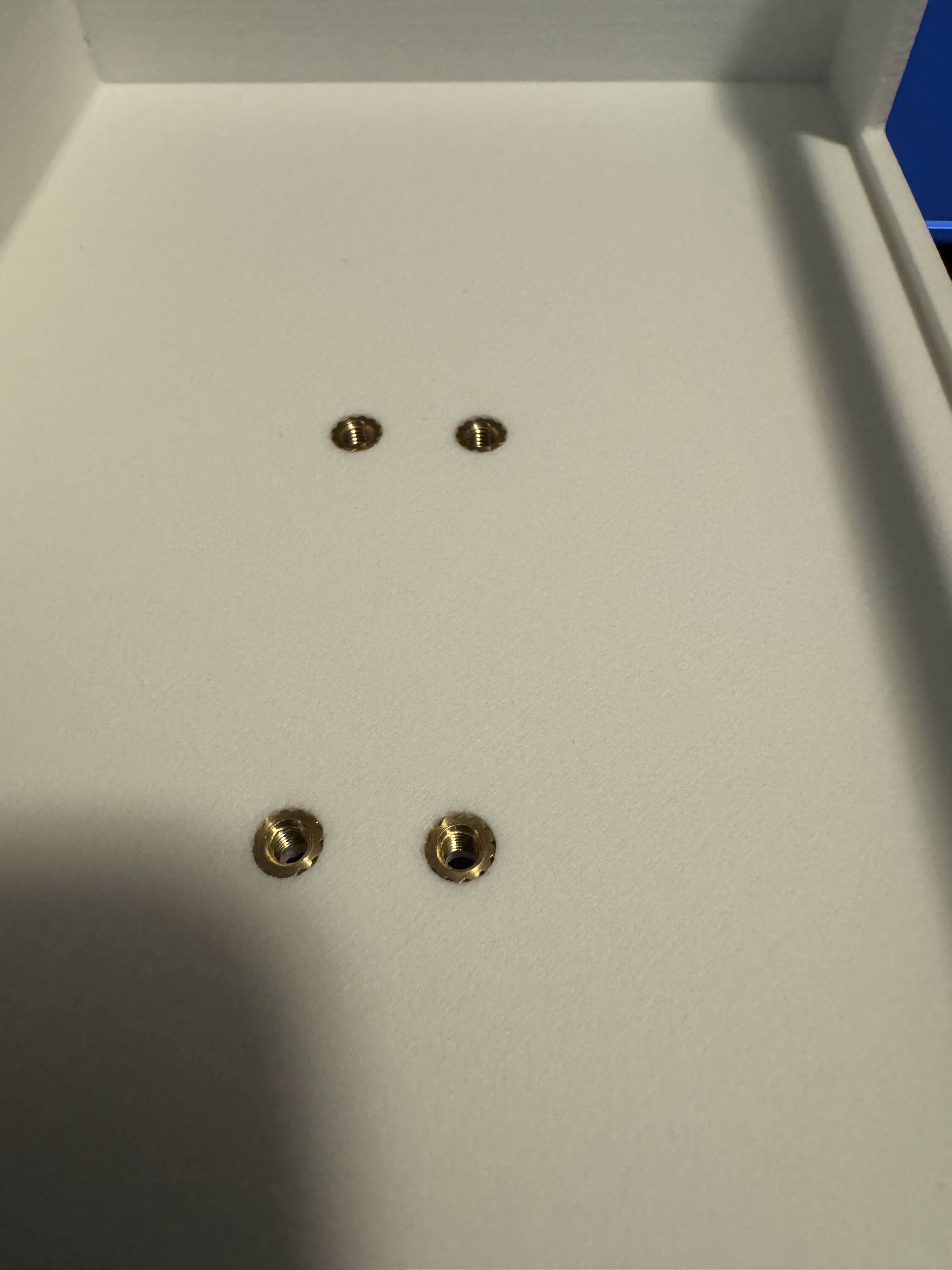
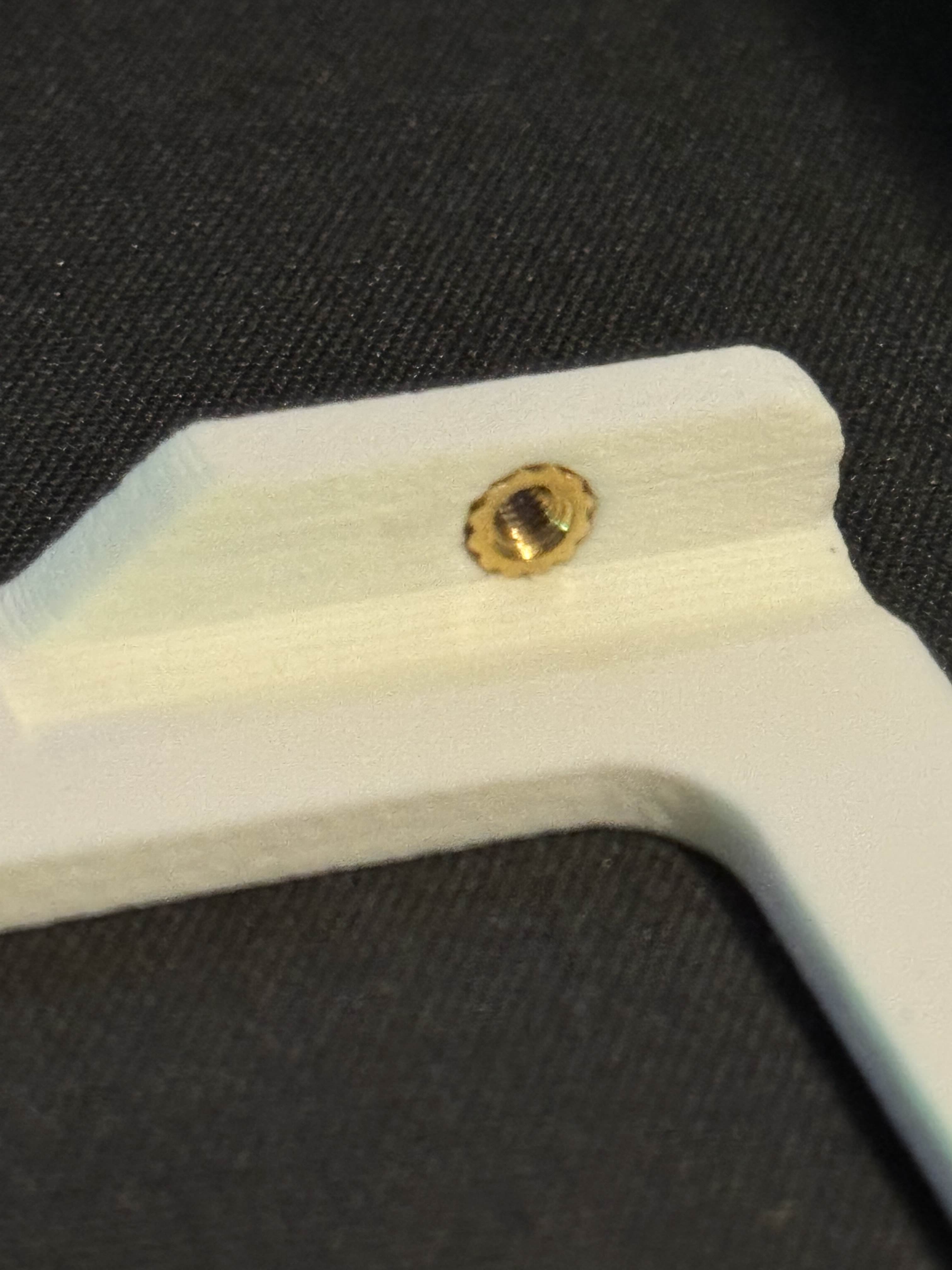
For the heat inserts into the top plate. I chose to insert them this way so the screw pulls it into the plastic. You can see the angle to insert them isn't straight. So I used a screw from the other side and pulled on the heat insert to keep it straight. Note, heating the insert will take longer because of the screw. Slow and steady.
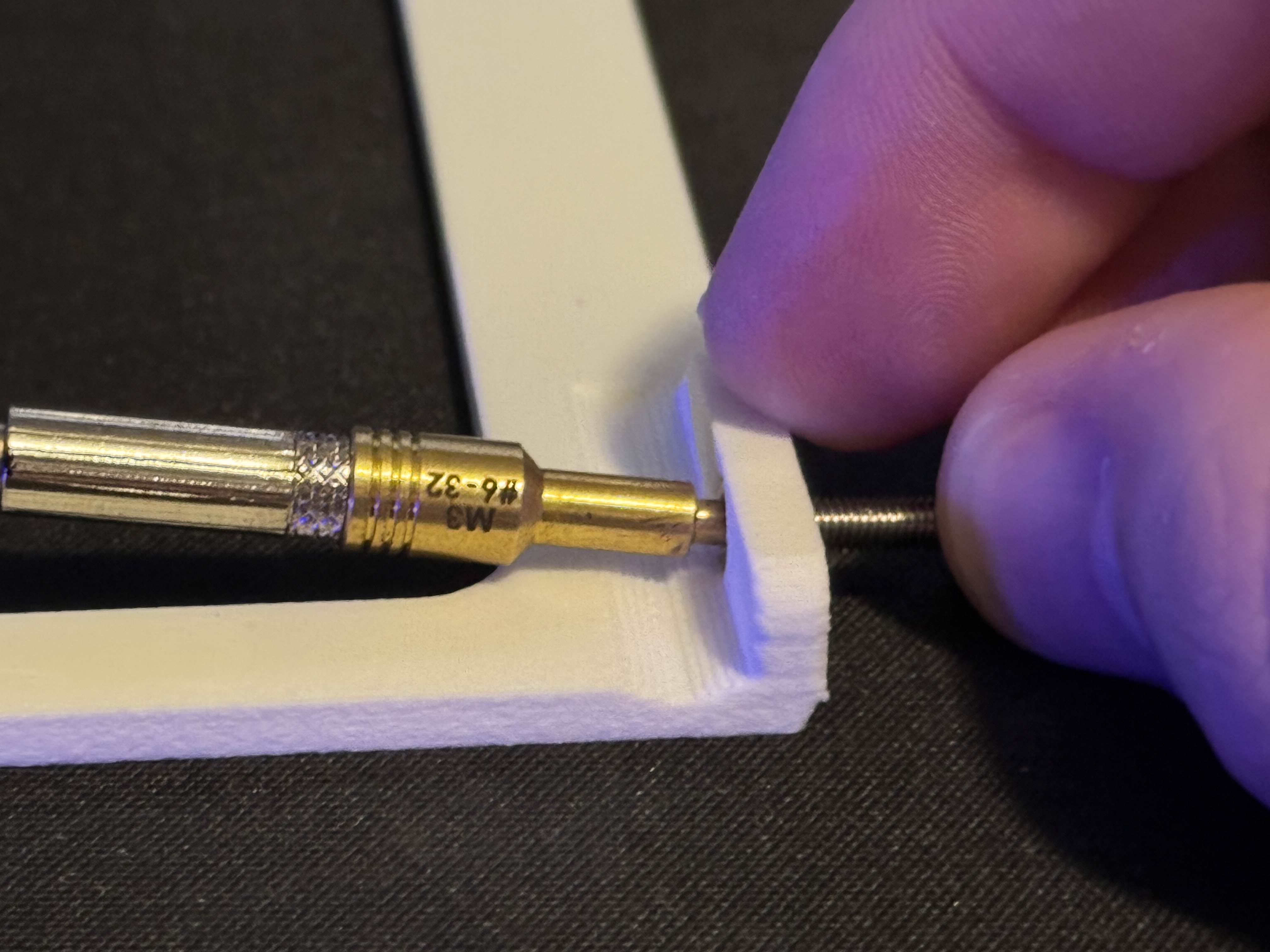
First this step
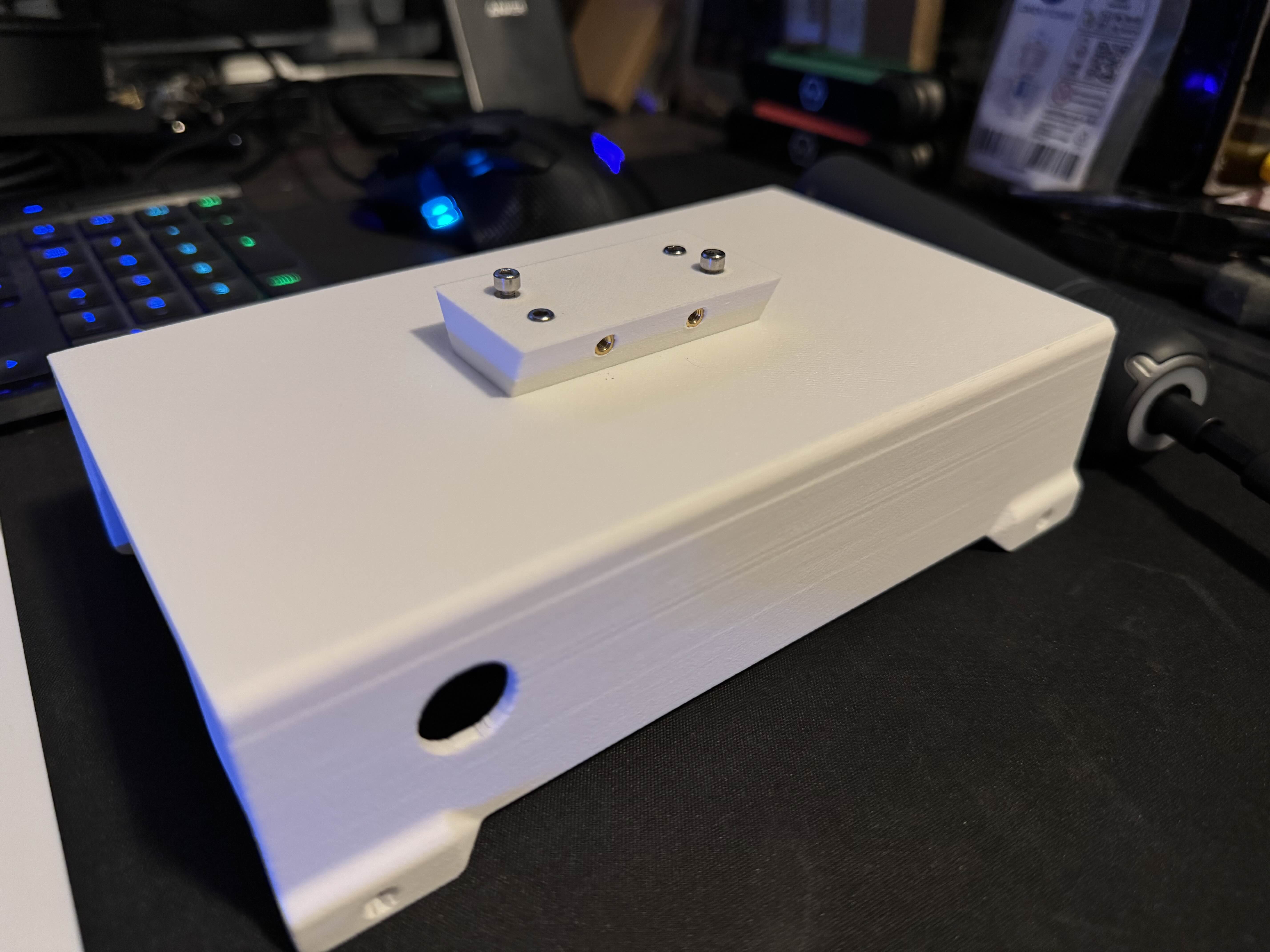
Then this
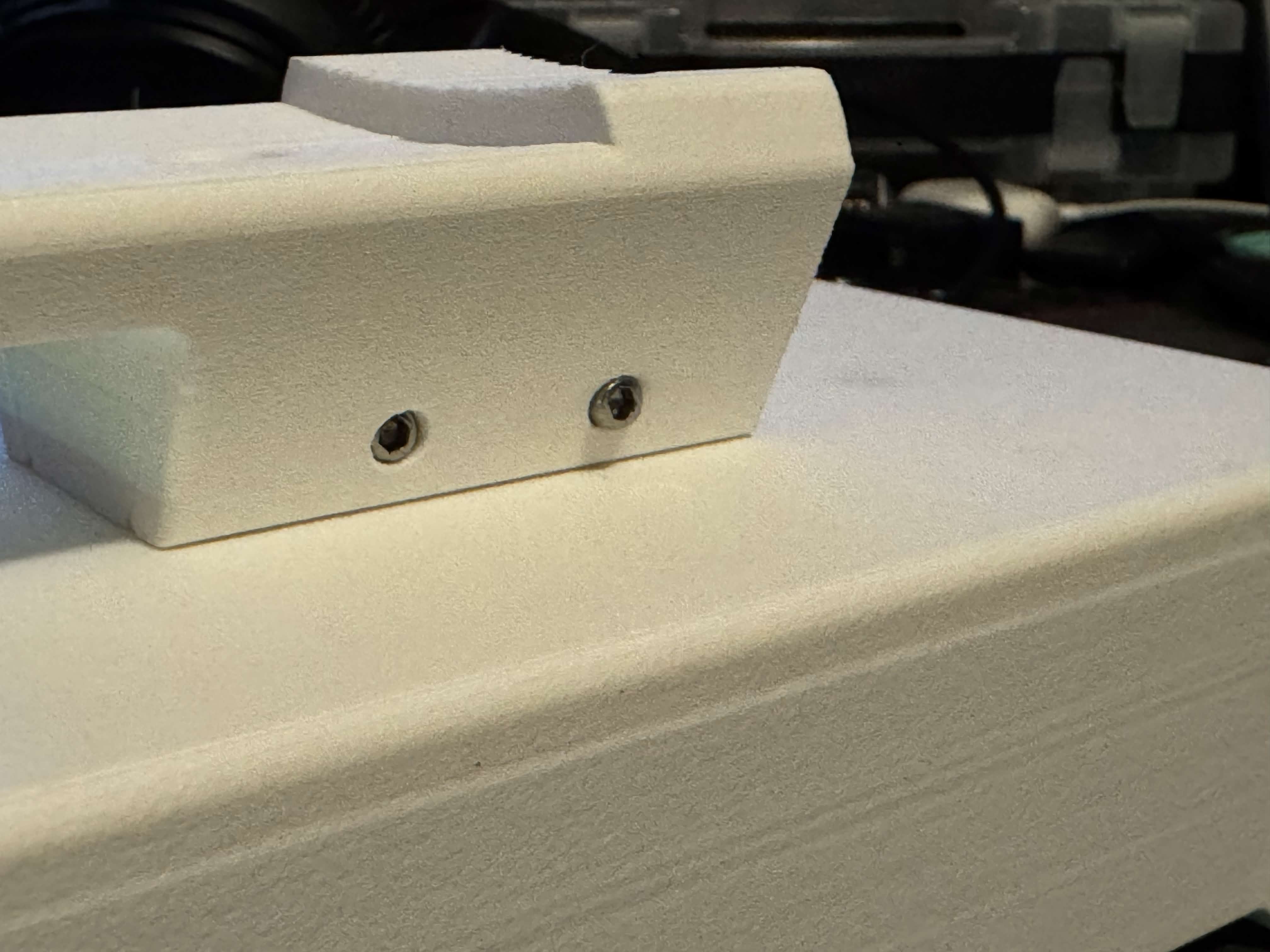
Finally this
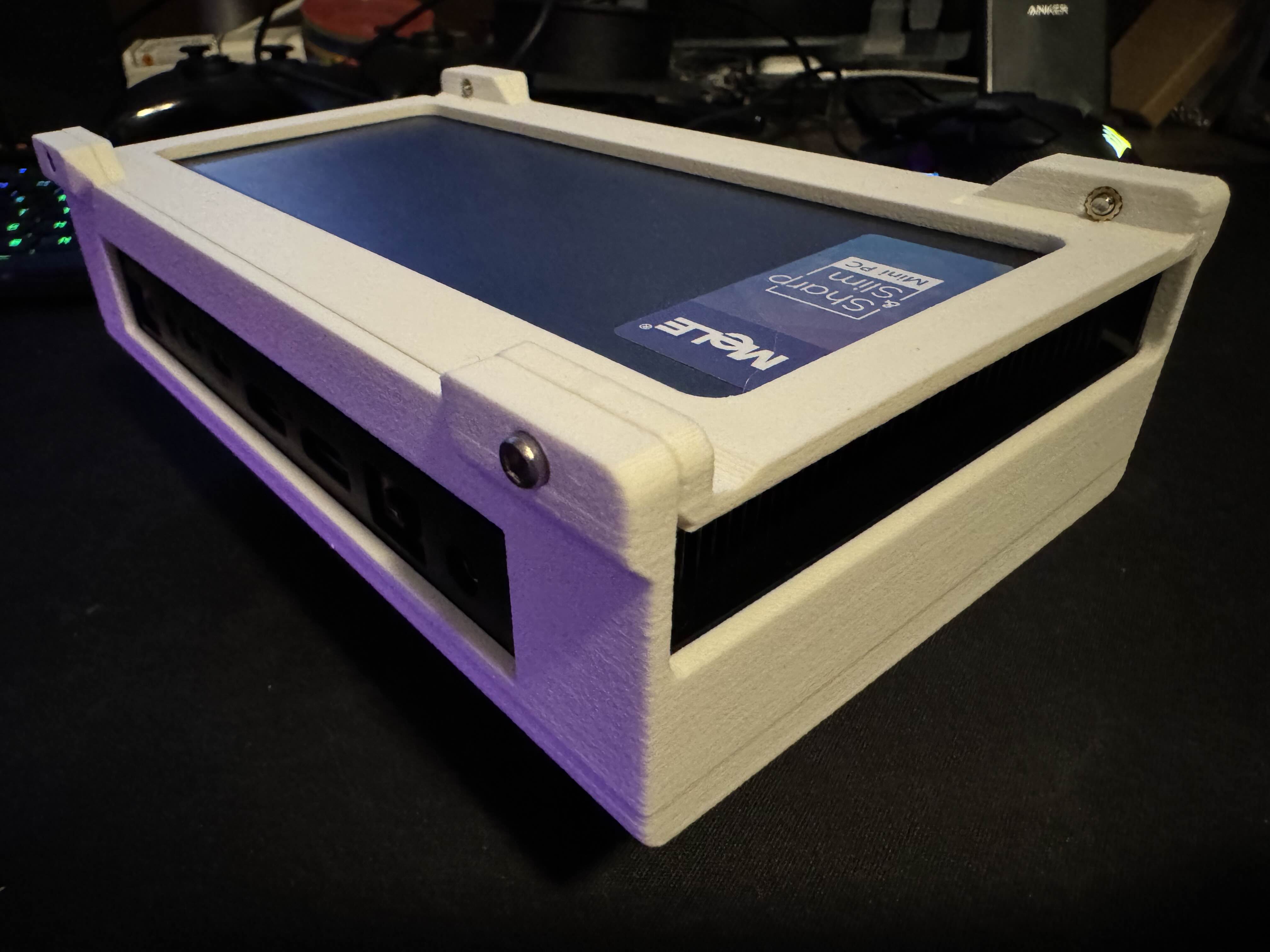
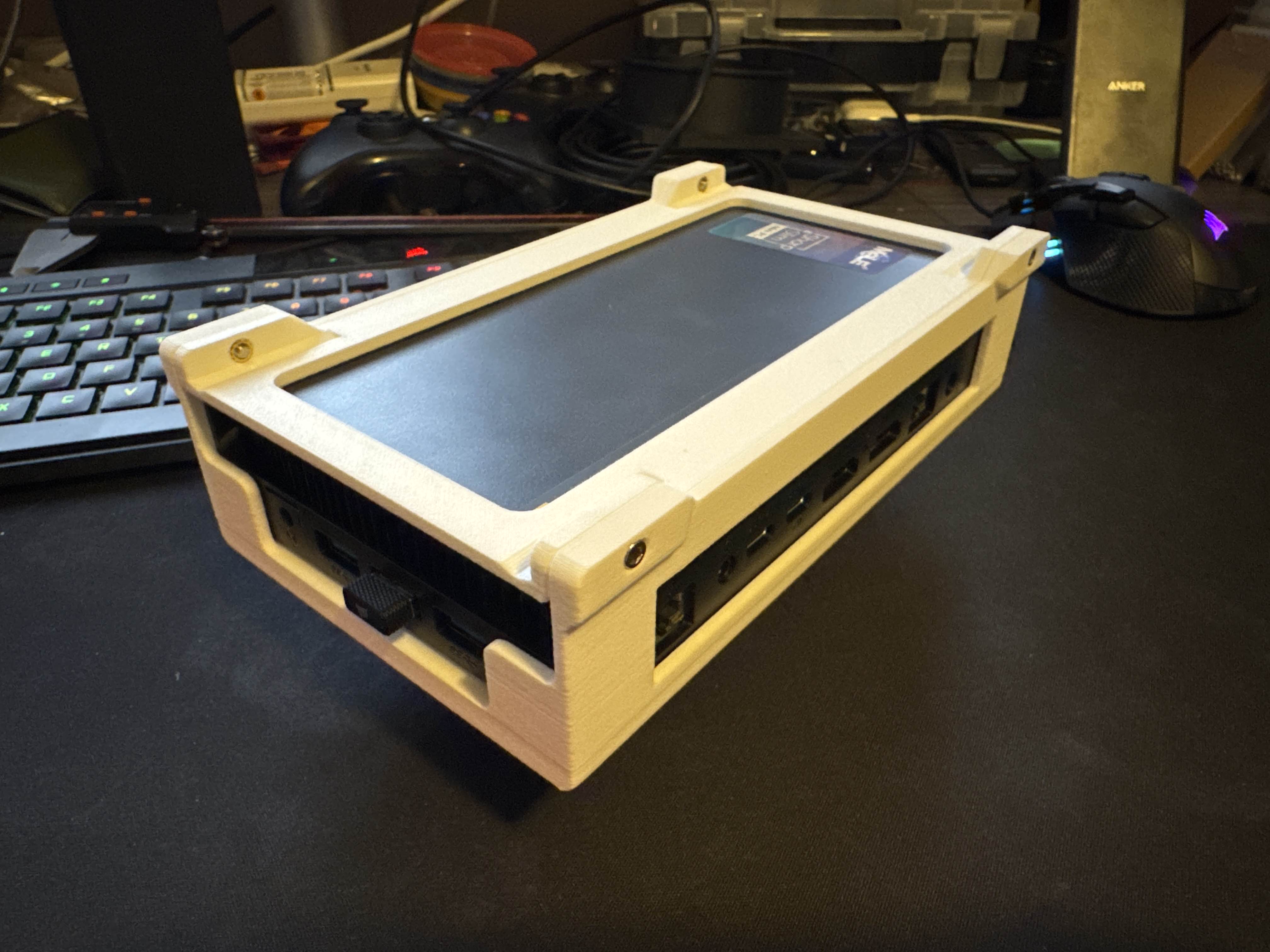
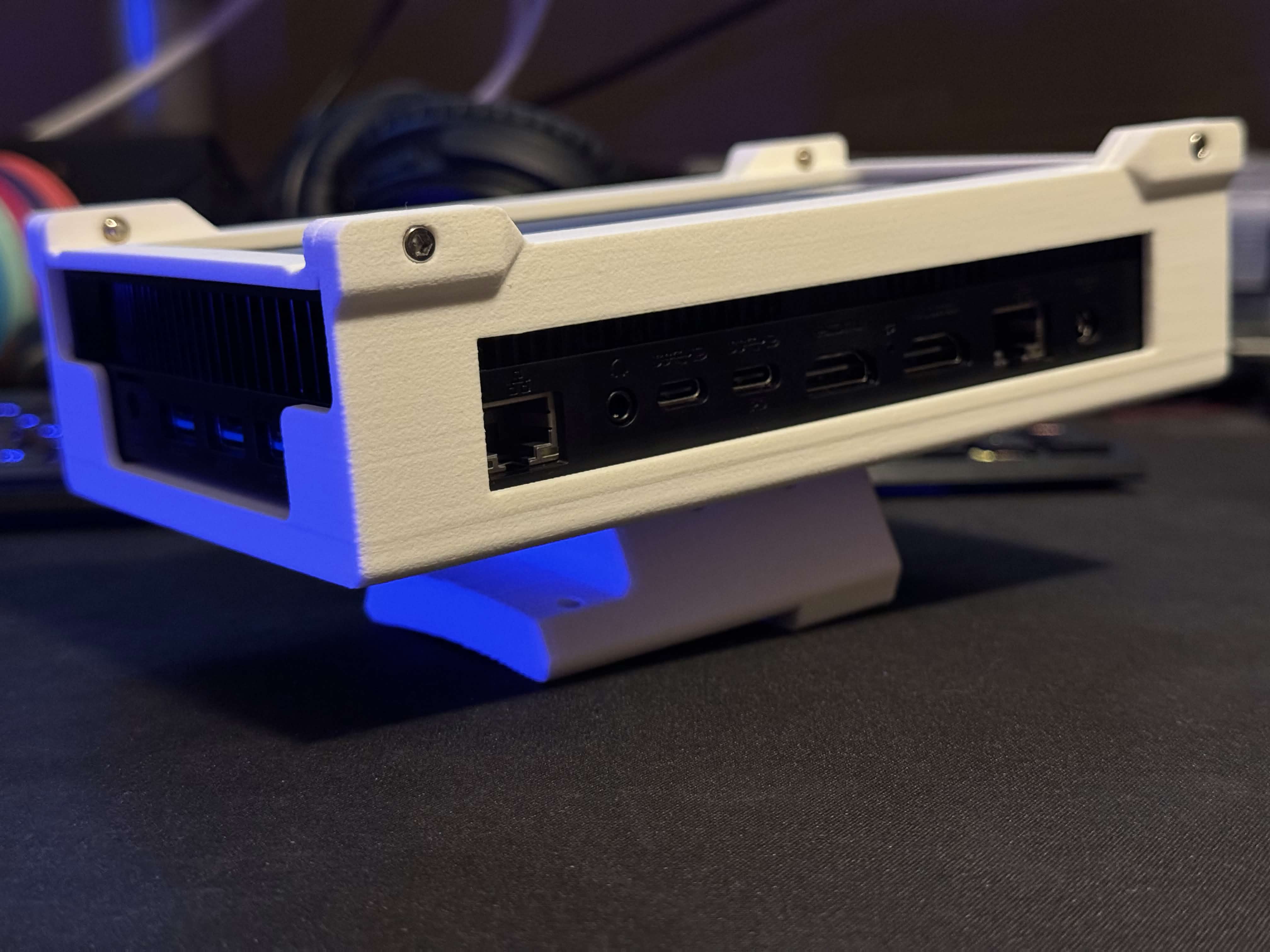
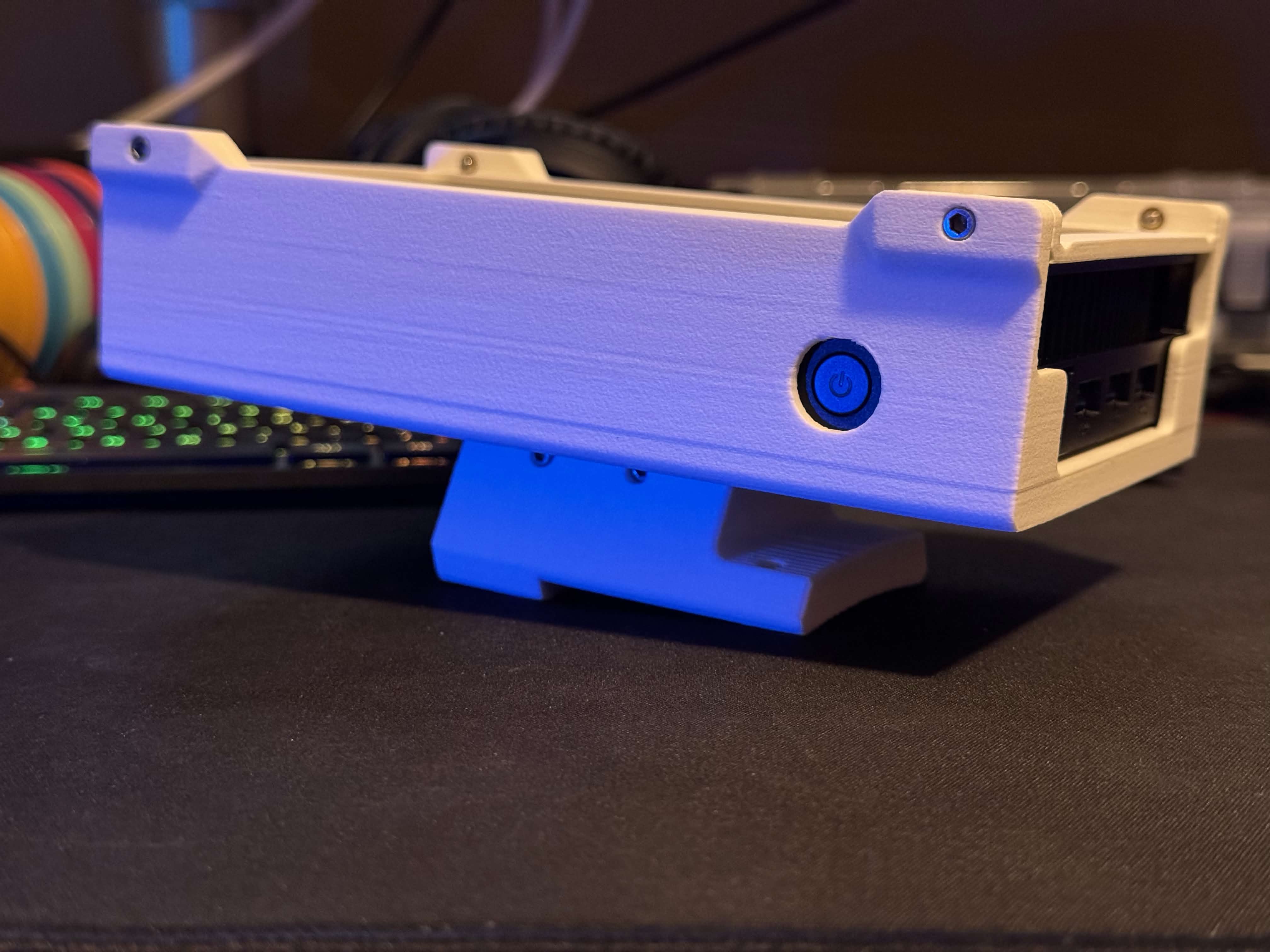
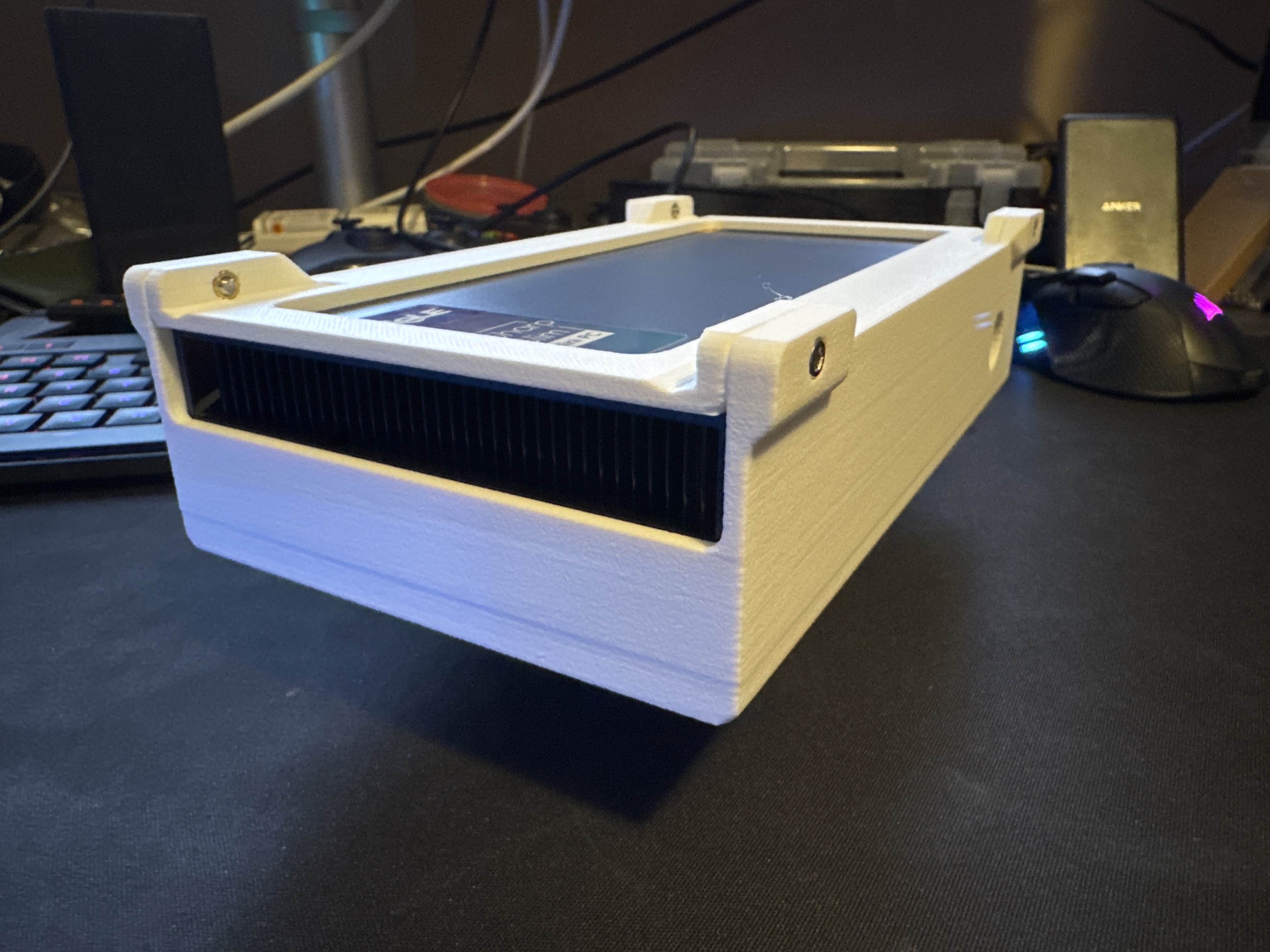
Finished results