
Prusa Spoolholders
We calculate the final price from your selected file. You review and accept it before payment.
Saved on this device.
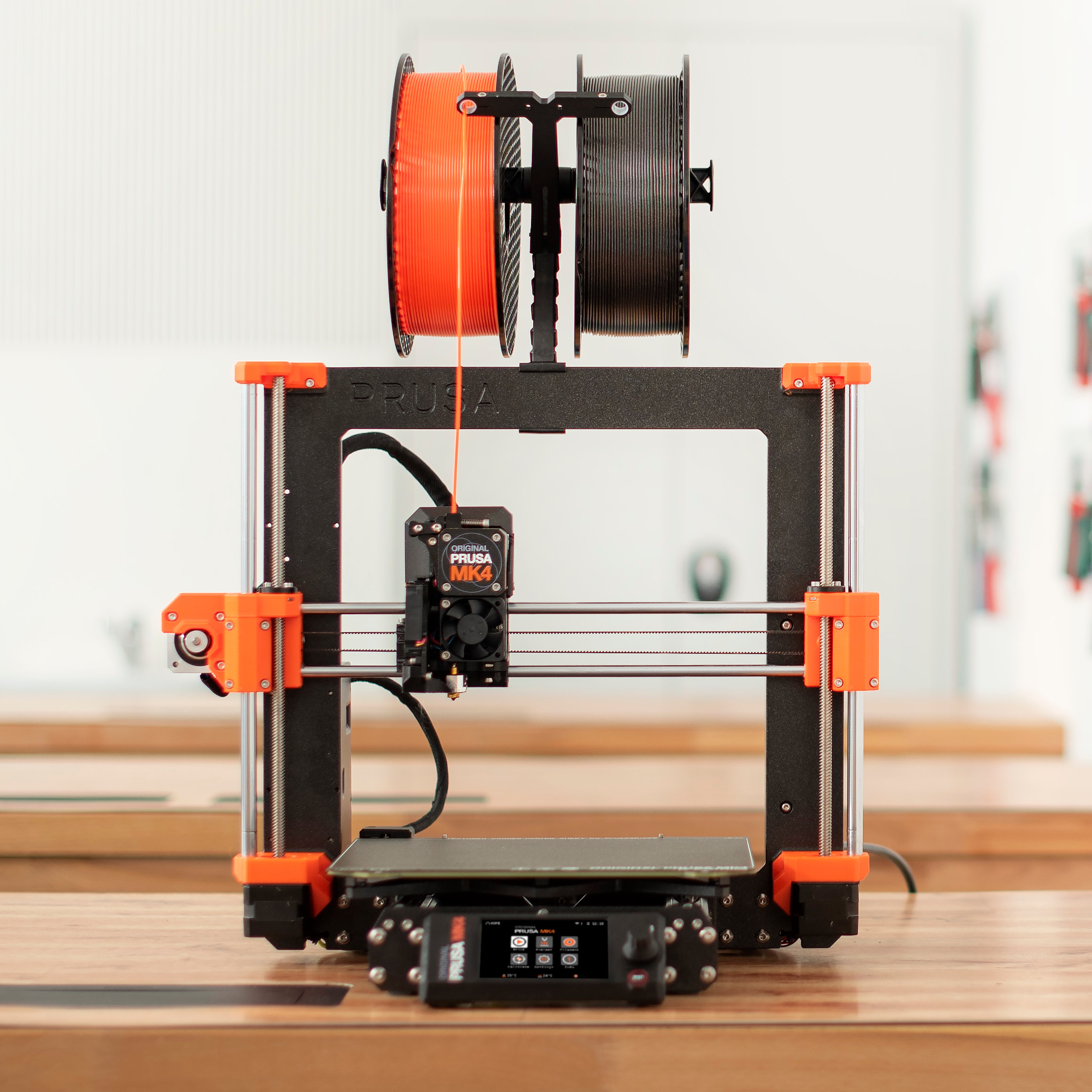
All types of printable spool holders and accessories
- Rating
- 4.741 / 5
- Likes
- 144
- Downloads
- 766
- Makes
- 28
- Views
- 2,664
- Reviews
- 27
Updated at source:
Model information
- Source
- Printables
- Category
- Prusa Parts & Upgrades
- License
- Open Community License v1.1
Description
About spoolholders
With the introduction of our telescopic injection-moulded spool holders, we also wanted to give you an option that you can print yourself.
If you like the telescopic spool holder but don't want to purchase the injection-moulded version, you can find the printable version here.
This page also includes spool holder caps - both numbered and blank - to give your spool holders a more organized and finished look.
Which printers are compatible?
The printable spool holder can be used with any printer that uses a universal puck. We recommend using it with:
CORE series,
INDX printers,
XL,
XL with Enclosure (needs printed adapter),
MK series (needs printed adapter + fasteners, follow instructions here.
Caps
The caps are designed to be printed in multiple colors.
To print the numbered caps, you need a printer capable of multi-material or multi-color printing, such as one equipped with MMU3, XL, or INDX.
For the STL versions, open the model in your slicer and use the bucket/fill tool to color the number separately from the cap.
The 3MF version contains the caps 1-8 for your INDX already colored. This makes it easier to assign colors and hide any caps you don't want to print.
If you don't have a multi-color printer, you can use the blank cap and customize it yourself. For example, you can:
use different colors,
add a number as a negative volume,
add your own text,
or customize it in any other way supported by your slicer.
Note: The caps are compatible only with the injection-moulded spool holder.
Instructions
The assembly guide and the info is available in this help article (link to be added soon).
Do you prefer injection-moulded version? You can purchase it here (link to be added soon).
Print instructions
Download the latest PrusaSlicer and use the following settings**:
Recommended print settings for PETG
Layer height: 0.2 mm Structural
Infill: 15%
Infill pattern: Grid
Brim: Optional
**The prints were tested on the Prusa CORE One L printer.