
CR-6 filament sensor mount for filament spool top mount solution.
We calculate the final price from your selected file. You review and accept it before payment.
Saved on this device.

Filament sensor mount to accompany the CR-6 strain gauge direct drive mounts in combination with a top mounted filament
- Rating
- 5 / 5
- Likes
- 22
- Downloads
- 60
- Makes
- 1
- Views
- 800
- Reviews
- 2
Updated at source:
Model information
- Source
- Printables
- Category
- Other Printer Parts & Upgrades
- License
- Creative Commons — Attribution
A small 2 piece mount for the original Creality CR-6 filament sensor. The mount uses a socket mounted to the back of the X-axis carrier and an plate with insert holding the sensor. The sensor is thus mounted loosely with makes inserting filament easy and avoid having to direct the filament into the extruder.
printing:
uncritical print setting. Just use your default 0.2 mm or coarse profile.
mounting:
mount the base on the back side of the X-carriage with the socket facing forward. The model has a recess that slots over the protrusion that used to hold the screw for the metal cage. Fix it with an M3 x 8 to 12 mm screw from the back side.
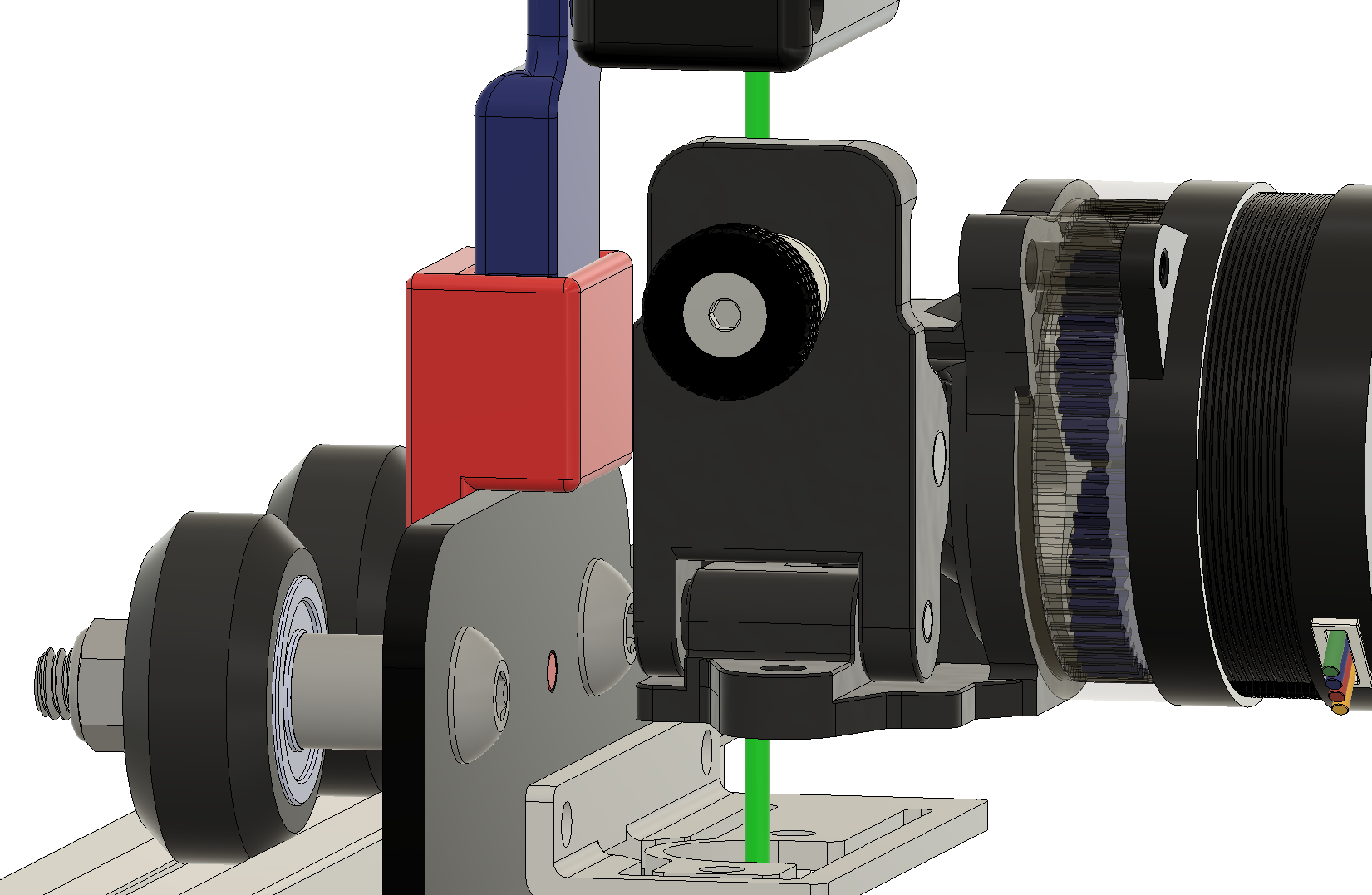
Mount the filament sensor onto the hinge plate with 2 M3 x 25 mm screws and insert it into the socket.
An extension cable will have to be made to connect the sensor.
TIP
insert a very short piece of PTFE in the top or the extruder sticking out only 1 or 2 mm from the top of the extruder. This will make loading of the filament easier as it avoids the drive wheels not gripping the filament due to misalignment.