
Jaybird X3 Charger Clip
We calculate the final price from your selected file. You review and accept it before payment.
Saved on this device.

If you, like me, found that your Jaybird X3 headphone charger stopped holding the headphones securely against the…
- Rating
- 5 / 5
- Likes
- 1
- Downloads
- 8
- Makes
- 1
- Views
- 251
- Reviews
- 1
Updated at source:
Model information
- Source
- Printables
- Category
- Audio
- License
- Creative Commons — Attribution
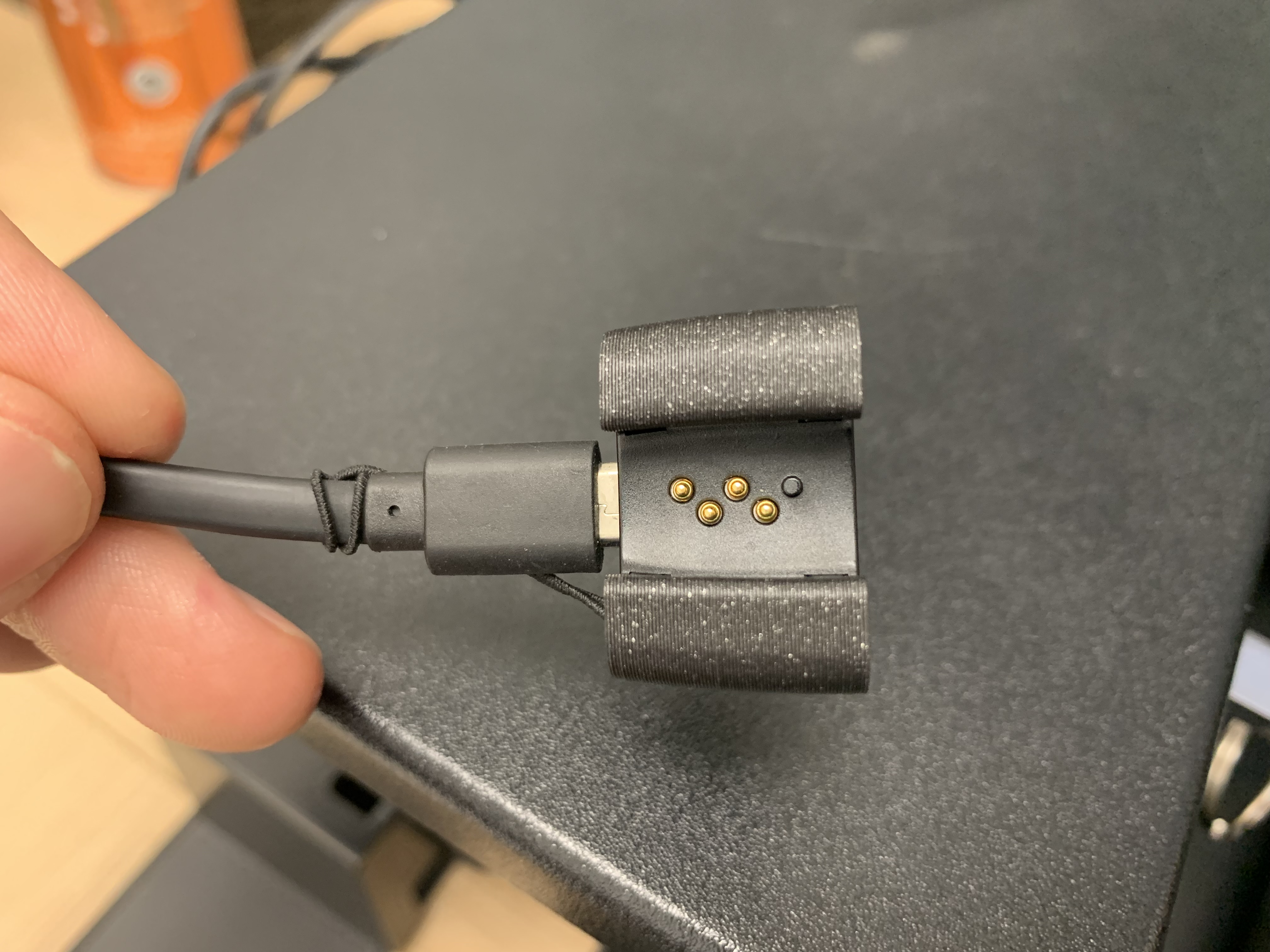
If you, like me, found that your Jaybird X3 headphone charger stopped holding the headphones securely against the pins, then this little clip should solve the issue. My headphones wouldn't seat properly in the original charger, presumably from multiple inserts and removals.
Print Settings
Printer:
Prusa Mini+
Rafts:
No
Supports:
No
Resolution:
draft / speed
Infill:
15
Filament:
Prusament PLA
Black Post-Printing =============
Installing Clip onto Charger
It has a channel for the elastic strap that holds the USB mini cord to the charger. You just pull the charger and cord through the larger end of the clip and it will seat and can stay there permanently.



To charge headphones...
To seat the headphones in the new clip just push or rotate them in place and do the opposite to remove.

Category: Audio