
1 / 2
Beholder made in SPORE™
Order a print of this model
We calculate the final price from your selected file. You review and accept it before payment.
Saved on this device.
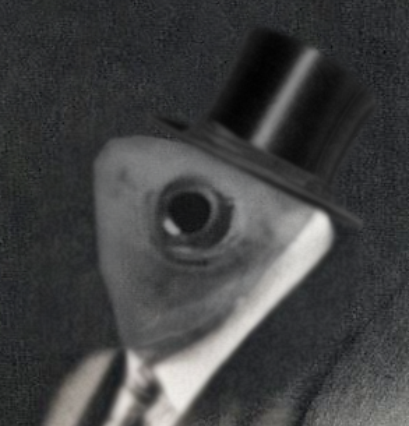
Hey guys, did you know you can export your creatures into 3D models in SPORE? Well, now you do!
- Rating
- 0 / 5
- Likes
- 5
- Downloads
- 34
- Makes
- 0
- Views
- 739
- Reviews
- 0
Updated at source:
Model information
- Source
- Printables
- Category
- Characters & Monsters
- License
- Creative Commons — Attribution — Noncommercial
This model is just a quick tech demo, to show you how easy it is to make a good looking mini with 0 3D modeling skills. This beholder took me about 10 minutes to make.
If you want to make your own mini, here's a quick tutorial on how to do so:
- Boot the game up and make sure you have the newest patch. (Patch 1.05) The newest patch is what allows the game to export your creature.
- Go into the creature editor and identify the creature that you want to print. (Vehicle or outfit editor won't work)
- While in the creature editor, switch to paint mode.
- Press Shift+Ctrl+C to bring up the cheat menu.
- Type “colladaexport” and hit enter.
- If this is the first time you are exporting a creature, the game will prompt you to accept an agreement.
- The game may take several minutes to export your creature. During this time Spore may seem as though it isn’t responding; be patient.
- The game has successfully exported when a line of text appears saying your creature has been exported to “My Documents/My Spore Creations/Creatures”.
- In the above mentioned folder, there is a DAE format file with your 3D model.
- Convert it to STL using your converter of choice (You can find many easy and quick converters online).
- Your creature is now ready to be opened in your slicer of choice!