
1 / 2
Beholder made in SPORE™
Zamów wydruk tego modelu
Obliczymy ostateczną cenę na podstawie wybranego pliku. Sprawdzisz ją i zaakceptujesz przed płatnością.
Zapisane na tym urządzeniu.
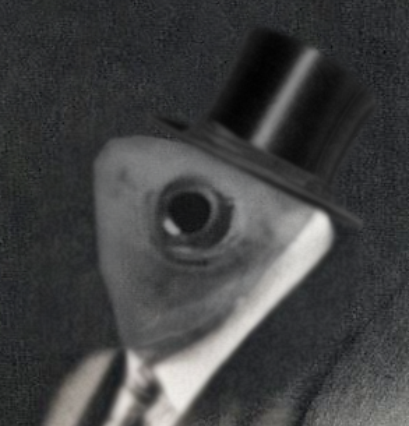
Hey guys, did you know you can export your creatures into 3D models in SPORE? Well, now you do!
- Ocena
- 0 / 5
- Polubienia
- 5
- Pobrania
- 34
- Wydruki
- 0
- Wyświetlenia
- 739
- Oceny
- 0
Aktualizacja u źródła:
Informacje o modelu
- Źródło
- Printables
- Kategoria
- Characters & Monsters
- Licencja
- Creative Commons — Attribution — Noncommercial
This model is just a quick tech demo, to show you how easy it is to make a good looking mini with 0 3D modeling skills. This beholder took me about 10 minutes to make.
If you want to make your own mini, here's a quick tutorial on how to do so:
- Boot the game up and make sure you have the newest patch. (Patch 1.05) The newest patch is what allows the game to export your creature.
- Go into the creature editor and identify the creature that you want to print. (Vehicle or outfit editor won't work)
- While in the creature editor, switch to paint mode.
- Press Shift+Ctrl+C to bring up the cheat menu.
- Type “colladaexport” and hit enter.
- If this is the first time you are exporting a creature, the game will prompt you to accept an agreement.
- The game may take several minutes to export your creature. During this time Spore may seem as though it isn’t responding; be patient.
- The game has successfully exported when a line of text appears saying your creature has been exported to “My Documents/My Spore Creations/Creatures”.
- In the above mentioned folder, there is a DAE format file with your 3D model.
- Convert it to STL using your converter of choice (You can find many easy and quick converters online).
- Your creature is now ready to be opened in your slicer of choice!