
1 / 7
Sonic Pad Bracket/Mount
Order a print of this model
We calculate the final price from your selected file. You review and accept it before payment.
Saved on this device.
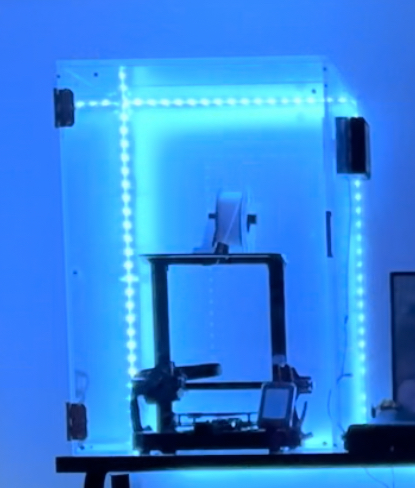
This is a bracket/mount for the Creality Sonic Pad.
- Rating
- 0 / 5
- Likes
- 17
- Downloads
- 70
- Makes
- 0
- Views
- 1,432
- Reviews
- 0
Updated at source:
Model information
- Source
- Printables
- Category
- Other Printer Parts & Upgrades
- License
- Creative Commons — Attribution — Noncommercial
This bracket was designed for an enclosure with 12.7 mm thick plexiglass. The hardware used is seen below:
- 4, M8 x 50 mm for mounting to enclosure
- 4 Washers
- 4 Nuts
- M3 x 15 mm for mounting to sonic pad
This was printed with the Ender 3 S1 pro. The following settings were used:
- Infill pattern: Gyroid
- Infill percentage: 20% (Can increase for strength)
- Travel speed: 120 mm/s
- Support material: Yes
- Nozzle Diameter: .6 mm
- Extruder temperature: 240° C
- Bed temperature: 80° C
- Rafts: No
- Supports: Yes
- Resolution: .01
- Infill: 20%
- Filament brand: Overture
- Filament color: Any
- Filament material: PETG
Steps:
- Print the bracket
- Use the bracket and a piece of paper to determine where the holes will be drilled in enclosure by drawing or poking holes (I may upload a template for the base in the future)
- Mark the enclosure with paper outline and drill holes
- Attach the sonic pad to the bracket with M3 screws
- Attach the bracket to the enclosure with washers and M8 bolts
NOTE: This bracket can be used with other enclosures, but the hardware for the bracket will change.
Please provide comments so improvements can be made.