
NP Profile Keycap - Gengar 2x2U and 1U (FDM & No Support)
We calculate the final price from your selected file. You review and accept it before payment.
Saved on this device.

An easy FDM printable keycap in the NP profile in the size of 2x2U and 1U - no supports needed.
- Rating
- 5 / 5
- Likes
- 41
- Downloads
- 69
- Makes
- 1
- Views
- 964
- Reviews
- 1
Updated at source:
Model information
- Source
- Printables
- Category
- Other Gadgets
- License
- Creative Commons — Attribution — Noncommercial — Share Alike
An easy to print keycap in the NP profile in the size of 2x2U or 1U - FDM printed and no supports needed.
Print Instructions
1U Keycap
Important: be sure to turn off supports in your slicer.
- Add a color change at 0.8mm layer height (or any other height) and slice the model
- Print the first set of layers with your filament of choice - I used the Prusament Galaxy Black and then use a different filament for the rest of layers.

2x2U Keycap
There are two ways to print the 2x2U Gengar Keycap. You can either use the more tedious method A with a single extruder head or use method B by having a real or virtual second extruder head (MMU).
Method A: Single Extruder
Important: be sure to turn off supports in your slicer and turn off auto bed leveling before print.
- First slice the NP_2x2_Gengar.stl and export its gcode.
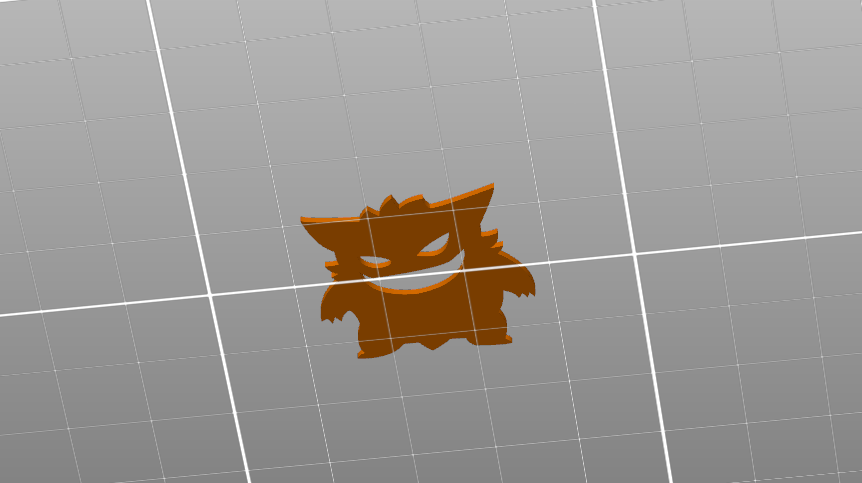
- Then slice the NP_2x2_Gengar_Base.stl and export its gcode.
Optional: you can also add a color change at 0.8mm layer height (or any other height)
- Print the NP_2x2_Gengar.stl with your prefered filament color A
- Once printed you can leave it on the print bed and change the filament to color B via your printer settings.
- Once the filament is changed print the NP_2x2_Gengar_Base.stl.
Note: the temperature of the print bed should ideally not drop during the process to ensure that the «Gengar» sticks to the bed.
Method B: MMU
- Load both .STL files into your slicer and set the the appropriate color for each model and slice it
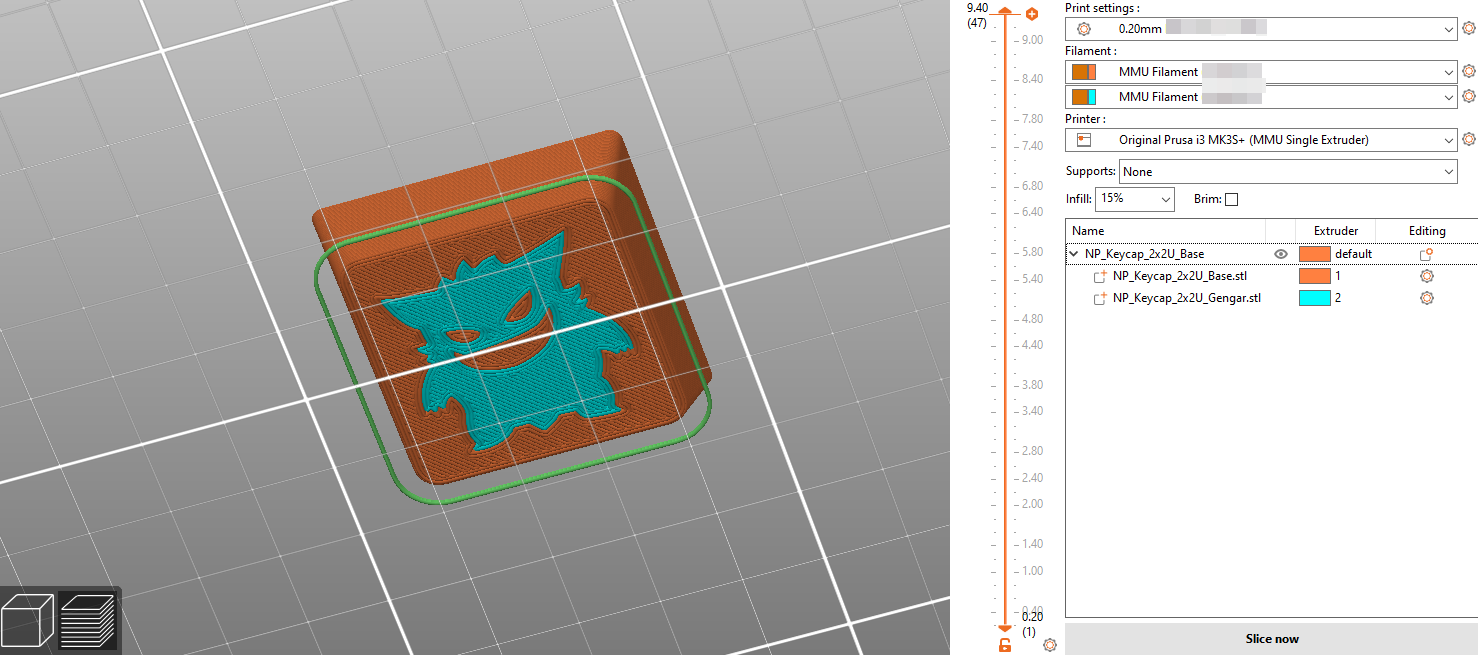
- Print the model
Technical Details
- Profile: NP
- Fits on any Cherry MX (and clones) switches
Print Settings
- Infill: 15-20% Gyroid
- Perimeters: 2 (can also do 3)
- Layer height: 0.2mm
- Supports: none