
Ikea Lack stacked table with drawer for BambuLab etc.
We calculate the final price from your selected file. You review and accept it before payment.
Saved on this device.

How to connect two Ikea Lack tables with Ikea Komplement (from PAX series) tray/drawer, eg for BambuLab printer
- Rating
- 5 / 5
- Likes
- 41
- Downloads
- 104
- Makes
- 2
- Views
- 3,473
- Reviews
- 1
Updated at source:
Model information
- Source
- Printables
- Category
- Other Ideas
- License
- Creative Commons — Attribution
Needed:
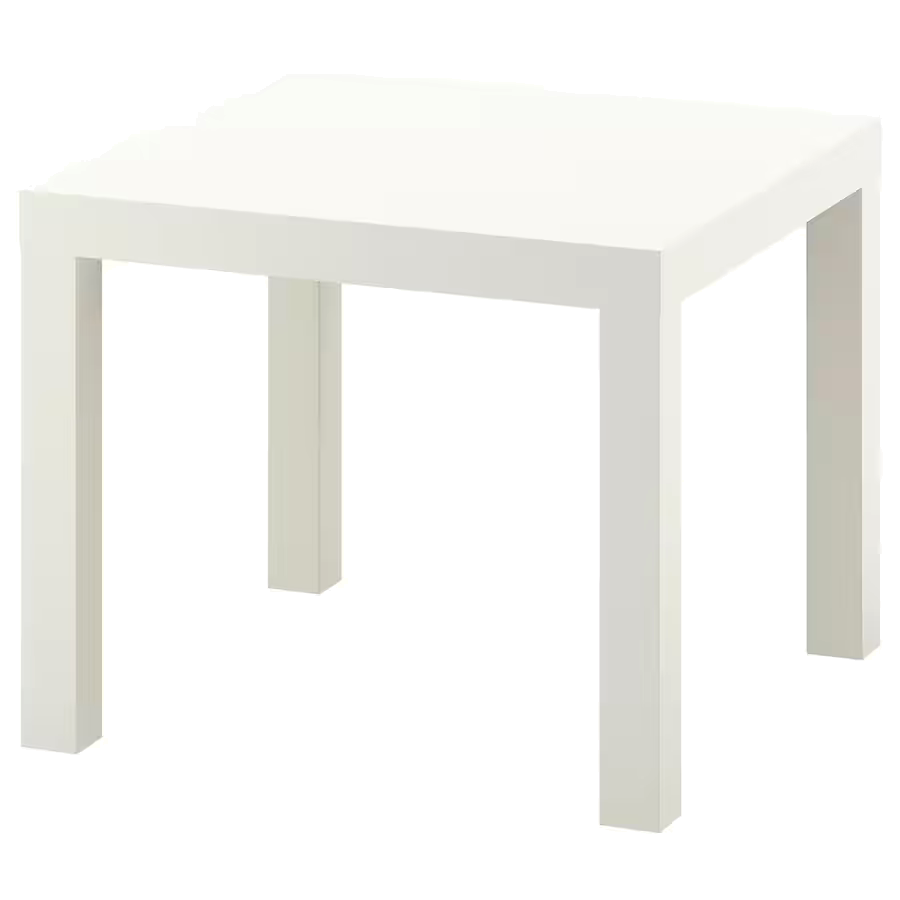
2x (or 3x) Ikea Lack Table 304.499.08 (or other color, if you like)
https://www.ikea.com/gb/en/p/lack-side-table-white-30449908/
and another 4 legs from table like this (so buy 3 tables, or go to “As-is” discount area in ikea store, where sometimes you can find these legs alone, for ~1€
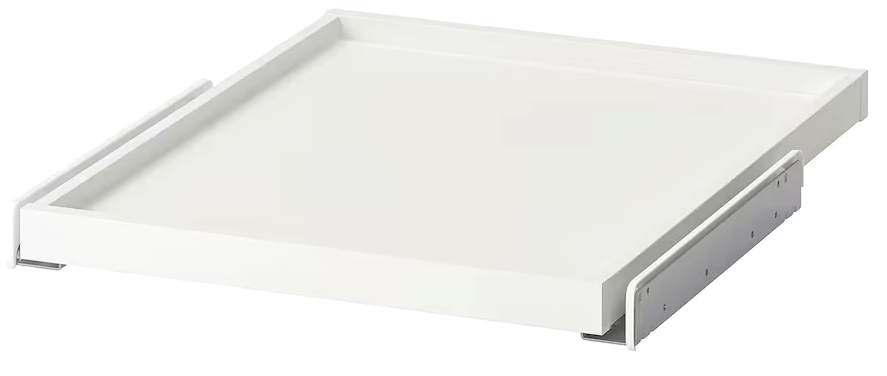
1x Ikea Komplement Tray 50 (this is for Pax series) 202.463.60
https://www.ikea.com/gb/en/p/komplement-pull-out-tray-white-20246360/
Yes, this is not designed to work with Lack series, but… this tray is great for BambuLab X1 printer, and fits between Lack legs! Only drawback is guide rail - too wide for legs, but we can print new rail holders !
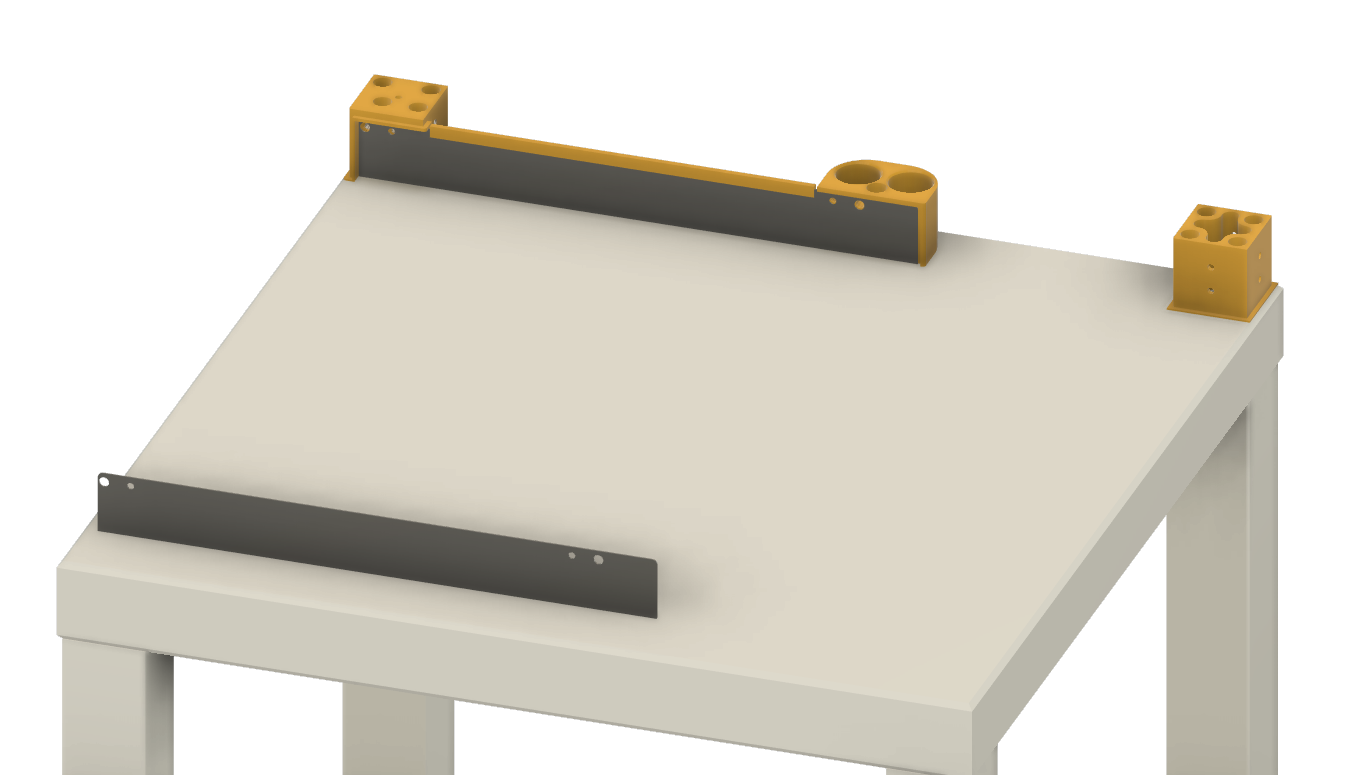
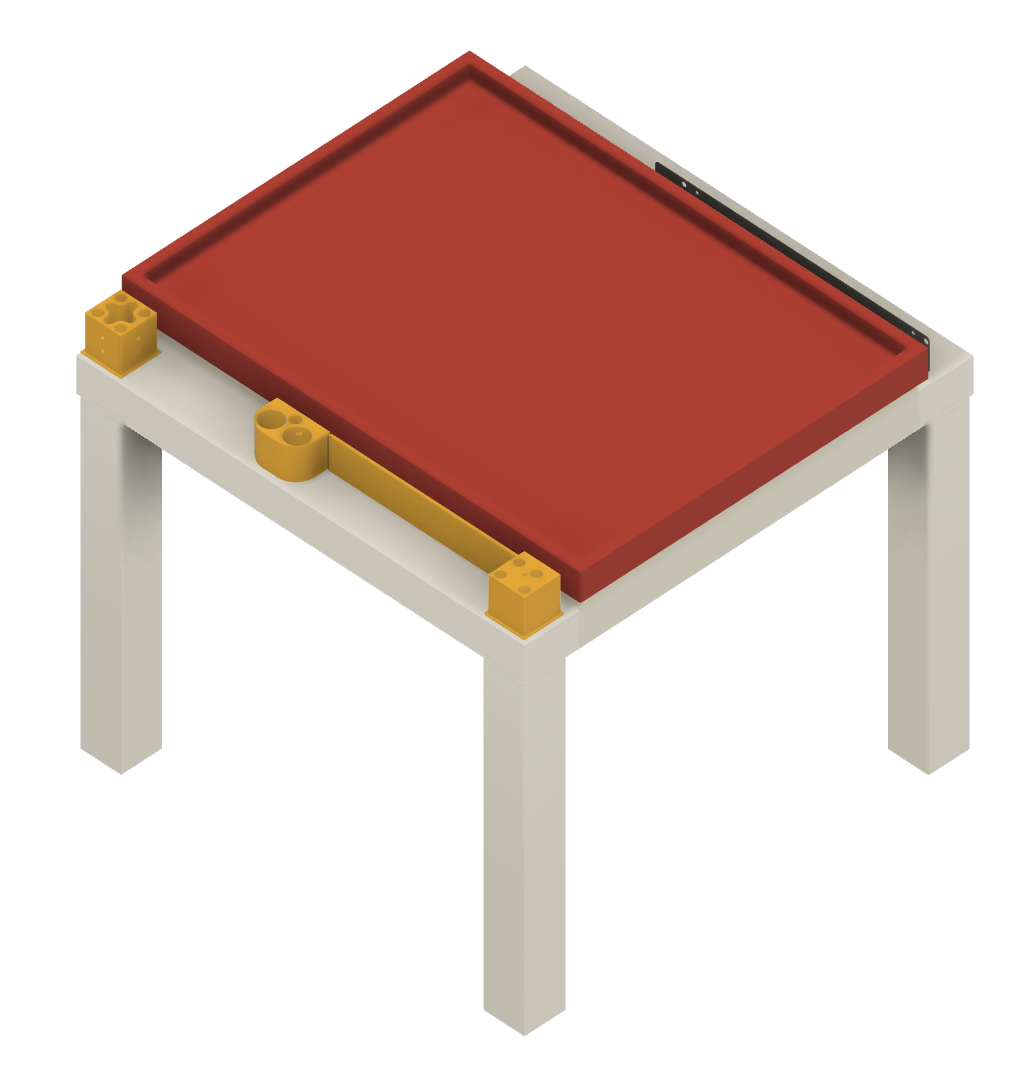
When you want to fit BambuLab X1 between two LackTables - you need additional 15cm in height (with this tray included) - so this is where we can make printed connectors, and add cuted additional legs.
When printing - just make clone&mirror from parts, for another side. This is done in .3mf files
Printed parts:
4x LackTableJoiner (printed 4in1, with supports) - this are connectors for upper table legs, and 15cm cuted legs
2x RearLegs (printed 2in1, no support)
2x rear guide mount (printed 2in1, one mirrored, supports) - this is the middle part, what holds tray to table.
2x FrontLegs_mount (printed 2in1, one mirrored, supports needed) - this is front rail guide mount, and legs mount, so every front leg should have a cut for railguide:
2x leg-cut-guide (printed 2in1, one mirrored) - this is template for cutting hole in front legs, for wider rails than legs dimmension. When you put this on leg - you can easly find what should be cut, to put leg on front mount.
If you dont want see metal guide for tray - we have here nice cover for this ;) (print two, its slide like glove, you can use double side tape to secure it on rail guide).
Warning -when you pull out the tray with printer on it - can flip over, because printer is too heavy, so whole table should be screwed to wall, or something! Be carefull!