
1 / 4
Build Plate ArUco (QR alike) code for Bambu Lab X1C
Order a print of this model
We calculate the final price from your selected file. You review and accept it before payment.
Saved on this device.

Build Plate ArUco (QR alike) code for plate detection on Bambu Lab printers
- Rating
- 4.928 / 5
- Likes
- 1,806
- Downloads
- 15,602
- Makes
- 72
- Views
- 54,146
- Reviews
- 69
Updated at source:
Model information
- Source
- Printables
- Category
- Bambu Lab Parts & Upgrades
- License
- Creative Commons — Attribution — Noncommercial
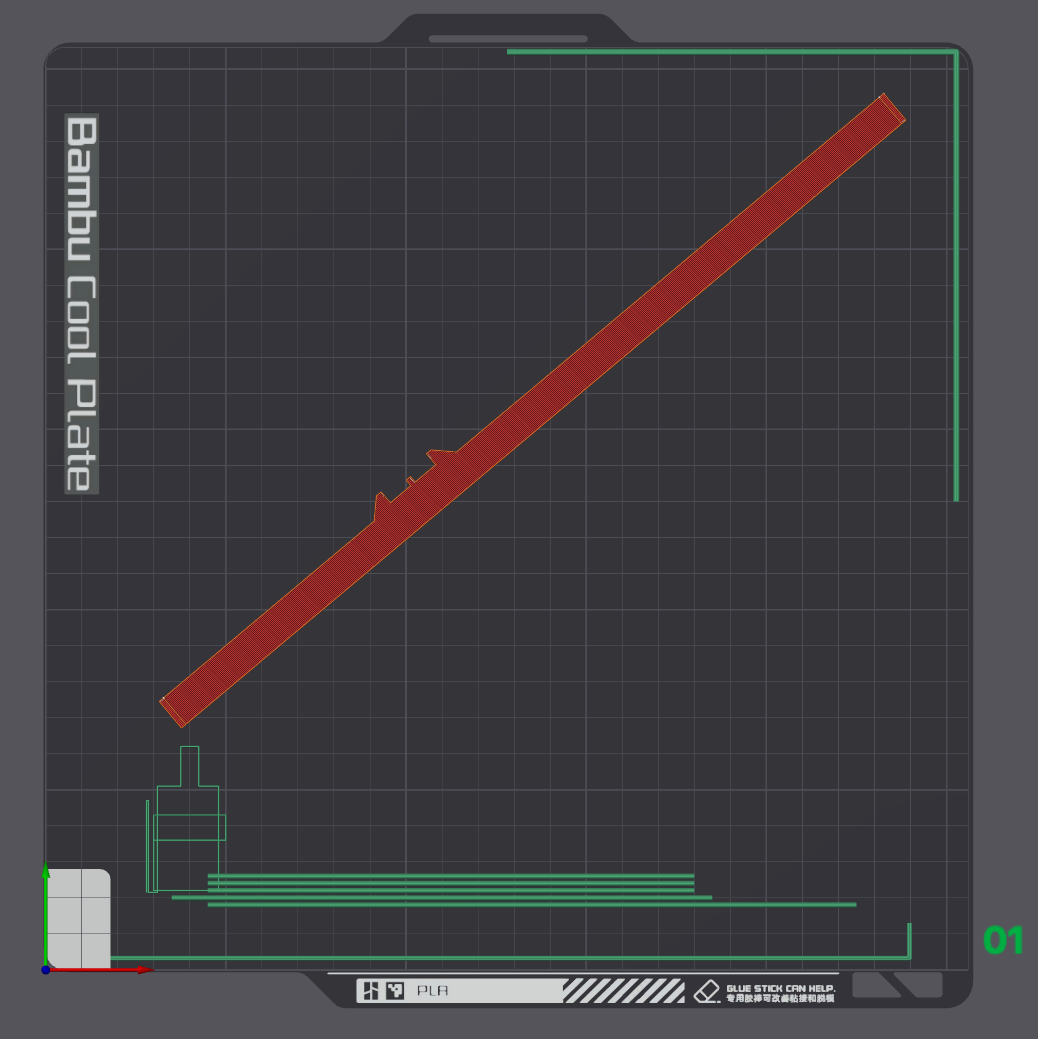
Print this guiding template for easy placement:
- 0.20mm Standard @BBL X1C
- Place diagonally
- PLA
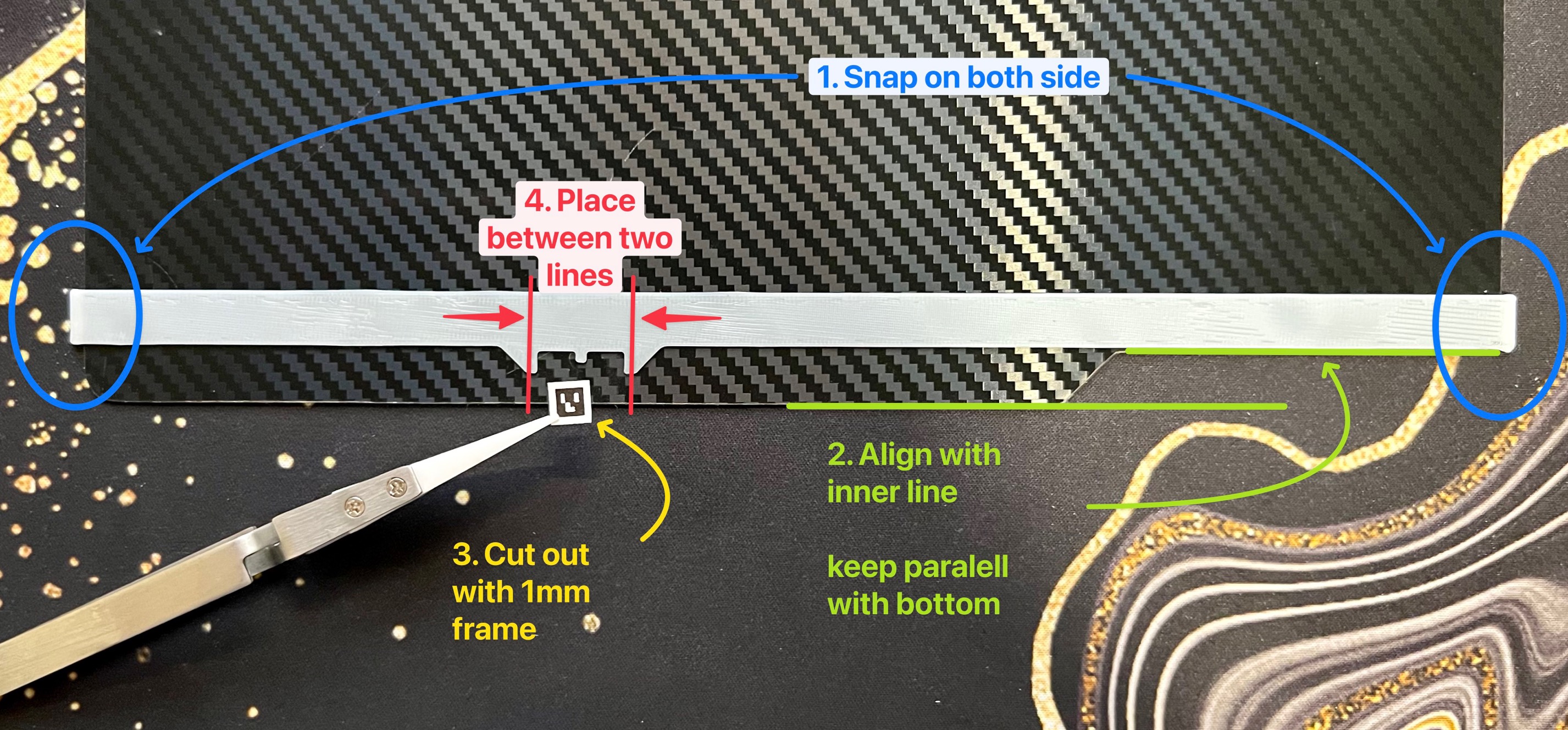
Follow this picture for sticker placement:
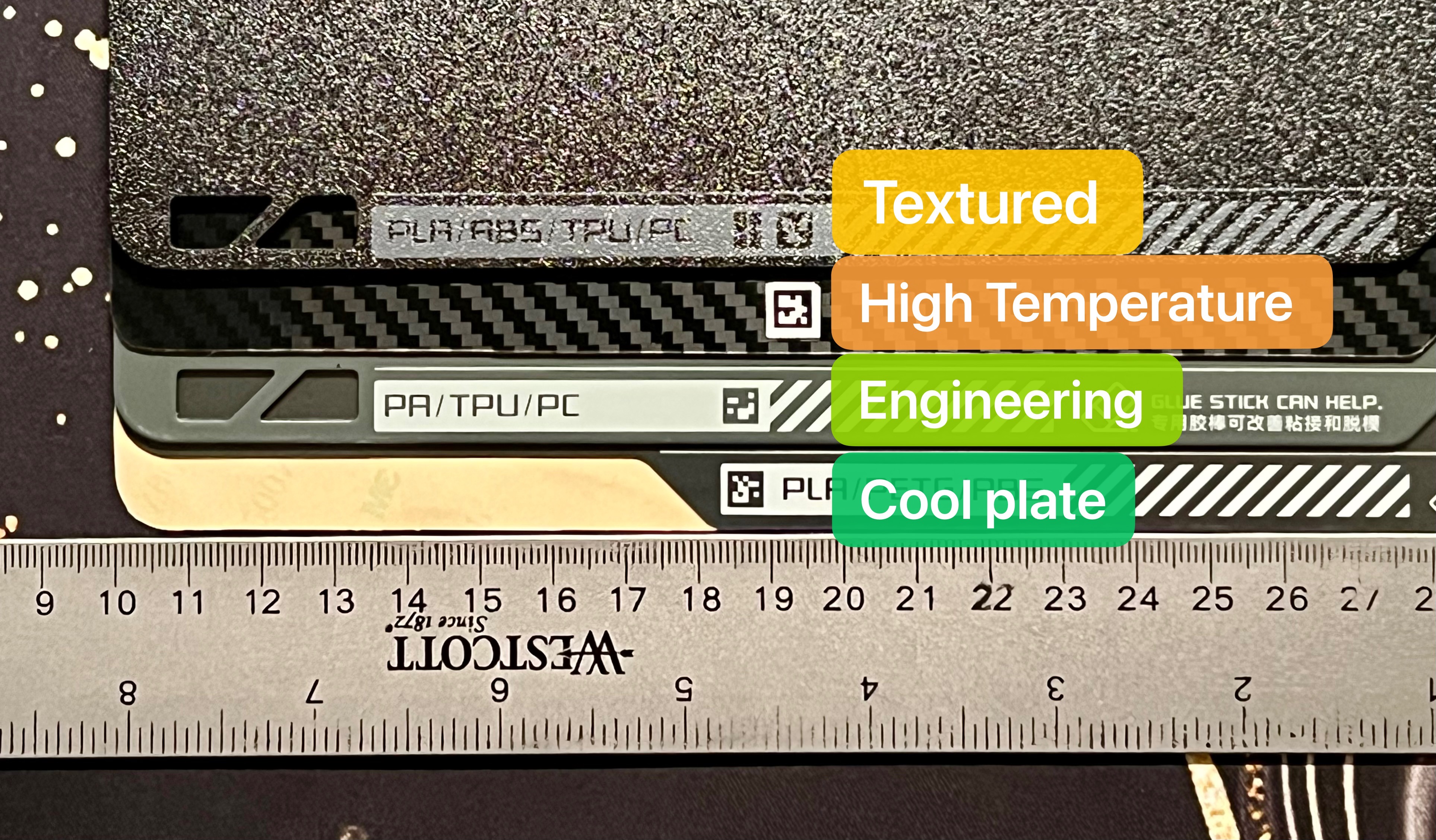
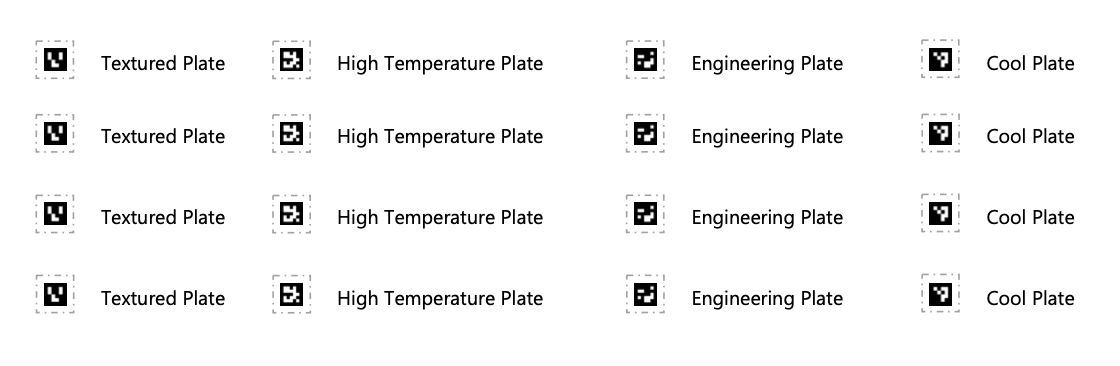
QR code for all Bambu Lab build plates:
- Textured plate
- High-Temperature plate
- Engineering plate
- Cool plate
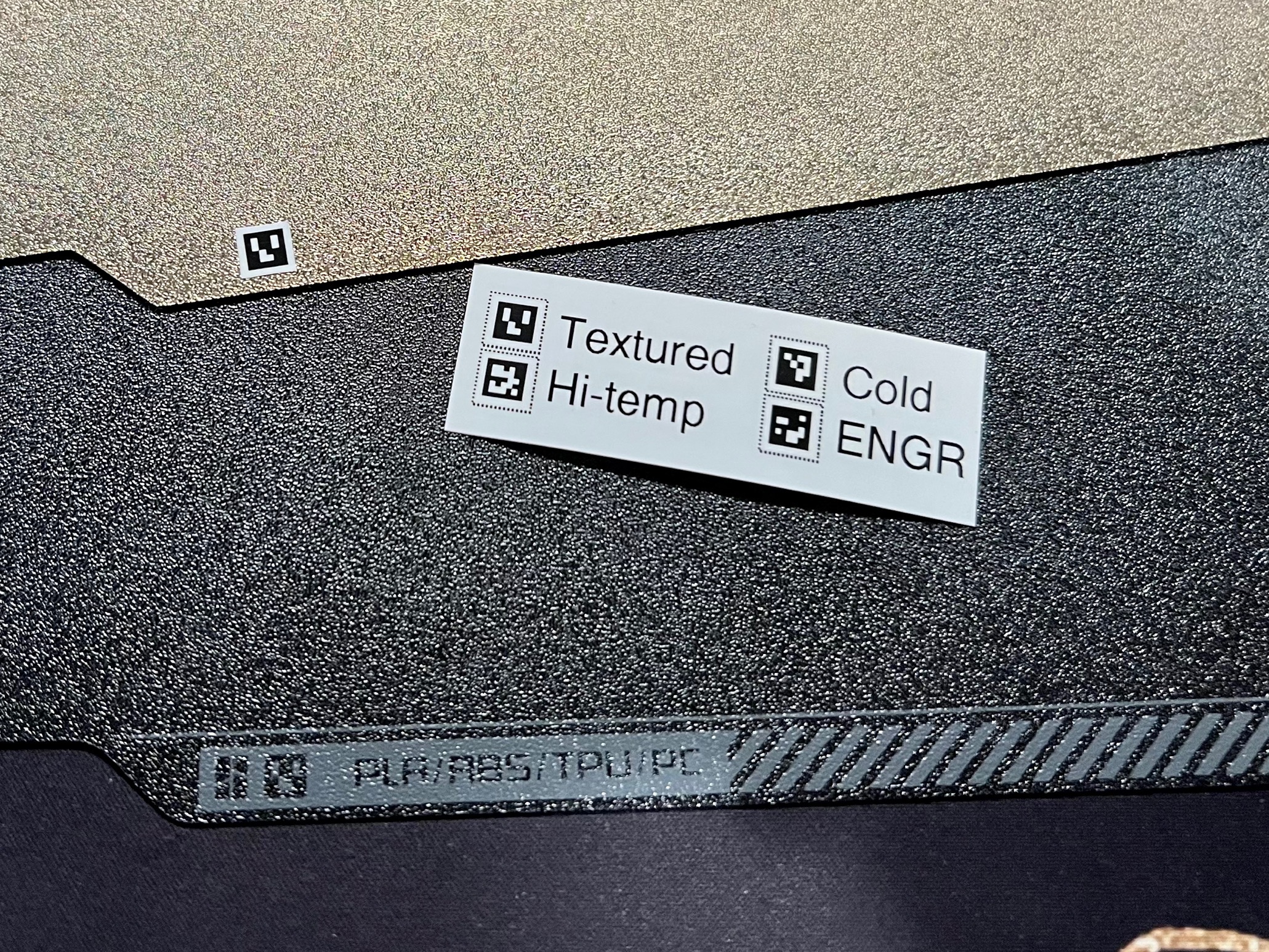
When using self-built or third-party build plate, the code allows keeping “Plate Detection” enabled while avoiding the error message.
Include printable files for:
- Design file for Brother P-touch Label maker, for 12mm and 24mm tape
- PDF for print on US letter or A4 paper
- PDF for print on 4x6 shipping label
- Original PNG files in 5x5mm size
Note#1: When printing from PDF:
- Select the proper paper size
- DO NOT scale
- QR code around 5x5 mm on the paper
Note#2: When printing from STL
- Only need the “template_guide.stl”
- “QR code” is just for fun! Print at your own filament :D