
Magnetic Filament Clip and Name Tag Colour Management Solution
We calculate the final price from your selected file. You review and accept it before payment.
Saved on this device.
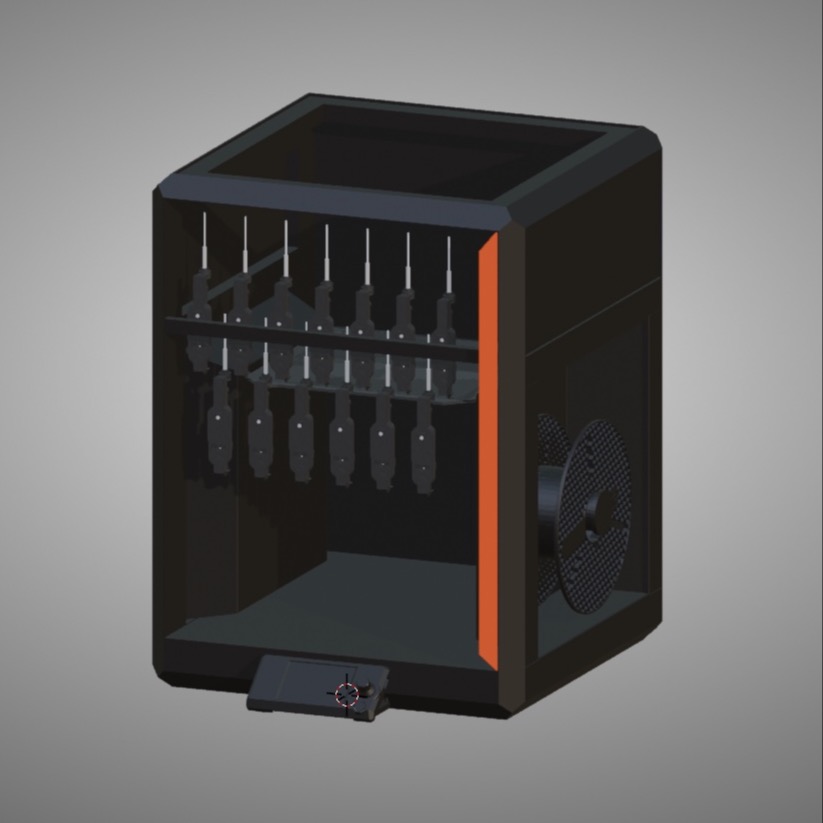
Combined Filament Clip and Name/Id tag. With holder for tags on BambuLab AMS and Prusa MK3s
- Rating
- 5 / 5
- Likes
- 17
- Downloads
- 63
- Makes
- 1
- Views
- 766
- Reviews
- 1
Updated at source:
Model information
- Source
- Printables
- Category
- Accessories
- License
- Creative Commons — Attribution — Noncommercial — Share Alike
Update 18/12/23 Added flat version - with and without text in Bambu Studio 3mf file and separate STL file

Designed this filament clip to help handle the many different colours and types of filament you start to accumulate once you start multi colour printing - with either a Bambu Lab AMS, MMU or Palette.
Consists of a clip to retain filament, that also contains space for a printed label and magnetic holders for the filament clip for when the filament is loaded in the printer


A small insert is also provided to stop the printed labels falling off when using filament that is hard for the printed labels to stick to.

Custom holders then provided for a BambuLab AMS and Prusa MK3s


Designed for 5mm magnets and nimbot type label printer.
As tags are printed in actual filament then they can be scanned in to get reasonably accurate colours -


Can then in the case of a Mac be used to create a custom colour palette that is then configured within Fusion 360 and Bambu Studio to help with correct AMS colour selection.


 Suggest magnets are inserted using a bench vice or other tool.
Example Sources of Magnets
Magnets 5x2.5 mm Neodymium. 7.5p each
https://www.ebay.co.uk/itm/161590568131
Magnets 5 x 3 10p each
https://www.amazon.co.uk/FINDMAG-Fridge-Magnets-Strong-Whiteboard/dp/B0BTLPTRSG
Label Maker
https://www.amazon.co.uk/NIIMBOT-D110-Technology-Rechargeable-Organization/dp/B09CM7Q3F7
Label Size. - 40 x 2
Remix of Thinner42 thingeverse remix
https://www.printables.com/model/79519-scad-filament-clip/remixes
PS/ Have tried using QR codes to maybe automate the filament config onto Bambu Studio - however have not found software that will read multiple QR codes from one photo - so now pursuing just doing an OCR based analysis of a filament labelled AMS - to see if it would be possible to automatically configure the non RFID filament colours via automation of Bambu Studio.