
IDC 10 pin Male Box Header Frame 2x5 pin Connector
We calculate the final price from your selected file. You review and accept it before payment.
Saved on this device.

Frame designed to convert regular 2-row pin header into an IDC 10 box header.
- Rating
- 5 / 5
- Likes
- 22
- Downloads
- 206
- Makes
- 3
- Views
- 1,068
- Reviews
- 2
Updated at source:
Model information
- Source
- Printables
- Category
- Electronics
- License
- Creative Commons — Public Domain
This 3D-printed IDC box header frame is designed to convert a regular 2-row pin header into an IDC box header. This is a useful solution for those who need to replace an IDC box header but cannot find one in stock, or for those who want to create a custom IDC box header for their specific application.
Features
- Converts a regular 2-row pin header into an IDC box header
- Ensures correct orientation of the power cord tab
- Easy to assemble
Benefits
- Replace a broken or missing IDC box header without having to buy a new one
- Create a custom IDC box header for your specific needs
Applications
- Desktop synthesizers
- Eurorack modules
- Other electronic devices that use IDC box headers
How to Use
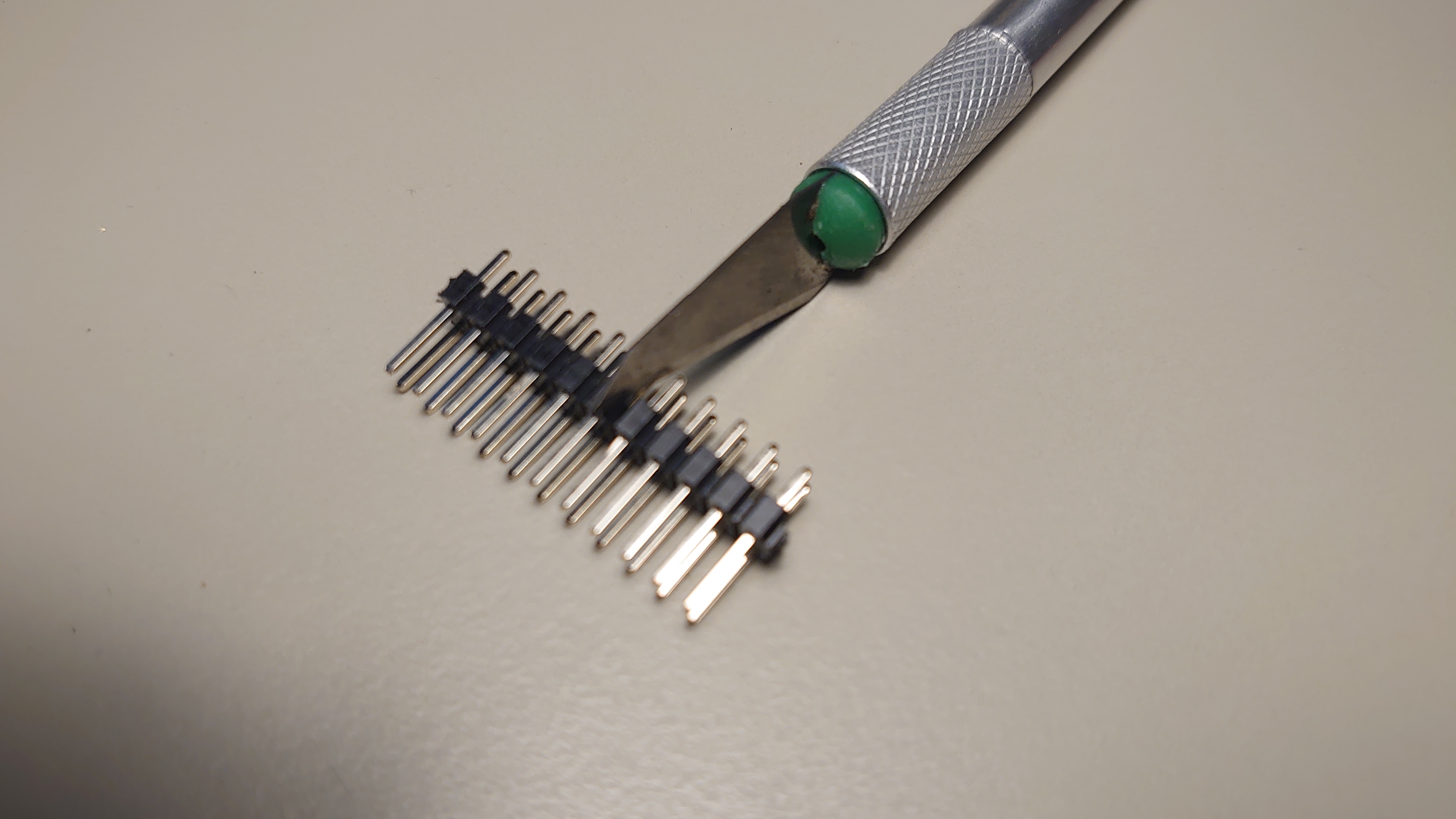
- Cut 5 columns of 2-pin row header.
- Insert the 2-pin row header into the frame and align the pins into the box.
- Stick the frame and the 2-pin row header together with superglue.
Tips
- Be careful when cutting the 2-pin row header to avoid cutting yourself.
- Use a strong superglue to ensure that the frame and the 2-pin row header are securely bonded.
- Make sure that the frame is printed from a heat-resistant material, such as PLA HT, PETG or ABS, if it will be used in a high-temperature environment.
Support me
"If you dig what I'm creating and want to support the journey, consider fueling my creativity with a virtual coffee! Your support goes a long way in helping me continue pushing the boundaries of 3D printables. Want to Buy Me a Coffee?
Enjoy this IDC header frame and let me know, when you make one for yourself!
Designed with Autodesk Fusion 360 Personal