
1 / 2
Membrane to Mechanical keyboard
Order a print of this model
We calculate the final price from your selected file. You review and accept it before payment.
Saved on this device.

I made this because I am very interested in keyboards right now but don't have enough money to buy a mechanical one.
- Rating
- 4 / 5
- Likes
- 12
- Downloads
- 261
- Makes
- 1
- Views
- 1,237
- Reviews
- 1
Updated at source:
Model information
- Source
- Printables
- Category
- Accessories
- License
- Creative Commons — Public Domain
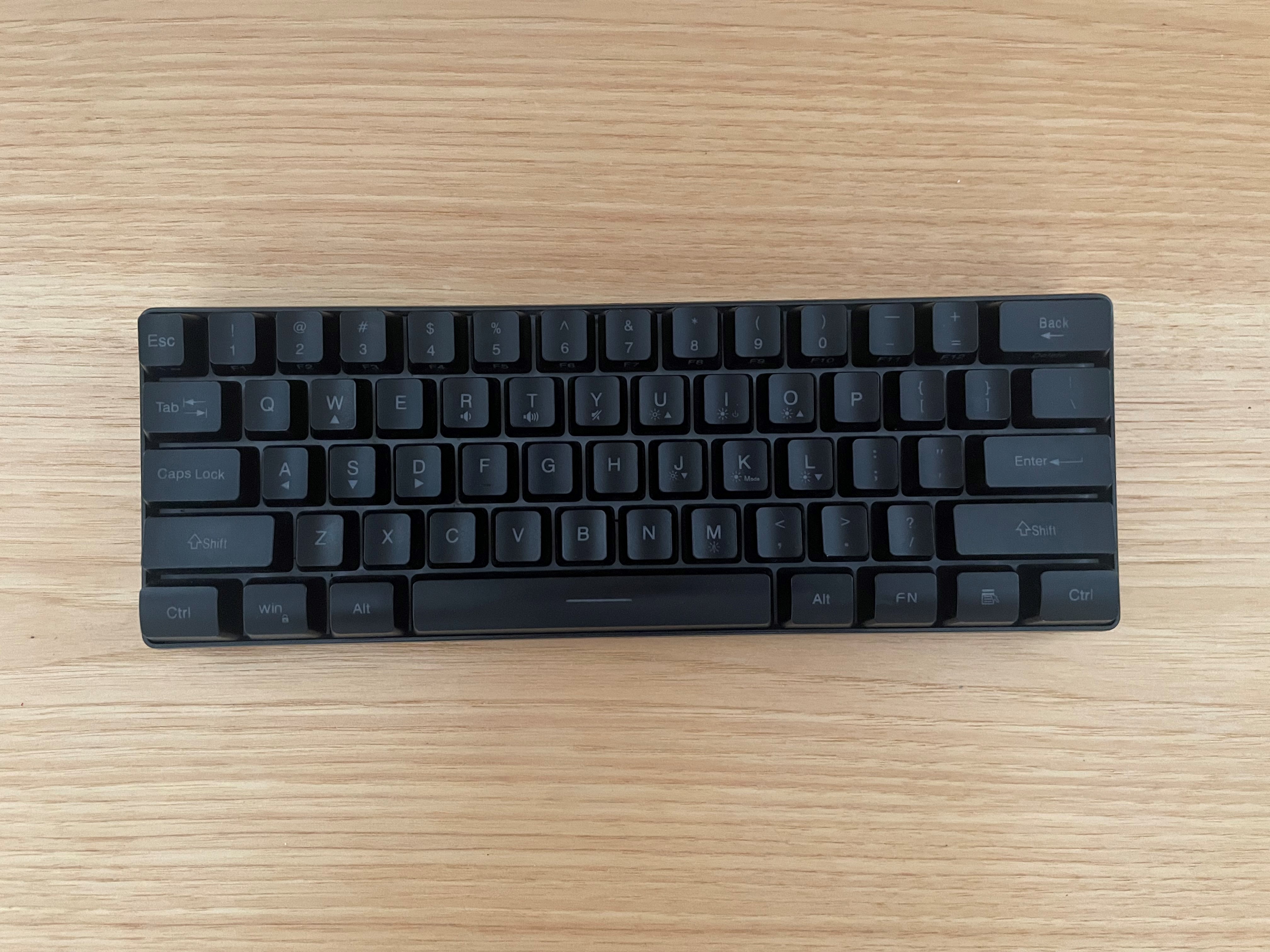
I made this to change my membrane keyboard to a mechanical keyboard (should work on any membrane keyboard but I modeled it for the RedThunder 60% Gaming Keyboard (link)
YouTube Video
Steps
0. Get Keyboard
- Take off key of membrane keyboard

2. Put the switch (the one you should have just printed) into the hole
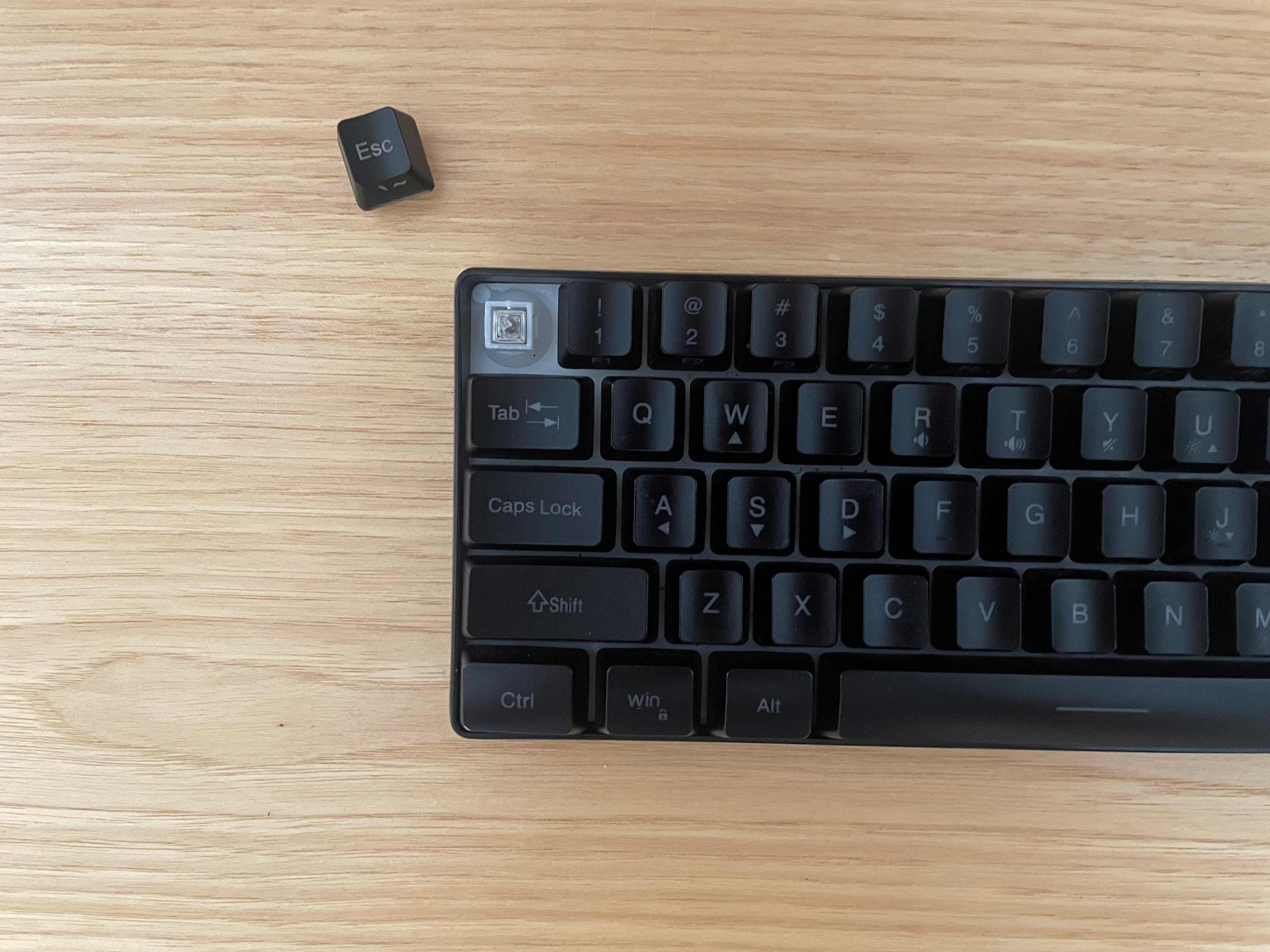
3. Make sure it goes up and down
4. Add a mechanical keycap onto it
5. ENJOY!!!!!!
Keycap I recommend
I use the Simple Cherry MX Keycap
And the switch is the Cherry MX
Pros and Cons
Pros
- Is quieter
- More customization
- More common keycaps (easier to find ones that will fit)
Cons
- More flimsy (can break easier, that is why I would use a resin printer)