
PCB Klicky Mounts for The100 v1.1
We calculate the final price from your selected file. You review and accept it before payment.
Saved on this device.

The100 toolhead and frame mounts for PCB Klicky probe.
- Rating
- 5 / 5
- Likes
- 18
- Downloads
- 116
- Makes
- 2
- Views
- 1,100
- Reviews
- 1
Updated at source:
Model information
- Source
- Printables
- Category
- Other Printer Parts & Upgrades
- License
- Creative Commons — Public Domain
Custom PCB Klicky Mounts for the ‘The100 v1.1’ printer.
Probe Mount
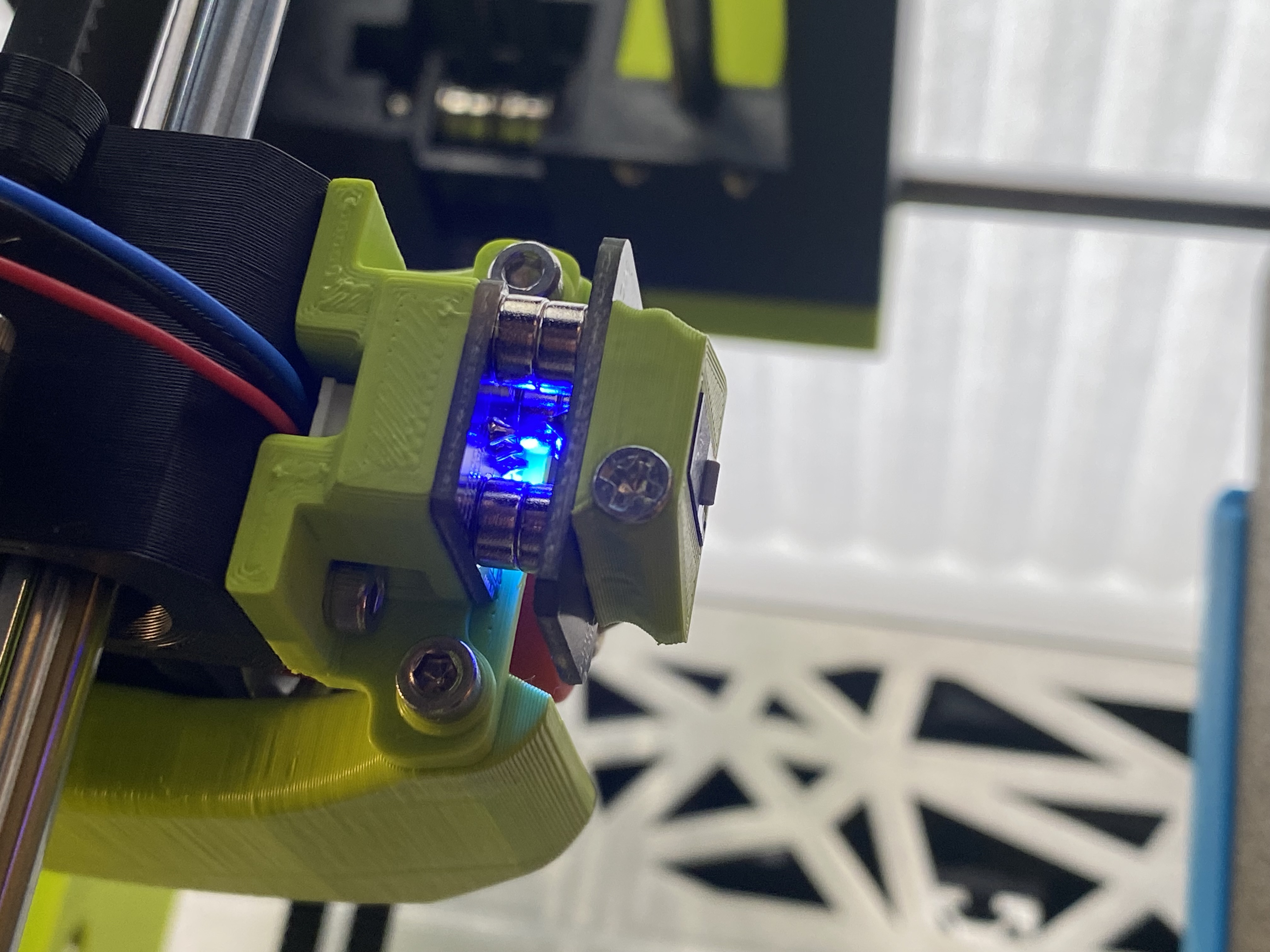
the100_pcb_klicky_connector_plate.stl
Designed to replace stock Connector Plate.stl on the toolhead. Places the PCB klicky probe inline with the nozzle on the x-axis and as close as possible on the y and z axis. Assumes the use of heatset inserts from the pcb klicky kits.
[probe]
x_offset: 0
y_offset: 25.0
#z_offset: 10 #this will be tuned to your printer. Mine is ~7.834
Dock Mount
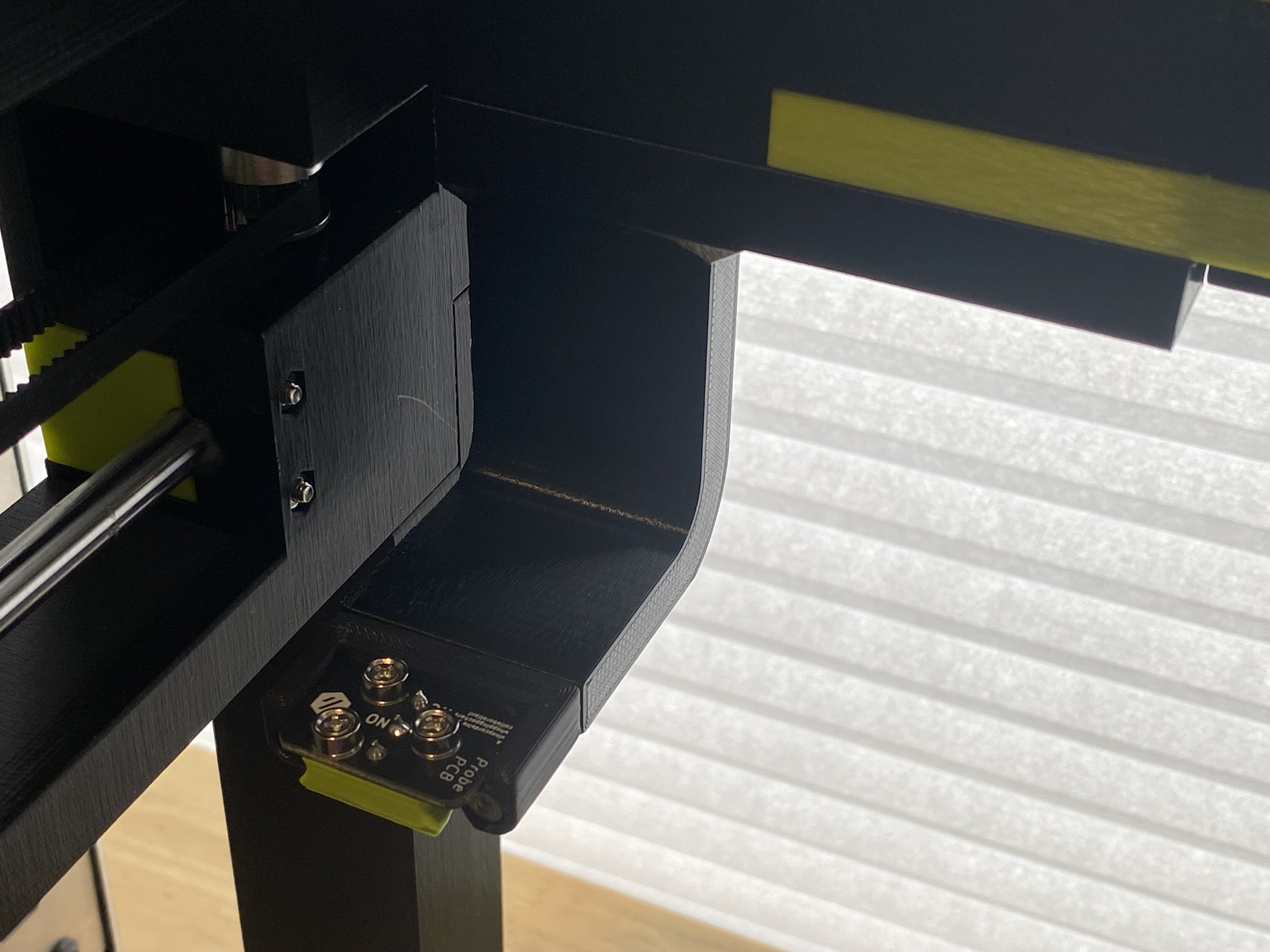
the100_pcb_klicky_dock.stl
Designed to mount on the left rear of the top frame. You will need to remove to existing m3 bolts and replace them with longer m3x20mm bolts.
You'll also need to print the stock pcb klicky dock:
dock-front_insert.stl
Print Settings
Designed to be printed with the recommended The100 v1.1 print settings.
I recommend printing the connector plate in ABS or ASA due to it's proximity to the hotend.
- 0.25 Layer height
- 0.5 Line width
- 3 Top layers
- 3 Bottom layers
- 3 Walls
- 25% Infill
- Grid Infill Pattern
Note
You'll need to swap out the The100 G28 homing routine for one based on the klicky macros. To avoid hitting the dock while homing I changed the x-axis to homing to the maximum instead of minimum.