1 / 2
Festool Plug-It Adapter for Makita BO5041 orbital sander
Order a print of this model
We calculate the final price from your selected file. You review and accept it before payment.
Saved on this device.

Housing for the Makita BO5041 orbital sander to fit a Festool Plug-It Adapter
- Rating
- 5 / 5
- Likes
- 7
- Downloads
- 58
- Makes
- 1
- Views
- 723
- Reviews
- 1
Updated at source:
Model information
- Source
- Printables
- Category
- Tools
- License
- Creative Commons — Attribution — Noncommercial — Share Alike
!Do this modification only if you are comfortable with electronics and a little tweaking!
!Also at your own risk!
Needed parts:
- Festool spare part (489925)
- Shrinking hose
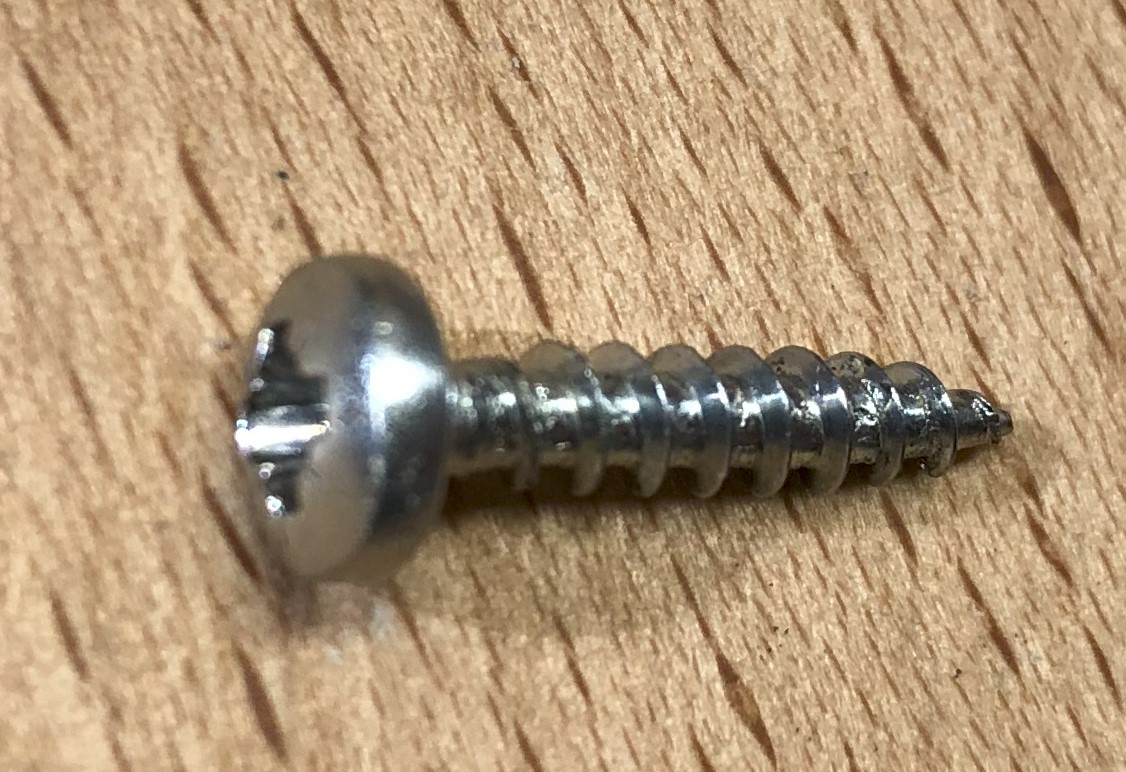
- Round head wood screws 3,5 x 15mm (Ø-Head 7 mm)
Installation:
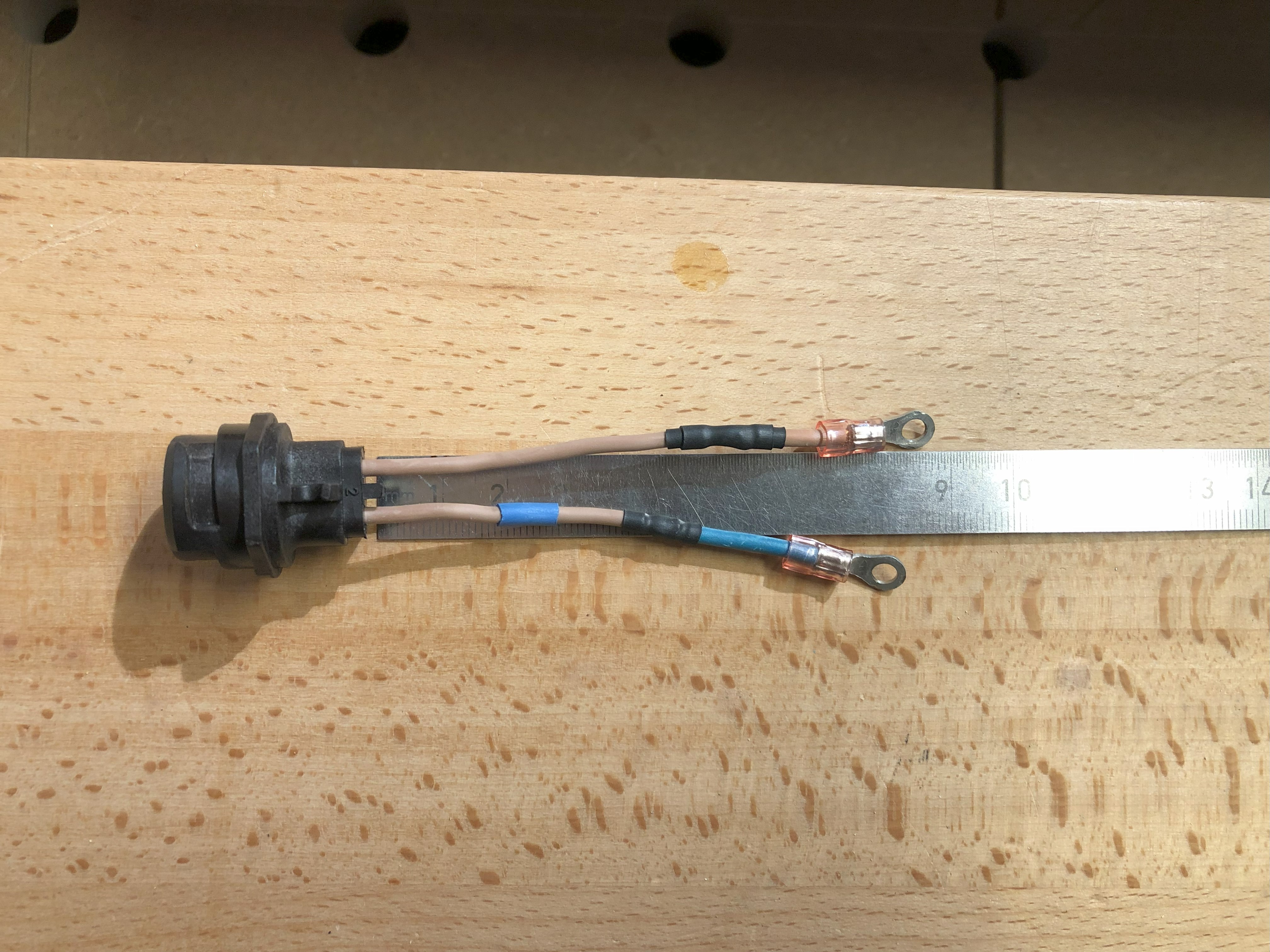
- Solder the original connectors to the Plug-It Adapter, length about 90mm
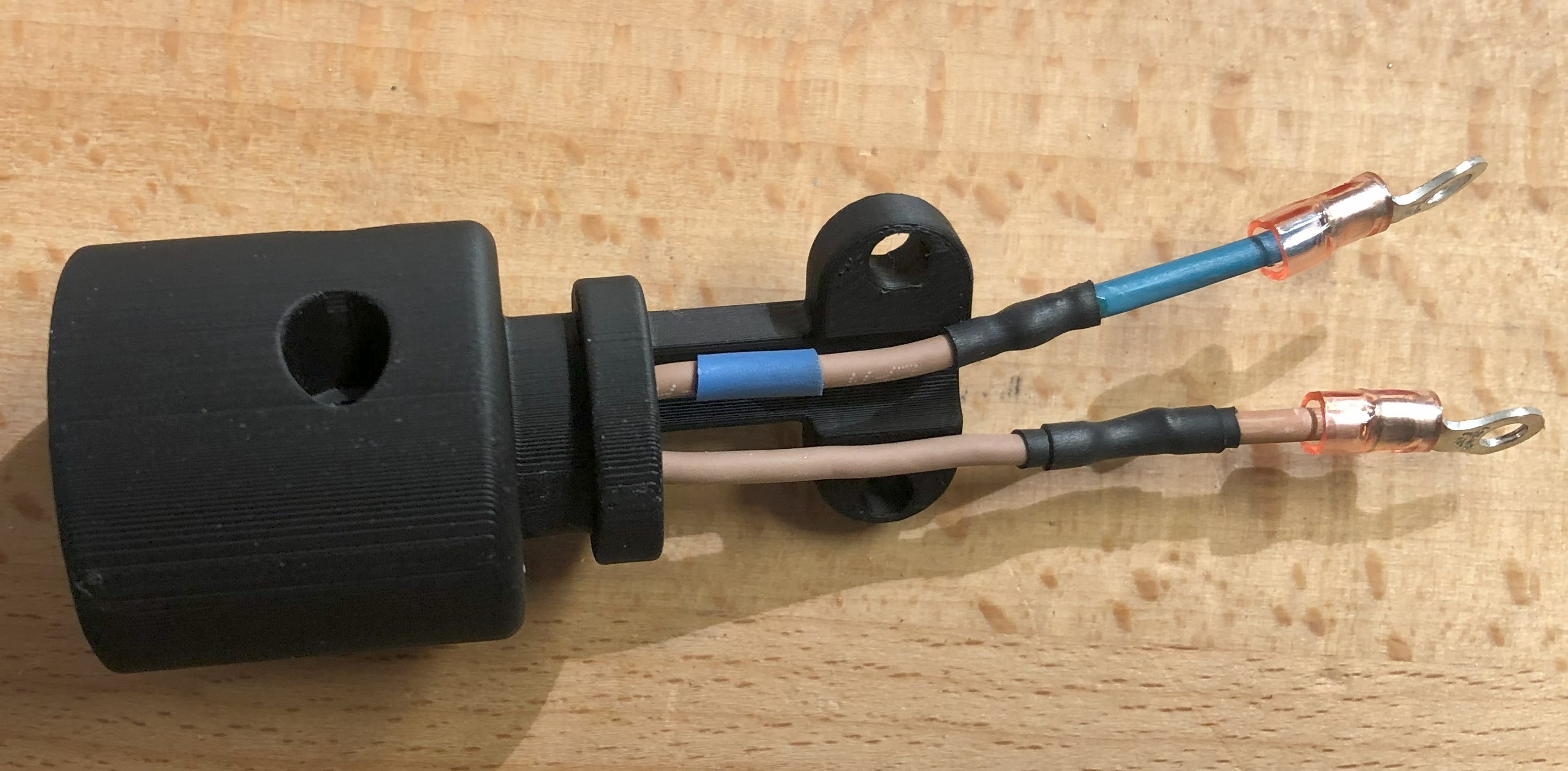
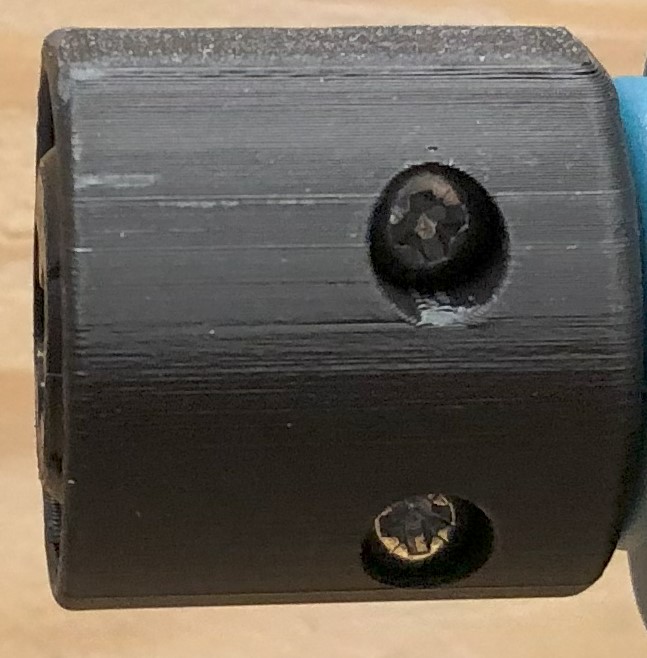
- Push the Plug-It adapter into the Housing an secure it with two Round head wood screws 3,5 x 15mm
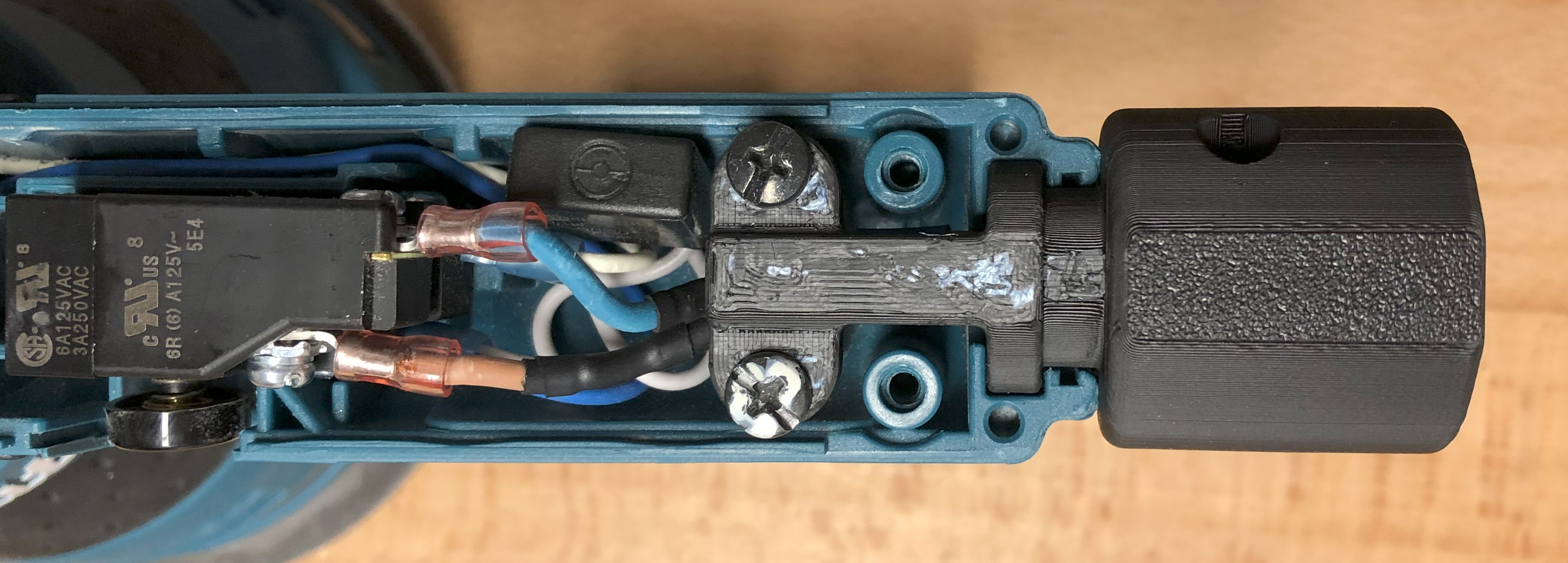
- Mount the housing to the Maktia BO5041 with the screws form the original stain relief and connect the wires as before
- Assemble the Top part
Addition:
Maybe you need to cut out the Top part like this:
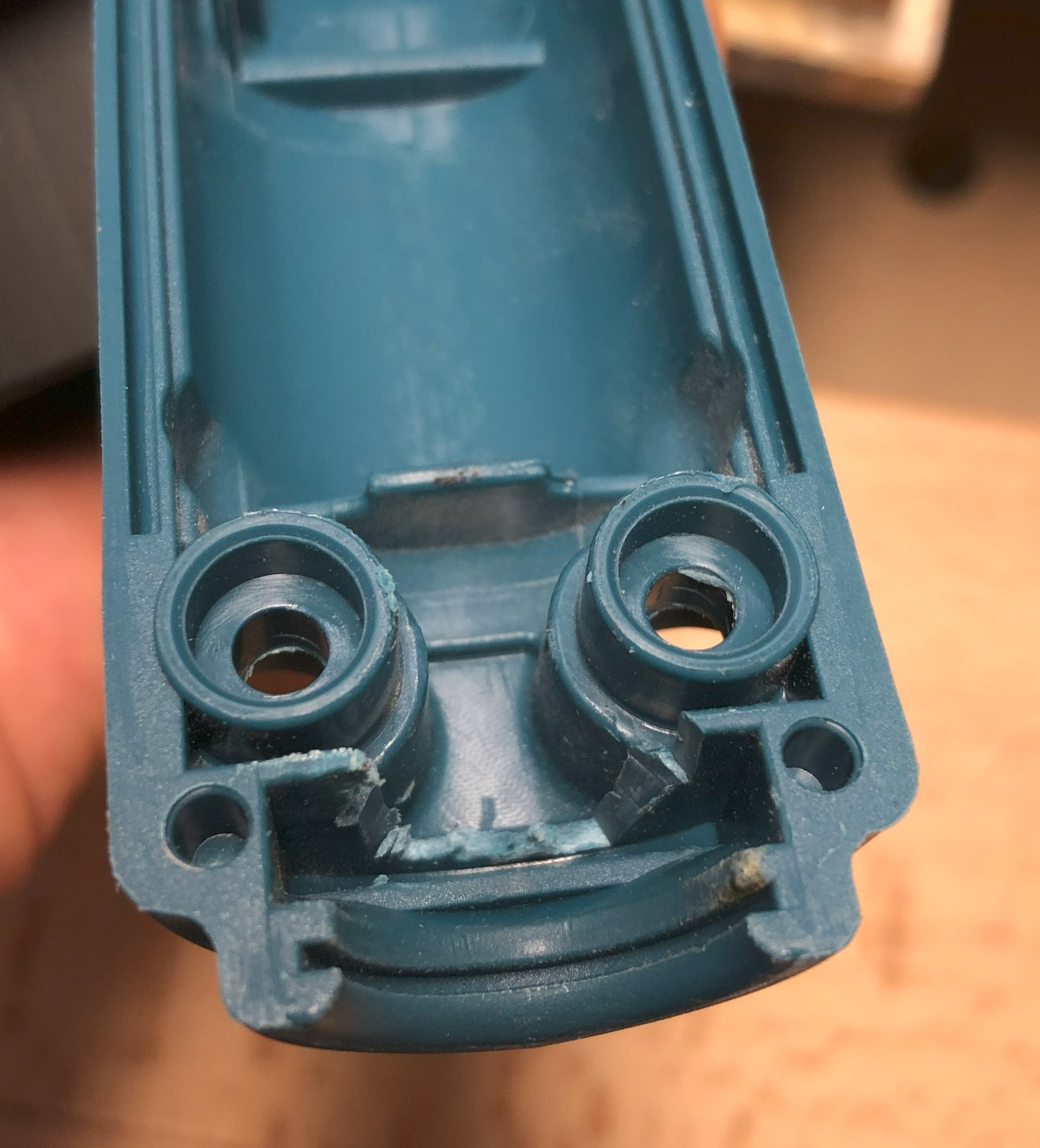
I cant tell if still necessary, because during testing i did this cut out.
Filament: extrudr greentec pro (or ABS, ASA, PETG etc.)
Print settings:
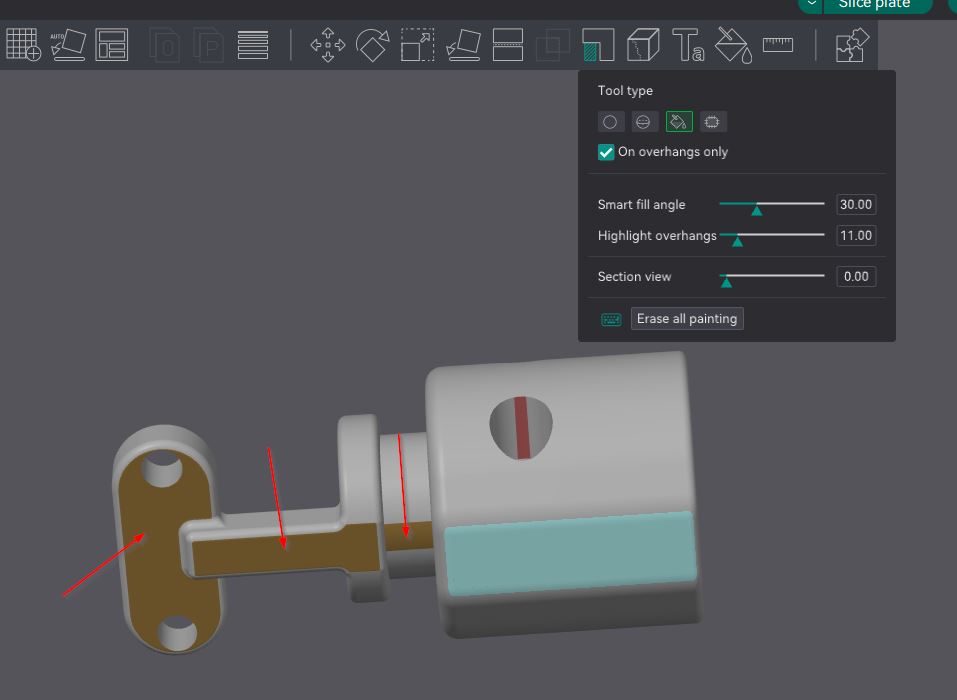
- orientation: see picture
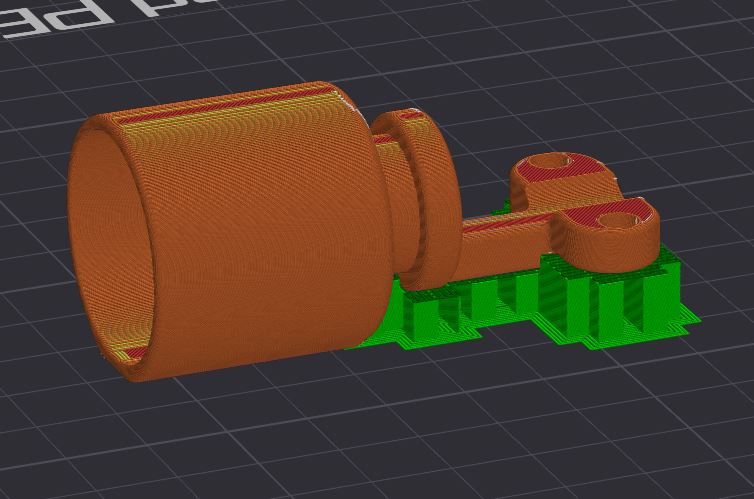
- layer height: 0.12
- wall generator: arachne
- wall loops: 4
- Top/bottom layers: 6
- infill: 15% gyorid
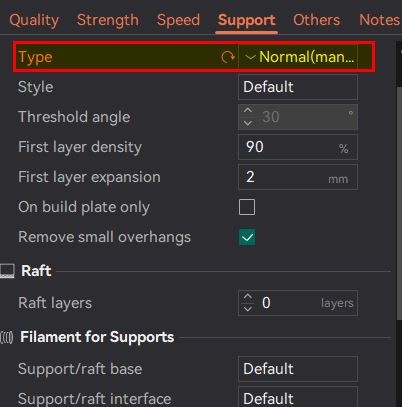
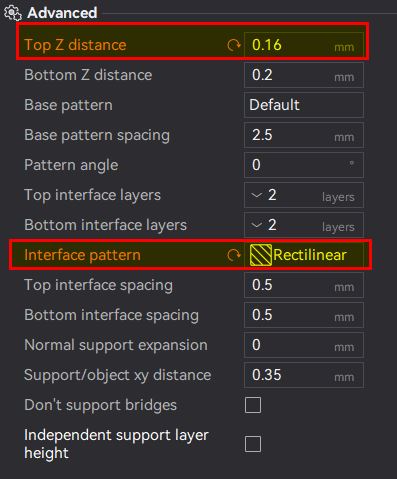
- support: yes, paint on like this: