
SK1 - Fanshroud - Backshroud - Partsfanduct LED
We calculate the final price from your selected file. You review and accept it before payment.
Saved on this device.
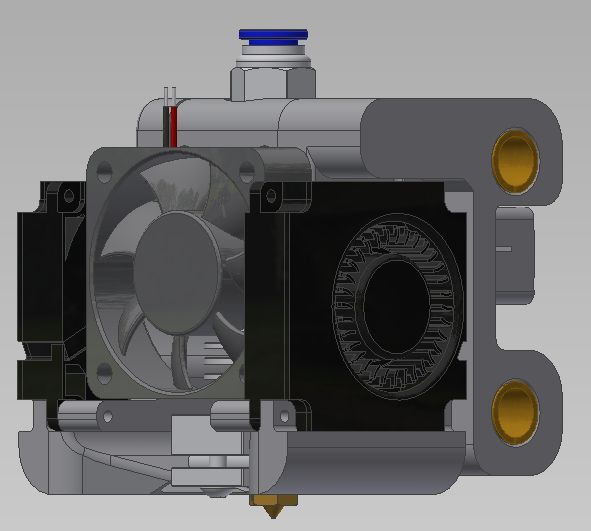
SK1 Fanshroud and Backshroud with cutouts A Partsfanduct with Voron0 LEDs
- Rating
- 5 / 5
- Likes
- 39
- Downloads
- 383
- Makes
- 1
- Views
- 1,582
- Reviews
- 4
Updated at source:
Model information
- Source
- Printables
- Category
- Other Printer Parts & Upgrades
- License
- Creative Commons — Attribution — Noncommercial
These are spare parts for the TwoTrees SK1.
The Backshroud got hexagonal cutout instead of the original “doted lines”.
Backshroud and the Fanshroud got several cutouts so, that you don't need to remove the filament, the tensionknob, the canbus cable nor the cablechain.
Parts:
The Fanduct got some LEDs, I've took the measurements from the Voron0 CADs since I've used other LEDs. The wires needs to be very thin ~0.14mm², the connector is pluged in the toolboard labeled LED in the top right.
To use the LED you need to add a few lines to your “printer.cfg”
[output_pin LED_Nozzle]
pin: MKS_THR:gpio23
pwm:  false
Now you can switch it on/off using the WebUI.
I have currently no idea, where you can edit the Screen UI to switch it on on the printer itself, since it's not normal Klipperscreen
Changelog:
18.02.24 - Added a topcover for the toolhead, that was previous missing.