
1 / 1
Parametric Threaded Round Box Fusion 360
Order a print of this model
We calculate the final price from your selected file. You review and accept it before payment.
Saved on this device.

Hey Folks, I am still learning to use Fusion 360. This Round Box is the Product of my learning with the Parameters.
- Rating
- 0 / 5
- Likes
- 13
- Downloads
- 181
- Makes
- 0
- Views
- 491
- Reviews
- 0
Updated at source:
Model information
- Source
- Printables
- Category
- Organizers
- License
- Creative Commons — Attribution — Noncommercial — Share Alike
I tried to work with the Parameters in Fusion 360.
How to use it:
Open the File in Fusion 360
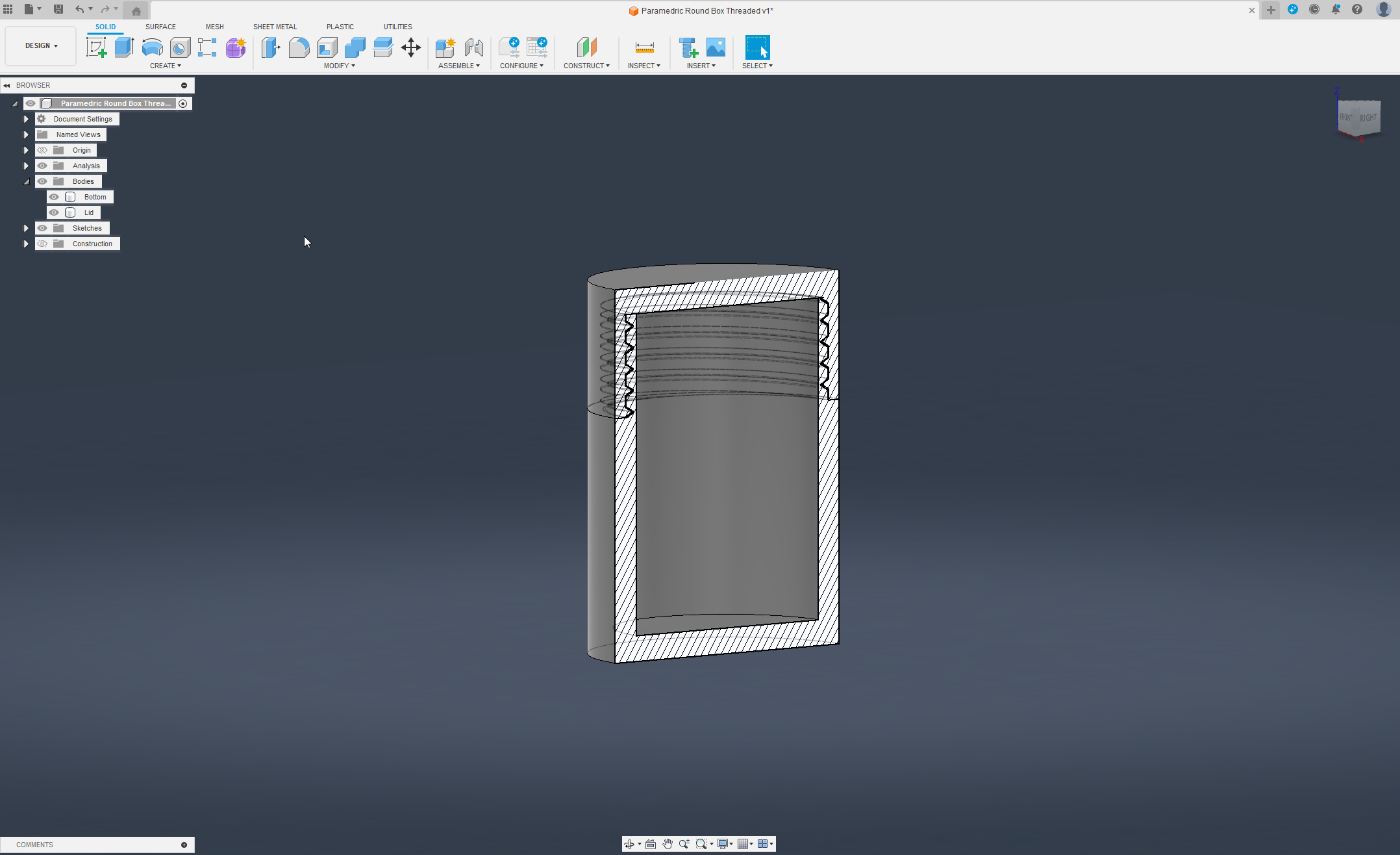
In the Tool tab, click “MODIFY”

In the fresh opened Drop-down open, the “Change Parameters”. Second Last all the way down.

In the Parameters Window, you have the Main Parameters in the Favourites to change the round Box.

These are the Parameters you can change.
I Attached some examples, the Diamond Cut Lid was made after using the Parameters.