All models

Sort order

Counting matching models…

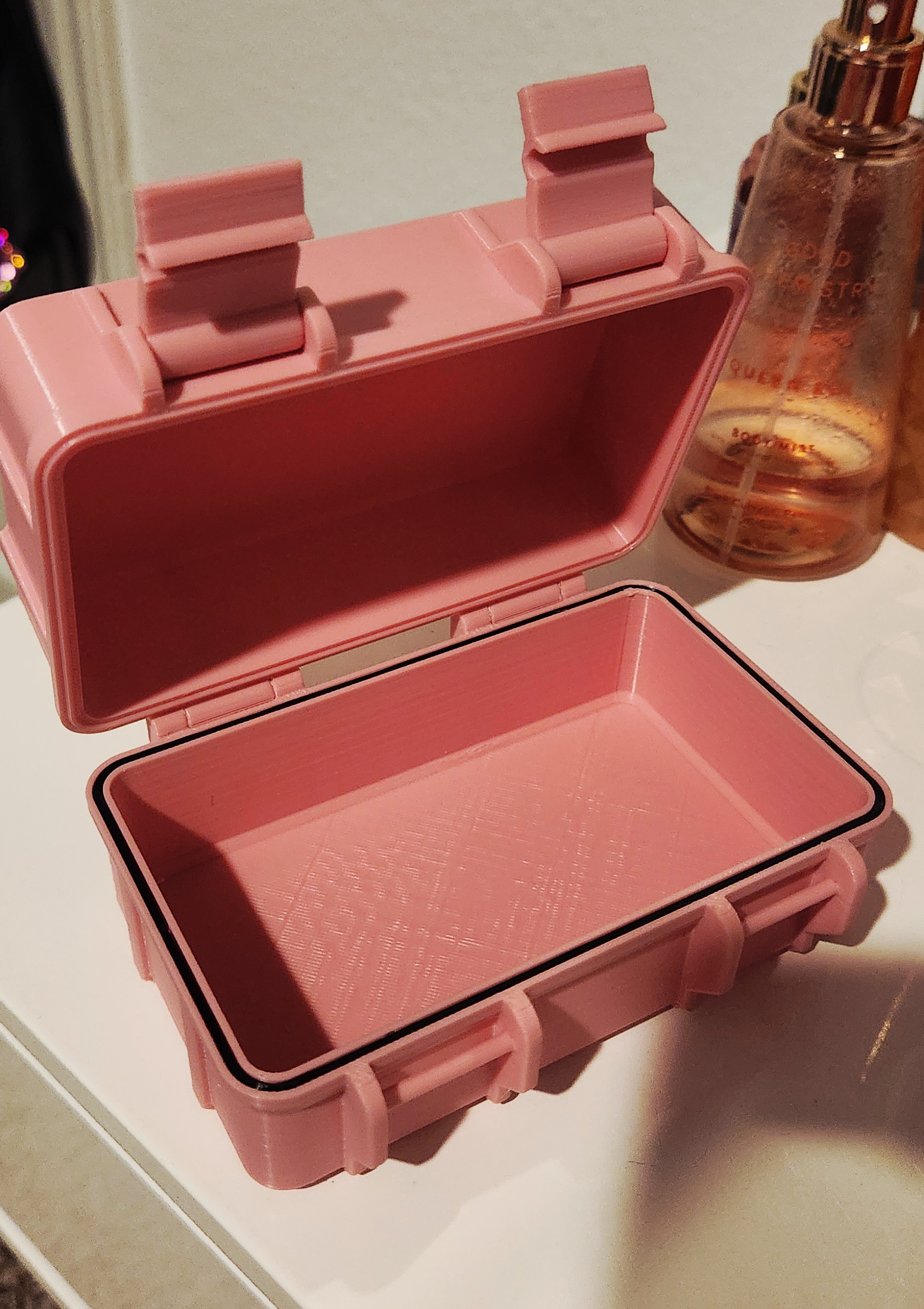
Print in Place Rugged Box (no hardware needed!)

Make sure when you slice it that you can see the hinges separated and not printed together. In OrcaSlicer you might have to right click and separate into parts with the STL. You might want an outer brim and support for the latches, but…

Downloads
1,833
Likes
487
Rating
4.86

Demon Slayer Keychains

Simply use the old pause and swap technique or a MMU. Miss Kanroji - https://www.printables.com/model/802899-demon-slayer-miss-kanroji-keychain

Downloads
1,636
Likes
190
Rating
5

Cinnamoroll Keychains

For my daughter. Either pause and swap filament or use a MMU. Pause and swap for V1 For 2mm Layer height - Start with black Change filament at layer 4 to baby blue Change filament at layer 8 to baby pink Change filament at layer 10 to…

Downloads
1,018
Likes
100
Rating
4.83

Simple Sword, Dagger, or Knife Wall Mount

Just a simple wall mount for blades of varying sizes.

Downloads
993
Likes
220
Rating
4.83

Sonic The Hedgehog Keychain

You can either do the old pause and swap or use a MMU.

Downloads
738
Likes
41
Rating
5

Katseye Keychain

I was asked to make this by one one the girls on the bus I've been driving.

Downloads
693
Likes
26
Rating
5

Neopixel LED Lamp (Easy Build!)

I completely remodeled the design to use less filament, be supportless, snap together, and a scaled down version. I also got rid of the extra holes for potentiometers. Mine uses a SPI controller (WS2812B-Controller-Bluetooth-USB) (Google…

Downloads
619
Likes
211
Rating
4.86

Naruto Shippuden Keychains

Just pause and swap or use a MMU to change filament colors.

Downloads
587
Likes
77
Rating
0

Not An AI Slop Shelf

I totally used AI for the image, I had to correct it to be exactly like the actual model. You should be able to download what you see and not the terrible model AI designs. This took me about 45 mins to design.

Downloads
468
Likes
183
Rating
0

Taylor Swift Keychains

Simply pause and swap or use a MMU/AMS to change filament.

Downloads
419
Likes
44
Rating
5

Demon Slayer Miss Kanroji Keychain

Simply use the pause and swap to change filament or use a MMU. Logo, Tanjiro, Nezuko, Zenitsu, Inosuke - https://www.printables.com/model/802274-demon-slayer-keychains

Downloads
353
Likes
34
Rating
4.5

LED/Neopixel Numbers and Letters

Print the cases in whatever filament you like then print the lens in white. Adhere the LED strip to the insides of the models. Lay them on their back to print, you might need supports if you don't have bridging tuned. You can scale the…

Downloads
339
Likes
55
Rating
5

Kuromi Keychain

A simple MMU Kuromi keychain

Downloads
301
Likes
22
Rating
0

Right Angle Ruler (Metric)

Just a simple metric right angle ruler

Downloads
295
Likes
18
Rating
4

Panda Keychains

Simply pause and swap or use a MMU to change filament.

Downloads
289
Likes
41
Rating
5

My Melody Keychain

A simple My Melody keychain

Downloads
264
Likes
16
Rating
5

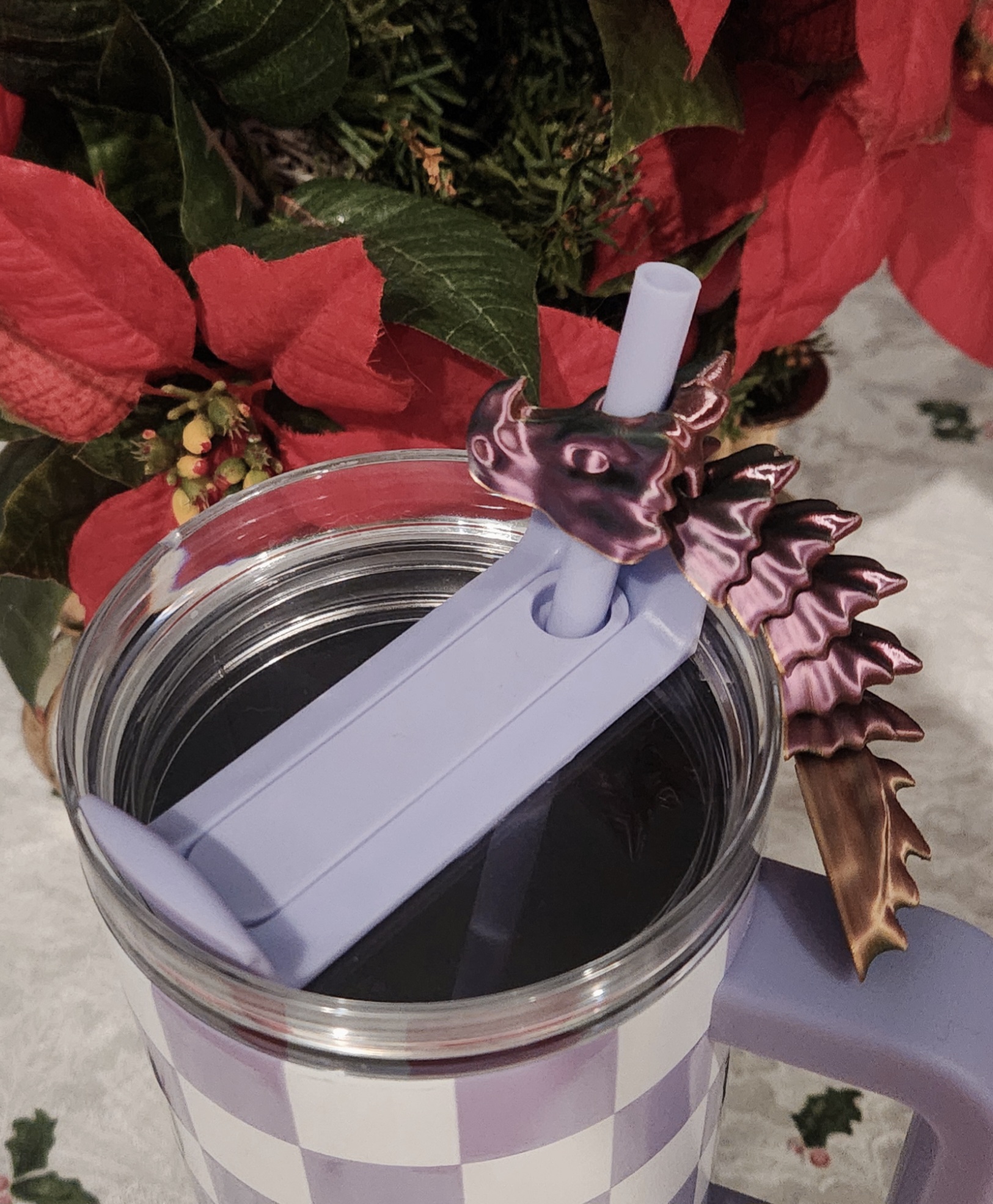
Bone Dragon Straw-toppers

Just a simple bone dragon straw-toppper

Downloads
263
Likes
42
Rating
0

Hex Honeycomb Shelves

I just tried to match the rendering a little better and add some improvements.

Downloads
217
Likes
52
Rating
0

Cyberpunk 2077 Keychain

Simply use the old pause and change tactic or use a MMU.

Downloads
217
Likes
30
Rating
5

Hexagon Neopixel/LED Nanoleafs (No Screws or Supports Needed!)

LEDs or Neopixels can be glued in either horizontally or vertically. I put 2 LED slots and tons of mounting holes for easy assembly and customization. I used Neopixels, an Attiny85, a micro USB cable, and a push button. The code I used to…

Downloads
196
Likes
34
Rating
0

Goku Keychain

Either use the pause and swap method or a MMU.

Downloads
194
Likes
12
Rating
5

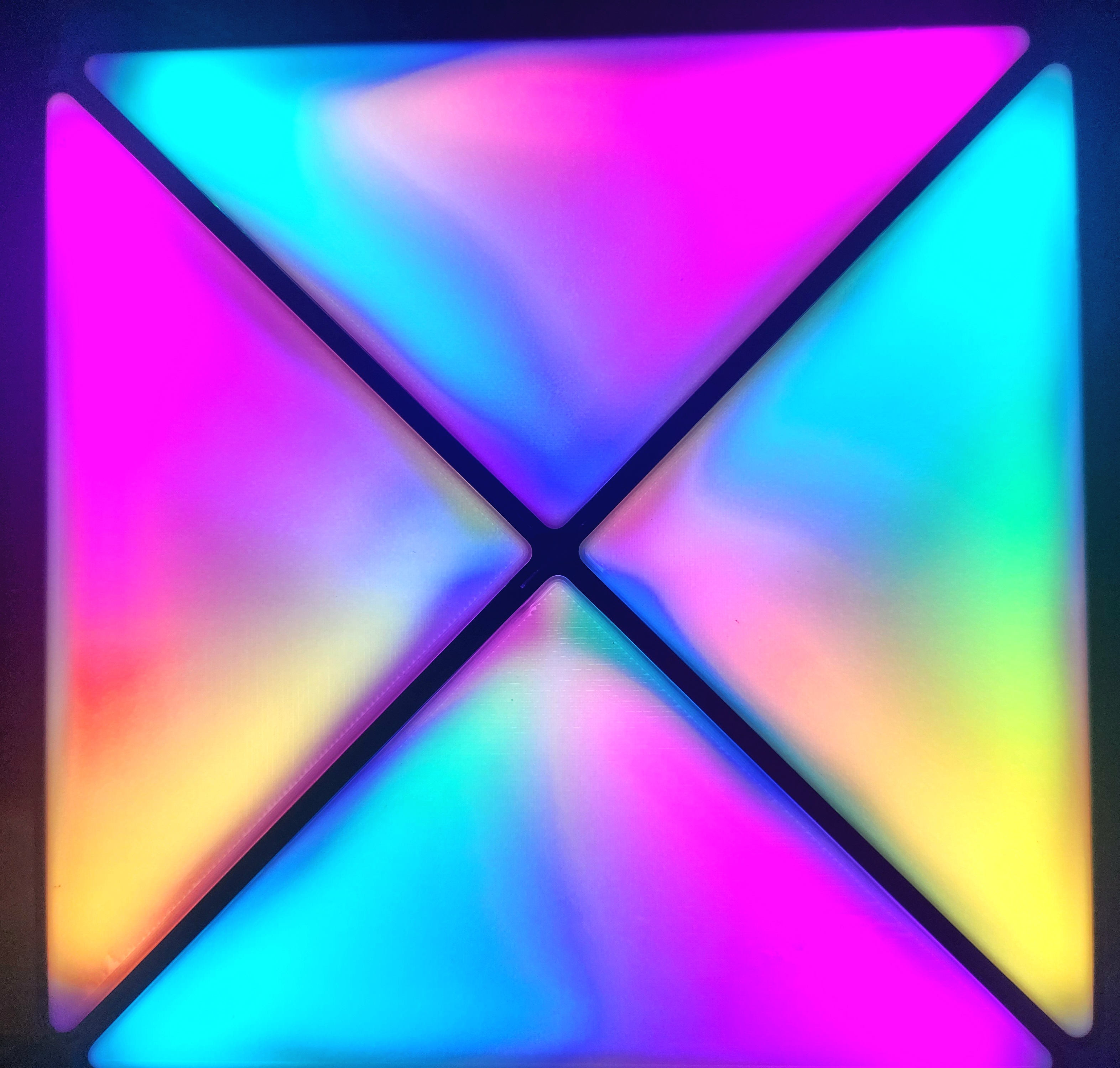
Mini LED Infinity Cube

A mini version of the collaboration of efforts between makers Original maker - https://www.printables.com/@James_65973 Original model - https://www.printables.com/model/41750-infinity-cube-light Snap together maker -…

Downloads
178
Likes
47
Rating
5

Demon Slayer Inosuke Keychain

Simply pause and swap or use a MMU to change filament.

Downloads
177
Likes
20
Rating
0

Yoshi Keychain

Simply pause and swap or use a MMU to change filament. Princess Peach - https://www.printables.com/model/804606-princess-peach-keychain Mario - https://www.printables.com/model/804157-mario-keychain Luigi -…

Downloads
175
Likes
23
Rating
5

Luigi Key Chain

Simply use the pause and swap or a MMU to change filament. Mario - https://www.printables.com/model/804157-mario-keychain Yoshi - https://www.printables.com/model/804270-yoshi-keychain Princess Peach -…

Downloads
147
Likes
16
Rating
0

Rapunzel Keychain

Simply pause and swap or use a MMU to change filament.

Downloads
147
Likes
6
Rating
0

Soda/Water Bottle Cap and Straw

Just a simple cap and straw for water or soda bottles. No supports needed.

Downloads
136
Likes
18
Rating
0

Botanical Portal (less friction, easier print)

I just added some nubs on the inside of the top and bottom to lessen the surface tension. Then I thinned out the center part. I also modified the moving parts, they were a little tall and skinny to print without perfect tuning. So I…

Downloads
129
Likes
11
Rating
0

Articulated Bone Dragon Keychain 6mm Glass Eyes

First of all let me say that kh4rj0 has made, in my opinion, the best articulated dragon for kids there is. I have handed out roughly 10,000 of these guys to the kids in my district. From Pre-k to high-schoolers , these kids wear their…

Downloads
124
Likes
15
Rating
5

Merged lens (for Neopixel Butterfly)

It's much easier to do the old pause and swap to get this made. With a 2mm printing height simply start with a white filament, add a pause (or manually) for layer 6, insert the 2nd color and let the printer finish. Viola update The author…

Downloads
120
Likes
40
Rating
5

PomPomPurin Keychain

A simple PomPomPurin Keychain

Downloads
119
Likes
11
Rating
0

Baby Neopixel Nanoleafs (No Screws, No supports!)

OK everybody welcome the newest member to the Nanoleaf family! Little Baby Nanoleaf!! Now with lettered and numbered lenses! Also check the Baby Nanoleaf lenses https://www.printables.com/model/427212-baby-nanoleaf-lenses . LEDs or…

Downloads
119
Likes
62
Rating
0

Elmo Keychain

Simply use the pause and switch tactic or use a MMU.

Downloads
119
Likes
13
Rating
4.5

Valentine's Day Neopixel/LED Heart

All you need is to print the base in whatever filament color you like and print the lens in white. Place the LED strip against the wall and glue it down if it's not adhesive backed. Easy install- Neopixels https://www.amazon.com/ WS2812B…

Downloads
113
Likes
56
Rating
0

Cupcake Keychain

Use the pause and swap to change the filament or use a MMU.

Downloads
110
Likes
13
Rating
4.5

Squirtle Keychain

Simply pause and change filament at correct layers or use a AMS.

Downloads
108
Likes
10
Rating
0

4-Star Dragonball Keychain

Simply use the pause and change trick or a MMU.

Downloads
102
Likes
12
Rating
0

Kool-aid Man Keychain

Simply pause and change the filament or use a MMU.

Downloads
96
Likes
10
Rating
5

Chococat Keychain

A simple Chococat keychain for MMU or pause and swap

Downloads
95
Likes
8
Rating
4

Baby Blocks

The blocks are 30mm x 30mm so scale them up to around 50mmx 50mm (150%) if they are for infants.

Downloads
88
Likes
10
Rating
0

Stock Ender 3 V2 X-axis

Stock Ender 3 V2 X-axis

Downloads
87
Likes
6
Rating
5

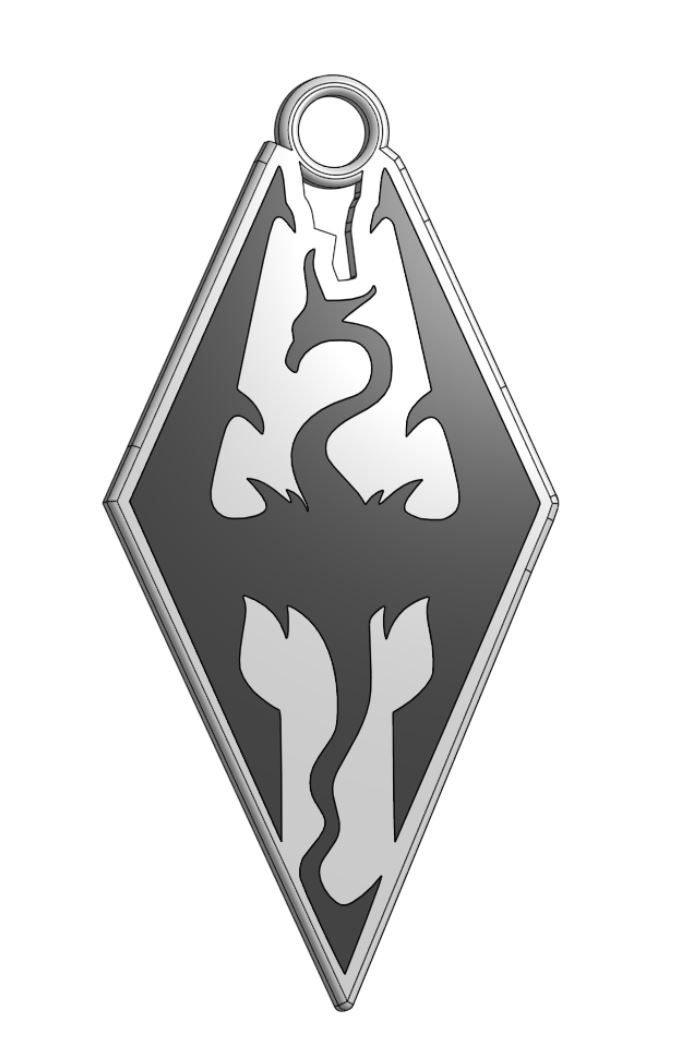
Skyrim Logo Key Chain

I made 2 versions, the 3mf is for multi color printers and the stl is for the standard pause and swap method.

Downloads
81
Likes
10
Rating
0

Mickey and Minnie Keychain

A simple Mickey and Minnie keychain

Downloads
77
Likes
17
Rating
0

Disco Doll Dance Floor

This model uses a 60 LEDs a meter WS2812b strip and a SPI LED controller. Each strip is 10 leds and there's 10 strips. So it's a 10x10 matrix ran in a zig zag pattern. Alternatively you can get a 16x16 LED matrix and use the 16x16 model.…

Downloads
77
Likes
34
Rating
0

Snoopy Hugging Heart Keychain

Just simply color in your slicer and have the printer do the rest.

Downloads
62
Likes
4
Rating
5

Baby Neopixel Nanoleaf Lenses!!

I use white filament for the bottom, then do a filament change to black at layer 6 or 12 (2mm layer height) depending on how you want it to look. Then just insert them into some Baby Nanoleaf Hexagons.…

Downloads
62
Likes
21
Rating
0

Neopixel Nanoleaf Lights (No screws, No supports needed!)

LEDs or Neopixels can be glued in either horizontally or vertically. I put 2 LED slots and tons of mounting holes for easy assembly and customization. I used an Attiny85 , 5V 3Amp power supply, 2 position switch, and a push button. I also…

Downloads
55
Likes
21
Rating
0

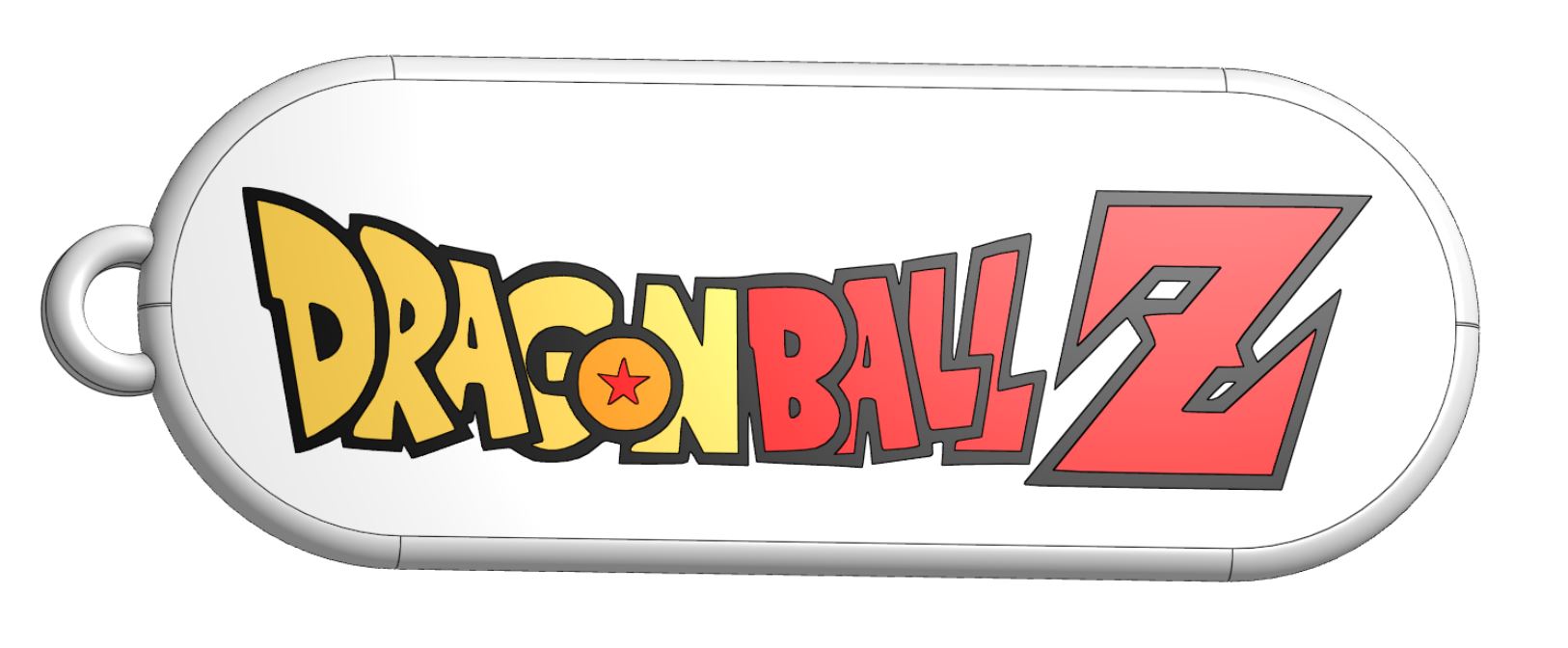
Dragonball Z Logo Keychain

Simply pause and swap or use an AMS/MMU

Downloads
49
Likes
10
Rating
0

Family Guy Keychain

Use the pause and swap method or use a MMU to change filament color.

Downloads
47
Likes
8
Rating
0

Letters, Number,Special Characters, and Punctuation

Just some revolved letters and numbers

Downloads
46
Likes
4
Rating
0

Epoxy Resin Wall Storage

Sorry I haven't been making models lately. I've been working on combining 3d printing, resin, and LEDs. Here are some organizers I made to hold all the junk I got for resin making.

Downloads
42
Likes
12
Rating
0

Neopixel Desk Lamp Display (with removable lens)

This desk lamp is designed with WS2812b (neopixels https://www.amazon.com/ ) any LED density will work, but you could use RGBs if you want. I designed the bases to use ATTINY85s. https://www.amazon.com/ (The base with a battery can fit…

Downloads
41
Likes
7
Rating
0

Snoopy Heart Keychain

Simply color it in your slicer and let the printer do the rest.

Downloads
39
Likes
5
Rating
0

Ender3 V2 Y-bracket W/Timing Pulley Adjustment Window

A replacement Y-bracket for an Ender3V2, but I added a window so you're able to adjust the timing pulley. I also made one with a 3 mm lift for the belt.

Downloads
39
Likes
5
Rating
0

Resin Pigment Holder

I made this for my glow in the dark resin pigments. The diameter of the holes are 25.5mm. I used lightning infill for a total of 98g of filament.

Downloads
37
Likes
9
Rating
0

Fully 3D Printed Waiter Book

If you want to switch the sides the pockets are on simply use the mirror function in your slicer. I used PETG so it can be left in a car without deforming due to heat. Thank you Micheal from TeachingTech for sharing the bending design,…

Downloads
37
Likes
2
Rating
0

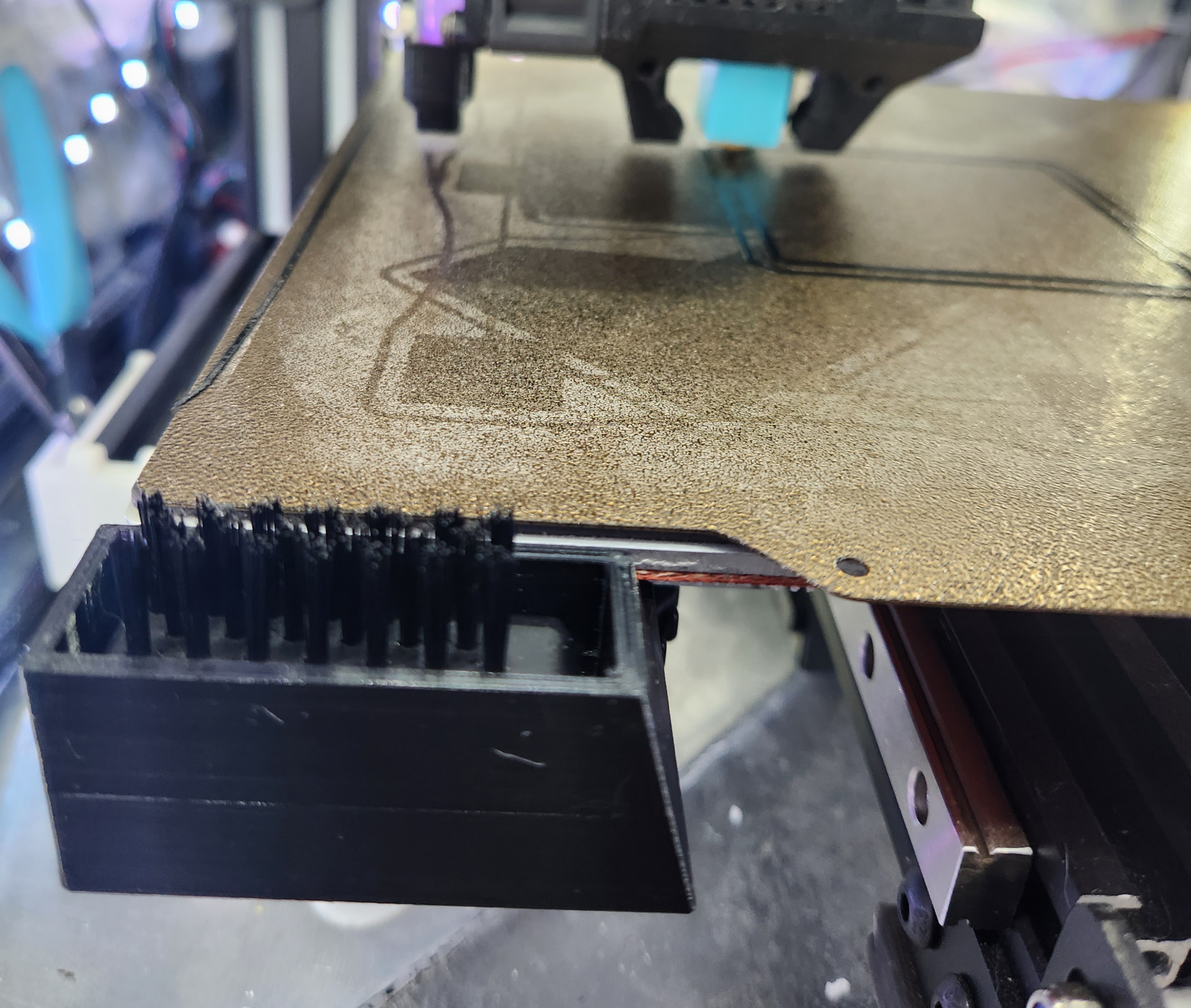
Ender3V2, Ender3S1 Bed Wipe Mount

An simple mount on the bed screws for a brush tip.

Downloads
34
Likes
6
Rating
0

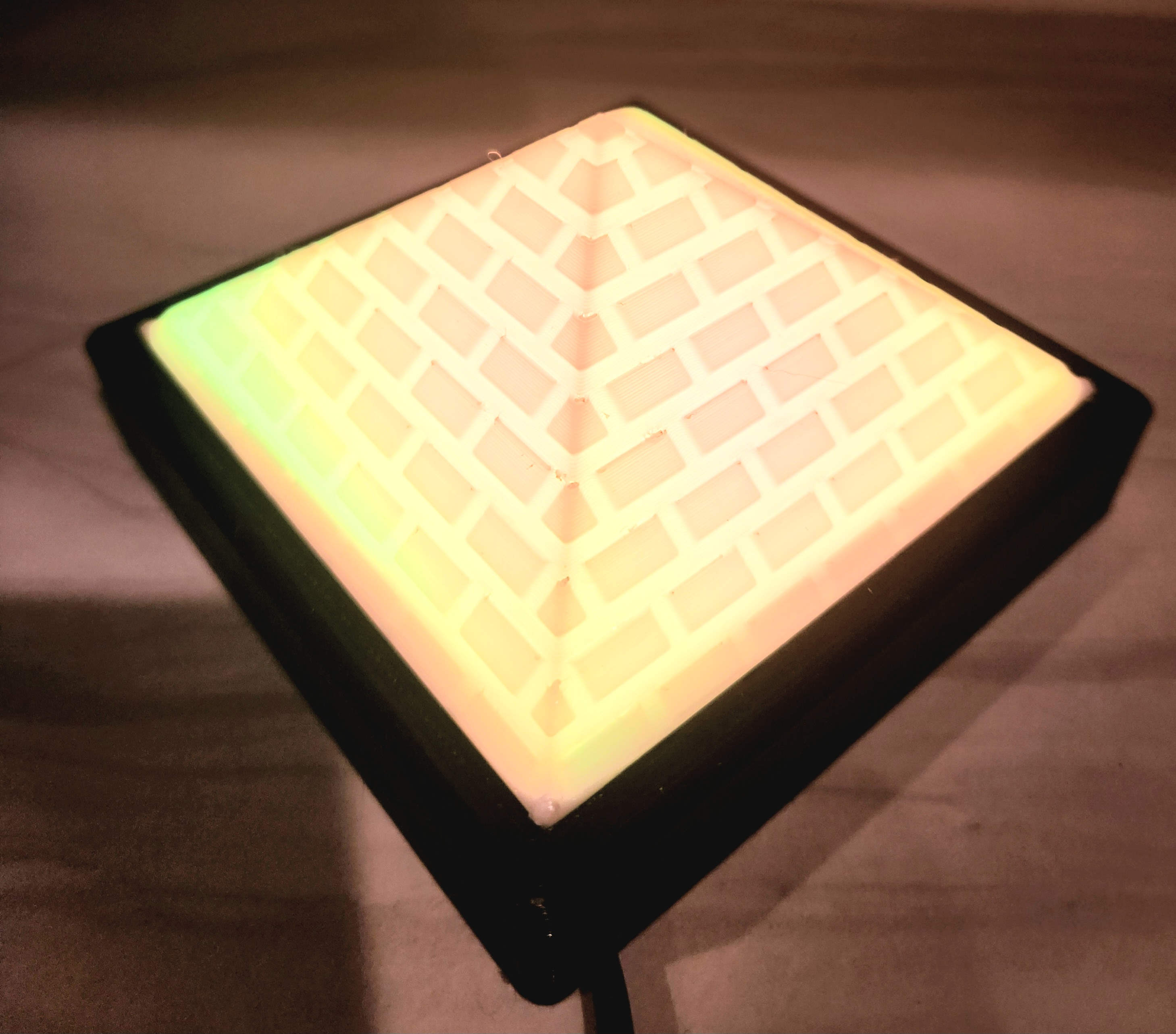
Neopixel/LED Pyramid Light

This is a simple build. You can print the pyramid in white and the base in whatever color. I use WS2812B LEDs with a SPI LED controller.

Downloads
34
Likes
10
Rating
0

Ender3 V2/ Ender3 S1 Raised LCD Mount

A mount for those of us who don't like bending over to read the LCD.

Downloads
34
Likes
4
Rating
0

Rainbow and Storm Cloud Neopixel Night Lights

I made these using ws2812bs, cotton balls, and a SPI LED driver. You might need a lttle bit of support under the screw hole mounts.

Downloads
32
Likes
6
Rating
0

Stubby Finger Tray

A simple tray for people who have a hard time picking up coins off the ground. I got tired of sliding tiny pieces to the edge of my desk to pick them up.

Downloads
22
Likes
3
Rating
0

Mini Ring Light

These are my Mini Ring Lights, the perfect addition to any dollhouse party. Do all your doll You Tubing in style! Perfect for all your mini lighting needs! The model requires no supports and all you need is a 8 led ring and a led driver.…

Downloads
17
Likes
2
Rating
0

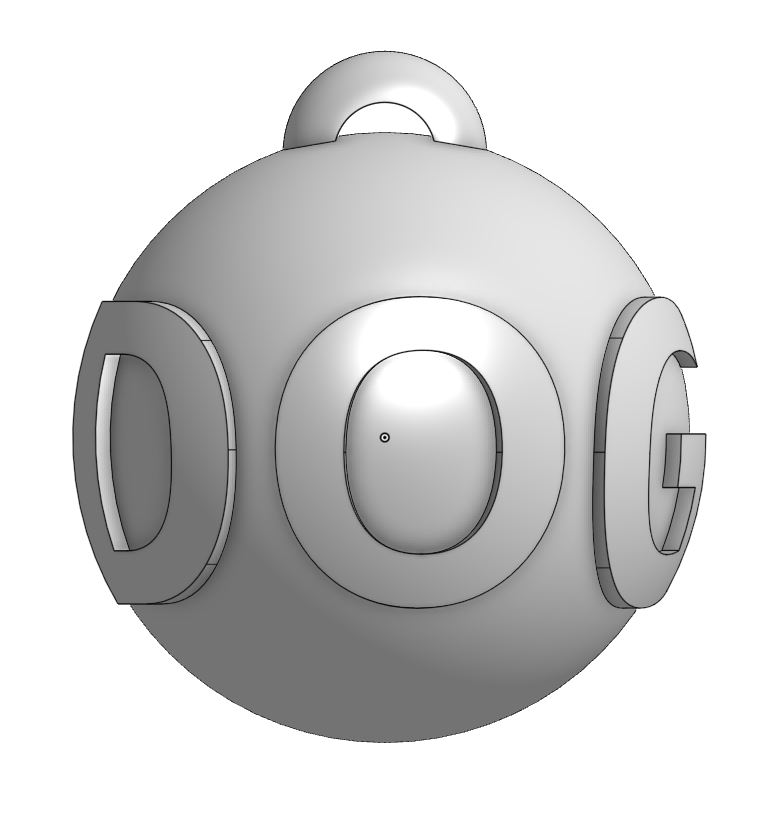
Globe Embossed Dog Tag

I was just playing around in Onshape and made this little guy.

Downloads
16
Likes
3
Rating
0

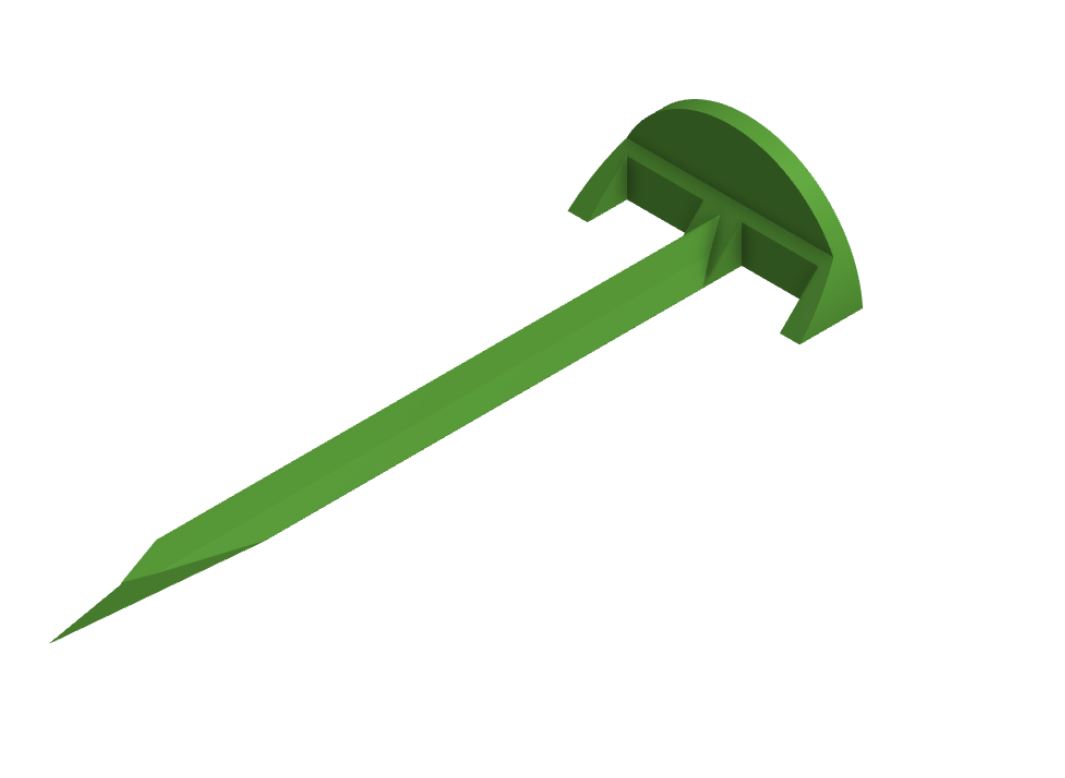
Weed Mesh Stakes

Just some simple weed mesh stakes to keep your weed mesh down before you put your mulch down.

Downloads
14
Likes
0
Rating
0

Garage Crew

Thank you so much for helping keep this going!

Likes
0
Rating
0

These are all currently available results.