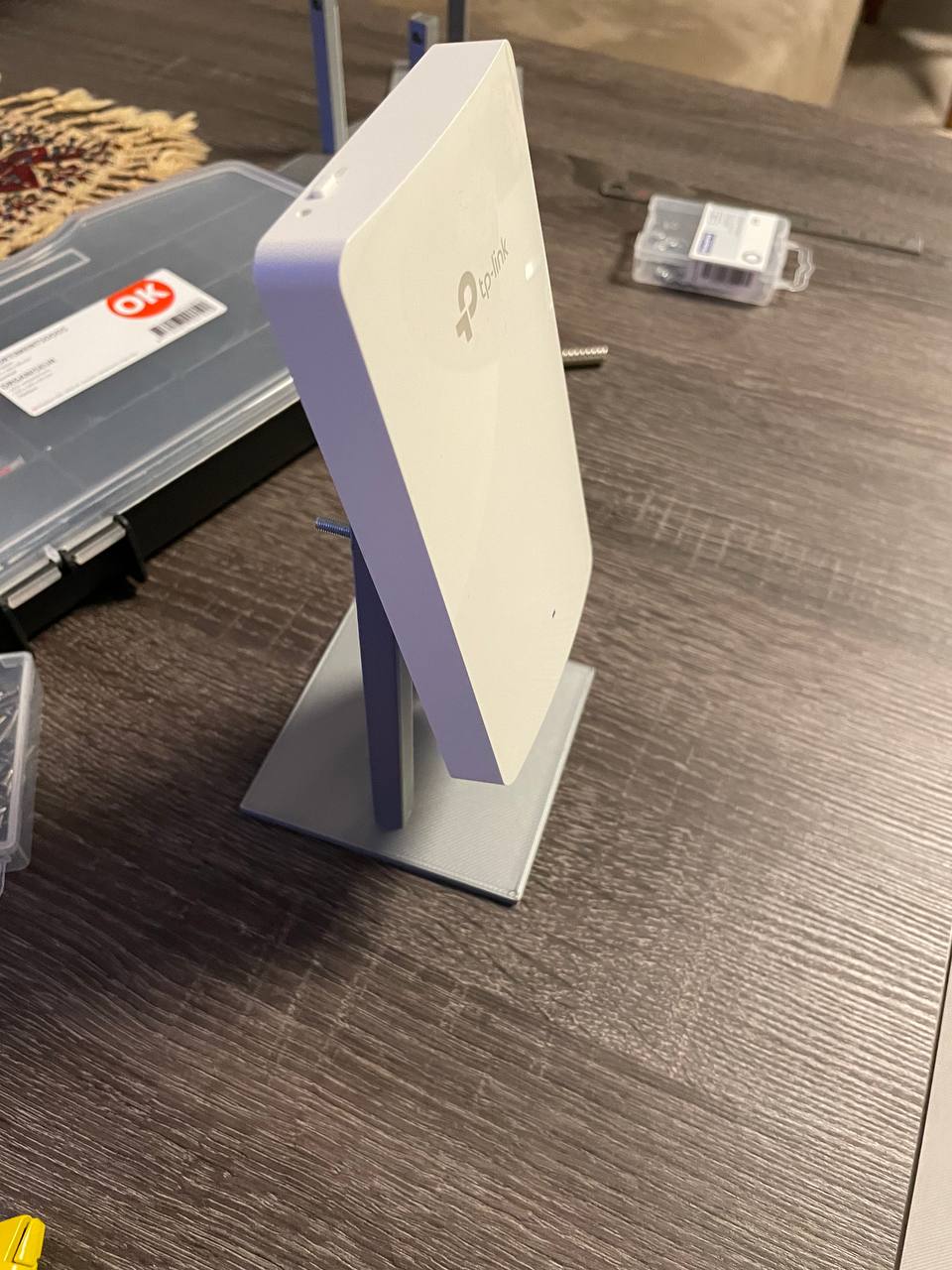
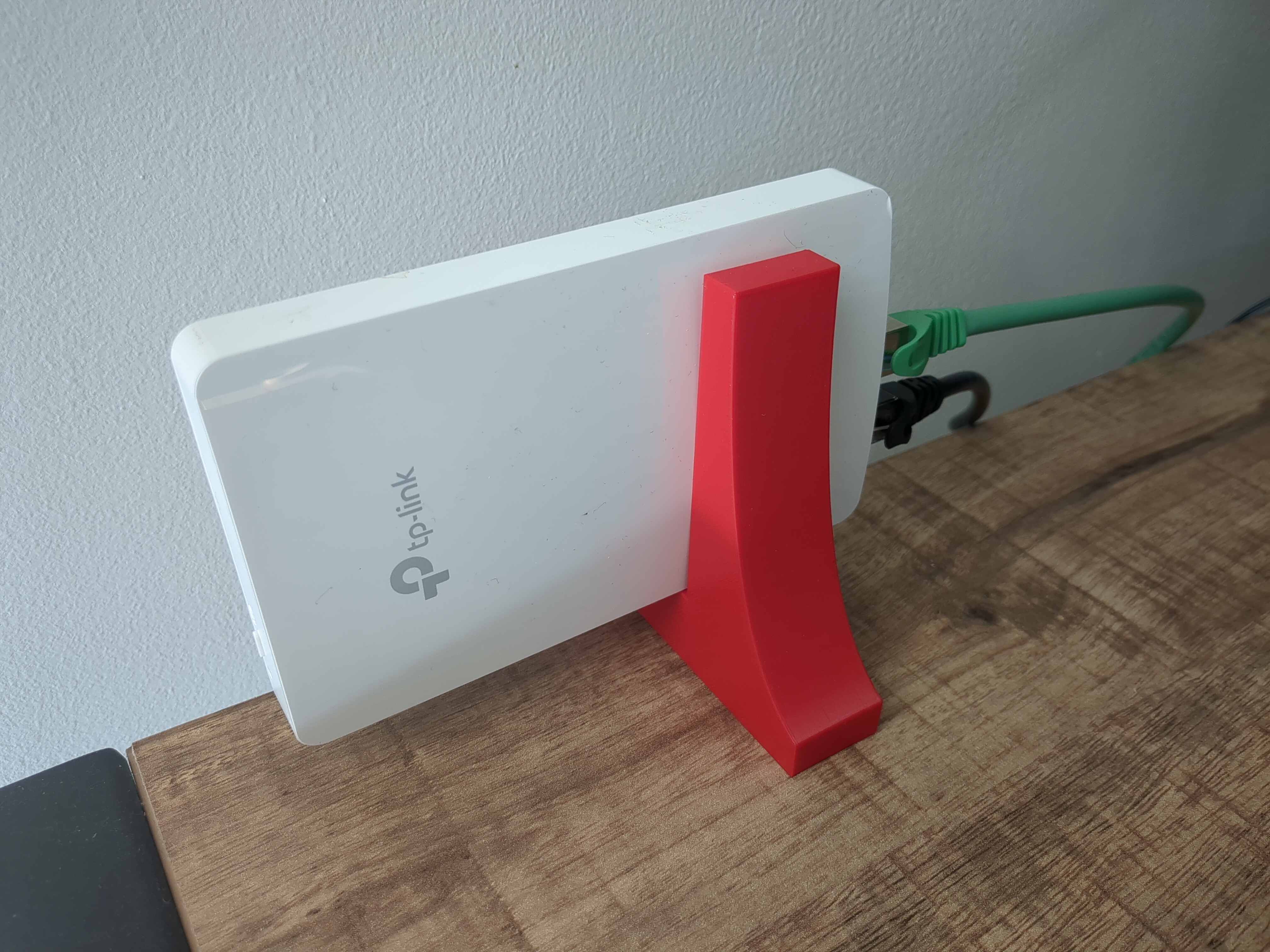
Desk stand for Omada AX1800 (EAP615) Wall Plate WiFi 6 Access Point
Very easy stand design for Omada AX1800 (EAP615) Wall Plate WiFi 6 Access Point Other materials than 3D printed models? Two M3 bolts
- Downloads
- 303
- Likes
- 19
- Rating
- 5
Counting matching models…
Very easy stand design for Omada AX1800 (EAP615) Wall Plate WiFi 6 Access Point Other materials than 3D printed models? Two M3 bolts
The EAP615-Wall (as the name suggest) is meant to be mounted at a wall. But for our purposes, this wall mounting was no option and the device had to be placed on a desk or other furniture. It is printed in two parts which have to be…
Thanks to D4rk Helmet for the original model. Created this remix to reduce printing costs with the 3D printing service providers that I took into consideration (I do not own a printer myself, so I have to rely on these) - the original…
This adapter gives you more room to mount a TP Link EAP615 to a wall outlet. It is designed for M3 brass inserts. You need 2x m3 inserts and M3 screws, to mount the bracket from the Accesspoint. The Screws to screw it on the wall outlet…
printing works with nozzle size up to 0.6mm and layer height 0.32mm spacer can be fixed to wall with screws or double sided tape using the flat area flat wall model does not need supports for wall corner models the use of automatic…
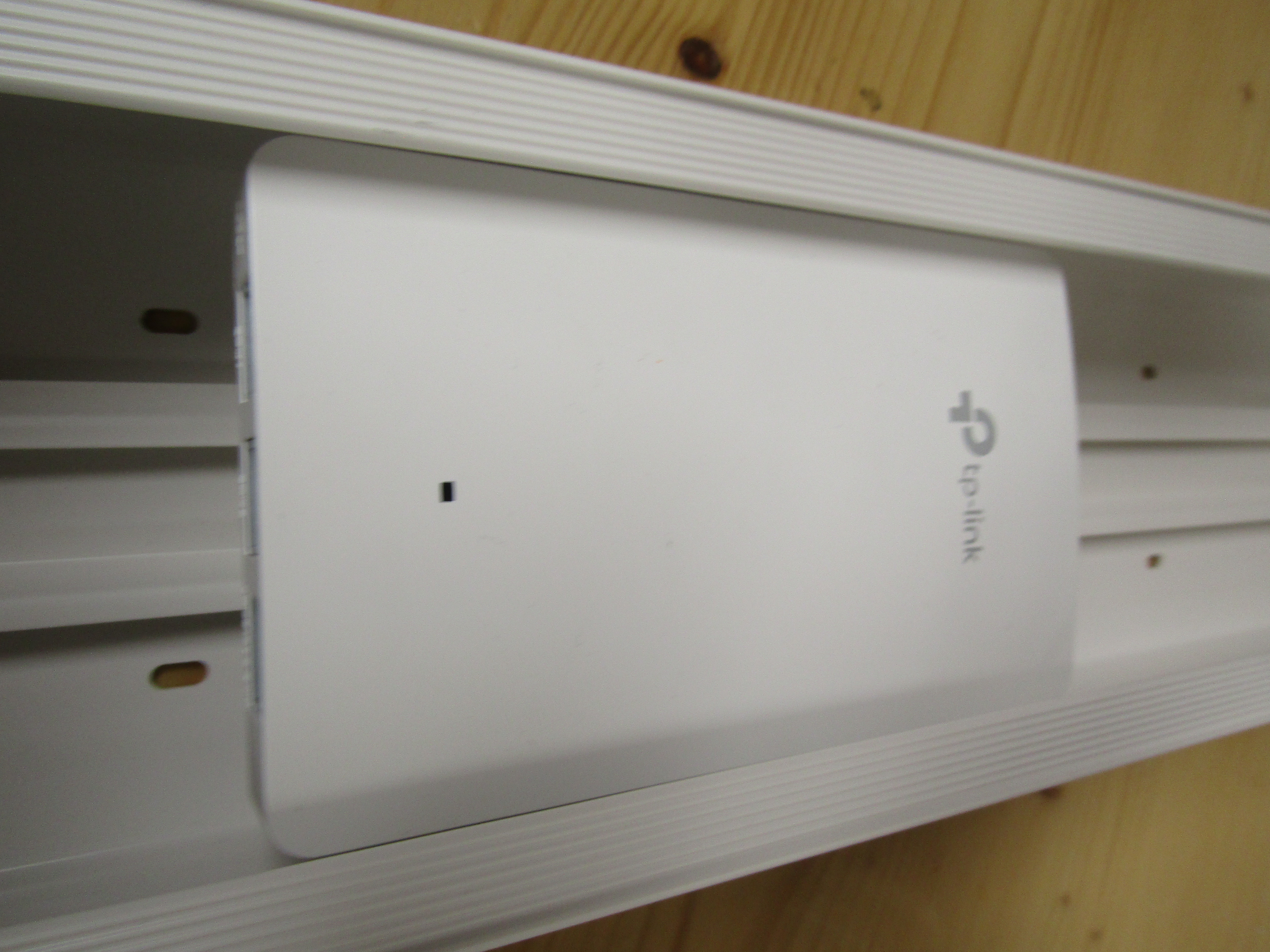
I wanted to put this AP outdoor, even though it's not outdoor rated (do it at your own risk, of course), the place where it's mounted already has a roof, to it will not rain on it, but this mount will protect it even more. I've also…
I have a weird wall near my electrical closet which fits a LAN cable nicely, so I made this simple plate so I didn't have to mess around with screws and holes.
flat surface stand for TP-Link EAP615-Wall
Print main part with support. Additional material: 1 M3 square nut 1 M3x12 countersunk screw 2 M4x20 flat head screws Openscad and STL files can also be found at https://github.com/tsbogend/3dprints/tree/master/eap615-mount